Get unlimited access to 5000+ Templates for Google Docs, Slides and Sheets
Unlimited Access
ADVERTISEMENT
ADVERTISEMENT

Travel Brochure School Project - Printable and Editable Template

Use this free template with Google Slides and Microsoft PowerPoint
4.62 (2 reviews)
Last updated Updated July 18, 2026
Created by Nadia Sokolova
Type Trifold, Simple, Portrait, A4 / US Letter
ADVERTISEMENT

Template Specification

Format Google Slides, Microsoft PowerPoint
Created June 11, 2025
Last Updated July 18, 2026
Community Added to collections by 3 Users
Usage Stats 5 downloads this month

Key Features of This Template

Suitable For Students , Teachers

About this template

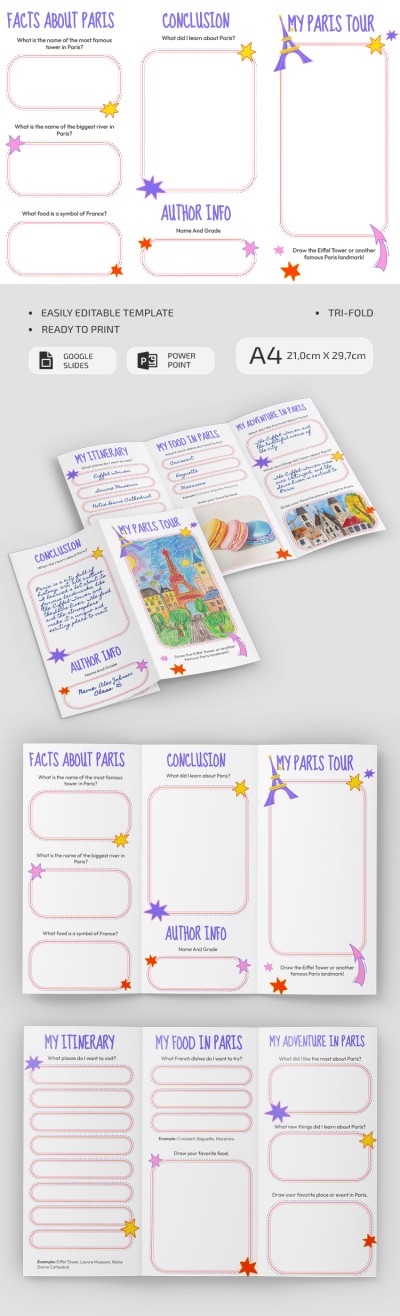
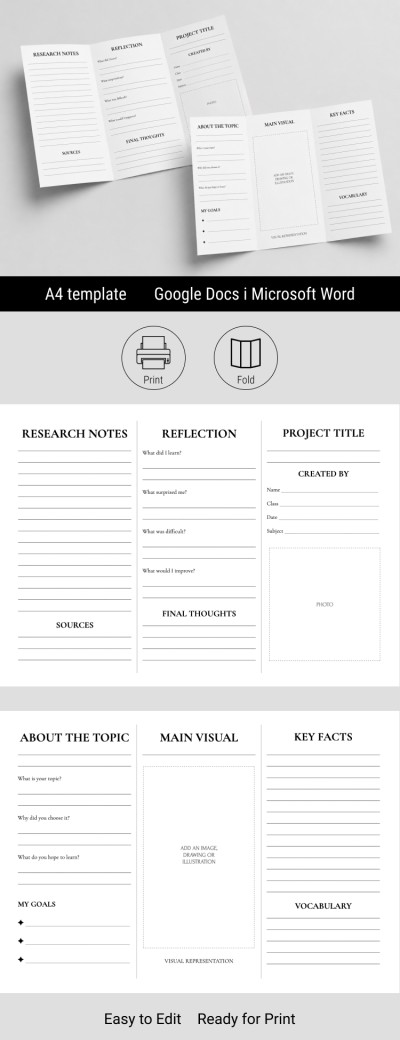
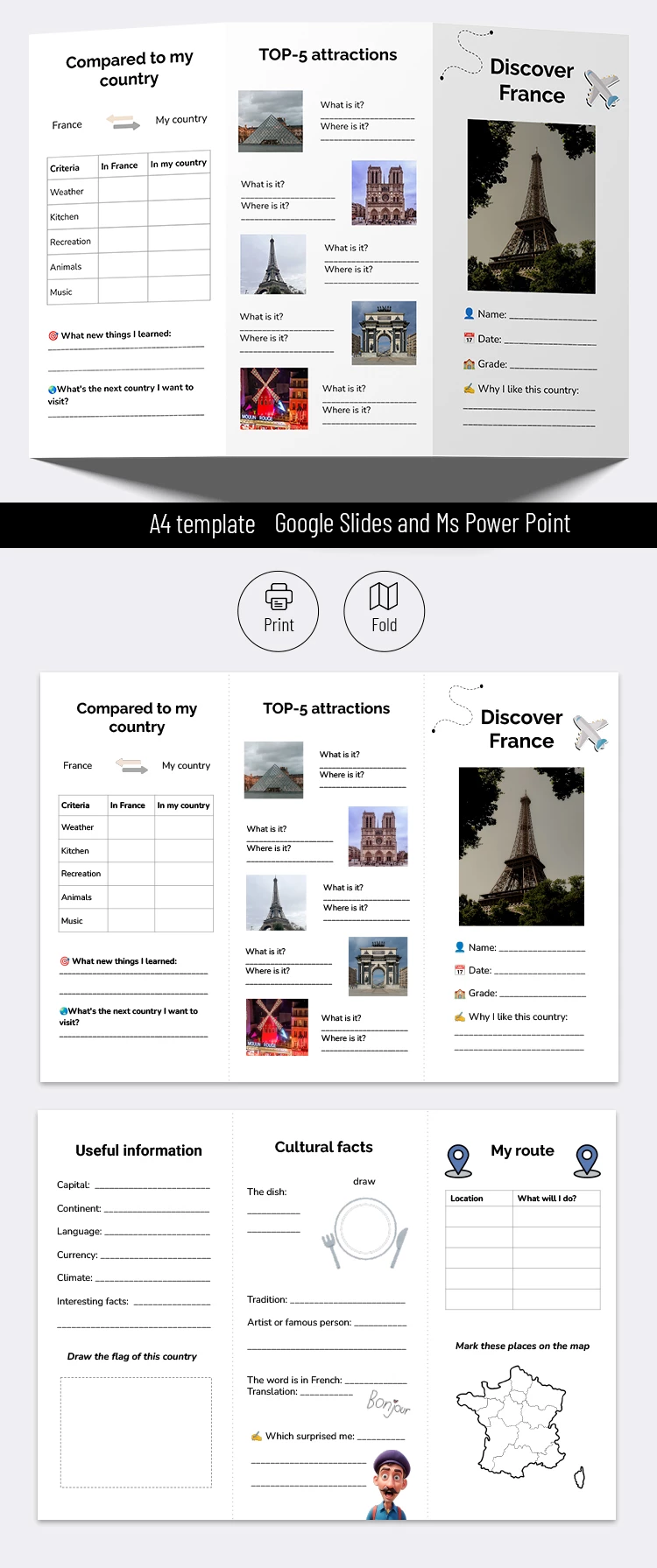
Our Travel Brochure School Project Template is clean and easy to customize. The neat design and logical layout make it perfect for school projects on geography, history, and culture. 

Country Presentation 

This is a valuable tool for presenting the features of a new country: location, language, currency, and other aspects. You can compare it to your homeland in the context of climate, national cuisine, attractions, etc. 

Emphasize Your Experience 

With the student school project brochure, you can describe your journey: when you've been there, what sights you visited, or what amazed you most. Customization is easy peasy here. Include personal photos (via Google Slides or PowerPoint online editing), and your personalized school project is done. 

Modern Visual 

Despite the modestly basic styling with a white background and black text, this brochure template in Google Slides has a few visual accents. 

  • The first is emoji, including airplane, location, calendar, and the like. 
  • The second involves embedded illustrations, such as a traveler at the bottom of the sheet and a map snippet. 
  • Finally, the third is a table to structure the story and make it easy to digest. 

Informative Bulletin 

Instead of a shouty design, the emphasis here is on being informative. Sections like top attractions, my route, and cultural facts saturate the template with useful data. Feel free to add other sections. Feel free to search for more brochure examples on our site.

ADVERTISEMENT
Free Template

Download Free Template

Choose your platform and start editing right away
PLATFORM

Google Slides

Opens in browser

Microsoft PowerPoint

.pptx
PAPER SIZE
A4
Google Slides – A4
Duplicate to Google Classroom
No account required • Attribution required

WHAT’S INCLUDED

Sections: attractions, comparisons, cultural facts
Editable fields for personalization
Interactive map for route marking
Spaces for drawing and notes

Brochures & Pamphlet Tips

1
Fill out sections with local insights for depth.
2
Add personal photos to enhance engagement.
3
Use the map to plan your travel route.
4
Contrast with your country for better understanding.

FAQ

Is the template compatible with Google Slides? Yes, it works perfectly with Google Slides.
Can I customize the brochure? Absolutely, you can edit all sections.
Is it easy to use? Very easy, even for beginners.
Is this template free? Yes, it is completely free to download.
What's the best way to present cultural facts? Use clear visuals and brief descriptions for impact.
ADVERTISEMENT

How to Use and Edit This Template

Get Your Document

1

Get Your Document

Click the "Edit Template" button to create your own editable copy in Google Slides or download for Microsoft PowerPoint
Customize Everything
2

Customize Everything

Easily change colors, fonts, and layouts to match your unique style or brand identity
Add Your Content
3

Add Your Content

Fill in your data, upload images, and replace the placeholder text with your own information
Print, Export, or Share
4

Print, Export, or Share

Print, export as PDF, or share instantly

Related Templates

Recently Viewed