Brochure for School Project
Use this free template with Google Slides and Microsoft PowerPoint
Template Specification
Key Features of This Template
About this template
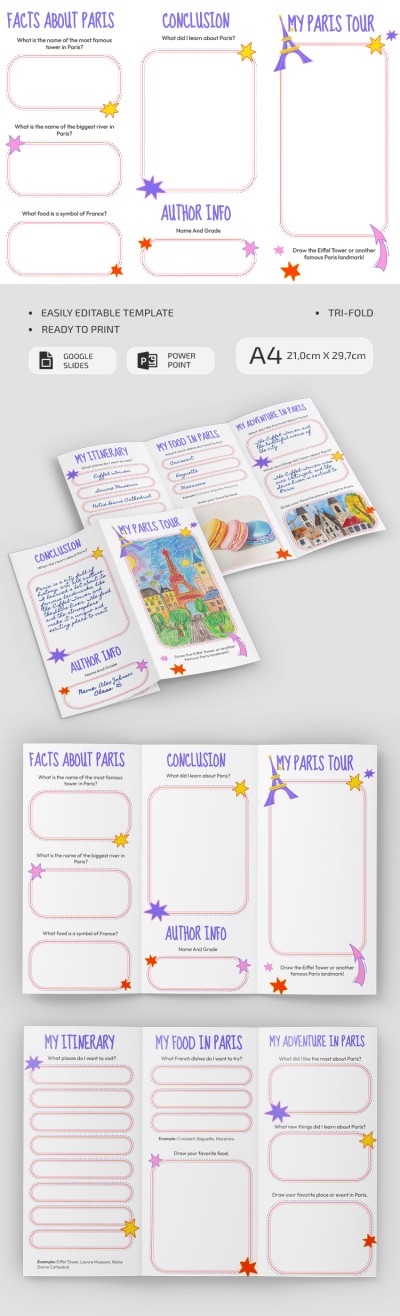
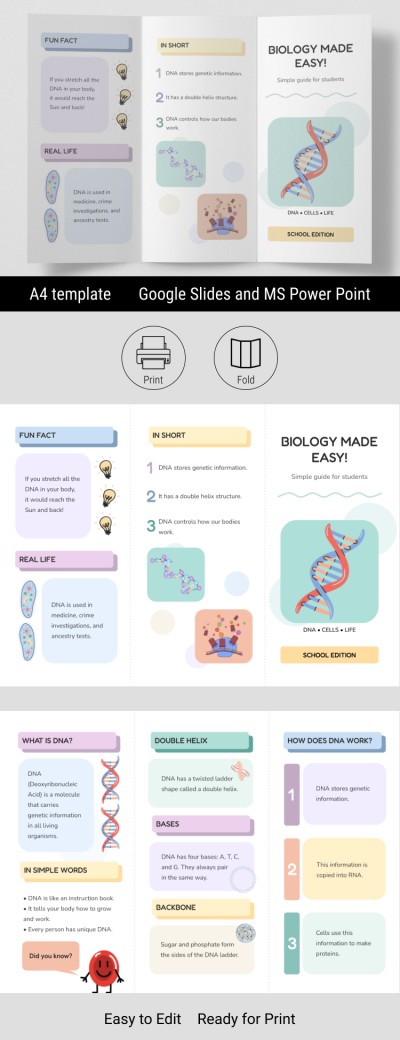
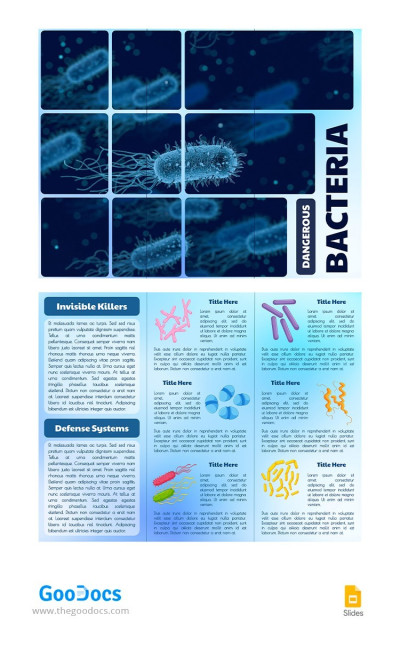
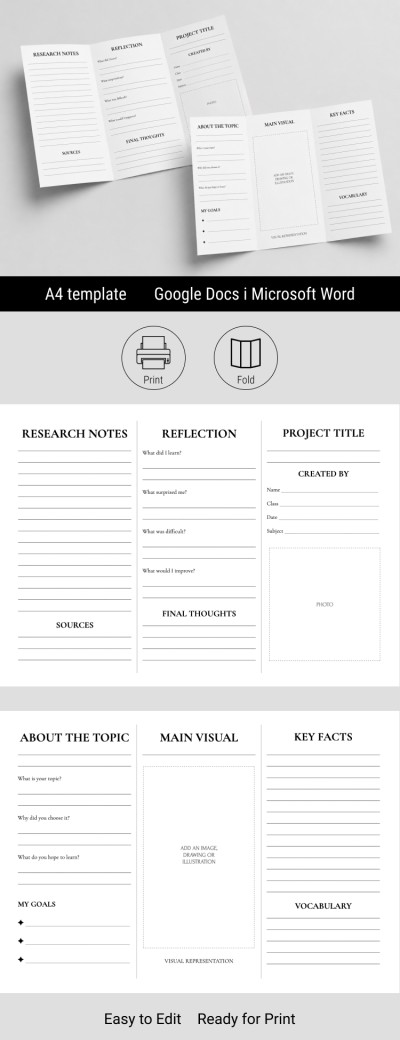
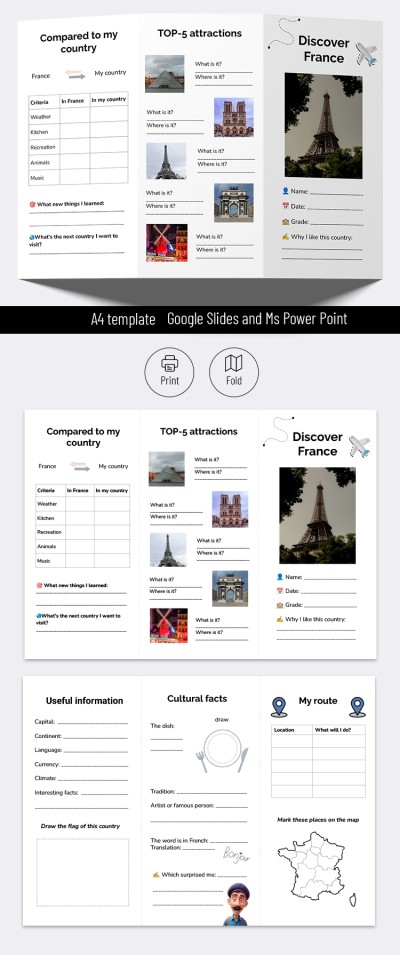
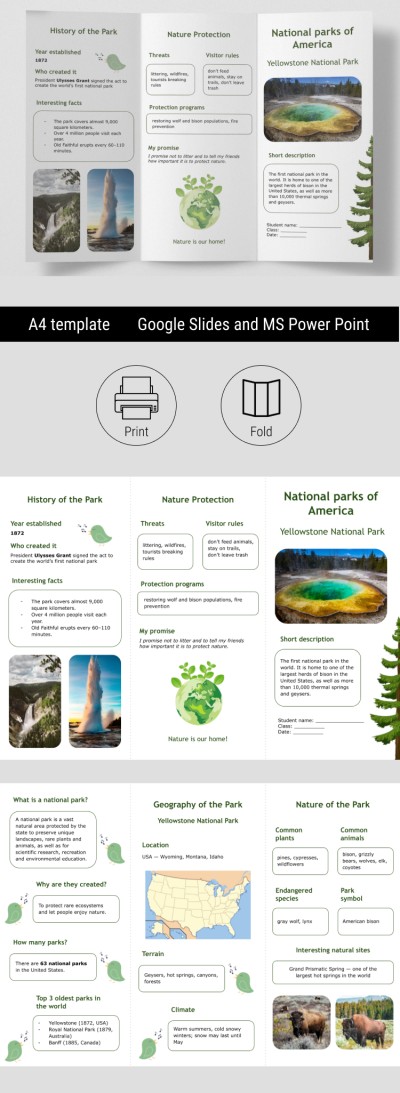
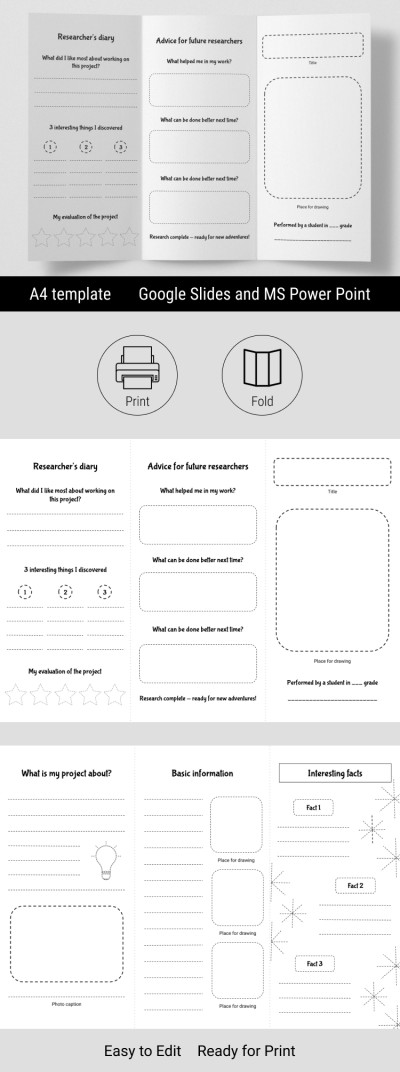
Take advantage of our free Brochure for a School Project. This template can be used as a helpful guide or filled out digitally or by hand after printing. Our trifold template includes two sides in Google Slides and PowerPoint, which you can easily customize and print without dealing with extra settings. Plus, you can find even more brochure examples for students at the link.
Customize Our Minimalist Brochure for Students
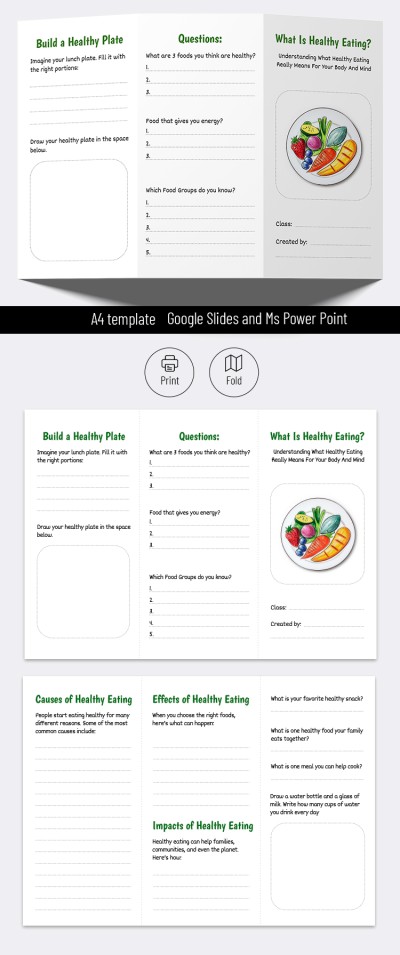
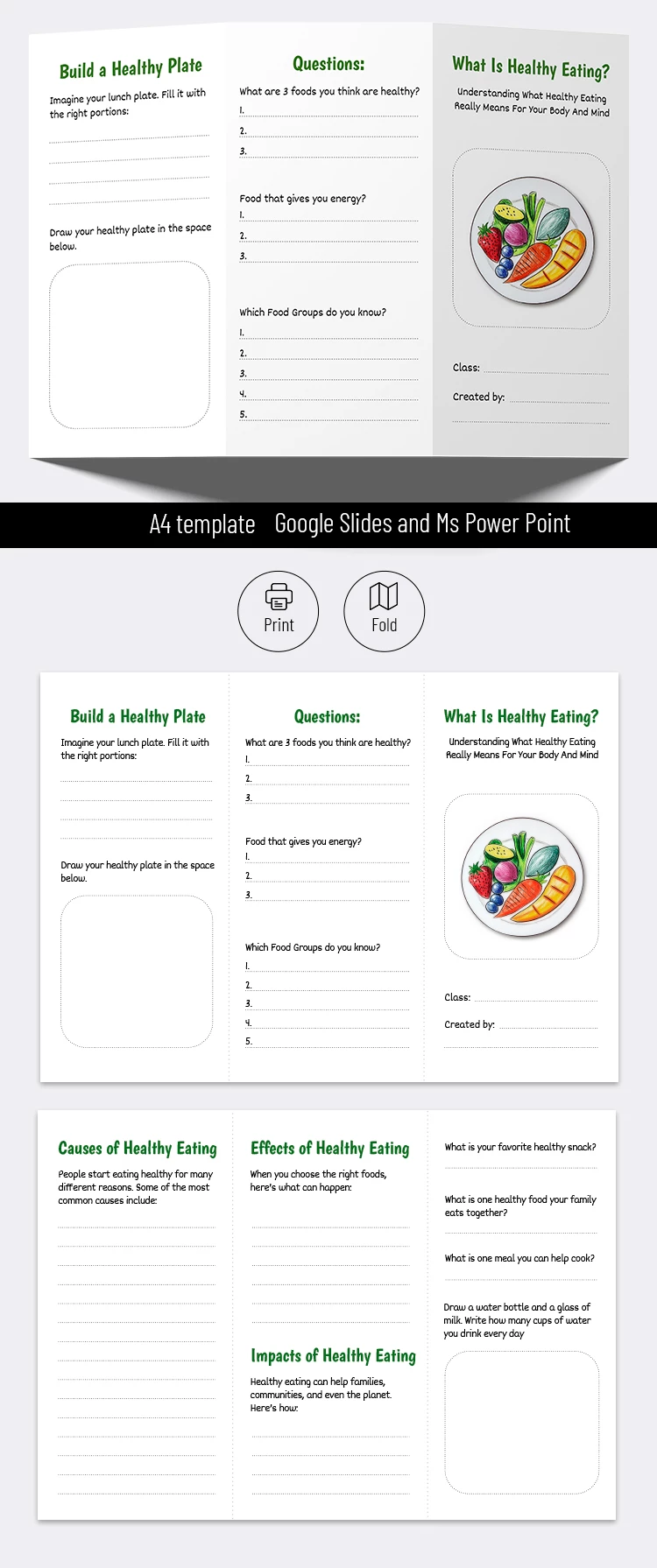
This template's simple design makes it suitable for a school project on any topic. The main focus stays on the content blocks, where you can add your research, key findings, text, and photos. The default layout is themed around healthy eating for inspiration, but you can easily replace the placeholder text to fit your chosen topic.
Working with our simple brochure template is easy:
- Use the initial placeholder text or add your own headings to structure the brochure.
- Fill the panels with relevant content about your topic.
- Save the finished version as a PDF and print it out.
The template features a well-thought-out structure with clear block placement for the front, back, and interior panels of the trifold brochure, complete with fold marks. Find the perfect template for a brochure on our website.
Download Free Template
WHAT’S INCLUDED
Brochures & Pamphlet Tips
FAQ
How to Use and Edit This Template

Get Your Document

Customize Everything

Add Your Content