Teacher Gradebook Template
Use this free template with Google Sheets and Microsoft Excel
Template Specification
Key Features of This Template
About this template
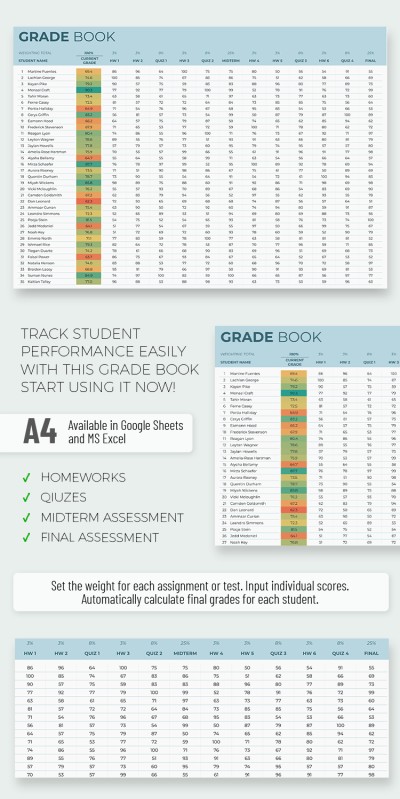
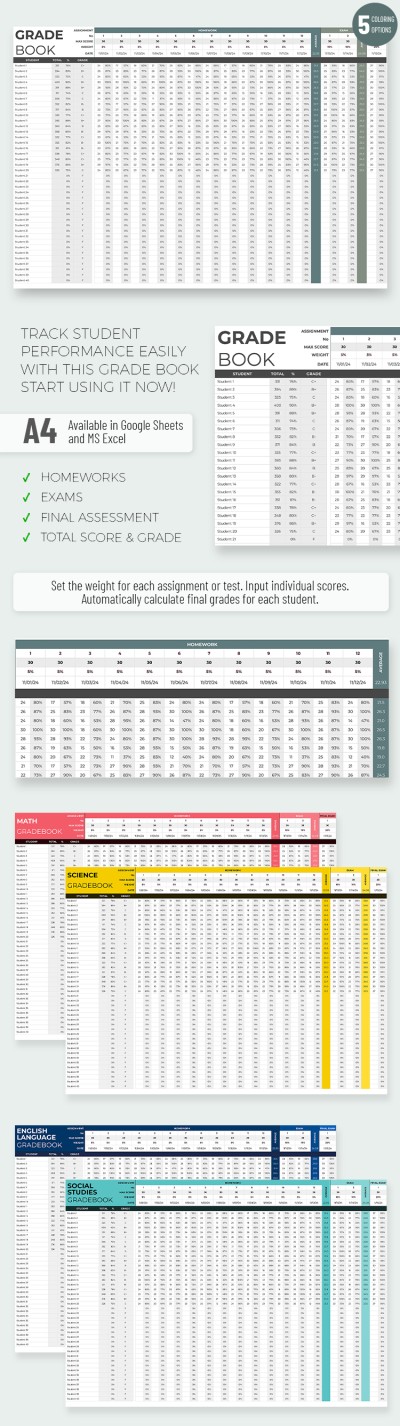
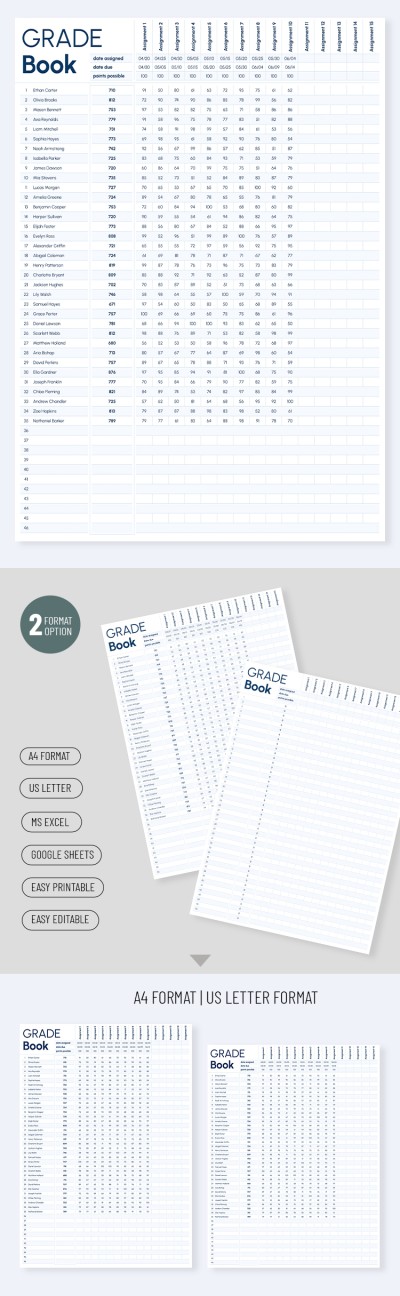
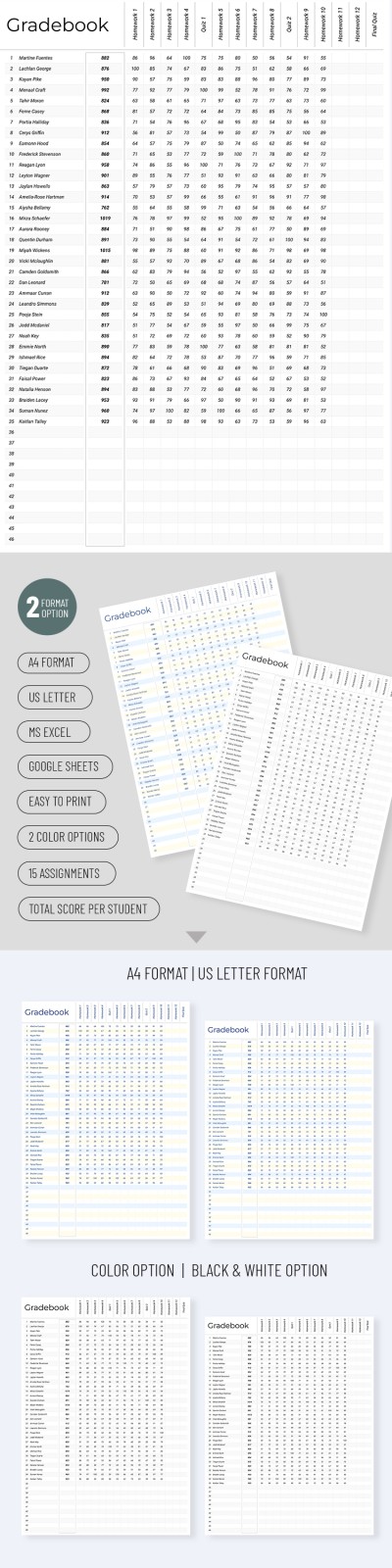
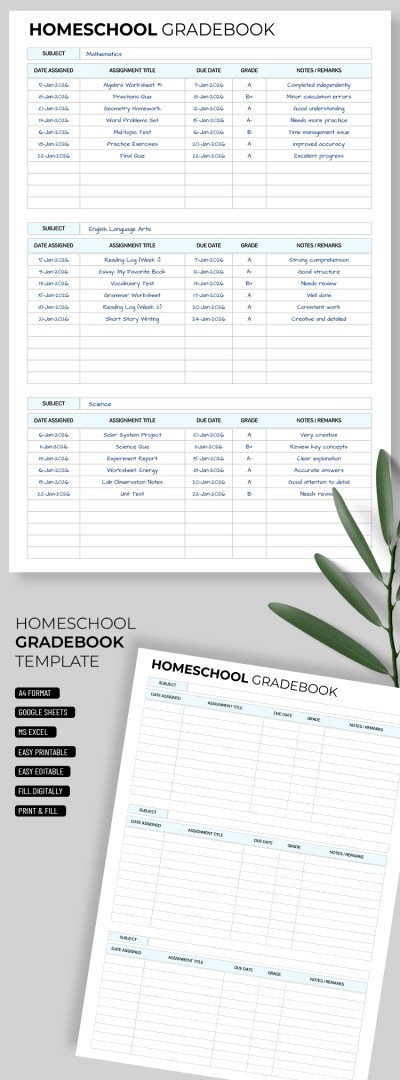
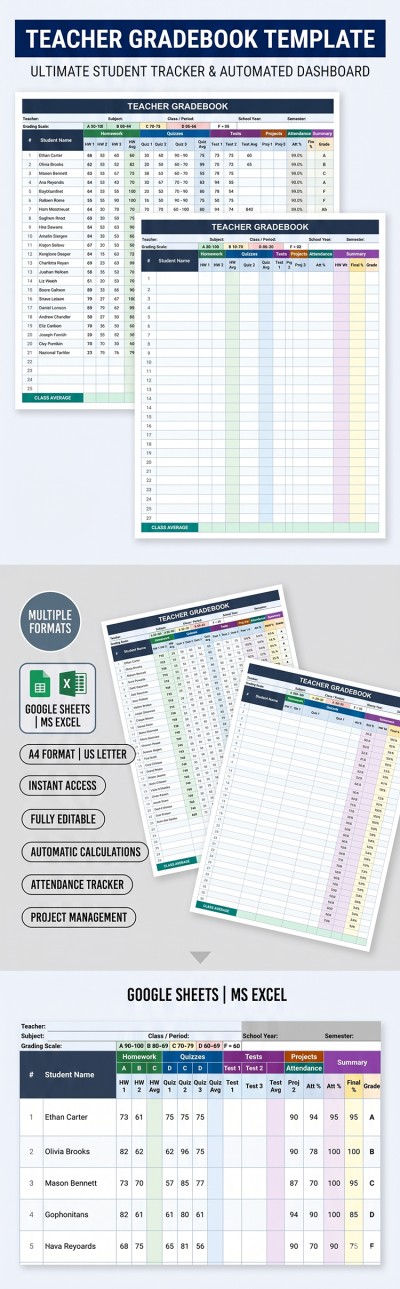
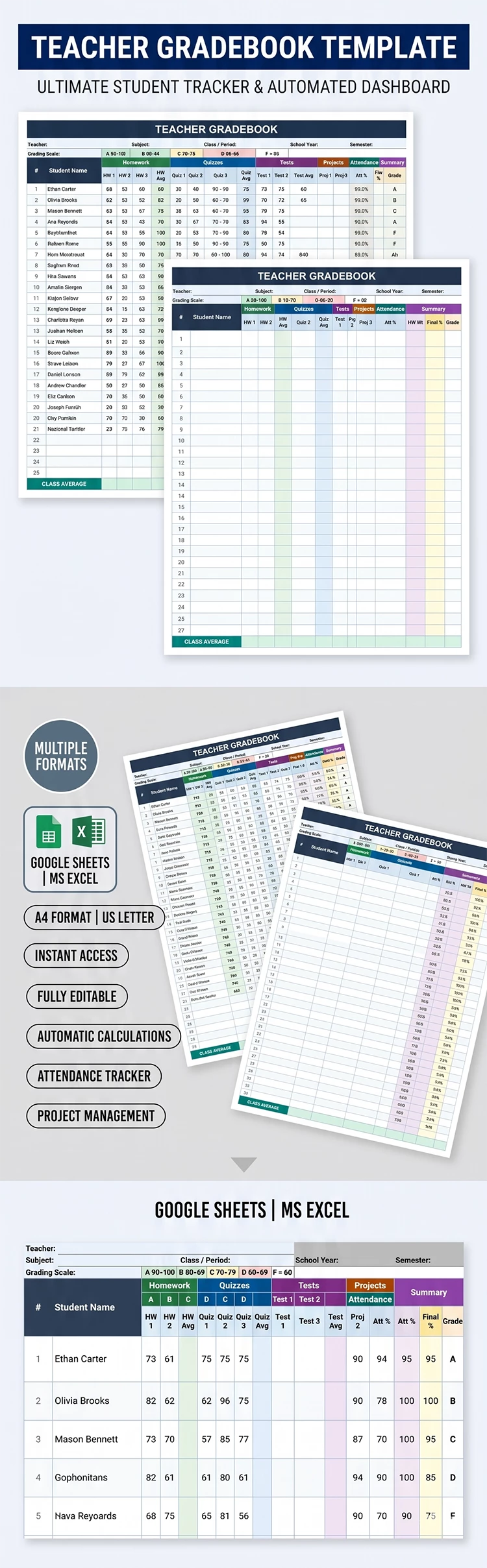
This free Teacher Gradebook Template simplifies the process of entering term, semester, and annual grades, saving you valuable time. Automatic formulas calculate the average for each activity type and the entire class. The template is fully editable and ready to use in Google Sheets and Excel.
Get Access to Automated Gradebook
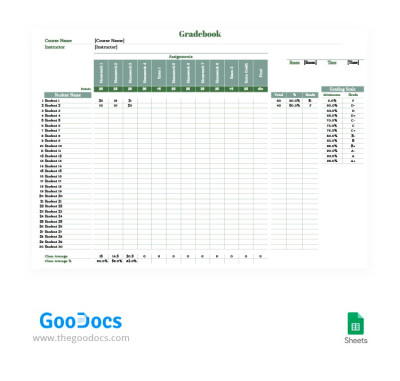
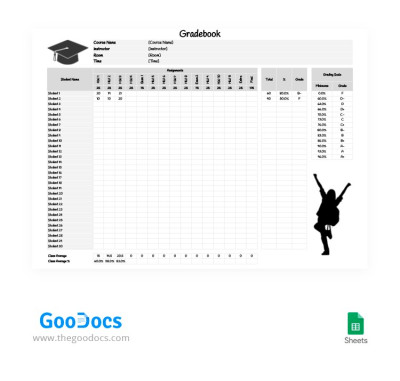
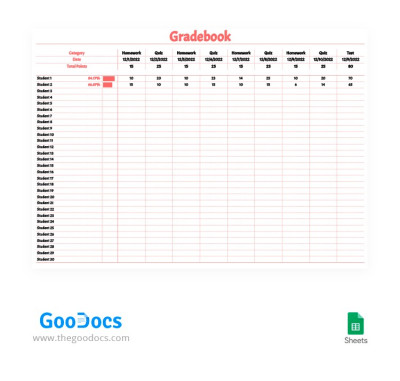
The table uses a landscape format. In the header, replace the placeholder text with your subject and group details. There is also space for the teacher's name, which is convenient for official reporting. The table is designed for a group of up to 20 students, but adding more rows is easy.
This convenient spreadsheet has many useful features:
- Assign grades separately for homework, quizzes, tests, and projects.
- Enter attendance percentages for each student in a dedicated field.
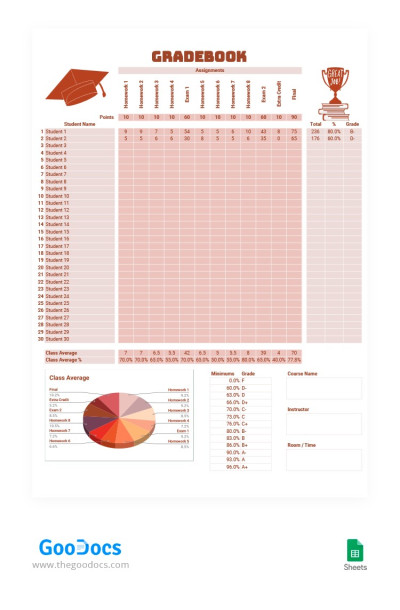
- The template automatically calculates final results and assigns grades from A to F.
You can also view the class average at the bottom of the table. Adding more assignments and grades is done by expanding the Homework section and entering new grades. The second sheet inside the file contains a detailed guide on using, customizing, and printing your gradebook. Choose the right gradebook template on our website today.
Download Free Template
WHAT’S INCLUDED
Gradebook Tips
FAQ
How to Use and Edit This Template

Get Your Document

Customize Everything

Add Your Content