ADVERTISEMENT
ADVERTISEMENT
Elementary Gradebook Template
Use this free template with Google Sheets and Microsoft Excel
ADVERTISEMENT
Template Specification
Format
Google Sheets, Microsoft Excel
Created
March 20, 2026
Last Updated
October 24, 2026
Community
Added to collections by 3 Users
Usage Stats
3 downloads this month
Key Features of This Template
Suitable For
School Managers , Teachers
Style
Minimalist
About this template
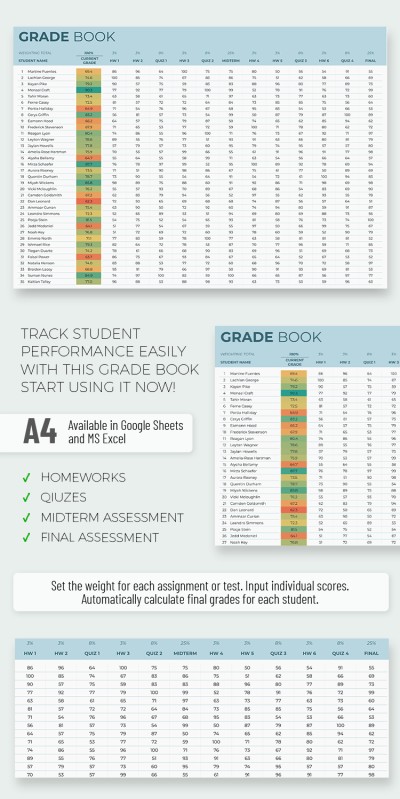
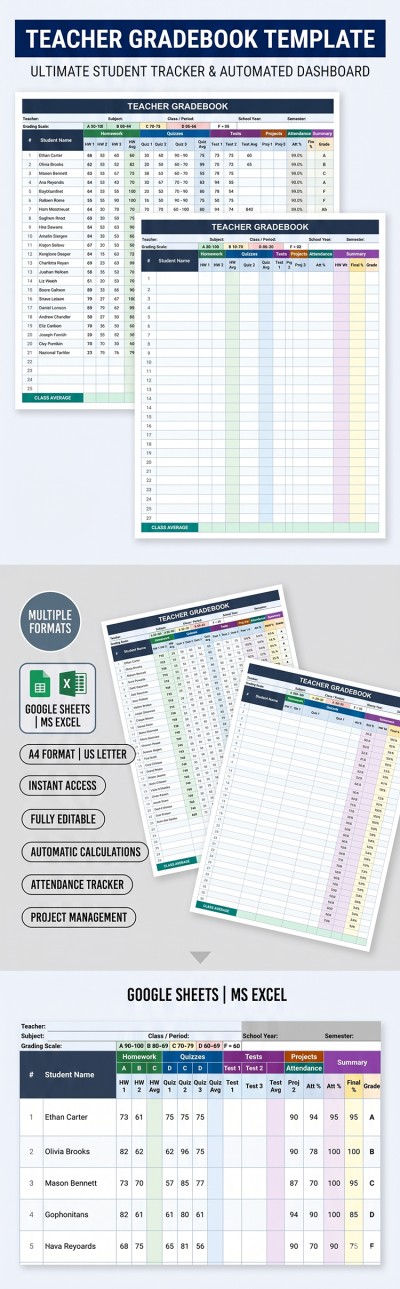
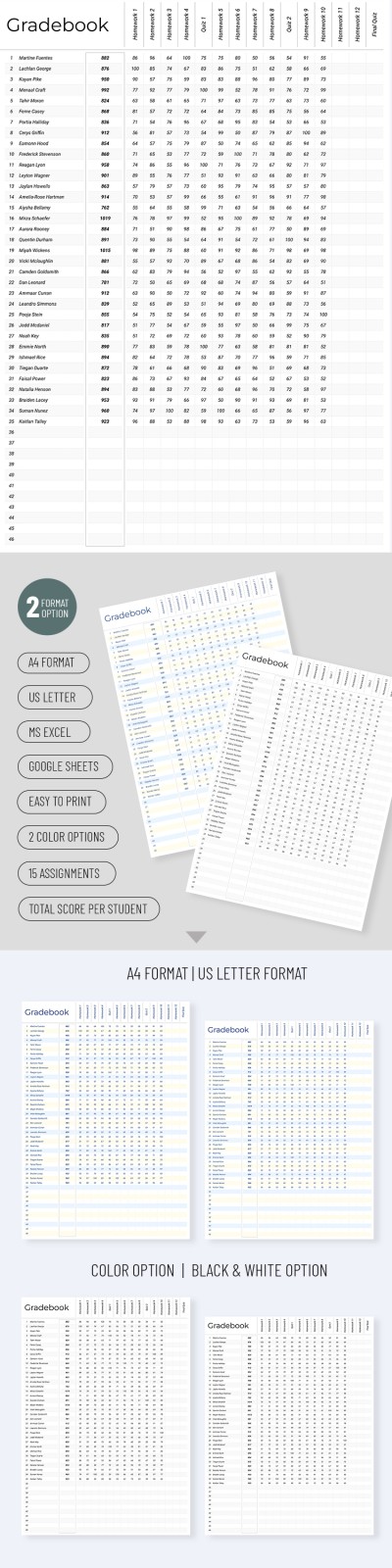
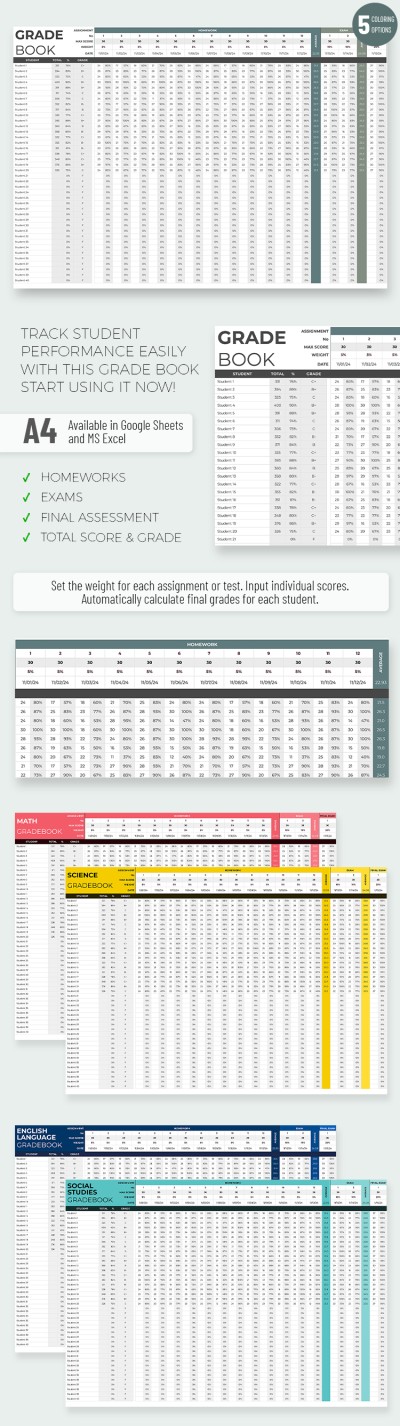
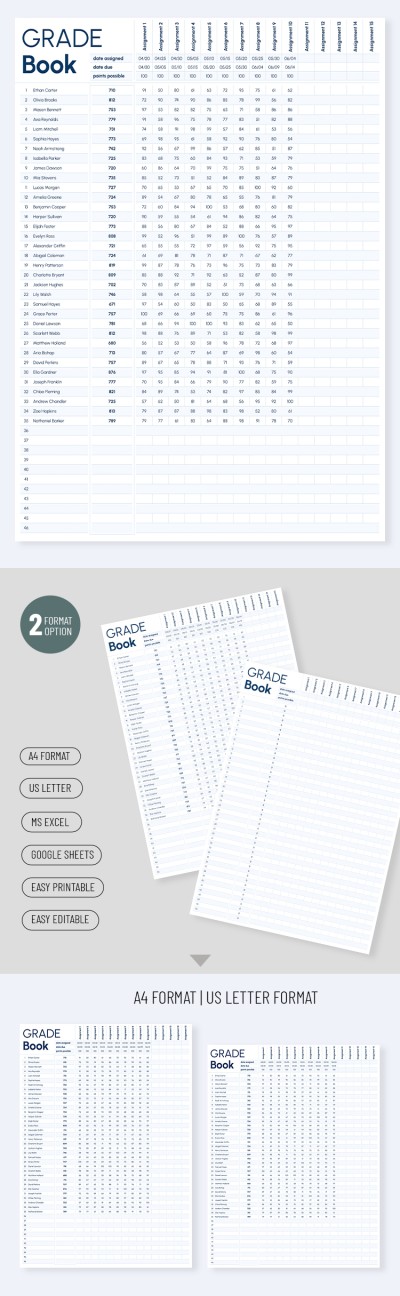
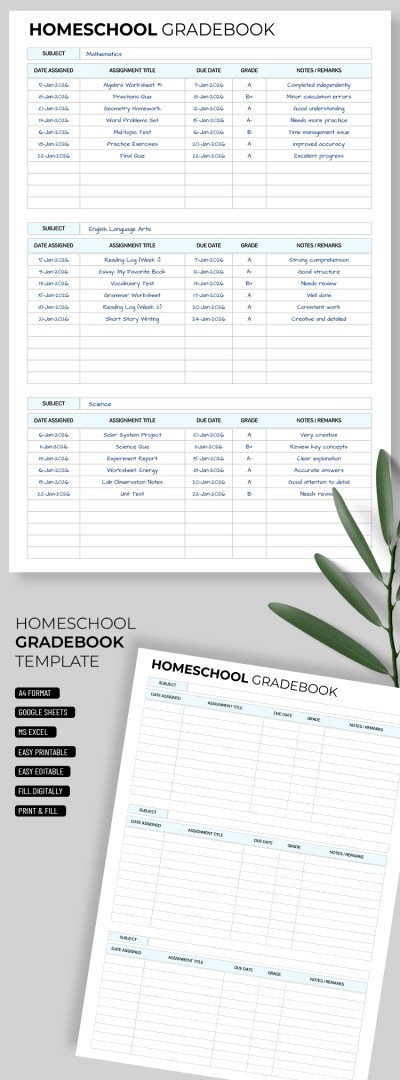
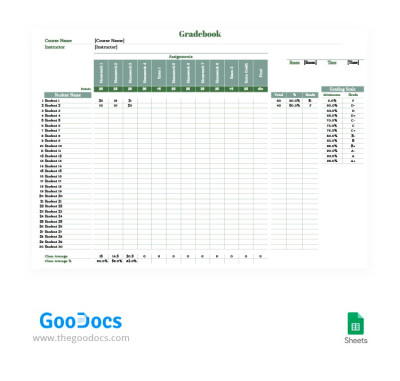
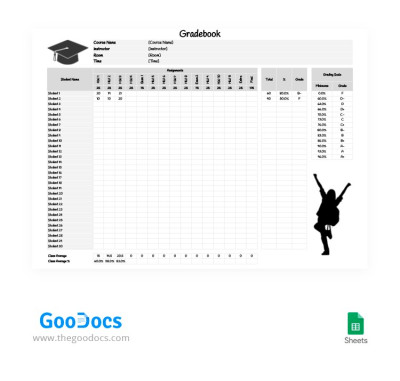
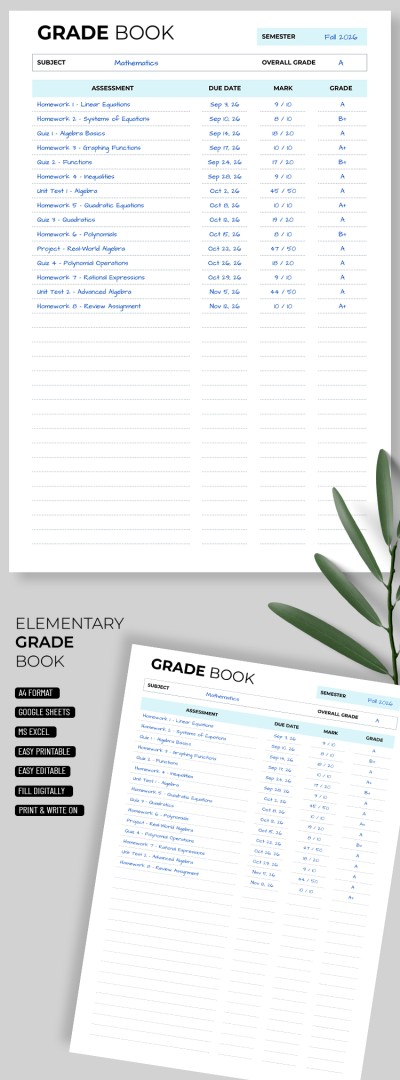
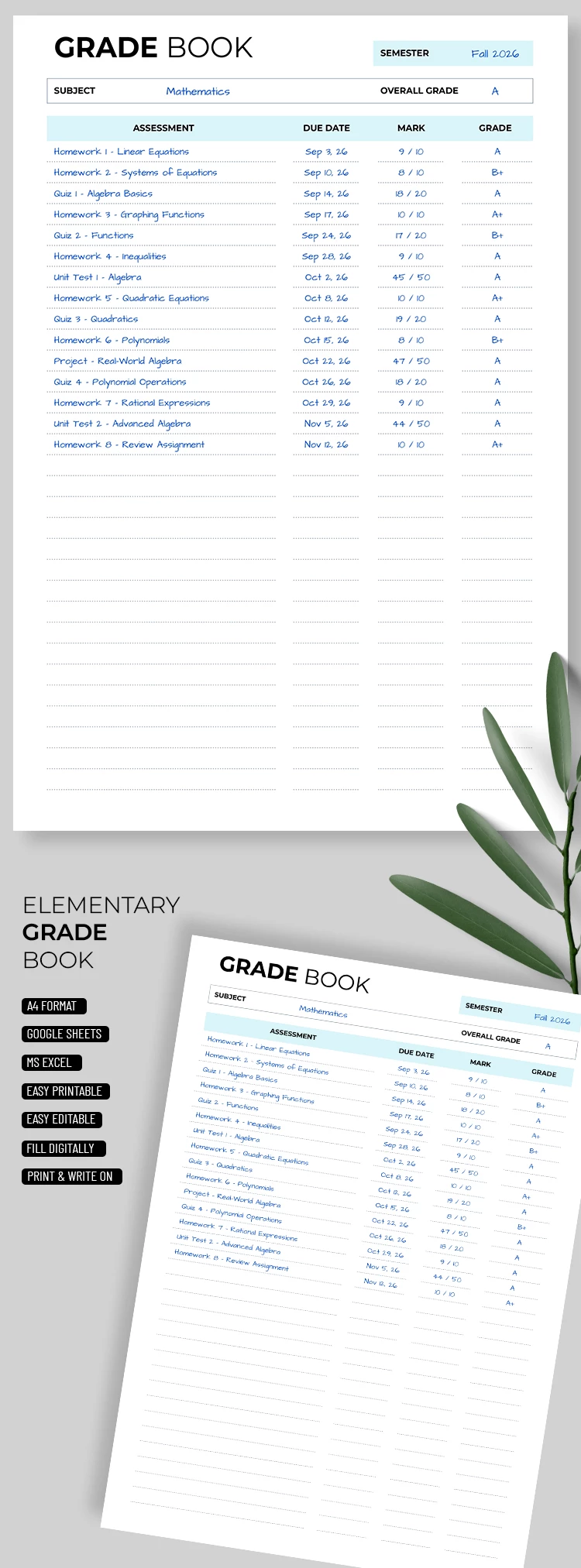
With our Elementary Gradebook Template, you can easily create a complete grade summary for each student. You can make as many copies as needed within a single file, label the sheets with students' names, and even print them out. This template is perfect for tracking one or multiple subjects.
Use this simple and convenient gradebook template for free:
- Add the semester, subject, and final grade to the header section.
- Fill out the table with assignments, due dates, and marks.
- Store your records digitally in Google Sheets or Excel, or print each form on A4 paper.
This option is ideal for elementary and middle school teachers who need to keep detailed records for each student on a separate sheet. More templates are available for free on our website.
ADVERTISEMENT
Free Template
Download Free Template
Choose your platform and start editing right away
PLATFORM
PAPER SIZE
A4
Duplicate to Google Classroom
No account required • Attribution required
WHAT’S INCLUDED
Editable assessment, date, and grade fields
Simplified overall grade calculations
Printable A4 format for easy distribution
Digital storage: Google Sheets and Excel
Gradebook Tips
Update grades immediately after each assessment for accuracy.
Save backups regularly to avoid losing data.
Personalize header sections with student names and details.
Use conditional formatting for visual insights into performance.
FAQ
Is the template compatible with other programs?
No, it's compatible only with Google Sheets and Microsoft Excel.
Can I customize this template?
Yes, you can easily customize fields and headers.
Is this template free to use?
Yes, it is completely free to download and use.
How do the automatic calculations work?
Formulas update the overall grade based on individual assessments.
Do I need an account to use it?
You need a Google or Microsoft account, but no registration needed for download.
ADVERTISEMENT
How to Use and Edit This Template

Get Your Document
Click the "Edit Template" button to create your own editable copy in Google Sheets or download for Microsoft Excel

Customize Everything
Easily change colors, fonts, and layouts to match your unique style or brand identity

Add Your Content
Fill in your data, upload images, and replace the placeholder text with your own information

Print, Export, or Share
Print, export as PDF, or share instantly