Black and White Gradebook Template
Use this free template with Google Sheets and Microsoft Excel
Template Specification
Key Features of This Template
About this template
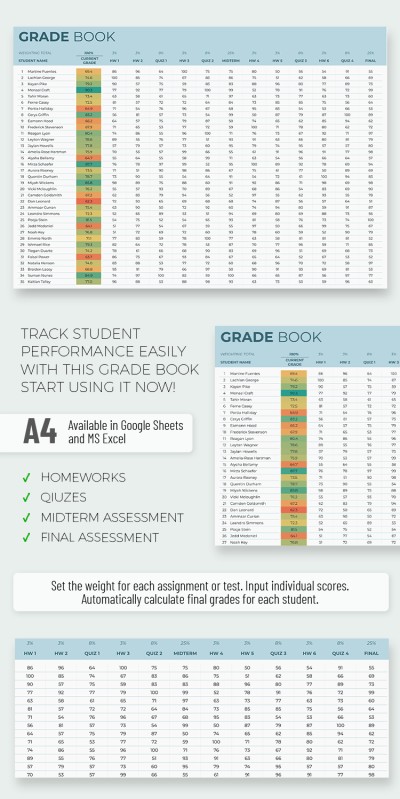
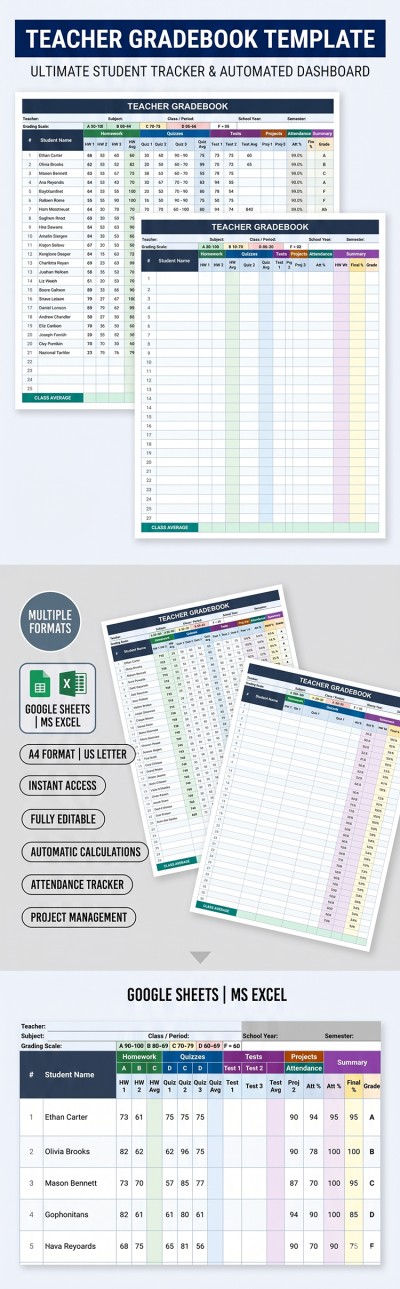
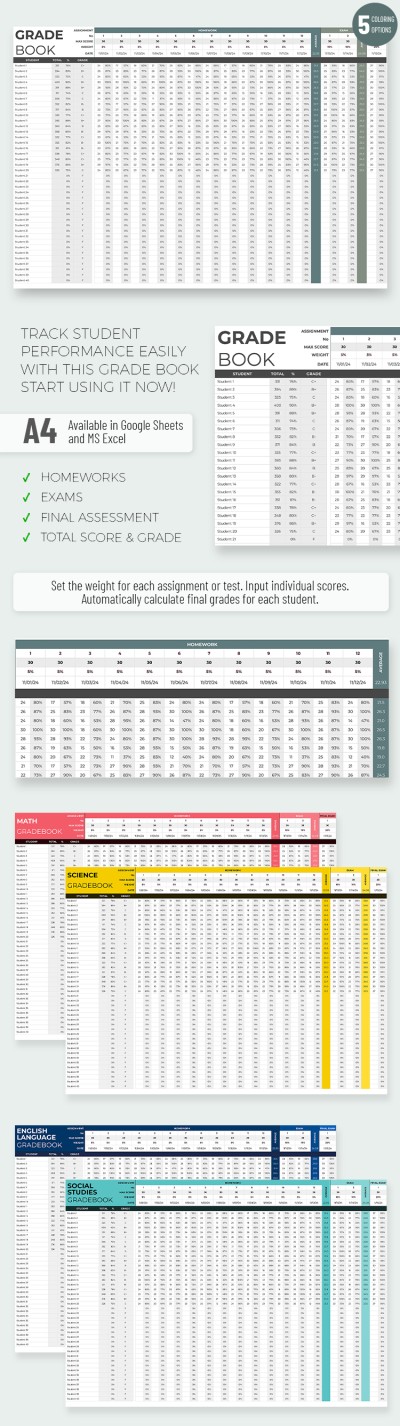
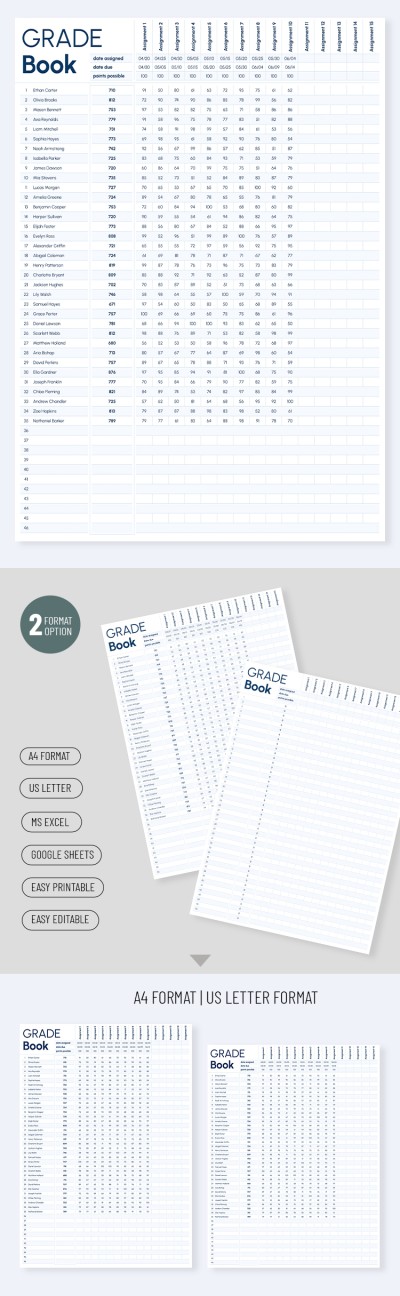
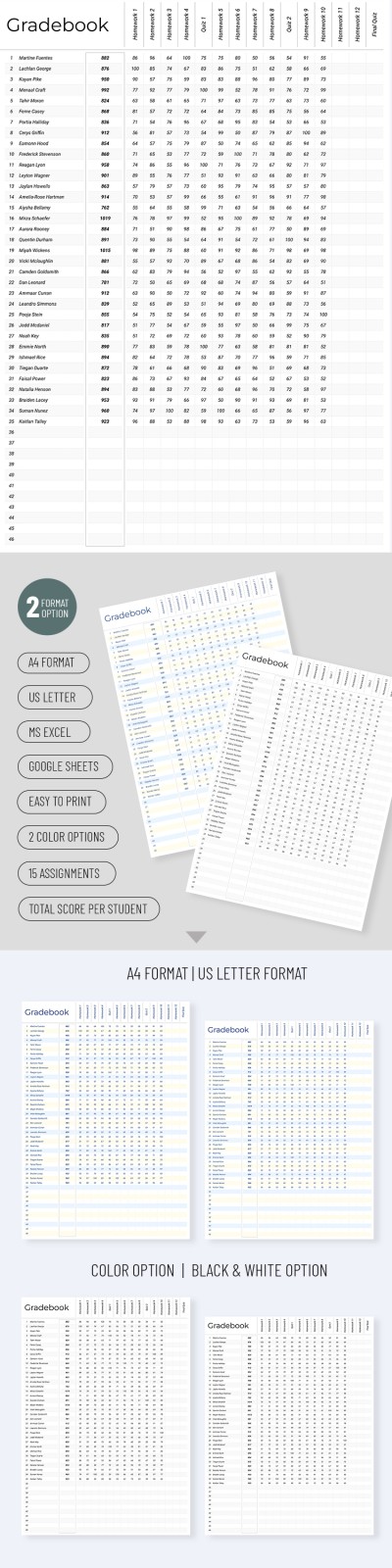
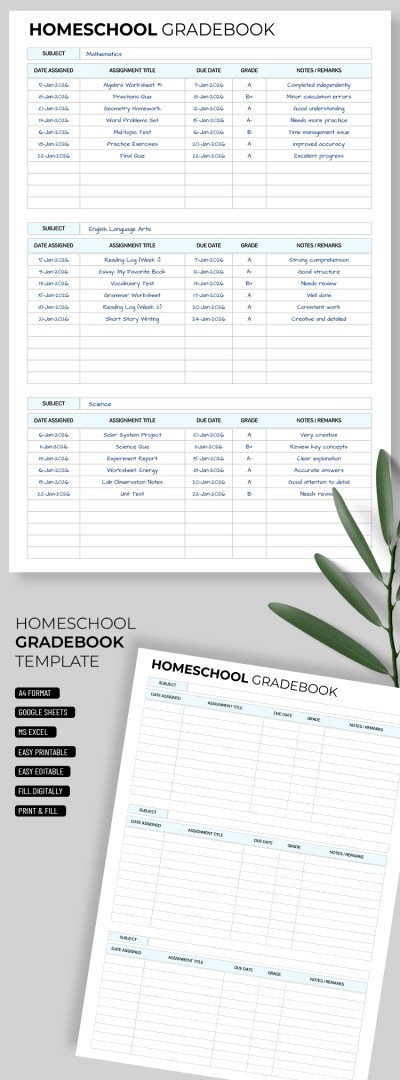
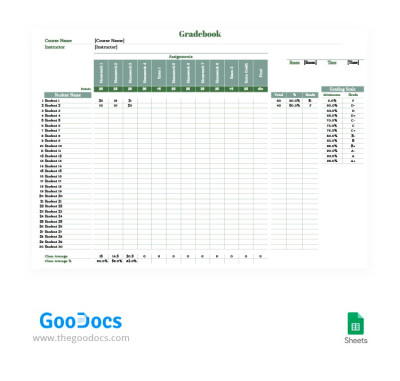
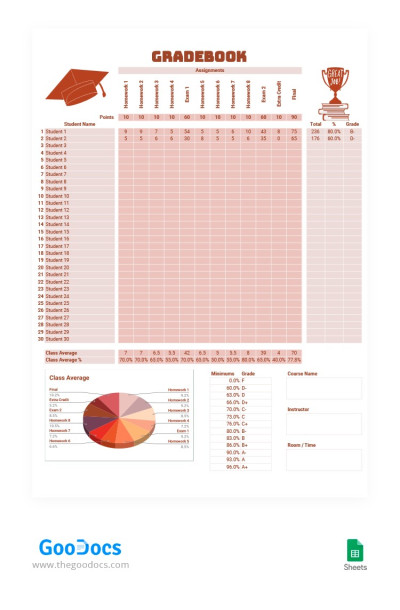
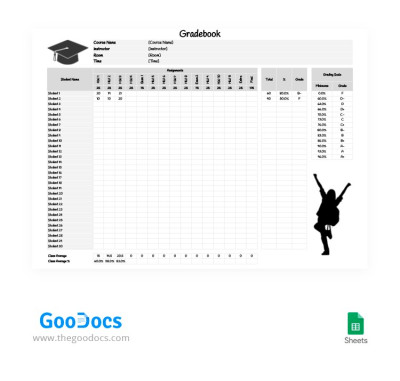
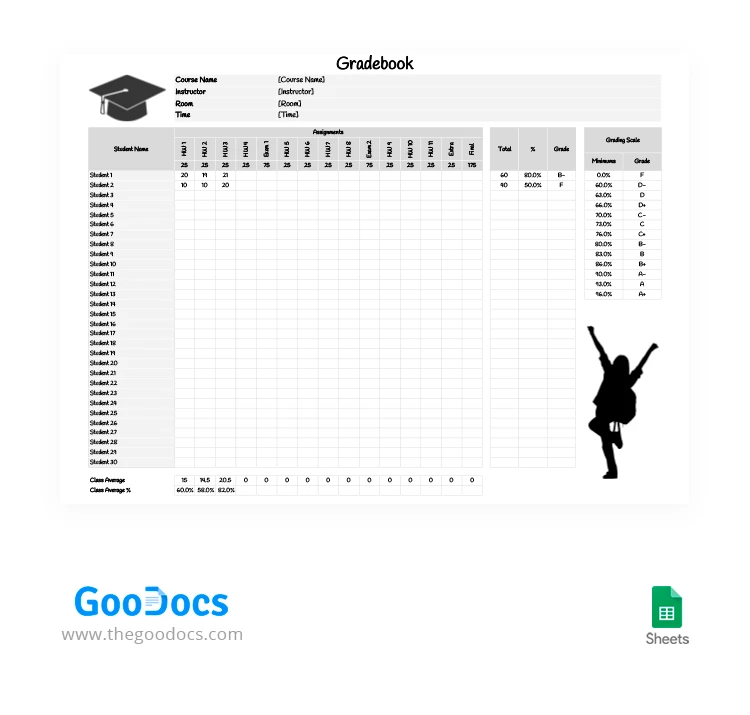
Use our simple and convenient Black and White Gradebook Template for free. This layout features a clean design divided into several clear sections. Built-in formulas automatically calculate final grades for the year based on the marks you enter for each assignment. Simply fill out this Excel and Google Sheets gradebook template to get accurate data for every student.
Download the Automated Gradebook
In the template header, you can enter the course name, instructor, room, and time. You can also give the table a specific title. The main section is designed to accommodate up to 30 students, with the option to expand it as needed. You can enter up to 15 midterm grades, which are then used to calculate each student's average.
Use this template’s convenient features:
- Each assignment can be assigned a grade as a percentage of the total for the class.
- The grading scale is fully customizable based on your school’s specific requirements.
- Each student will receive a calculated total score, a percentage, and a final grade from A+ to F.
Save time with this easy-to-use template! Get your free copy and start filling it out today.
Download Free Template
WHAT’S INCLUDED
Gradebook Tips
FAQ
How to Use and Edit This Template

Get Your Document

Customize Everything

Add Your Content