ADVERTISEMENT
ADVERTISEMENT
Classic Grade Book Template
Use this free template with Google Sheets and Microsoft Excel
ADVERTISEMENT
Template Specification
Format
Google Sheets, Microsoft Excel
Created
December 15, 2024
Last Updated
October 31, 2026
Community
Added to collections by 8 Users
Usage Stats
6 downloads this month
Key Features of This Template
Suitable For
Teachers
Style
Simple
About this template
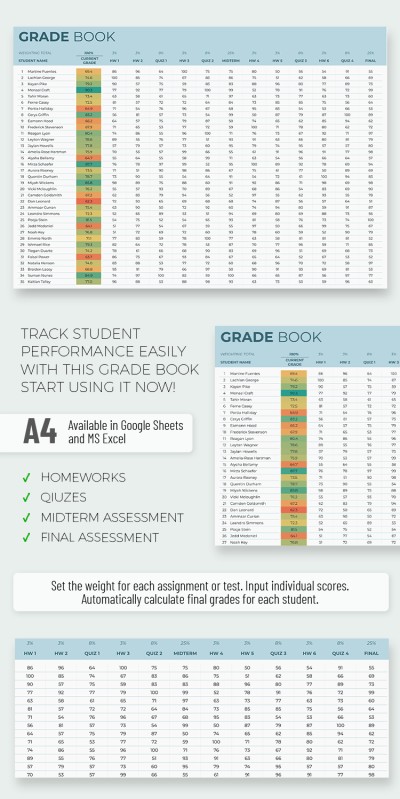
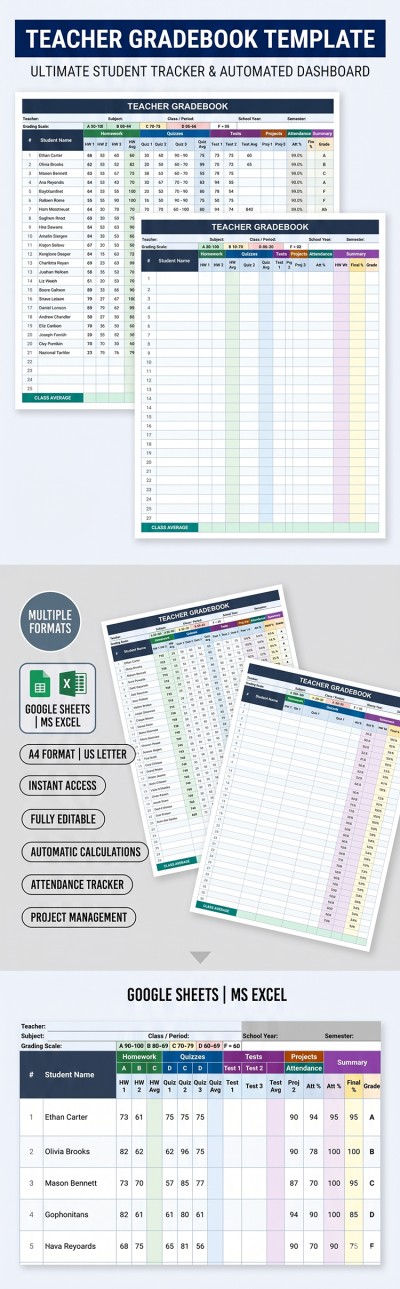
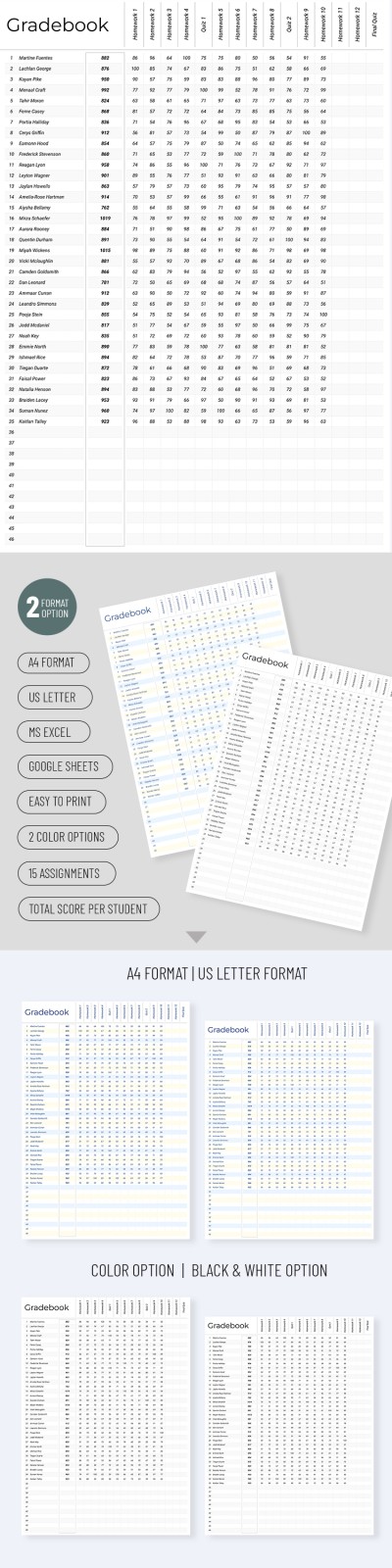
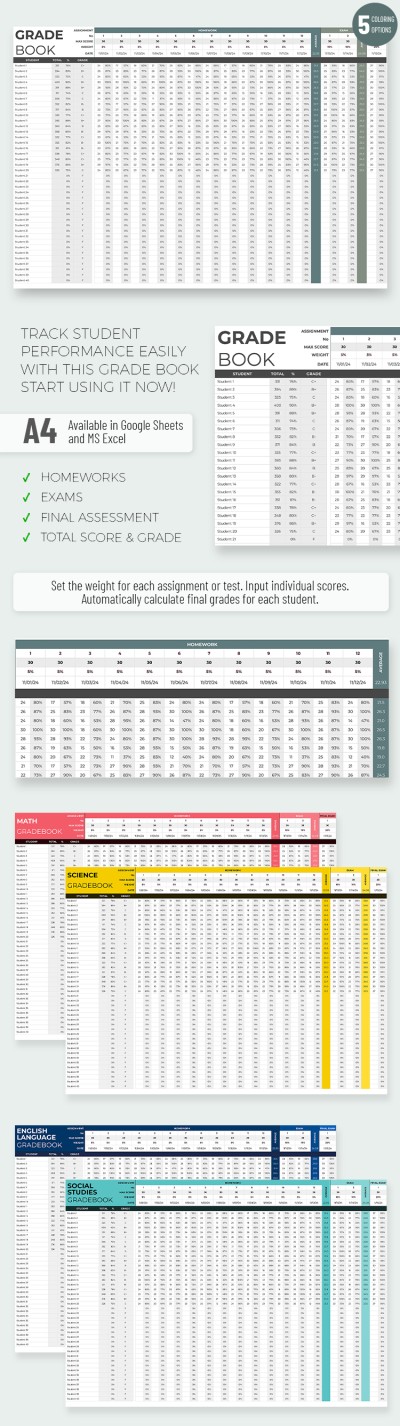
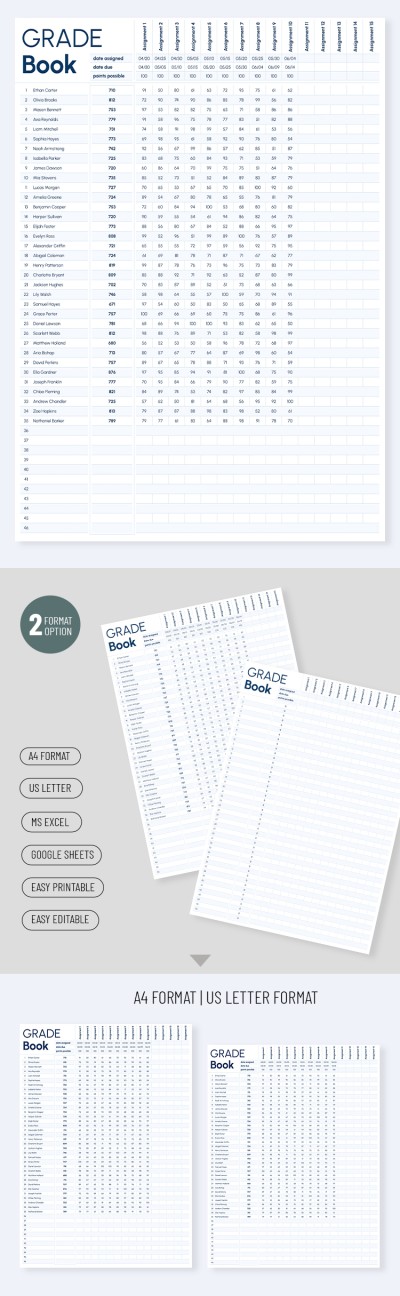
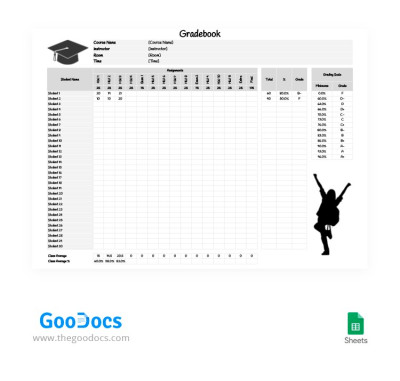
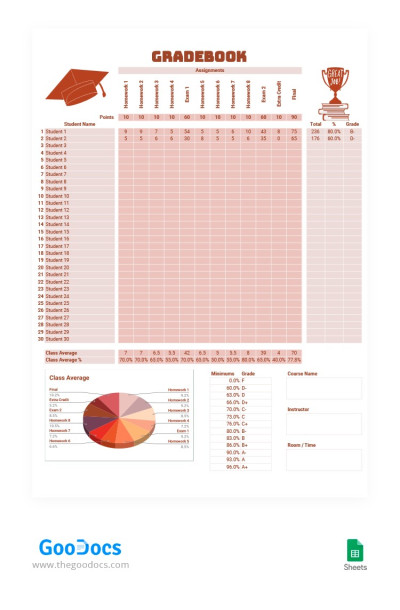
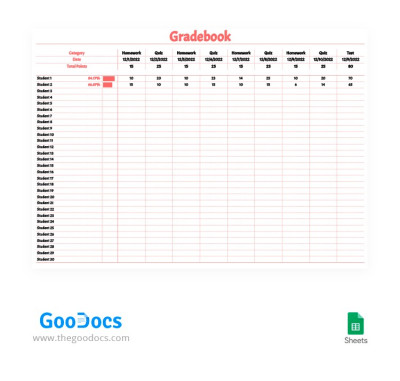
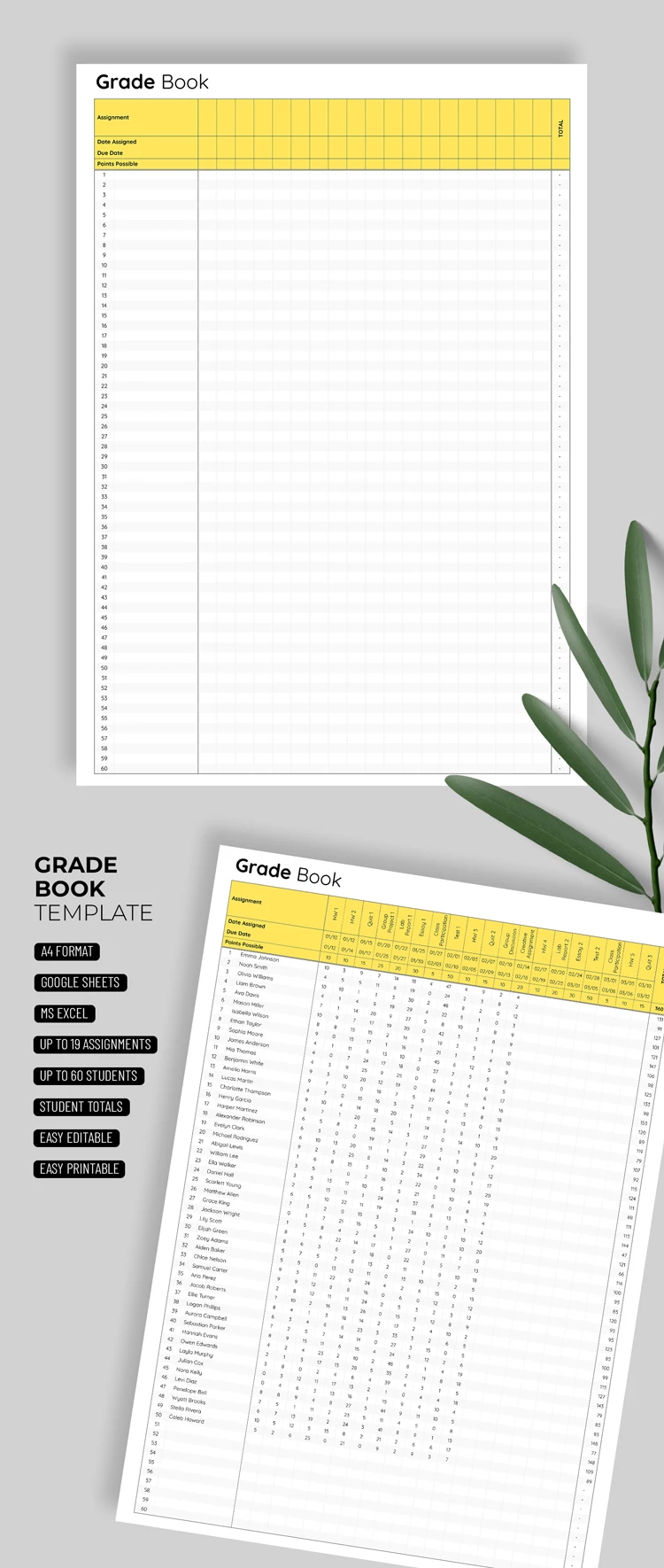
This Classic Grade Book Template lets you easily record and track all student assignments. Everything you need is contained in the file, including a convenient table with pre-made rows for up to 60 students. The main section features alternating white and gray rows to reduce eye strain, perfectly complemented by a bright yellow header.
Easily evaluate student performance:
- Fill the header with assignment titles, assigned dates, due dates, and points possible.
- Add your students' names in the left column.
- Enter the grades for each assignment next to each student's name.
The table ends with a Total column, where you can enter a formula to automatically calculate final scores or averages. The template is fully customizable in Google Sheets and Excel, and it's also print-ready. Find the right gradebook template for your needs on our website.
ADVERTISEMENT
Free Template
Download Free Template
Choose your platform and start editing right away
PLATFORM
PAPER SIZE
A4
Duplicate to Google Classroom
No account required • Attribution required
WHAT’S INCLUDED
Automatically calculates student totals
Customizable assignment headers and points
Supports up to 60 students
Easy print-ready formatting
Gradebook Tips
Regularly update grades to track student progress effectively.
Use conditional formatting to highlight top performances.
Utilize the total column for quick score overviews.
Customize headers to match your specific assignments.
FAQ
Is the template free?
Yes, it's free for download in Google Sheets and Microsoft Excel.
Can I customize the template?
Absolutely, you can edit sections to fit your needs.
Is it easy to use?
Yes, the template is straightforward in Google Sheets and Excel.
How do the automatic calculations work?
Formulas in the total column automatically sum up student scores.
Which apps are compatible?
It is compatible with Google Sheets and Microsoft Excel.
ADVERTISEMENT
How to Use and Edit This Template

Get Your Document
Click the "Edit Template" button to create your own editable copy in Google Sheets or download for Microsoft Excel

Customize Everything
Easily change colors, fonts, and layouts to match your unique style or brand identity

Add Your Content
Fill in your data, upload images, and replace the placeholder text with your own information

Print, Export, or Share
Print, export as PDF, or share instantly