Grade Book Template
Use this free template with Google Sheets and Microsoft Excel
Template Specification
Key Features of This Template
About this template
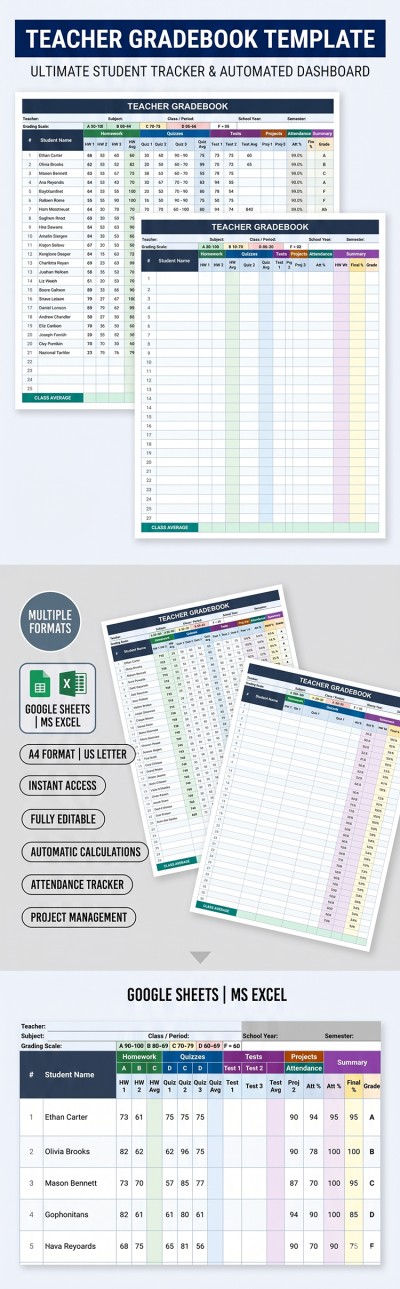
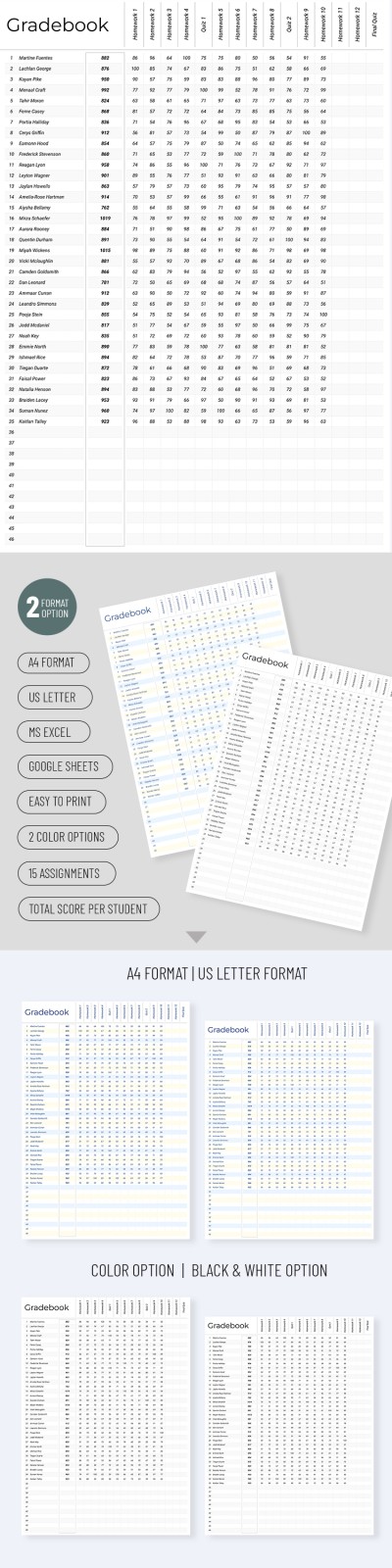
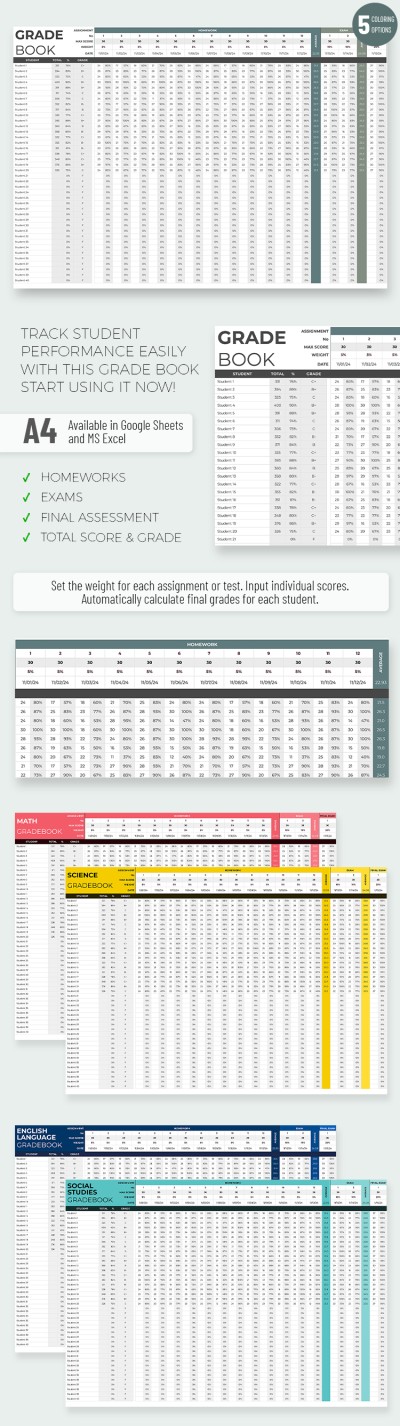
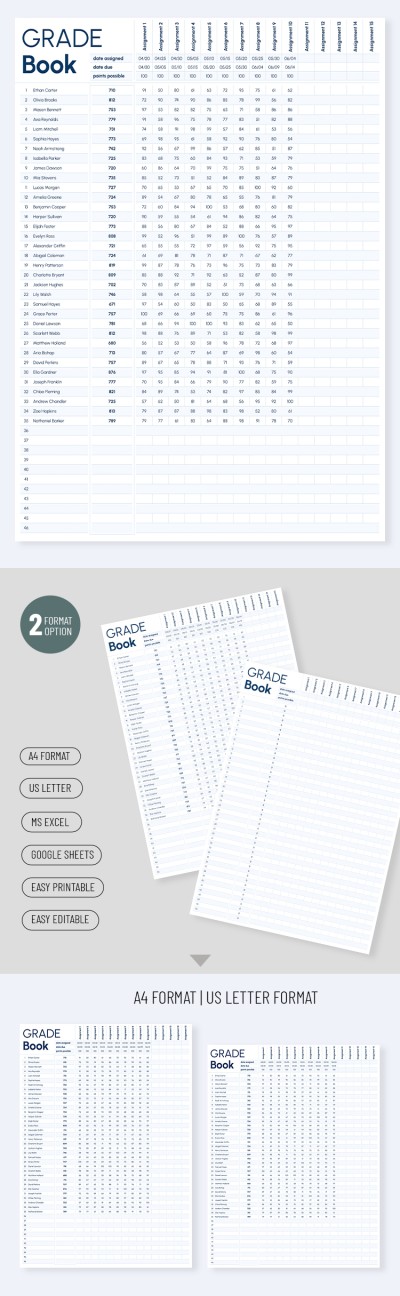
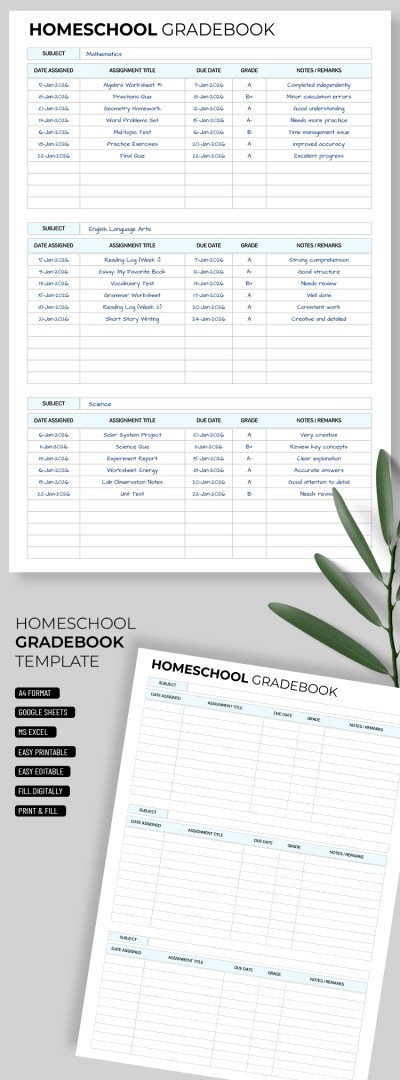
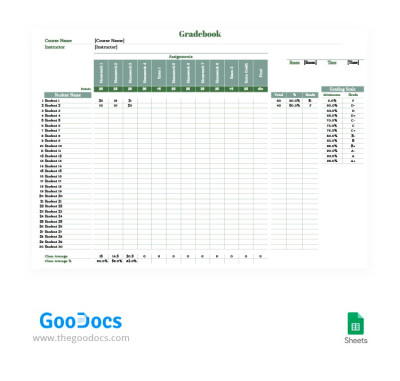
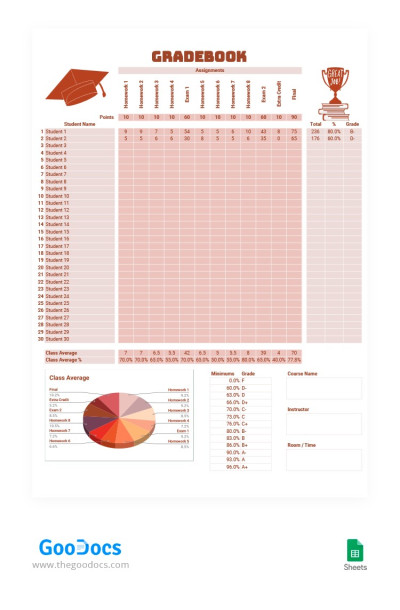
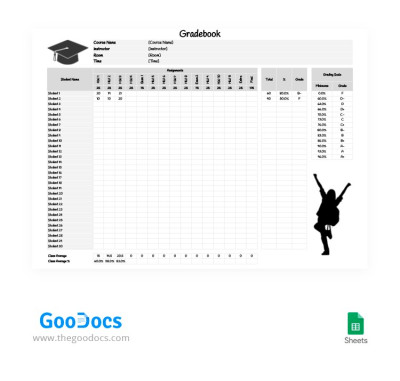
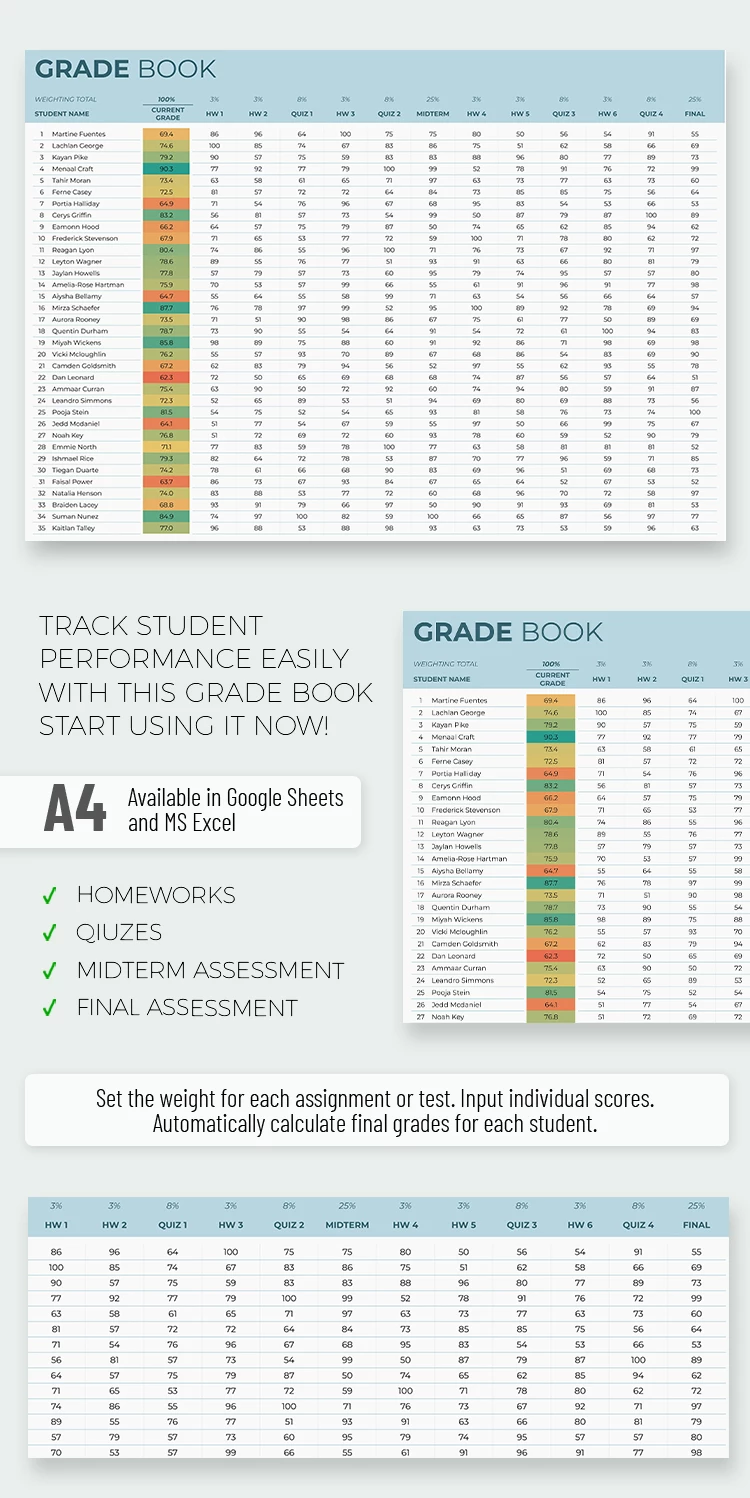
Our Grade Book Template is ideal for teachers, academic advisors, and school administrators. This spreadsheet is an excellent tool for organizing student grades all in one place.
Professional Design with Color-Coded Elements
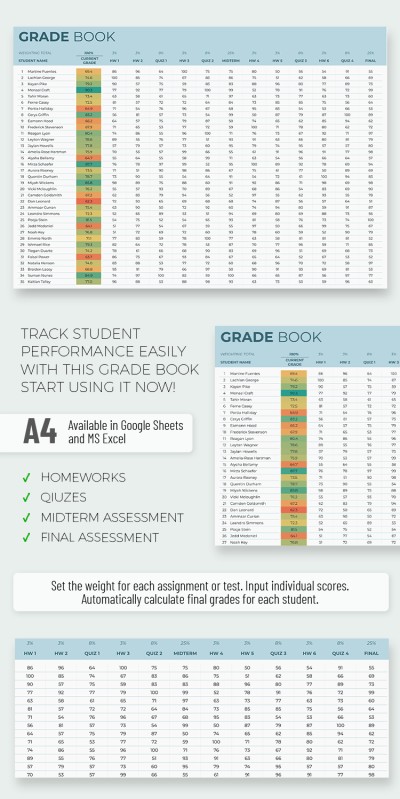
The template header features a light blue background. Grades are color-coded automatically based on their values: red for low scores, orange for below-average, yellow and light green for average results, and bright green for top achievements.
Convenient Structure & More Features
This spreadsheet combines a professional layout with powerful built-in features. It automatically calculates final grades using a formula that takes into account grades for all quizzes, homework, and other assignments. The template is also spacious enough to manage data for up to 35 students!
Plus, our grade book template in Google Sheets and Excel is completely free! You can customize it to suit your needs and even print it out.
Download Free Template
WHAT’S INCLUDED
Gradebook Tips
FAQ
How to Use and Edit This Template

Get Your Document

Customize Everything

Add Your Content