
Simple Brochure Templates
A simple style works great for both marketing and informational brochures. Our collection of simple brochure templates makes the design process even easier. We’ve compiled highly structured options that focus on clarity without unnecessary decorative elements. Each layout comes with standard typography, placeholders for text and images, and professional print settings. You can easily replace the text and customize the design using Google Docs, Word, Google Slides, or PowerPoint.
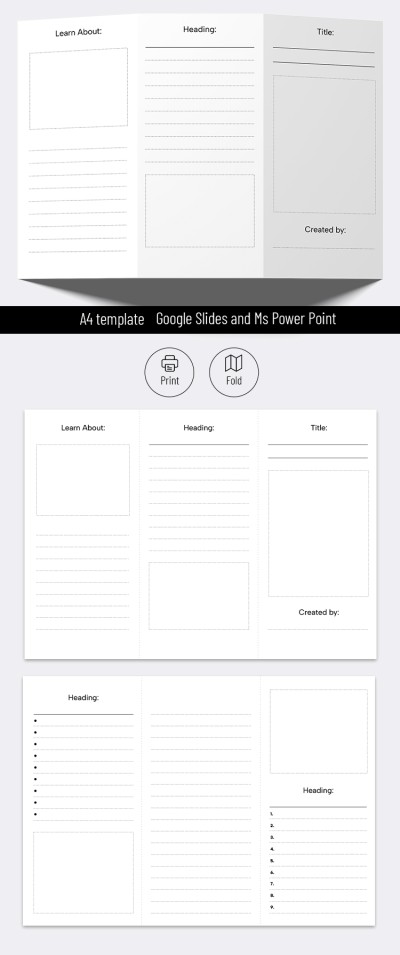
Blank Brochure Template For Students
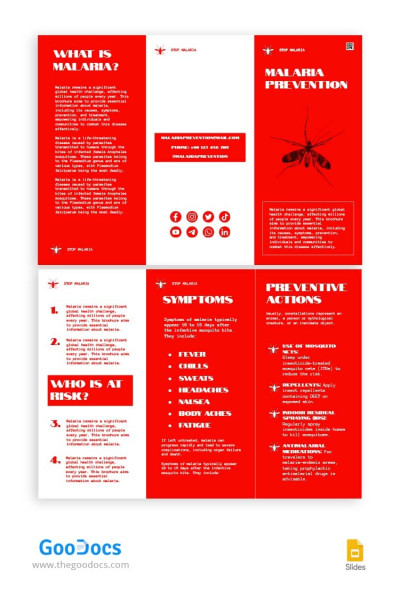
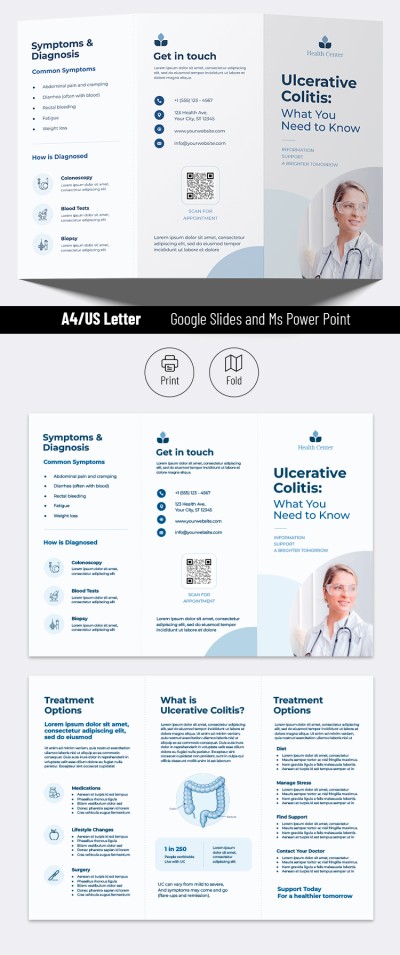
Trifold Disease Brochure
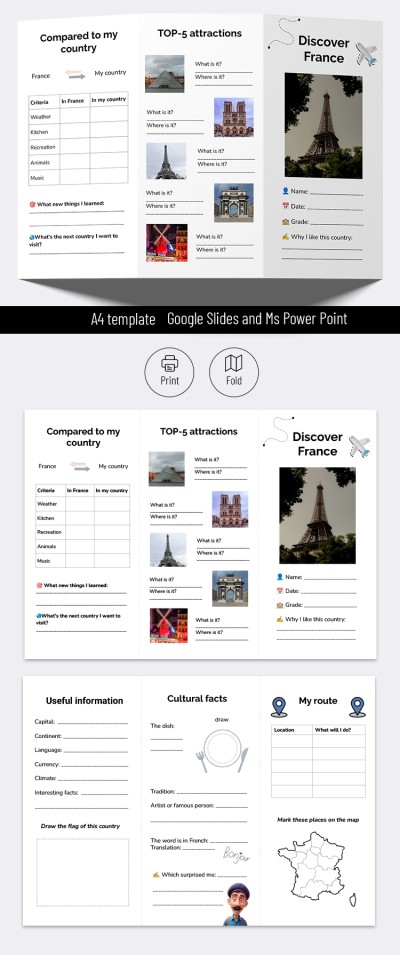
Travel Brochure School Project - Printable and Editable Template
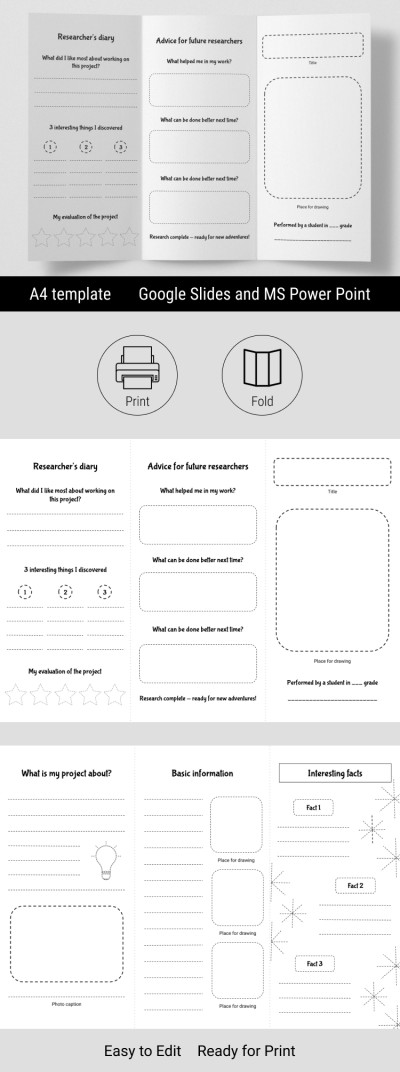
Editable Blank Brochure Template & Research Project
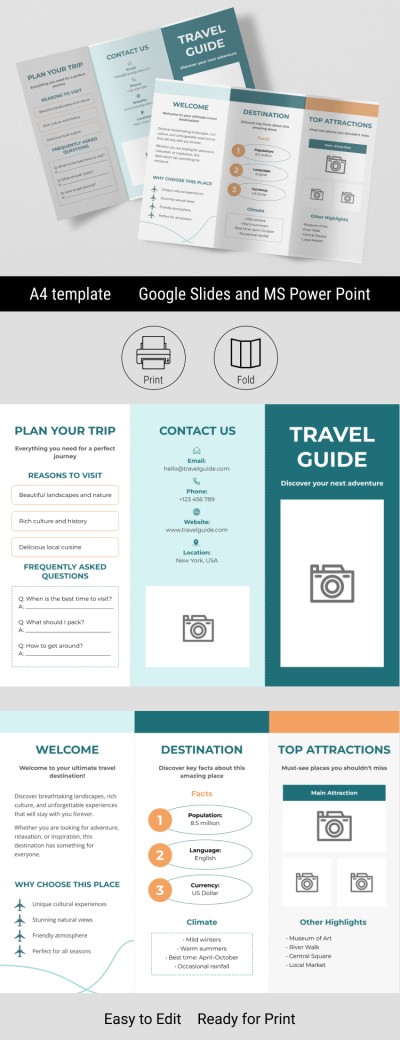
Blank Travel Brochure Template

Blank Trifold Brochure
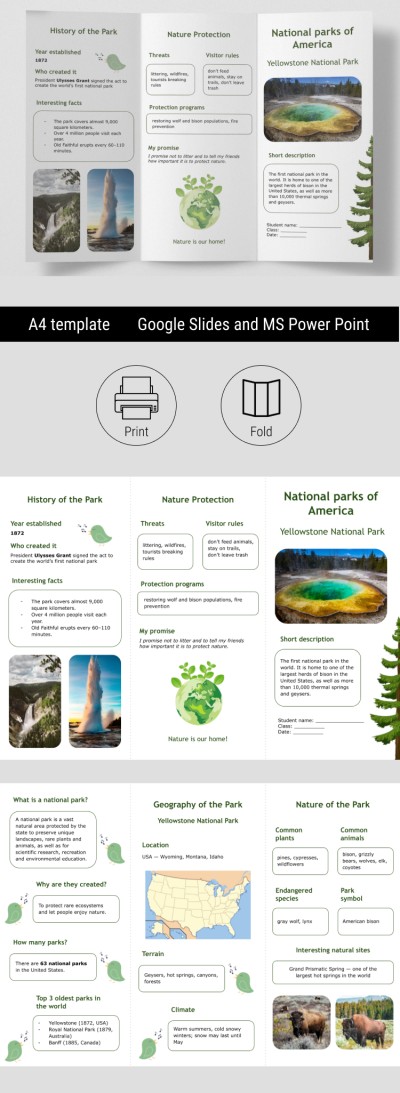
Educational National Parks Brochure for Classroom
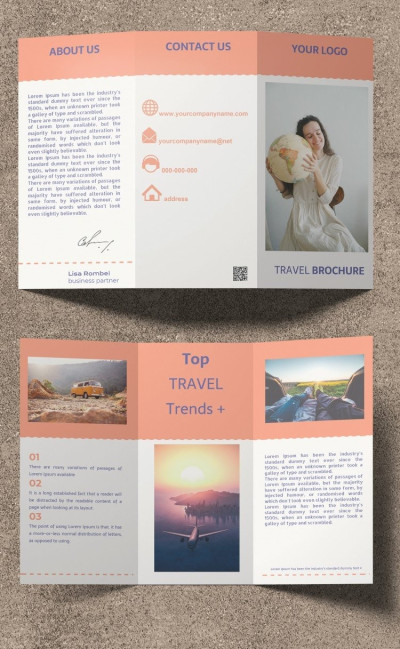
Tri-fold Travel Brochure
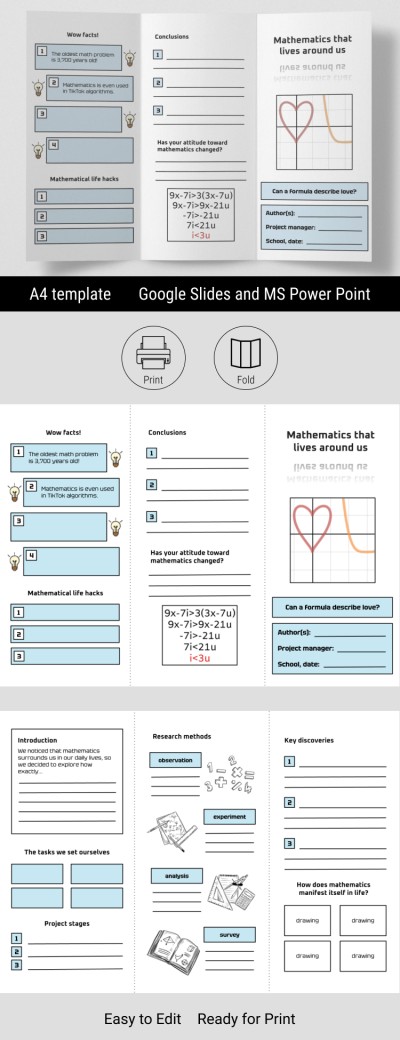
Blank Trifold Brochure Template for School Project
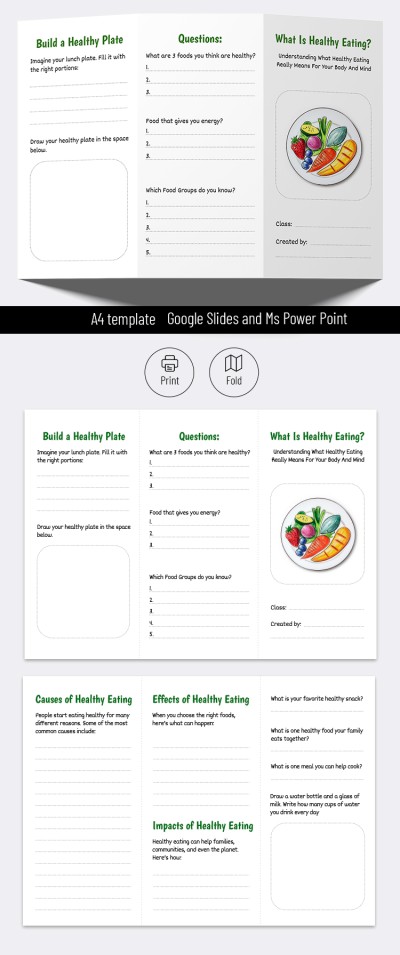
Brochure for School Project
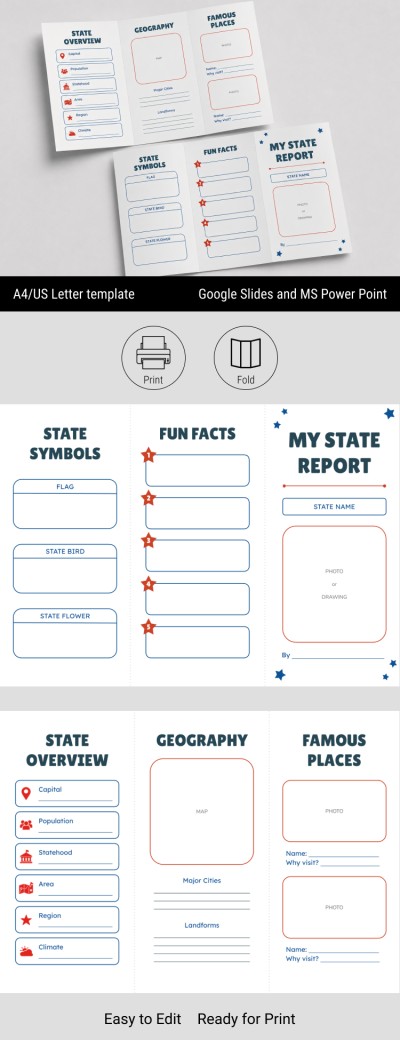
US State Report Brochure Template
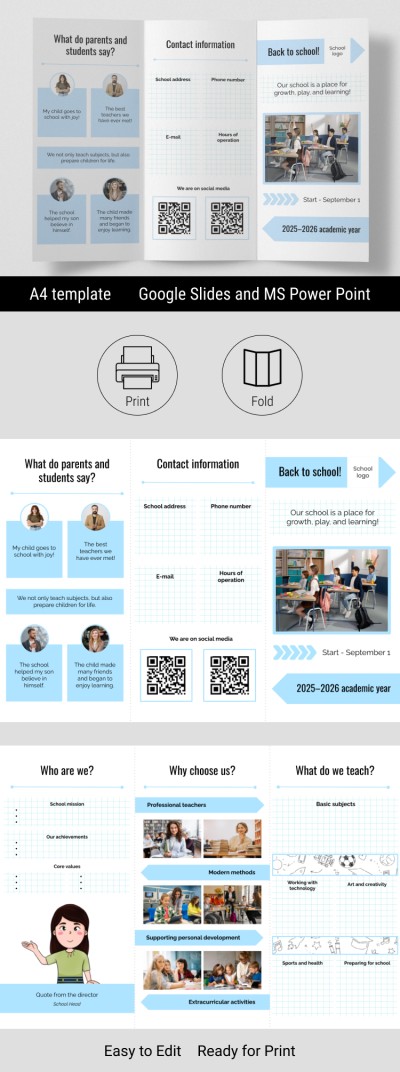
Editable Back to School Brochure Template

First Day of School Time Brochure Editable
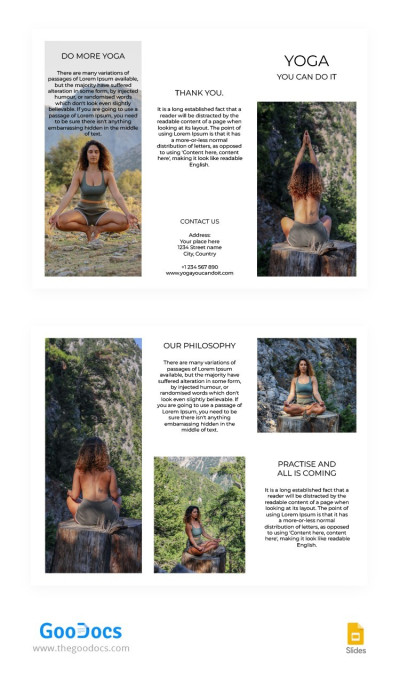
Trifold Yoga Brochure
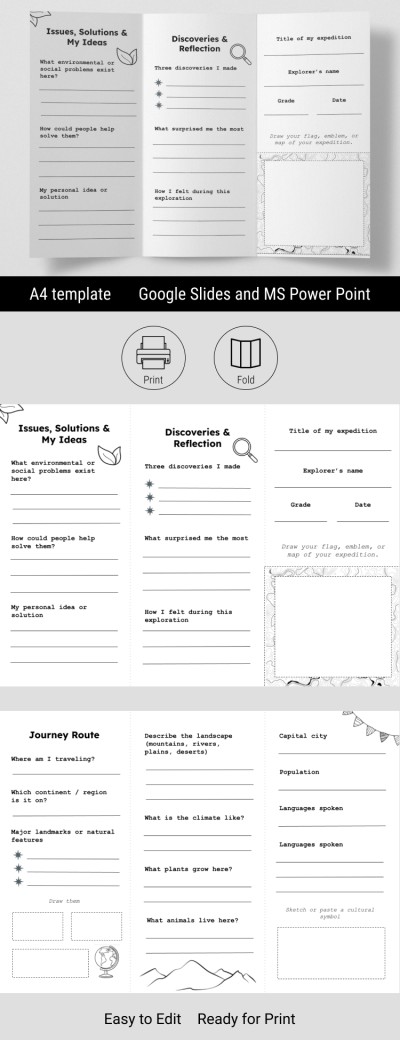
Geography Brochure for Students Projects
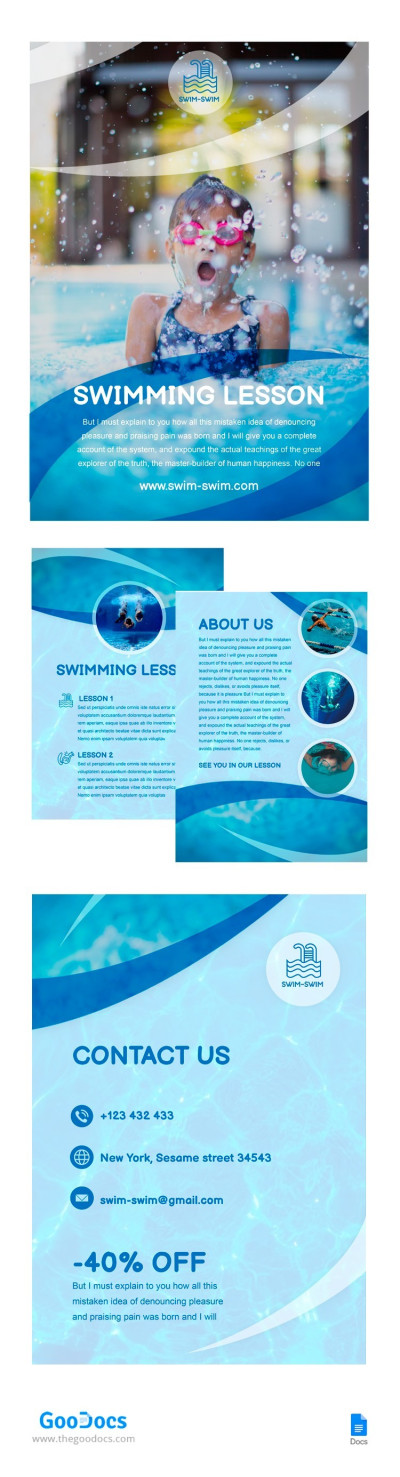
Swimming Lesson Brochure
Fancy design isn't suitable for every task. A clean and clear brochure is sometimes the best option. Download simple brochure templates for a variety of purposes, including student projects, informational materials, and travel guides. The key feature of our layouts is an uncluttered design and structure that makes adding your text quick and easy.
More benefits of our simple brochure templates:
- A clean design and structure for better readability. A simple layout is much easier to read than a cluttered one. This way, our templates feature a clear heading hierarchy, generous spacing, and legible fonts with minimal decorative elements. This is an excellent choice for schools, businesses, and clinics.
- Perfect for beginners. There is no need to spend hours editing colors or complex settings. Our templates are available in Google Docs, Word, Google Slides, and PowerPoint. Simply click on a block to insert your content without dealing with layers or complex tables.
- Ready for digital publishing and printing. We have already adjusted the fold-line spacing, margins, and page sizes. Templates come preformatted for A4, A5, and US Letter sizes in both horizontal and vertical orientations. Saving your work as a PDF takes just two clicks.
Forget starting your project from scratch with our simple brochure designs. Choose the right option, open it in a convenient editor, and finish your project today. Download unique templates for brochures from TheGoodocs today.
Simple Brochures & Pamphlet Templates FAQ
With our brochure templates and this step-by-step guide, creating a professional layout will take minutes.
Follow these steps to create your simple brochure:
- Define your goal. A good brochure should focus on a specific service, event, or product. Avoid overloading it with too much information. You can use the sample structures and content in our templates for inspiration.
- Choose a brochure format. This page includes both bifold and trifold options. Bifold format is better for short messages, while a trifold brochure is a versatile option suitable for most business tasks.
- Get your template. Select a suitable layout from this page and open it in Google Docs, Word, Google Slides, or PowerPoint.
- Replace placeholder text and images. Click on a text block to replace the placeholder content with your own. Fonts, indents, and other formatting will stay exactly the same. The exact process applies to images.
- Save the final version as a PDF. PDF is the best format for printing. Since our templates are already pre-formatted for A4, A5, and US Letter, no further adjustments are needed. The finished file is also ready for digital publishing.
Using premade layouts makes creating high-quality brochures much faster than starting from scratch. Forget about time-consuming formatting and focus on your message.