Restaurant Inventory Checklist
Use this free template with Google Docs and Microsoft Word
Template Specification
Key Features of This Template
About this template
Your regular inventory audits can be made easier with our Restaurant Inventory Checklist. Use a structured, ready-to-print form that you can fill out right now. You can download our inventory checklist template for Word for free or grab a Google Docs copy right away.
Get This Structured Inventory Checklist
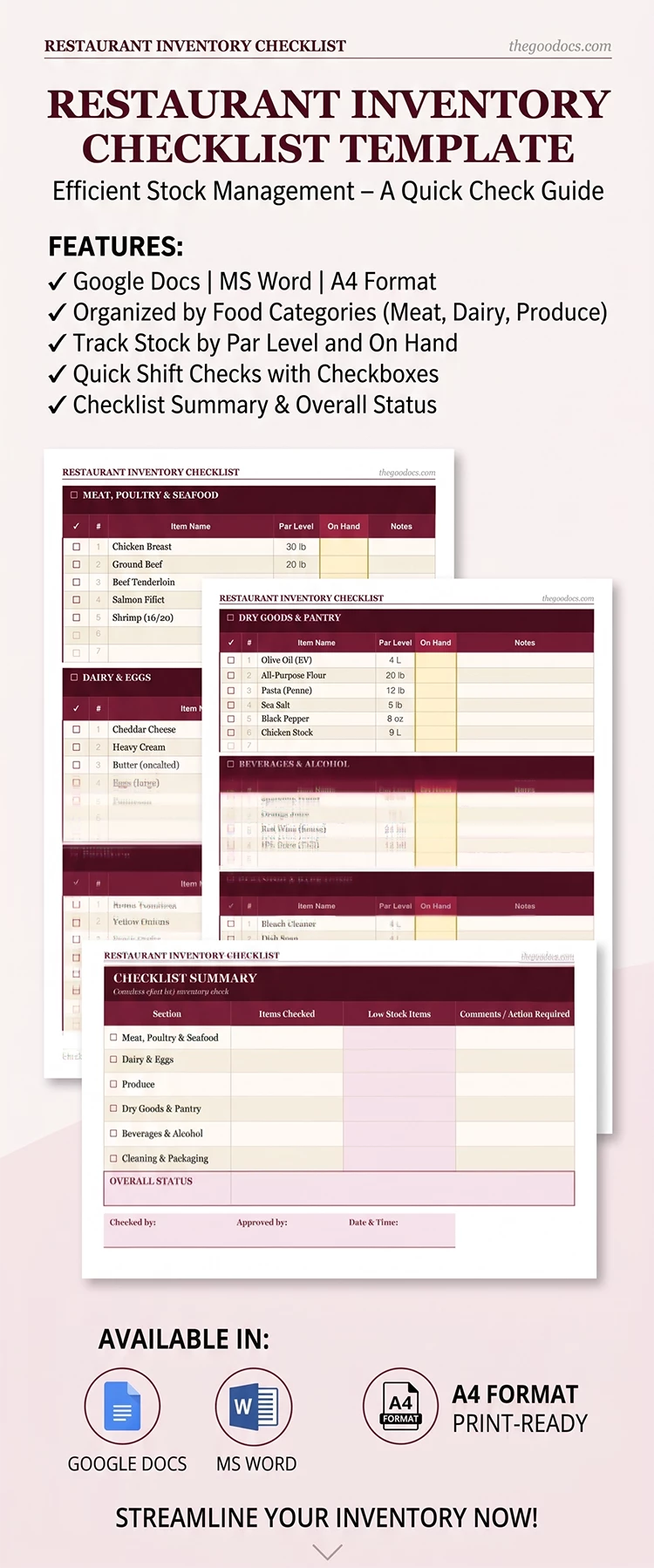
This file comes with three editable pages featuring separate tables for each of your restaurant sections. The design is red and beige, but you can easily choose a new color palette, fonts, and more in the editor. Our template includes six category tables in total, covering meat, dairy & eggs, produce, dry goods, beverages, cleaning & packaging, and a checklist summary.
More benefits of our restaurant inventory checklist template:
- This template can be stored digitally or printed in A4 or US Letter size.
- You can add key details, including the restaurant name and location, inventory date, responsible manager, shift, and section.
- For each product, you can fill in the name, par level, quantity on hand, and notes, then check off each item after verification.
This option is already available for free, so you can start filling it out now. Make copies of the necessary tables or entire pages in a couple of clicks and conduct your inventory quickly and easily. You'll also find a suitable inventory template for Excel on our website.
Download Free Template
Google Docs
Opens in browserMicrosoft Word
.docsWHAT’S INCLUDED
Inventory Tips
FAQ
How to Use and Edit This Template

Get Your Document

Customize Everything

Add Your Content

Print, Export, or Share
Related Templates
Recently Viewed