Restaurant Inventory Sheet
Use this free template with Google Docs and Microsoft Word
Template Specification
Key Features of This Template
About this template
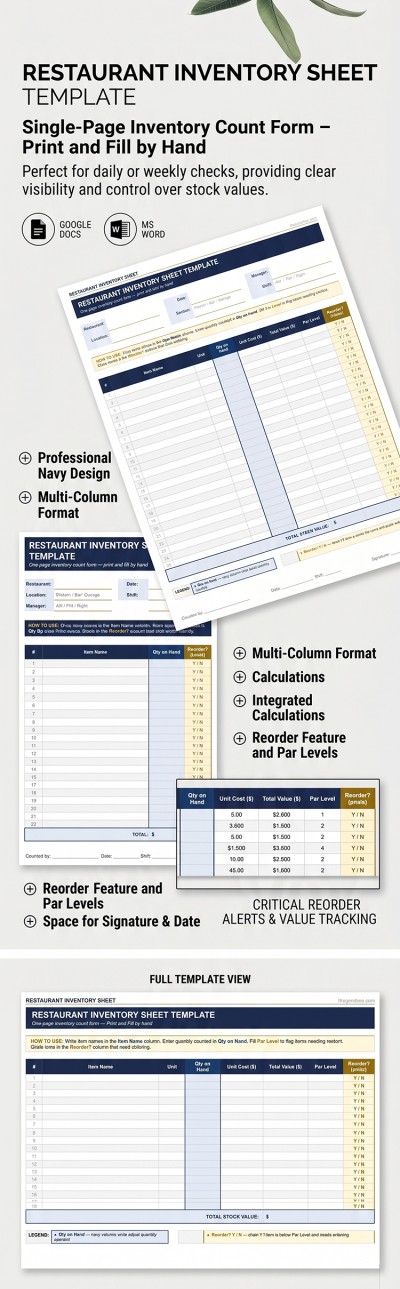
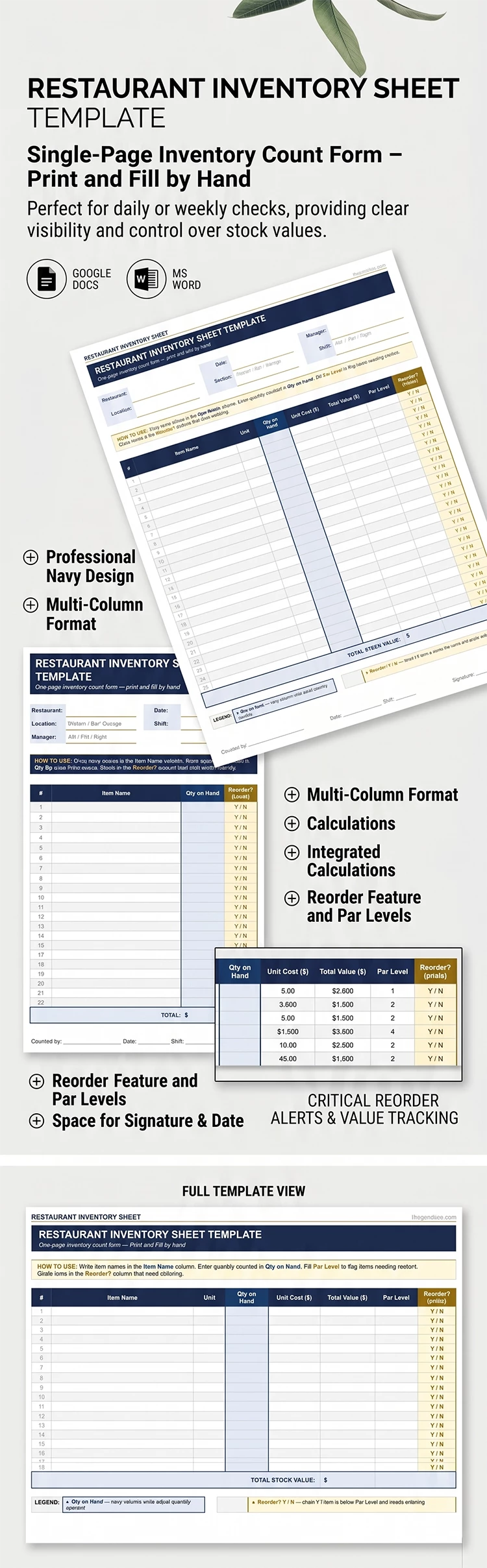
This Restaurant Inventory Sheet is a must-have for anyone who needs a structured layout to record, track, and reorder products on the fly. This one-page template offers a convenient, full-page table where you can record information about each product. This option is fully editable in Google Docs and Word, and you can also find an inventory Excel template on our website.
One-Page Restaurant Inventory Sheet for Printing
This example is perfect whether you want to use your inventory sheet digitally or print it out. Customize the column names in the table and header, or just use the default structure.
Grab our convenient restaurant inventory sheet template for free:
- Enter the restaurant name, location, inspection date, inventory section, responsible staff member's name, and the shift in the header section.
- Fill out the table for each item, including the name, unit, quantity in stock, total cost, and par level, and highlight the products that need to be reordered.
You can use the A4 or US Letter version of the template; just choose the right option before downloading. You can also make unlimited copies so you have a fresh inventory list template for each new inspection. Check out this option yourself or find an inventory list template for Google Sheets on our website.
Download Free Template
Google Docs
Opens in browserMicrosoft Word
.docsWHAT’S INCLUDED
Inventory Tips
FAQ
How to Use and Edit This Template

Get Your Document

Customize Everything

Add Your Content

Print, Export, or Share
Related Templates
Recently Viewed