Restaurant Inventory Template
Use this free template with Google Sheets and Microsoft Excel
Template Specification
Key Features of This Template
About this template
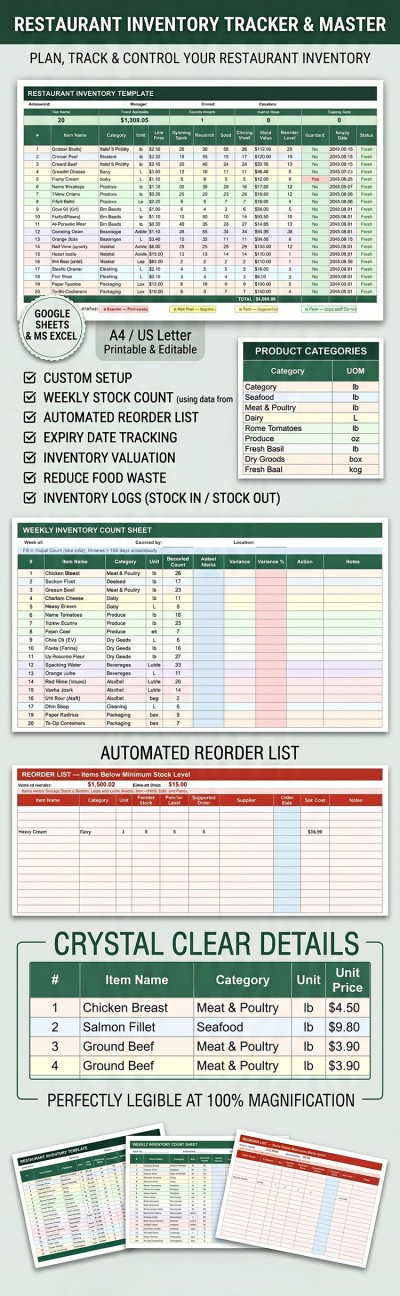
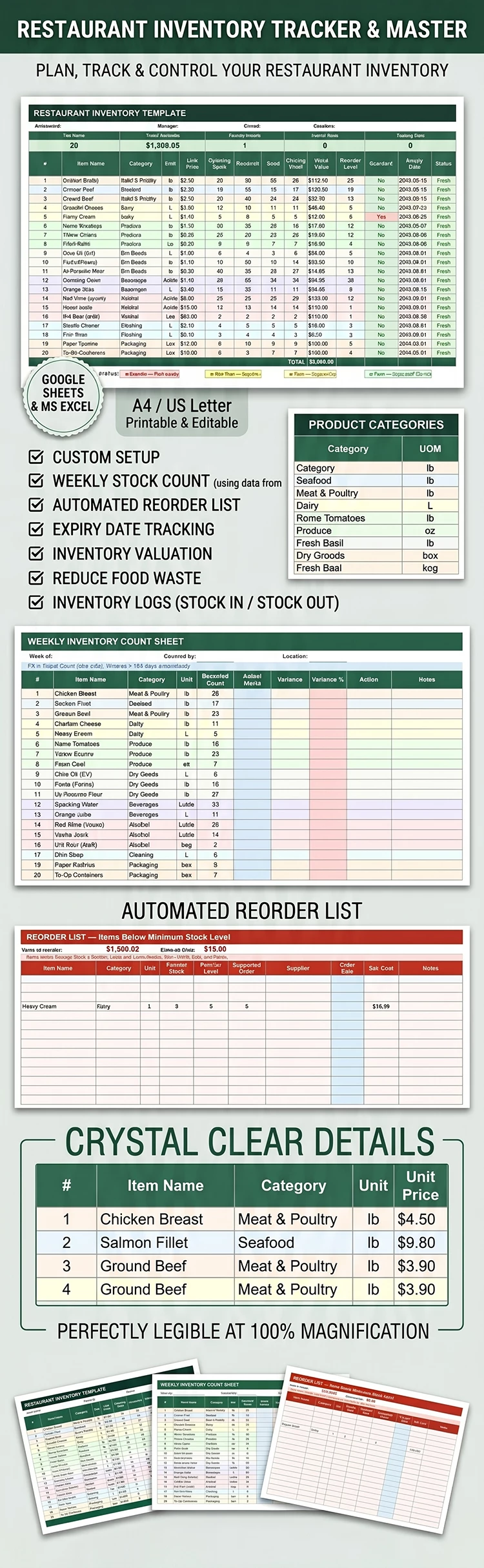
Grab our 3-in-1 Restaurant Inventory Template for free. This option includes three separate sheets: Main Inventory, Weekly Count, and Reorder List. Most of the work is done automatically by built-in formulas, drop-down lists, and other convenient features. All you have to do is fill out our inventory sheet template in Google Sheets or Excel.
Download Our Automated Restaurant Inventory
Our template offers a convenient, easy-to-use layout, and you can download or get a copy right now without restrictions. Most of the process, including stock value calculations, closing stock, and reorder notifications, is handled automatically based on the data you enter.
Use our effective restaurant inventory template:
- Fill out the Main Inventory table with the item name, category, unit, unit price, opening stock, received and used quantities, and reorder level. Here, you'll automatically see which reorders are needed, expired products, and items nearing their expiration dates (with a customizable 3- or 14-day threshold).
- Check out the Weekly Count table, which automatically displays the estimated count for each item from the first sheet. Simply enter the actual count, and cells with a variance greater than 10% will be highlighted.
- Get a full reorder list on the Reorder List tab. All items from the first table are automatically pulled here, calculating the reorder amounts and estimated totals for each item.
Our inventory log template can handle any task. You can find even more options on our website.
Download Free Template
Google Sheets
Opens in browserMicrosoft Excel
.xlsxWHAT’S INCLUDED
Inventory Tips
FAQ
How to Use and Edit This Template

Get Your Document

Customize Everything

Add Your Content

Print, Export, or Share
Related Templates
Recently Viewed