Restaurant Inventory List Template
Use this free template with Google Docs and Microsoft Word
Template Specification
Key Features of This Template
About this template
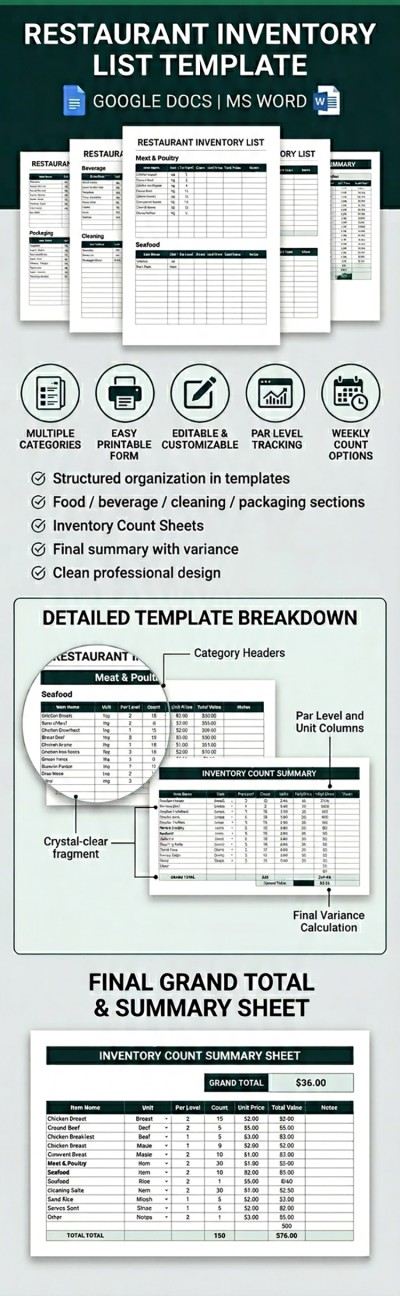
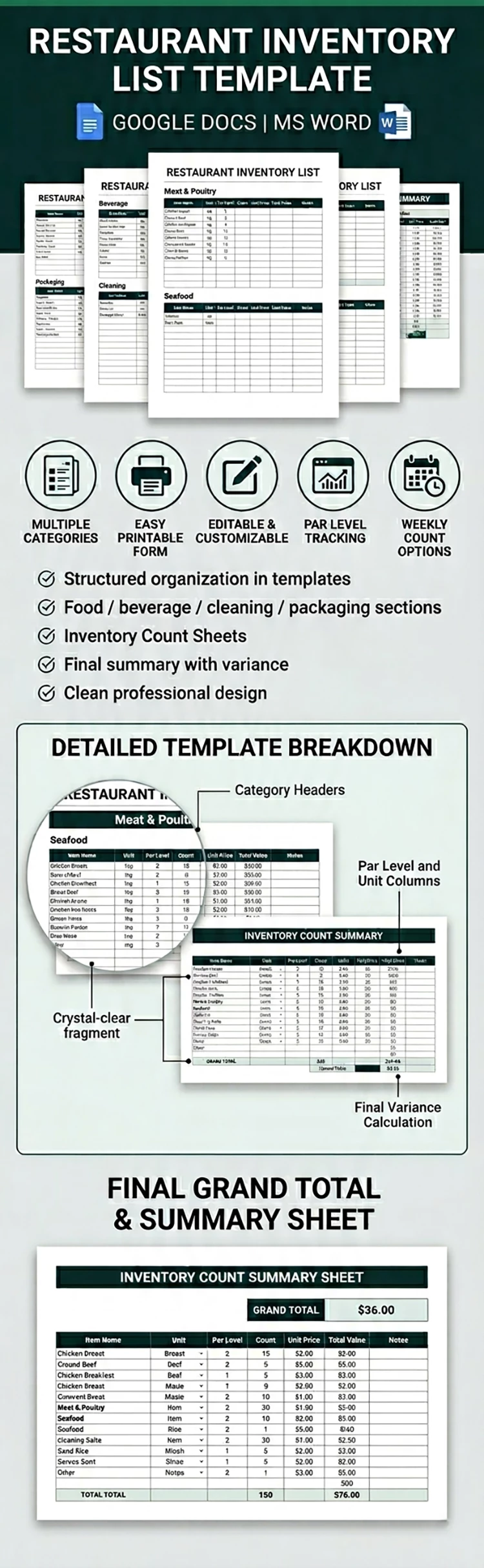
Our fully editable, printable, and fillable Restaurant Inventory List Template spans four pages. This option is available in Google Docs and Word, making it ideal for creating both digital and print inventories. You can easily categorize all products and list your items via this layout or find an Excel inventory template on our website.
Ready-to-Print & Multi-Category Kitchen Inventory
Our four-page template features seven product categories. Each category has its own dedicated table, while the template concludes with an inventory count summary that helps you quickly track the totals for each category, including items counted, total value, variance vs. par level, and notes.
More features of our restaurant inventory list template:
- Each category table is separate and includes sections for item number, name, par level, count, unit price, total value, and notes.
- You can make copies of each table by selecting it and pasting it onto new pages, duplicating the page itself, or simply inserting more rows to expand it (the formatting stays intact).
- You can select either A4 or US Letter size before downloading your copy, and save the final version as a PDF for high-quality printing.
This template is ideal if you need to quickly create a printed or digital report or for conducting regular inventory audits. You can also download an inventory list template for Excel with automated features right from our website!
Download Free Template
Google Docs
Opens in browserMicrosoft Word
.docsWHAT’S INCLUDED
Inventory Tips
FAQ
How to Use and Edit This Template

Get Your Document

Customize Everything

Add Your Content

Print, Export, or Share
Related Templates
Recently Viewed