Editable School Report Template
Use this free template with Google Docs and Microsoft Word
Template Specification
About this template
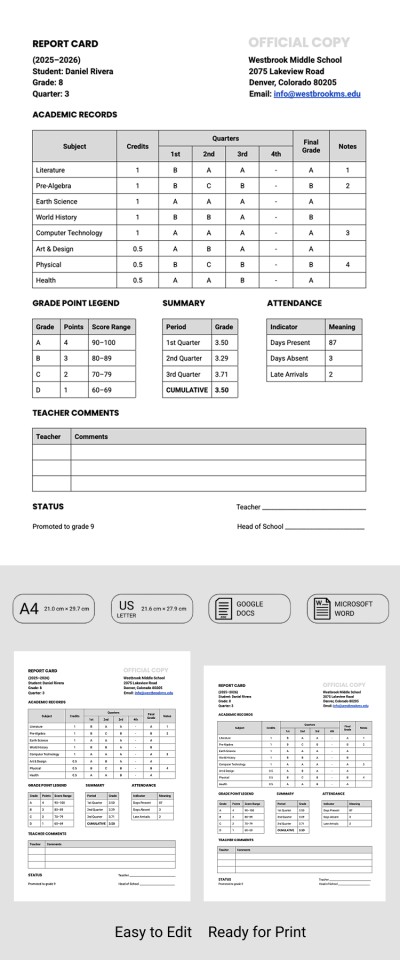
Is it time to summarize each student’s annual progress? Use our structured, editable School Report Template to make the task much easier. This template comes with editable tables for grades in various subjects and other key metrics. Plus, our Word and Google Docs report template is fully customizable and ready to print.
Complete Student Progress Report
Everything you need to create a professional student report is already included in this layout. Because the template is fully editable, you can easily customize the list of subjects, add your own metrics, and track student progression throughout the year.
Use our pre-made structure:
- Enter the student's name, grade, quarter, academic year, and school information in the header section.
- Add the subject list, number of credits, quarterly grades, final grade, and notes to the main table.
- Fill in the grade point legend, summary, and attendance tables.
- Provide up to three separate comments in the teacher's feedback section.
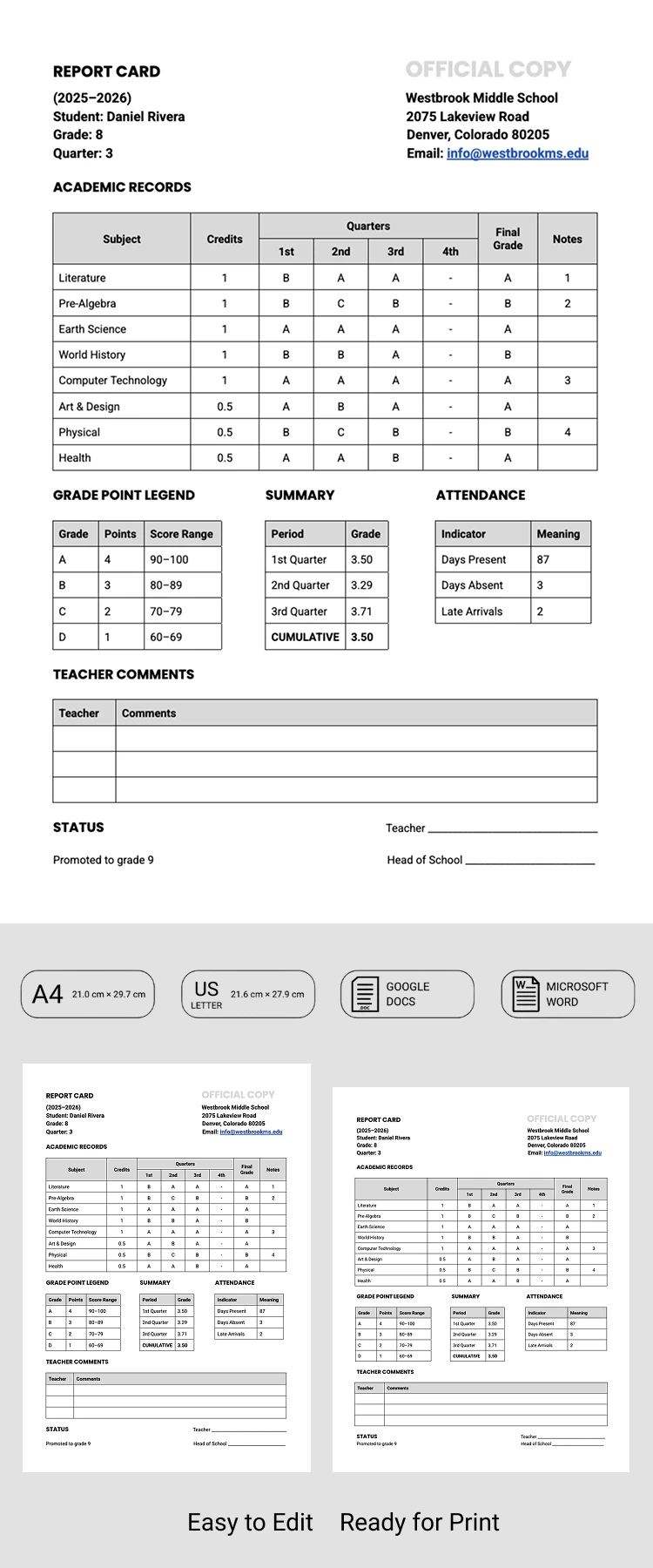
Instead of struggling with unmanageable forms, you can simply download or get a free copy of our school report template. Complete it on any device, save it as a PDF, and print it in A4 or US Letter size; it’s ready to go!
Download Free Template
Google Docs
Opens in browserMicrosoft Word
.docsWHAT’S INCLUDED
Report Tips
FAQ
How to Use and Edit This Template

Get Your Document

Customize Everything

Add Your Content

Print, Export, or Share
Related Templates
Recently Viewed