Easy Holiday Budget Tracker Template for Families
Use this free template with Google Sheets and Microsoft Excel
Template Specification
About this template
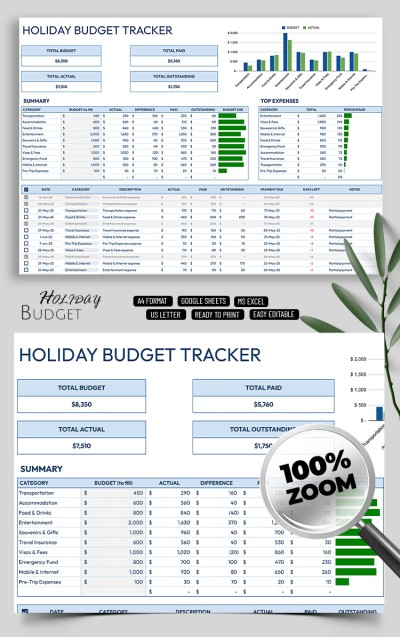
Explore all the features of our Easy Holiday Budget Tracker Template for Families. This editable spreadsheet is perfect for tracking all expenses during any holiday, from birthdays to Christmas. A simple, no-frills design, predesigned fields for hundreds of items, and built-in formulas with charts make our holiday budget tracker indispensable.
Track All Family Holiday Expenses in One Place
Our Google Sheets and Excel budget template offers advanced features that you don’t need to implement yourself.
Using this spreadsheet to track expenses and receive automatic calculations is simple:
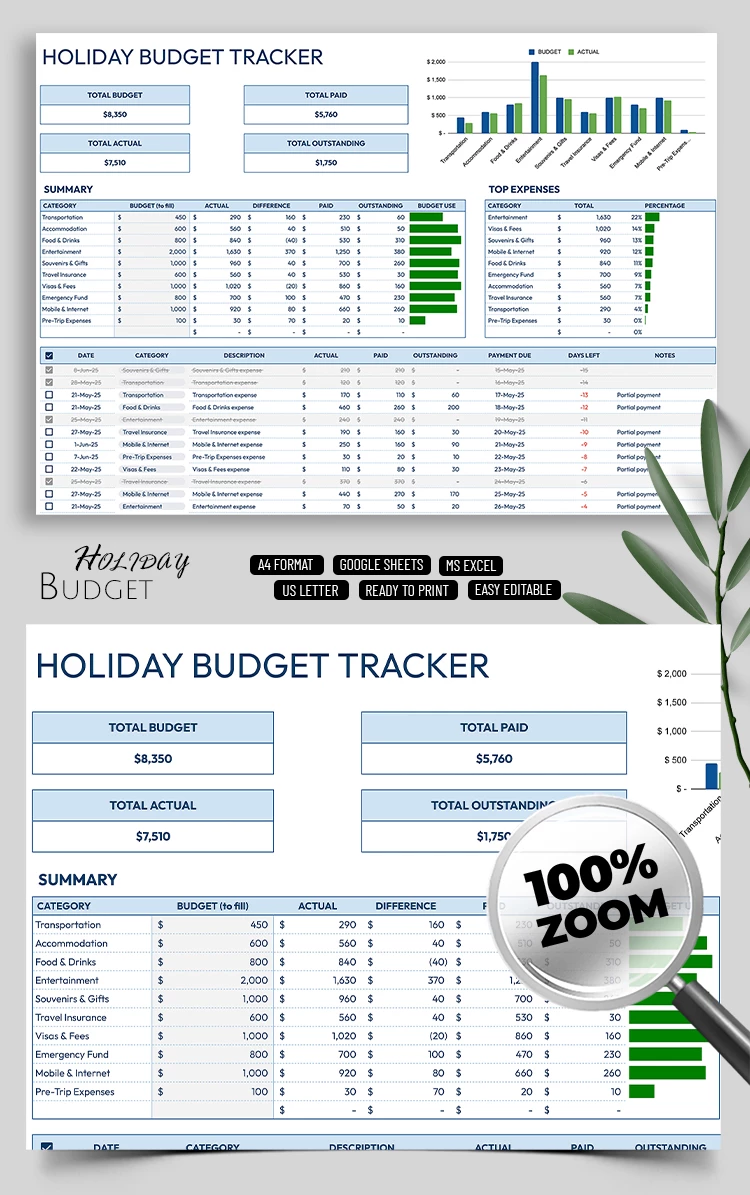
- In the header section, you can enter the total budget, and the actual, paid, and outstanding amounts will be calculated automatically. You will also get a column chart comparing budgeted and actual expenses for each category.
- Below is the summary section, where you only need to fill in the budget for each category. The remaining calculations are performed automatically based on the data you enter. The Top Expenses section will show total costs and percentages of the overall budget for each holiday expenditure type.
The calculations are performed based on the main table located below. Here, you enter the date, amount, and notes, and select an expense category. It’s recommended to fill in all columns so that the formulas and charts work correctly.
That’s it! Enter your data in just a few lines, and our template will do the rest. Want even more up-to-date options for any occasion? Check out the weekly budget template category.
Download Free Template
Google Sheets
Opens in browserMicrosoft Excel
.xlsxWHAT’S INCLUDED
Tracker Tips
FAQ
How to Use and Edit This Template

Get Your Document

Customize Everything

Add Your Content

Print, Export, or Share
Related Templates
Recently Viewed