Get unlimited access to 5000+ Templates for Google Docs, Slides and Sheets
Unlimited Access
All Templates

Personal Spending Tracker Budget Template

Use this free template with Google Sheets and Microsoft Excel
4.25 (1 reviews)
Last updated Updated June 20, 2026
ADVERTISEMENT

Template Specification

Format Google Sheets, Microsoft Excel
Created April 22, 2024
Last Updated June 20, 2026
Community Added to collections by 31 Users
Usage Stats 12 downloads this month

About this template

You should look at this offer if you are looking for a simple and modern Budget Tracker template that can be used in digital and printed form!

Modern Design Without Frills

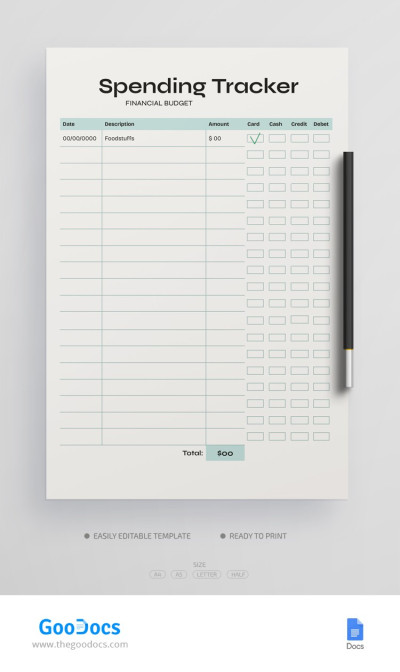
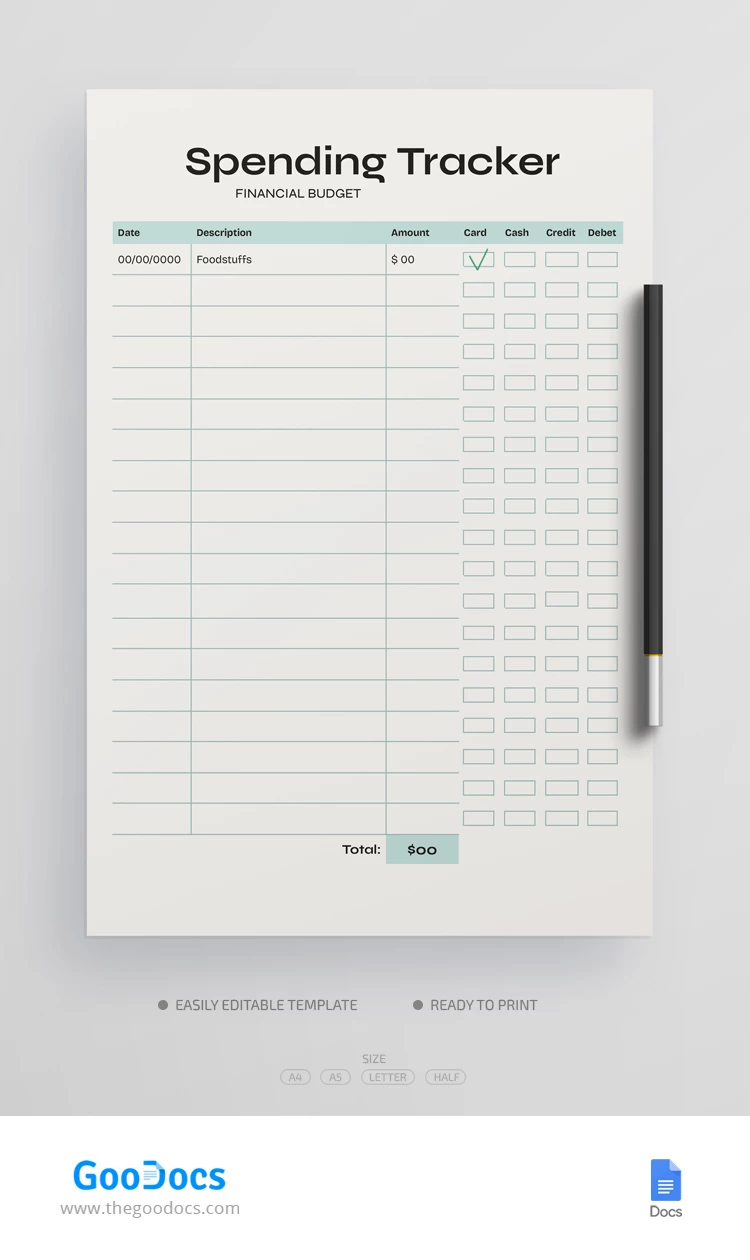
A gray background, simple heading section, black formal fonts, and green divider zone - what could be better for a quick information search? In addition, this monthly spending spreadsheet can be used in printed A4, A5, US Letter, or even Half Letter size formats.

A Simple Structure for an Effective Spending Tracker

The structure of this budget template in Google Docs looks like a table with checkboxes.

Your personal finance tracking solution is divided into sections such as:

  1. Dates.
  2. Descriptions of the payment.
  3. Amount spend.
  4. Fields with checkboxes for selecting a payment method (card, cash, credit, debit).
  5. Total (at the end of the month).

Anyone can use this free budget planner, regardless of their skills in working with Google editors.

You can manage your finances with hundreds of free budget templates available here.

ADVERTISEMENT
Free Template

Download Free Template

Choose your platform and start editing right away
PLATFORM

Google Sheets

Opens in browser

Microsoft Excel

.xlsx
PAPER SIZE
A4
A5
US Letter
Half Letter 5.5x8.5 inch
Google Sheets – A4
No account required • Attribution required

WHAT’S INCLUDED

Simple and modern table design
Editable Google Sheets and Excel
Checkboxes for payment methods
Automatic monthly total calculation

Tracker Tips

1
Update expenses after every purchase for accuracy.
2
Use different colors for each category.
3
Regularly review totals to control spending.
4
Download monthly to compare spending patterns.

FAQ

Is this template compatible with Excel? Yes, it's compatible with both Excel and Google Sheets.
Can I customize the spending categories? Yes, you can customize categories to fit your needs.
Is this template easy to use? Yes, it has a simple structure perfect for beginners.
Is this budgeting template free? Yes, you can download and use it for free.
How is the payment method selected? Use checkboxes to select your payment method for each transaction.
ADVERTISEMENT

How to Use and Edit This Template

Get Your Document

1

Get Your Document

Click the "Edit Template" button to create your own editable copy in Google Sheets or download for Microsoft Excel
Customize Everything
2

Customize Everything

Easily change colors, fonts, and layouts to match your unique style or brand identity
Add Your Content
3

Add Your Content

Fill in your data, upload images, and replace the placeholder text with your own information
Print, Export, or Share
4

Print, Export, or Share

Print, export as PDF, or share instantly

Related Templates

Recently Viewed