Get unlimited access to 5000+ Templates for Google Docs, Slides and Sheets
Unlimited Access
All Templates

Vacation Tracking Budget Template

Use this template with Google Sheets and Microsoft Excel
4.53 (2 reviews)
Last updated Updated June 8, 2026
Created by Emily Williams
ADVERTISEMENT

Template Specification

Format Google Sheets
Created March 8, 2022
Last Updated June 8, 2026
Community Added to collections by 14 Users
Usage Stats 0 downloads this month

About this template

A business or holiday trip is always an expense. If you are going on vacation and want to immediately calculate what entertainment you have enough money for, we recommend using our free Vacation Tracking Budget template. A convenient and understandable design, which you can also remake to suit any of your needs, will make this option ideal for almost any calculation.

Tables for Precise Scheduling Included 

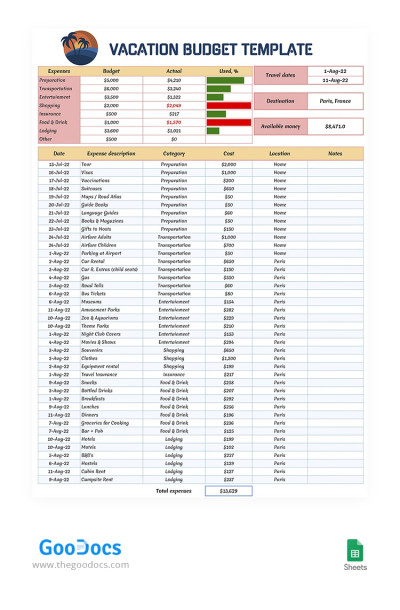
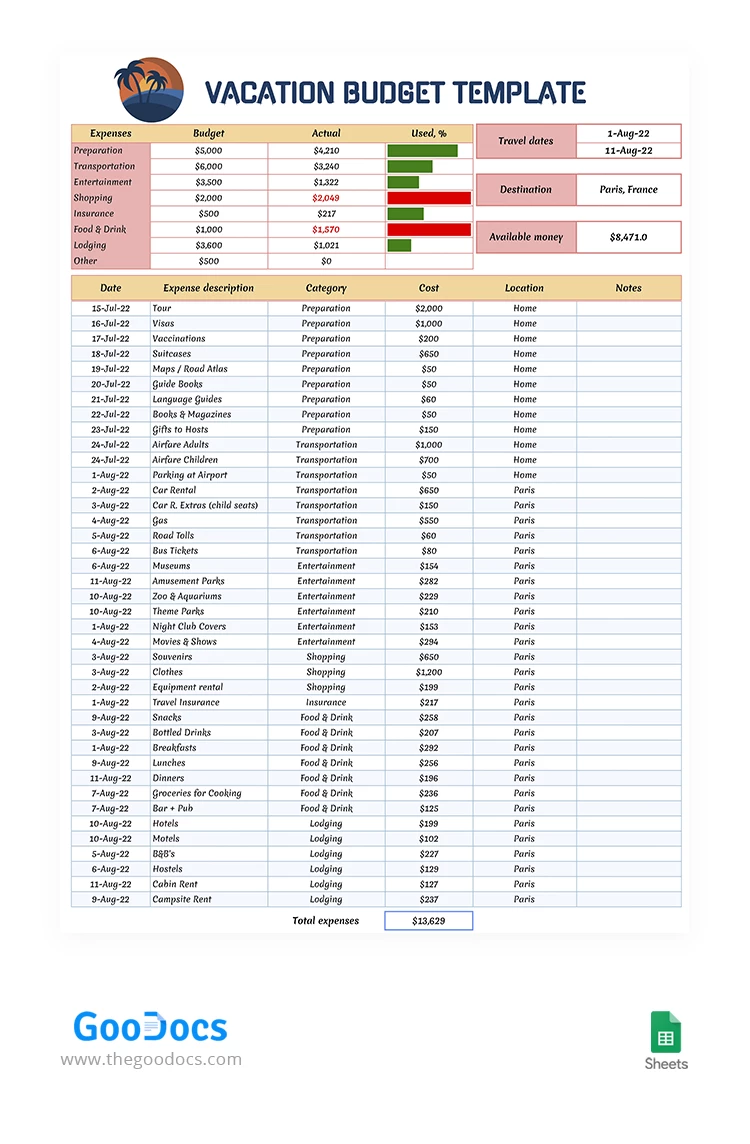
We offer the page, irregularly split into two multi-component tables. At the top, you can enter the vacation's total expenses, including lodging, preparation, vehicles, entertainment, shopping, and other categories of expenditures you plan to incur during your trip. 

The lower table, larger in size, has a 6-column grid, easy to use. Here, you can record your expenses day by day, keeping your finances under control. The date, location, category, cost, and additional notes, useful for the overall calculation, are at your disposal. 

Intuitive Editing 

Notice how user-friendly the travel budget template structure is! Besides easily entering your own data and sums into the prepared layout, you can also edit the appearance and spreadsheet settings. For example, adding a couple of columns for additional expenses or making the visualization more prominent are just a few clicks away. Feel free to experiment!


Premium Template
50% OFF
Started at
$2.50 $4.99 /month
Instant download after signup
Access to 7,000+ templates
No attribution required
Cancel anytime
UNLOCK THIS TEMPLATE
💳 Safe Payments • 🔒 SSL Secured

WHAT’S INCLUDED

Detailed expense tracking sheet
Automatic budget comparison charts
Editable travel dates section
Customizable expense categories

Tracker Tips

1
Regularly update expenses to maintain accurate tracking.
2
Customize categories to fit your vacation needs.
3
Utilize notes column for additional expense details.
4
Compare actual and budgeted expenses weekly.

FAQ

Is this template compatible with Google Sheets and Excel? Yes, it works with both Google Sheets and Excel.
Is the template easy to use? Absolutely, it features a user-friendly design for ease of use.
Can I customize this template? Yes, you can modify categories and layout as needed.
Is this template free to download? Yes, it's completely free to download and use.
How can I track daily expenses? Enter daily expenses in the lower table for accurate tracking.
ADVERTISEMENT

How to Use and Edit This Template

Get Your Document

1

Get Your Document

Click the "Edit Template" button to create your own editable copy in Google Sheets or download for Microsoft Excel
Customize Everything
2

Customize Everything

Easily change colors, fonts, and layouts to match your unique style or brand identity
Add Your Content
3

Add Your Content

Fill in your data, upload images, and replace the placeholder text with your own information
Print, Export, or Share
4

Print, Export, or Share

Print, export as PDF, or share instantly

Related Templates

Recently Viewed