
AI Resume Generator
The templates in this category are specifically designed to work with our online AI resume generator. Open a fully editable, customizable template in TheGoodocs' resume maker, fill in your basic information, and use the automated resume writer to fill in the professional summary, work responsibilities, and other sections based on your data. Work directly in your browser without extra software, and then save the final version for online submission or printing.
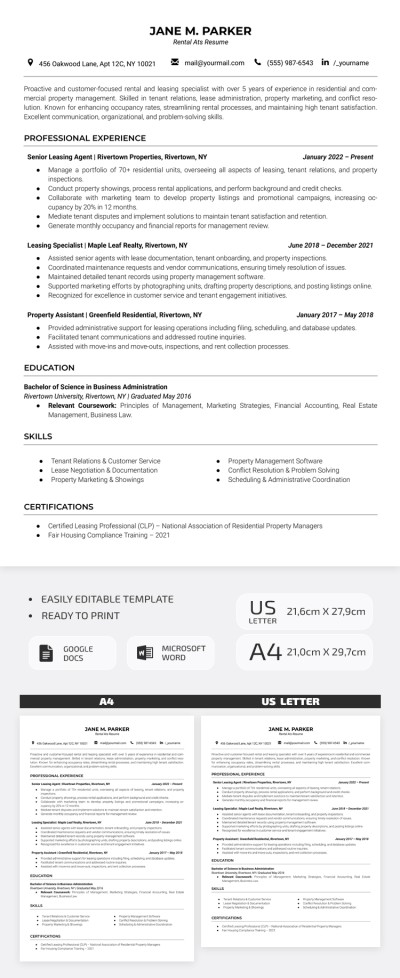
Simple Rental ATS Resume Template
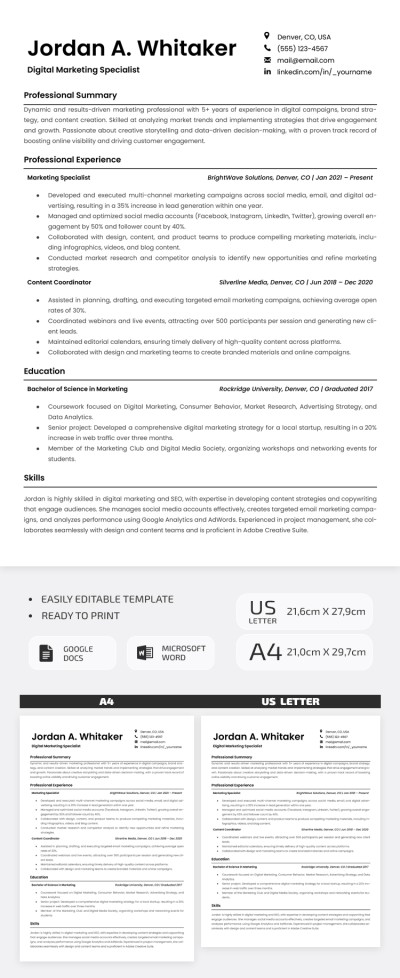
ATS-Friendly Resume Template – Professional & Editable
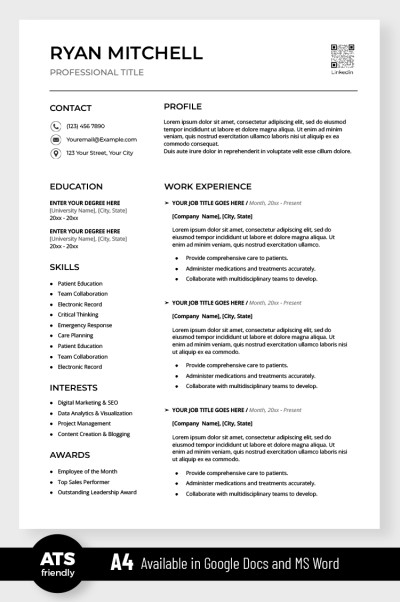
Simple ATS Resume
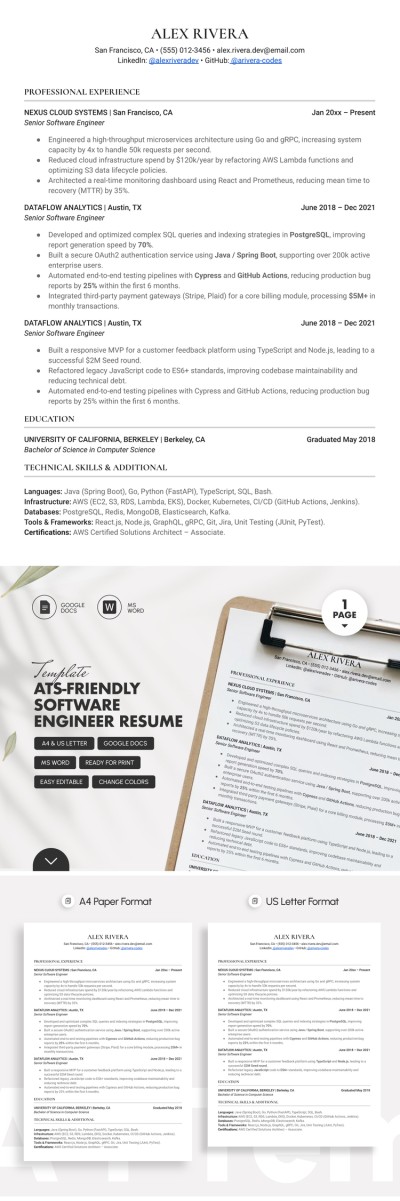
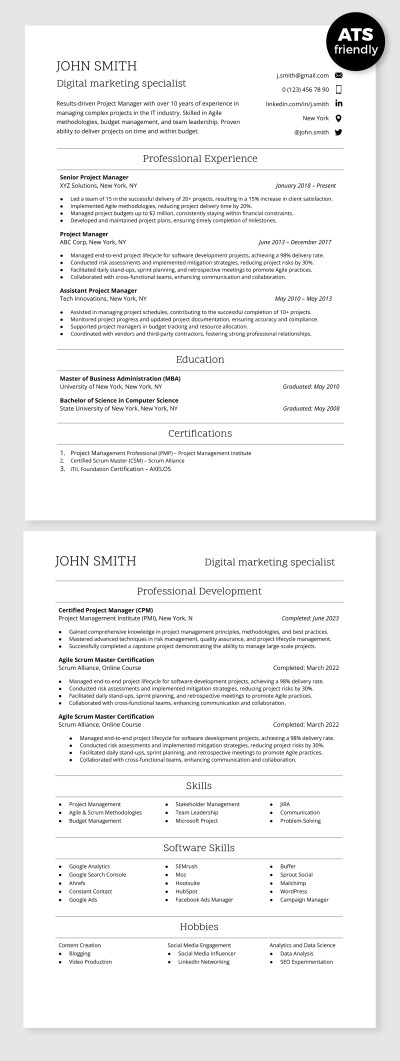
ATS Compatible Digital Marketing Specialist Resume Template
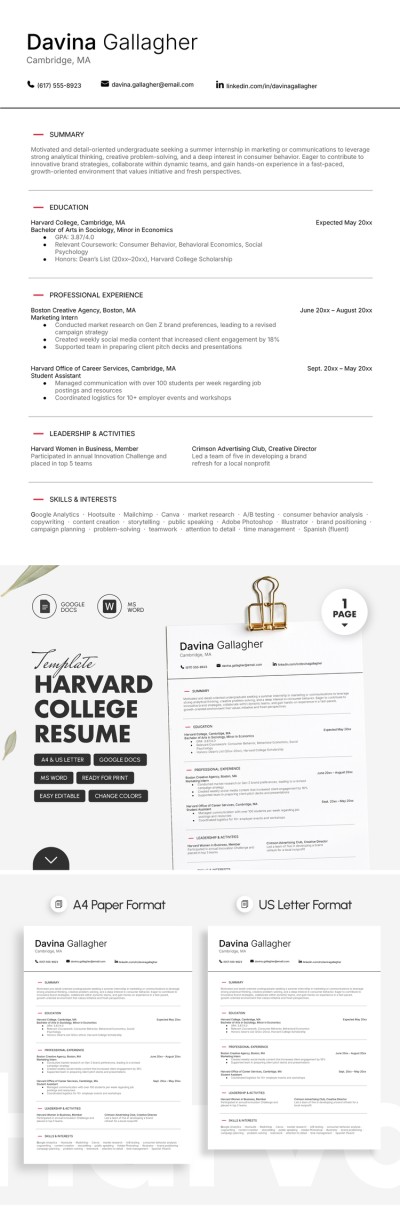
Harvard College Resume Template
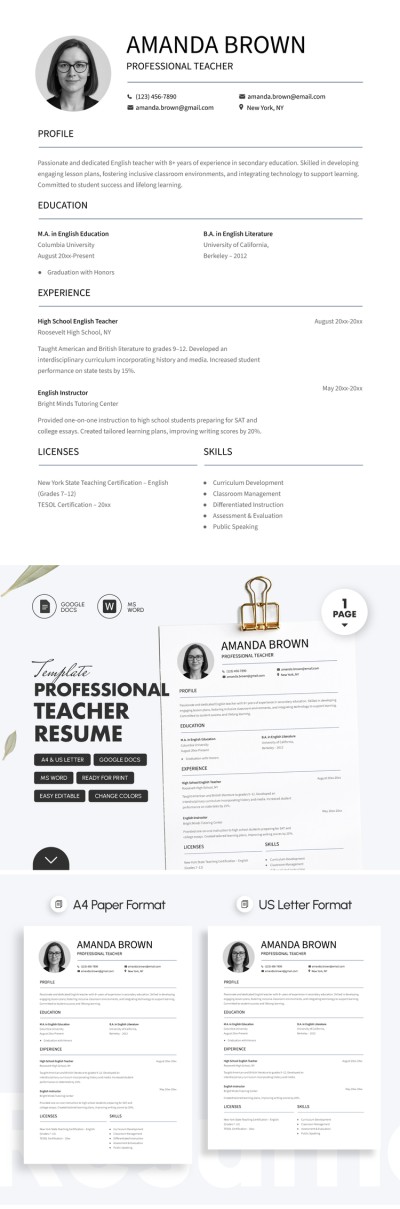
Professional Teacher Resume Template For Job Applications
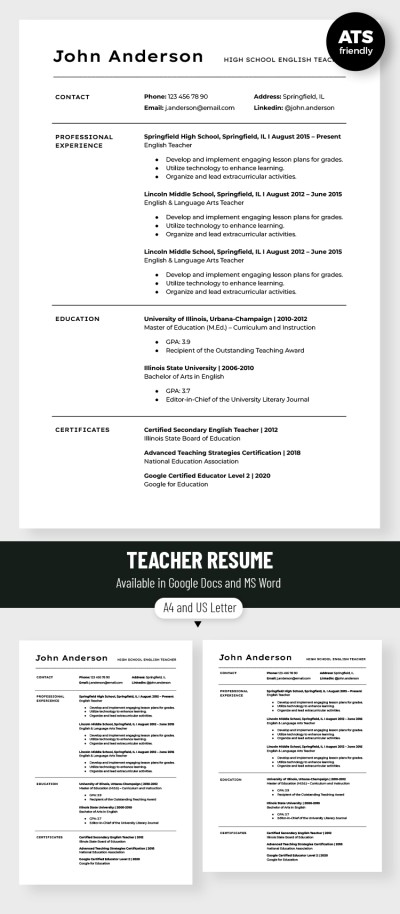
Editable Teacher Resume Template
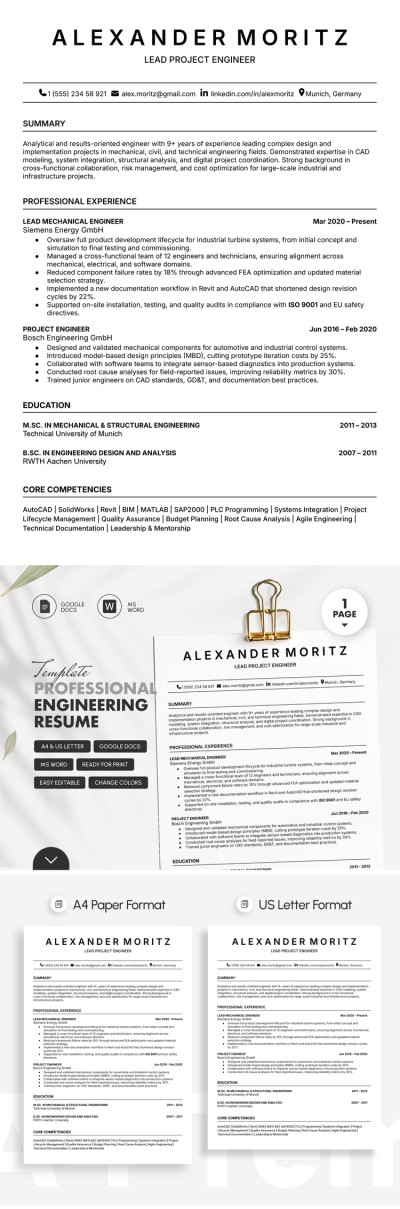
Professional Engineering Resume Template
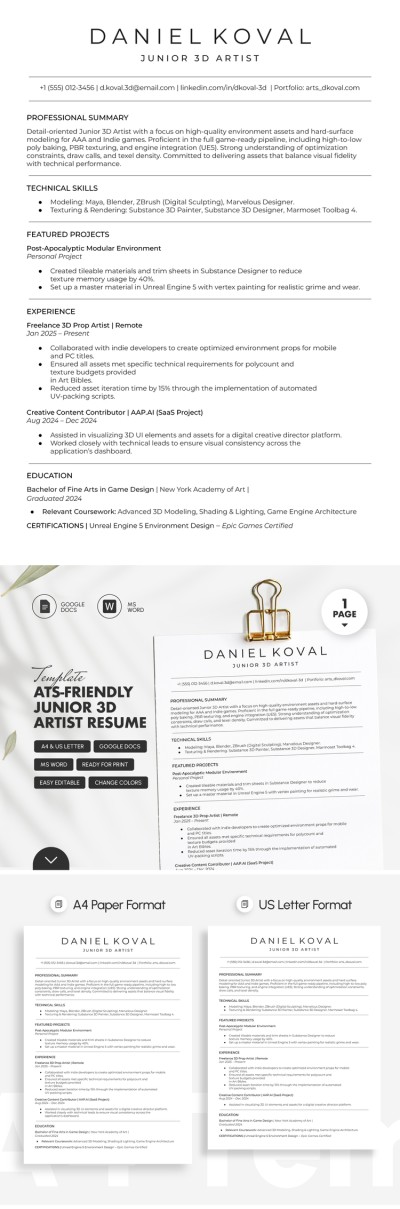
ATS-Friendly Junior 3D Artist Resume
Please try different filters or clear all to start over.
Our AI resume generator category includes templates integrated into our new AI tool, and you can take advantage of this free template personalization feature right away. Templates can be customized directly in your browser without leaving the website, and then downloaded as a PDF or Word document with one click.
More benefits of our AI resume maker:
- Use a convenient and intuitive template editing interface. Each template comes with sample text. You can replace it and enter new text using the windows within the resume generator. Each window is linked to a specific resume section, including work experience, education, skills, contact info, and more. Click on any field and enter your information, and the template's formatting and appearance will remain unchanged.
- Get more interview invitations with an AI resume writer. Our resume maker tool comes with a built-in AI assistant that automatically generates text blocks based on the information you enter. Just fill in your work experience, and our tool will quickly create a professional summary and format your responsibilities so your resume will pass ATS screening while remaining easy to read for HR recruiters.
- Personalize your resume template in minutes. With our free resume creator, you won't have to spend hours poring over a blank form, and the initial sample text will help you get started. Use the provided text as a basis, fill in each section, and the algorithm will automatically distribute the generated content across resume sections while keeping the layout intact. There's no need to customize lists, align columns, or wrap text.
Generate up to ten sections (five for unregistered users) per month for free with the built-in resume writer, or use the user-friendly interface to fill out the template yourself without limitations. With preset file settings and an easy-to-use resume creator, the final version of your document is print-ready, ATS-compatible, and ready for digital sharing on any platform. Hundreds of professional free resume templates are also available at the link.
Ye Resume Templates FAQ
You can use our AI resume maker for free right now. To get started, follow these simple steps:
- Select a suitable template on this page and click on the preview or title to go to the template page.
- Click the "Customize with AI" button to open the builder.
- On the builder page, fill out the fields on the left side of your resume, including your name, contact info, education, skills, and certifications.
- Click the "Write with AI" button under Professional Summary and Responsibilities, and our AI writer will automatically fill these sections.
- Click the "PDF" or "Word" button in the builder header to download the final version of your resume in your preferred format.
In just a few quick and easy steps, you'll get a complete resume without wasting time on the most challenging sections. Try our AI resume builder for free today and explore all its benefits.
Yes, all our AI-compatible resume templates are available for free. Using the resume builder is also free, but the number of generations for the Professional Summary and Responsibilities sections is limited. Unregistered users get up to five generations, registered users get ten, and premium users can create up to 100 generations per month. All other tools, plus the option to edit our templates in Google Docs and Word, are available to all users free of charge.
No, our resume generator works in tandem with the templates presented on this page. You can select one or more templates and use the AI resume builder to quickly replace text and automatically generate content for your sections. The overall layout, fonts, and design of the final version of your resume will remain intact and depend only on the initial template's layout.
Both an AI resume builder and a professional resume writer have their advantages and disadvantages:
- Resumes written by artificial intelligence are much more likely to be selected by AI and ATS systems, which are used by over 80% of large companies for initial screening.
- Resumes written by a professional resume writer have a much higher chance of being selected by HR departments that don't use AI for prescreening.
Furthermore, an AI resume writer will produce a resume ready to send out in just a few minutes for free. A professional resume writer will need days or even weeks to conduct interviews and write the document, but such a resume will be much more detailed and accurate. There is no one-size-fits-all solution, so choose between speed and ATS optimization or a detailed document.