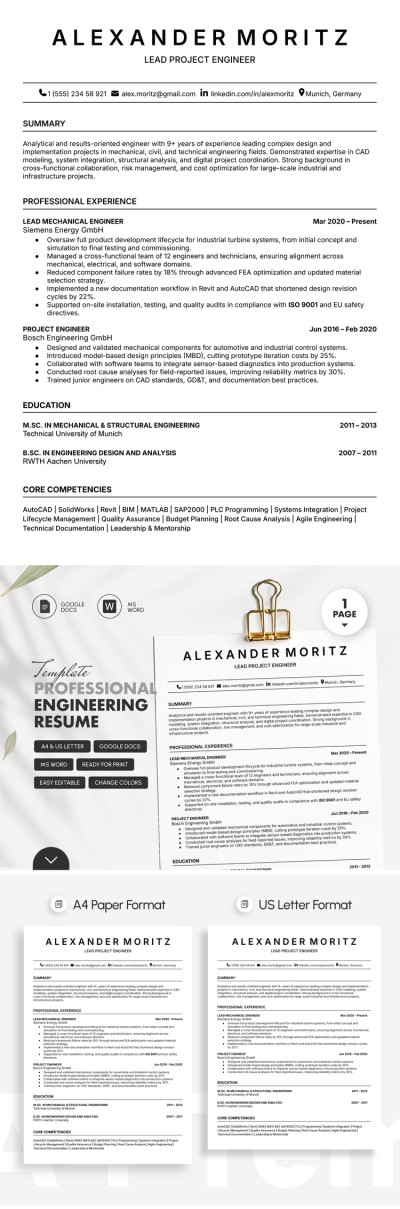
Professional Engineering Resume Template
Use this free template with Google Docs and Microsoft Word
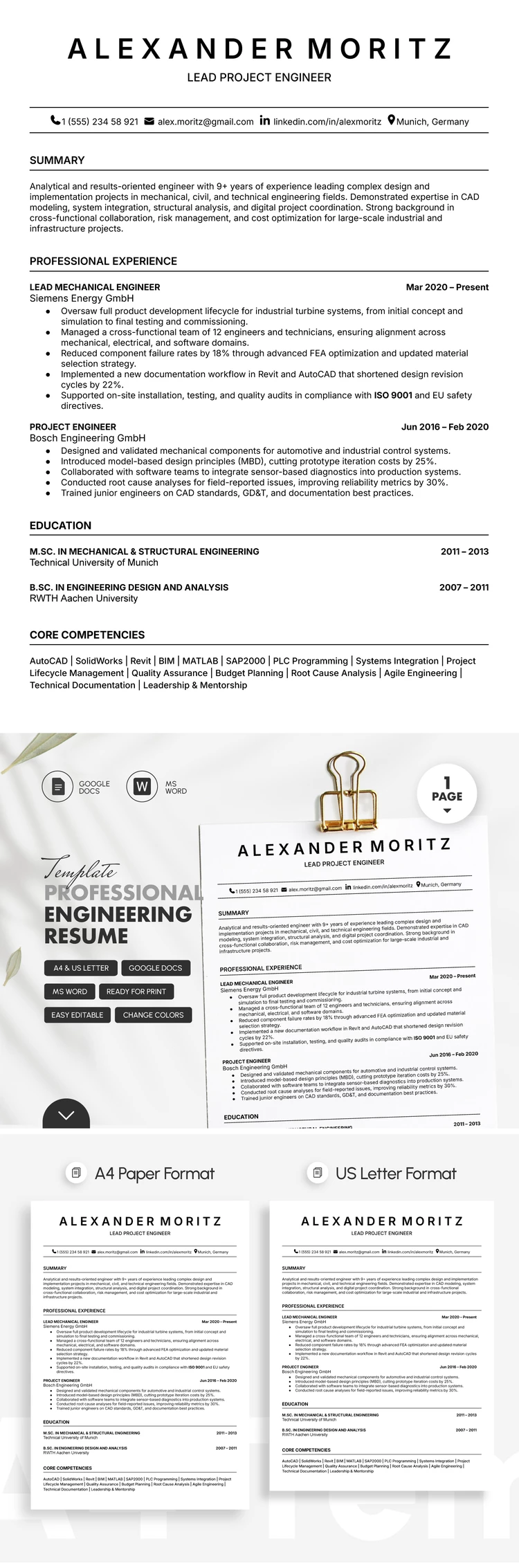
Template Specification
Key Features of This Template
About this template
Land your next job using our Professional Engineering Resume Template. This option is perfect for the highly competitive engineering and IT industries, allowing you to detail your work experience, skills, and education. It is one of our simple resume templates that emphasizes structure over flashy design.
Create a Strong Engineering Profile
This template features a classic white background paired with clean and easy-to-read fonts. Since most large companies now use ATS, this minimalist design is more relevant than ever for ensuring your resume gets noticed.
Our engineering resume template includes all the necessary sections:
- Add your name, desired position, and contact information in the header, and fill out a professional summary using our sample text.
- Describe your professional background, including your last two roles, with company names, job titles, and a detailed list of your achievements.
- Fill in your educational details and core competencies in separate sections at the bottom part of the template.
Our resume templates for Google Docs and Word are fully editable, and this one is no exception. Simply replace the placeholder text while preserving the original formatting. You can also use AI resume writer to customize it and save the final varsion as a PDF to print it or send it to potential employer.
Download Free Template
Google Docs
Opens in browserMicrosoft Word
.docsWHAT’S INCLUDED
Resume Tips
FAQ
How to Use and Edit This Template

Get Your Document

Customize Everything

Add Your Content

Print, Export, or Share
Related Templates
Recently Viewed