ATS-Friendly Resume Template – Professional & Editable
Use this free template with Google Docs and Microsoft Word
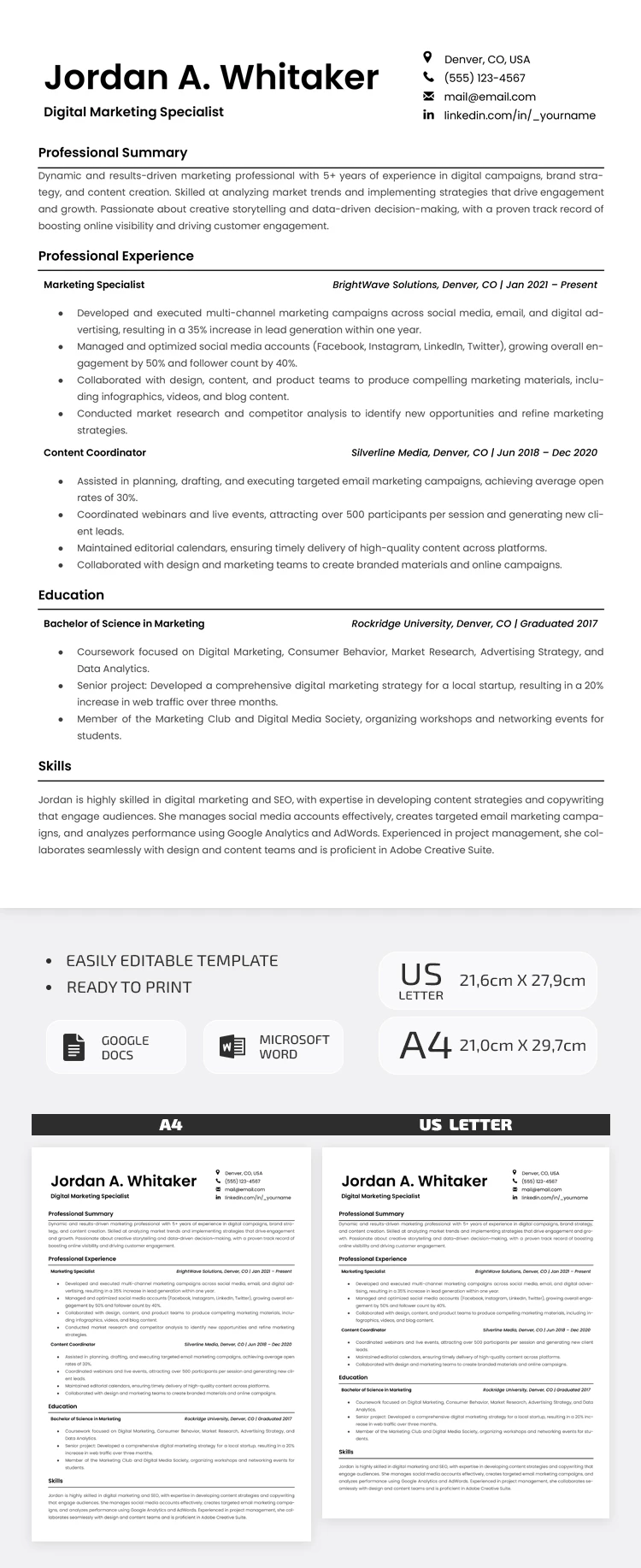
Template Specification
Key Features of This Template
About this template
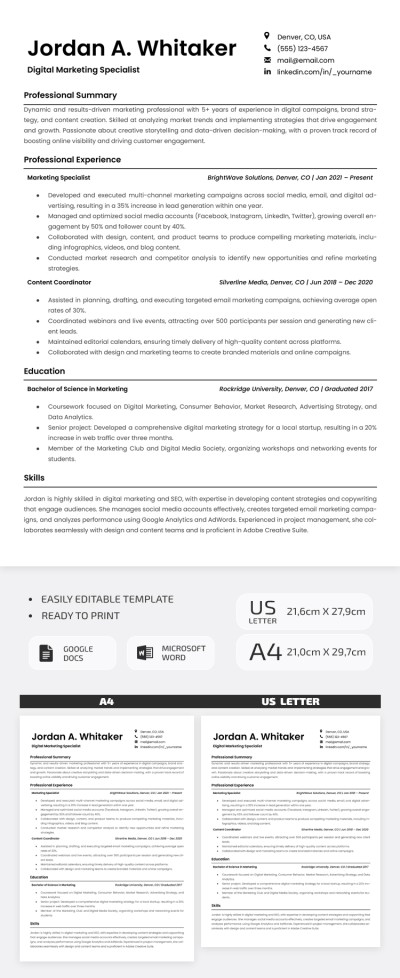
Our ATS-Friendly Resume Template is an excellent choice for those with extensive work experience who want to ensure they pass the initial screening. This template's key feature is not only its optimization for applicant tracking systems but also its efficient use of space. Moreover, you can use our marketing resume template for free.
Edit Our ATS-Compliant Template
This template is available in Google Docs and Word formats. It features no complex layers, extra illustrations, or non-standard fonts. This ensures that when you download free resume template, or edit it with our AI resume maker, you can be confident your document will successfully pass the screening.
Each section of the template is marked by a clear heading and a horizontal divider:
- Enter your name, desired position, contact info, and a professional summary at the top of the template.
- Add your work experience, including job titles, company names, employment dates, and bulleted lists of your responsibilities and achievements.
- Complete your resume by entering your education and listing your hard and soft skills.
Customizing it takes a little time, and you can save the file as a PDF in just a few clicks. This format is ideal for passing screening systems without any formatting issues. More free ATS-friendly resume templates are available on our website.
Download Free Template
Google Docs
Opens in browserMicrosoft Word
.docsWHAT’S INCLUDED
Resume Tips
FAQ
How to Use and Edit This Template

Get Your Document

Customize Everything

Add Your Content

Print, Export, or Share
Related Templates
Recently Viewed