ATS-Friendly Junior 3D Artist Resume
Use this free template with Google Docs and Microsoft Word
Template Specification
Key Features of This Template
About this template
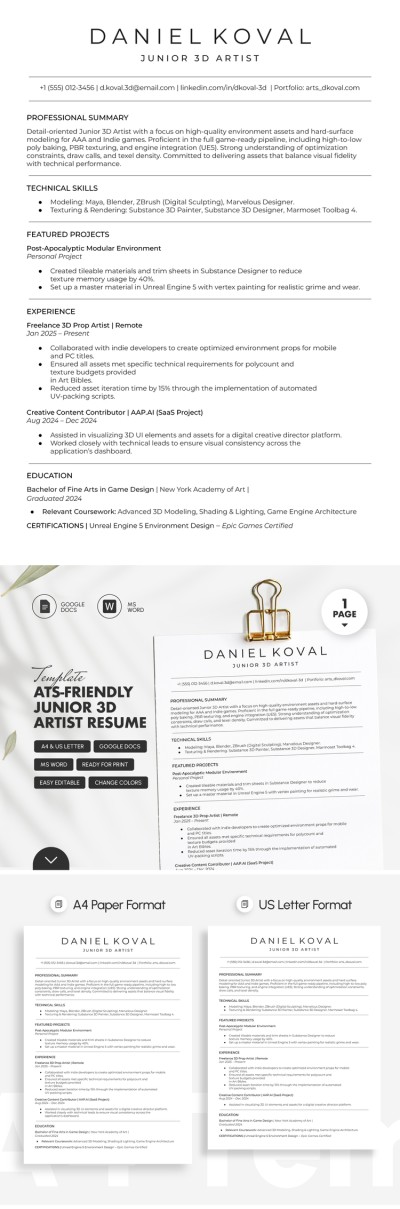
Our ATS-Friendly Junior 3D Artist Resume Template is a versatile choice suitable for any industry. You can use our sample text and a pre-made structure that really works. The absence of illustrations or graphic elements, along with a straightforward layout and bulleted lists, makes this template ideal for ATS scanning, while our resume writer will help you fill it out.
Structured & Editable Resume for 3D Artists
You can use our sample text to write your own professional 3D artist profile summary. This Word and Google Docs resume template is fully editable, so you can quickly fill it out in your preferred editor. Plus, the formatting stays completely intact, saving you a ton of time.
Create the best 3D artist resume with our template:
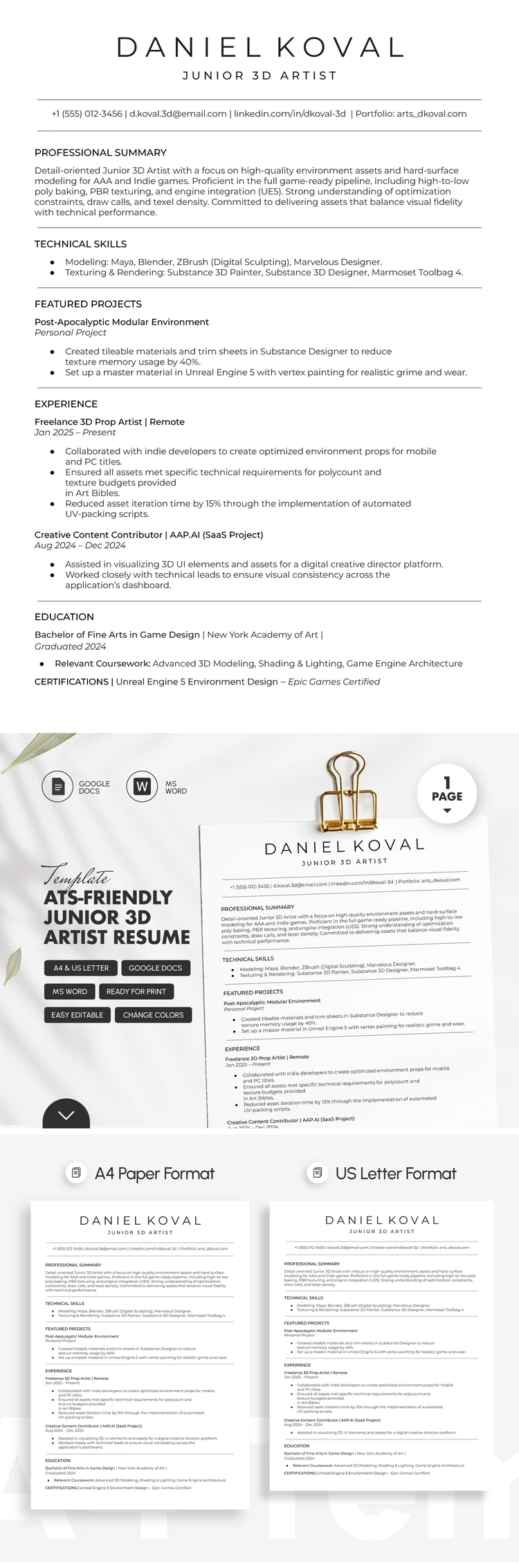
- The header contains a section for your name, desired position, contact information, and professional summary.
- Technical skills and featured portfolio projects can be listed below.
- The template concludes with structured sections for your work experience and education.
Need to print your resume or submit your application directly to a company's website? Save the file as a PDF, print it in A4 or US Letter size (you can select your preferred size before downloading), or share it digitally. Your perfect one-page resume template is waiting for you on our website.
Download Free Template
Google Docs
Opens in browserMicrosoft Word
.docsWHAT’S INCLUDED
Resume Tips
FAQ
How to Use and Edit This Template

Get Your Document

Customize Everything

Add Your Content

Print, Export, or Share
Related Templates
Recently Viewed