
6 x 9 inch Book Templates
Use 6 x 9 book templates, ideal for fiction in any genre and nonfiction publishing. This compact format, used in most book printing, ensures a comfortable reading experience and is easy to carry, making it a highly popular choice. We've prepared layouts for dozens of book types, including margins, print formatting, heading styles, illustrations, covers, and more. Add text and customize the design of any layout in Google Docs, Word, Google Slides, or PowerPoint, and save it as a PDF for printing.

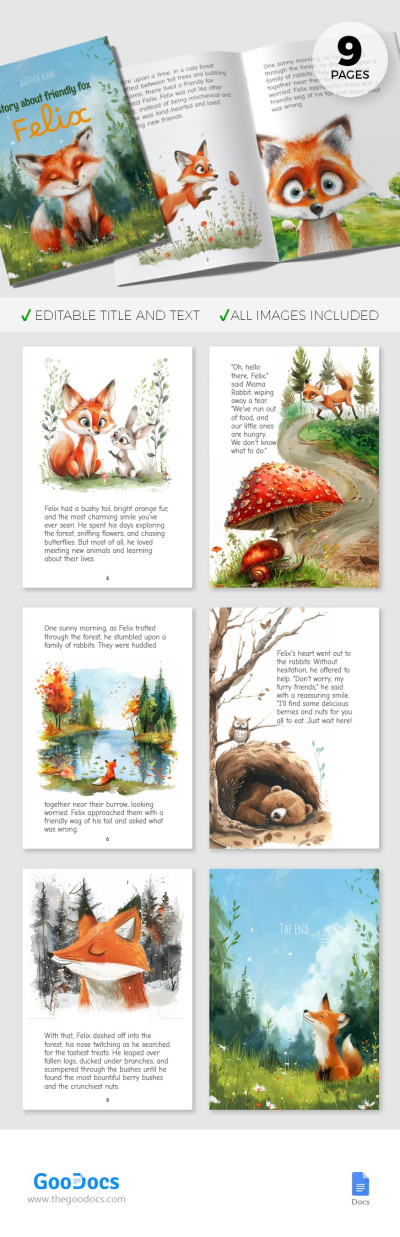
Illustrated Children's Book
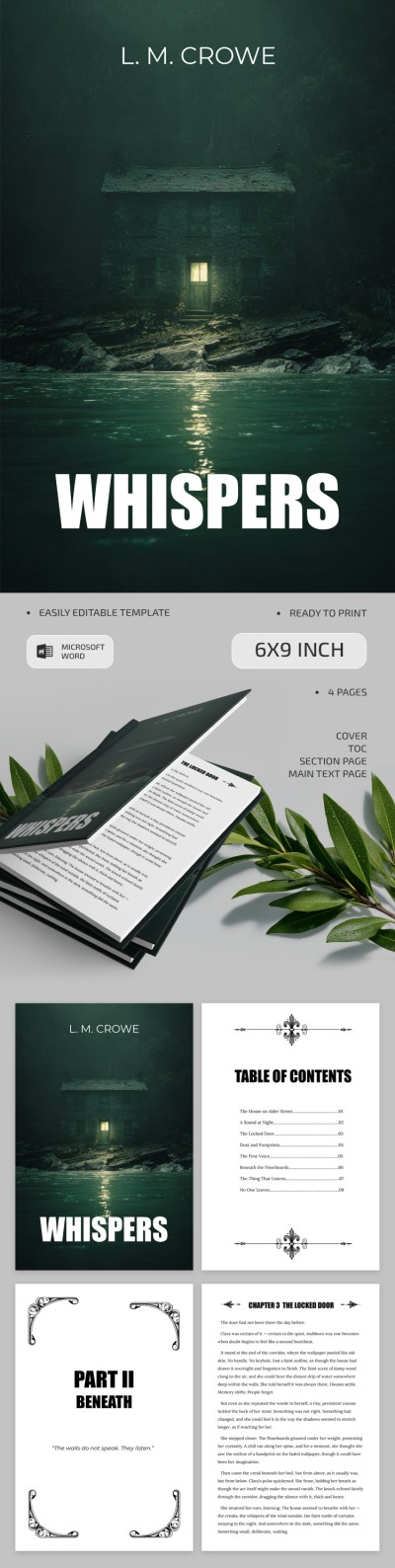
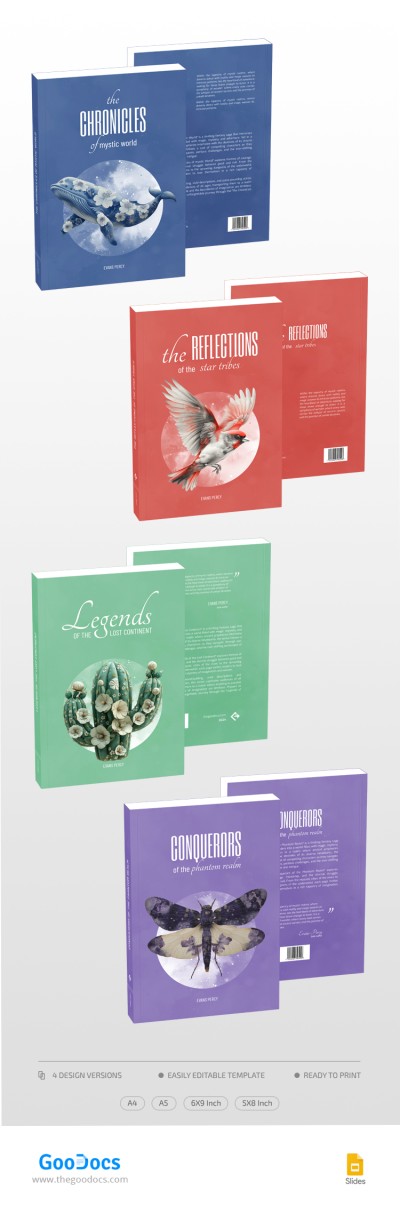
Colorful Book Cover Design

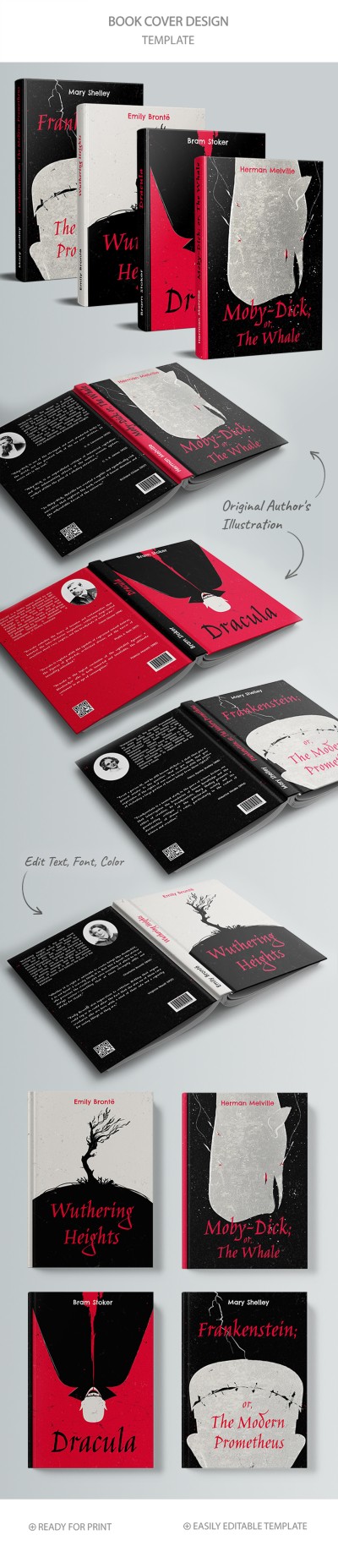
Classic Book Cover Design

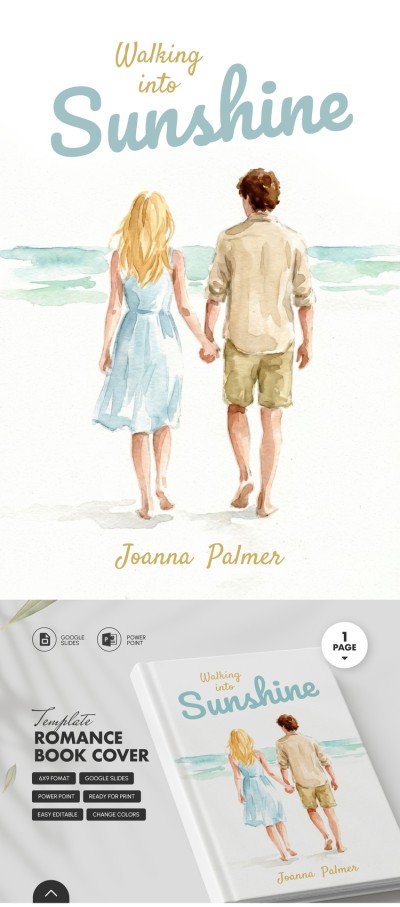
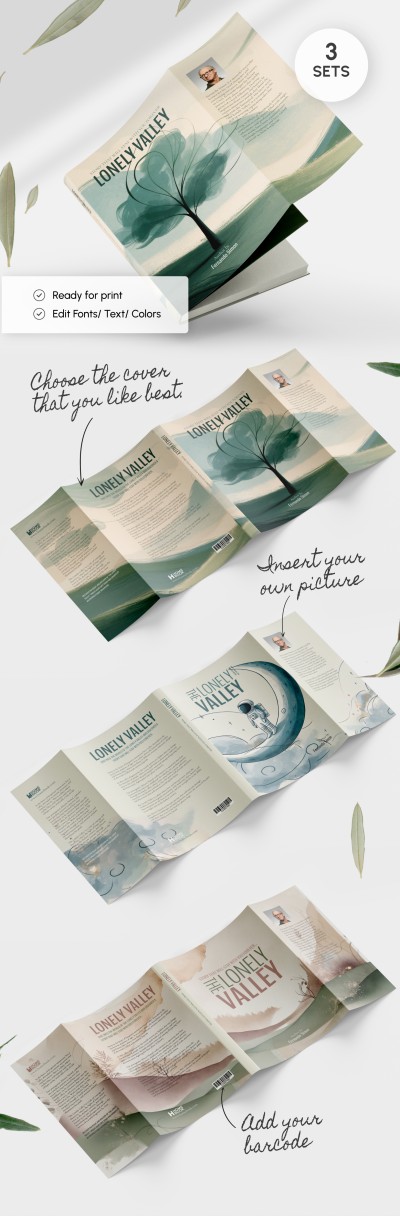
Book Jacket Project
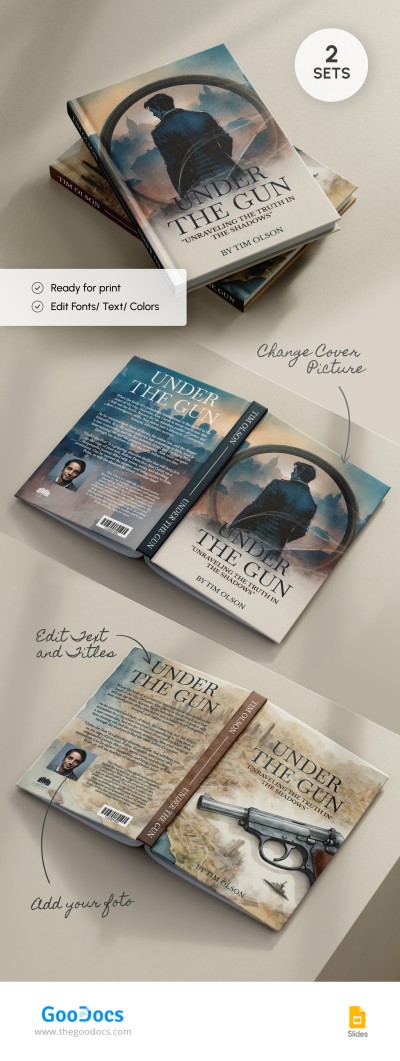
Elegant Book Cover
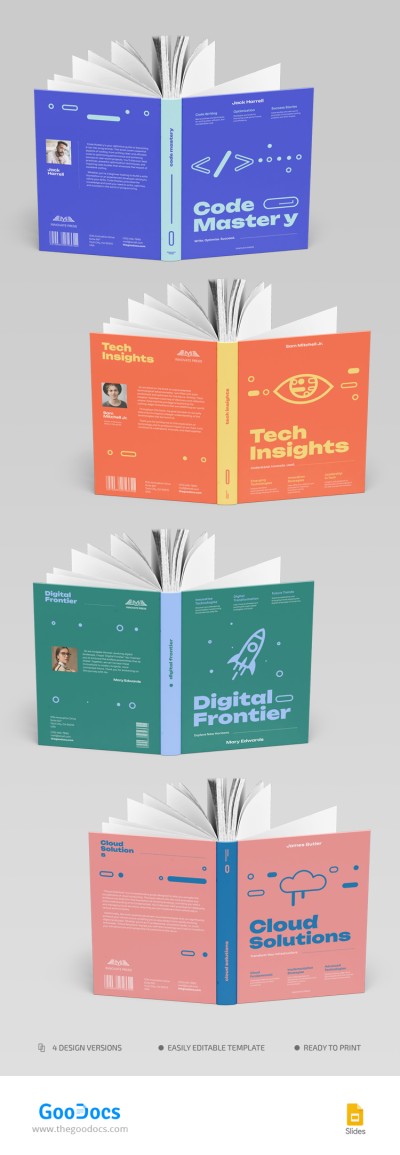
Colorful Book Cover

Customizable Book Jacket Outline Template
Please try different filters or clear all to start over.
Our 6 x 9 inch book templates are print-ready, preformatted layouts based on the gold standard for US Trade Paperbacks, but they are also well-suited for hardcover printing. They can be used on most self-publishing platforms and in traditional publishing for any type of literature, including non-fiction, memoirs, business books, and fiction.
Explore the key advantages of this format and our templates:
- The 6 x 9 inch size allows for the optimal number of words per page. This format maintains the ideal balance between book volume and printing costs. Your book won't end up looking too thick or too thin. Each template comes with margins and line spacing that balance readability and page efficiency.
- You can use the premade format, page design, and cover design. Most options include cover templates with consistent styles for the front cover, back cover, and spine. Our 6 x 9 inch books also come with professional, copyright-free illustrations and designs for the interior pages. Simply add your text to the title page, covers, table of contents, and chapters.
- The templates are fully editable in various formats. Make a copy in Google Docs or Google Slides, or download the template in Word or PowerPoint format. Then, open it on any device, replace the placeholder text, and paste your own content. The formatting is fully preserved, and your book is ready for print almost immediately; just save the file as a PDF.
Use our free 6x9 book templates, the universal standard for most global distributors. Pre-set bleed and other formatting settings will save you days of work compared to creating a design from scratch. Choose your next Google Docs book template on our website today!
6 x 9 Inch Book Templates FAQ
To format book pages to a 6 x 9 inch size, do the following:
- Open the Layout tab in the top menu in Word (this is where most page settings are located).
- In the Orientation section, select Portrait.
- In the Size section, select Custom Page Size. Then, enter the desired width and height (6 x 9 inches).
- In the Page Borders section, set the desired spacing (we recommend 0.75 inches for the inside margin and 0.5 to 0.75 inches for the outside, top, and bottom margins).
After that, you can begin writing your book. It is best to choose a suitable serif font for better readability.
Before formatting your book, keep in mind that the inside and outside margins should be set differently.
Here’s how to set them up properly:
- Use an inside margin of 0.75 to 0.875 inches for books between 150 and 400 pages.
- For books longer than 400 pages, increase the inside margin. A setting of 0.875 to 1 inch (or more) is recommended to account for the thickness of the spine.
The inside margin is the most important detail to consider. As a book gets thicker, the text can easily disappear into the spine. The remaining margins, including the top, bottom, and outside, should be set between 0.5 and 0.75 inches.