Customizable Book Jacket Outline Template
Use this free template with Google Slides and Microsoft PowerPoint
Template Specification
Key Features of This Template
About this template
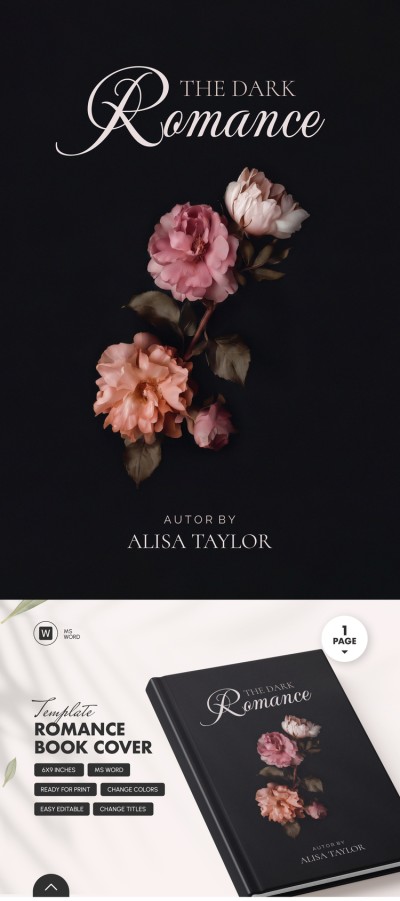
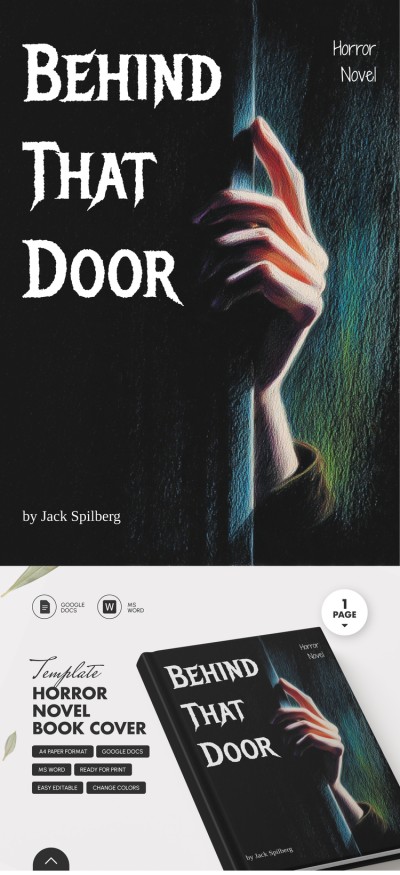
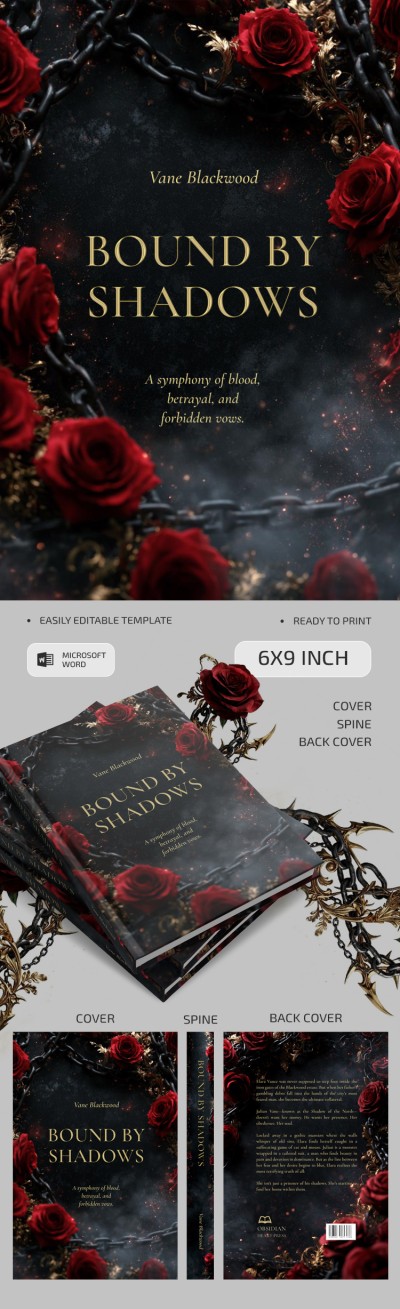
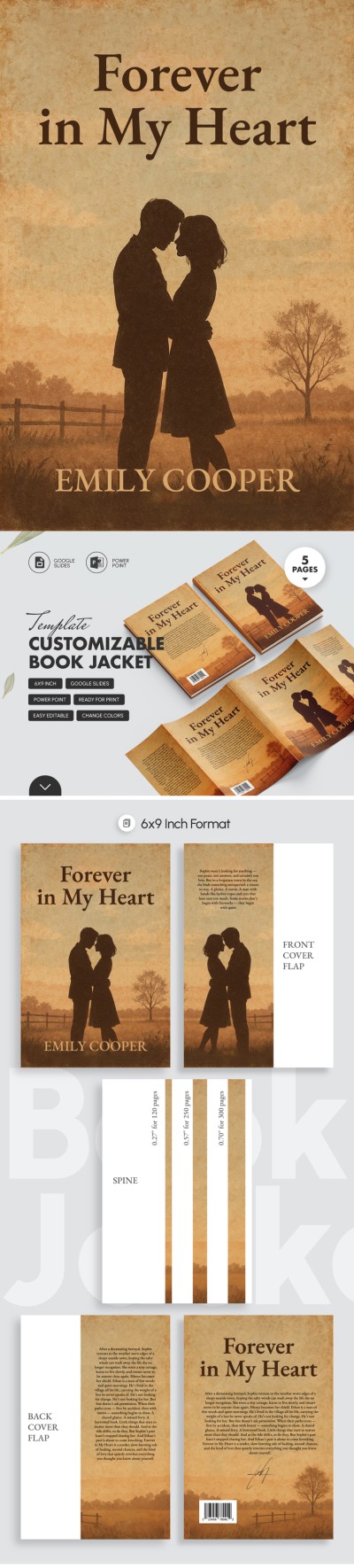
Check out our Customizable Book Jacket Outline Template! This fully editable and ready-to-print on 6x9 inch format example comes with even more convenient features.
Functional Zones
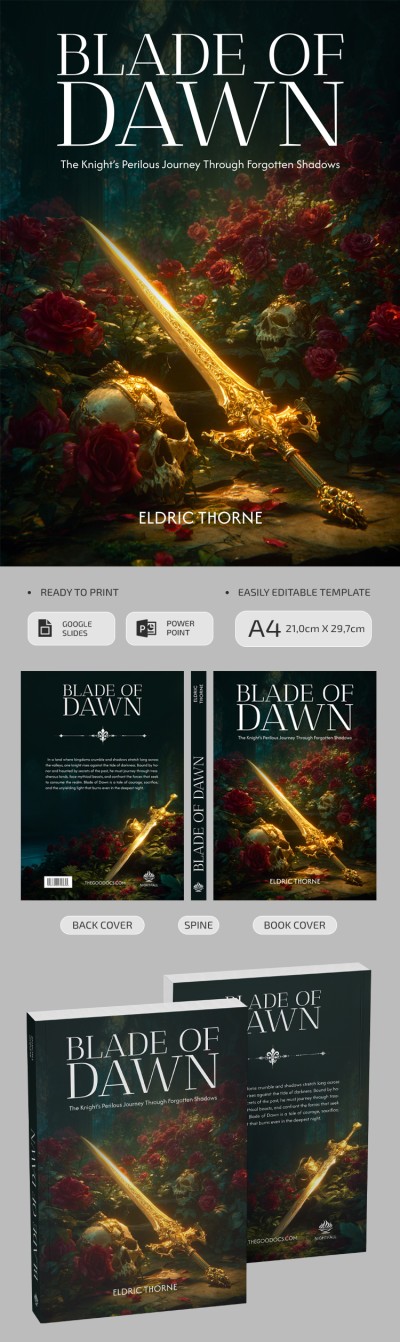
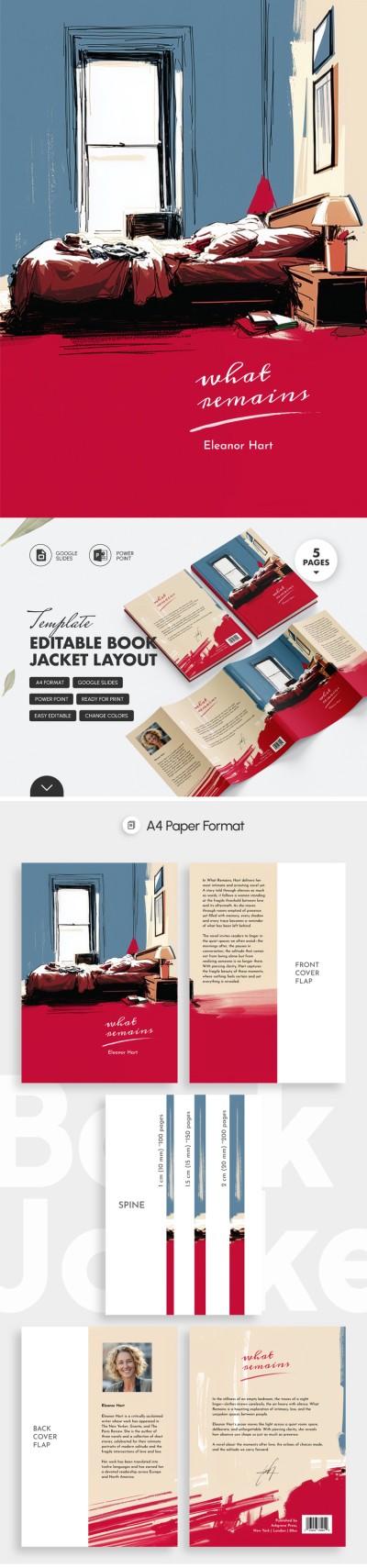
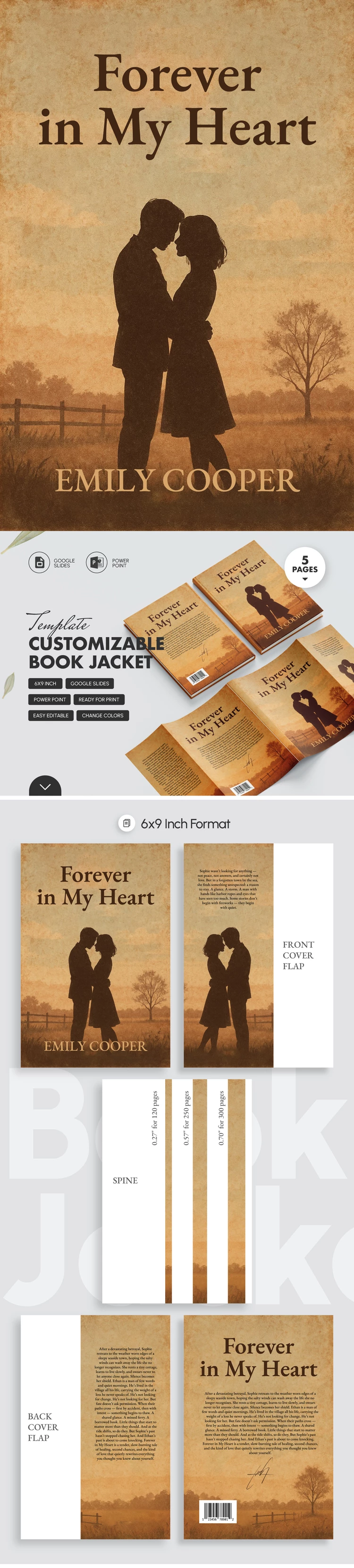
The romance book cover template has five functional areas, styled with a vintage vibe. The front cover is in the layout center. That's the face of your book: the title, author, and key image are included here. To the right, as a follow-up, comes the inside front flap. Just tipe in the bio or quotes here.
The back cover offers placeholders for annotations, reviews, or storylines on the left and has an additional flap inside for price, QR code, publisher, and other details. Each area here is marked with a dotted line where the curves should be.
Vintage Style
Its visual is simply a masterpiece. A subtle retro design dilutes the static layout. This is not a colorful and screaming cover for a fashion magazine. It's more fitting for detective, romance, and fantasy. The brown color scheme, from caramel to coffee, is pleasant to look at. Such a book cover template starts the story itself, even before the reader opens the book.
Easy Peasy Editing
Use this template in Google Slides or PowerPoint. Add more illustrations, change the text and font, adjust the color palette, apply themes, and more. Also, you can find an easy to edit and print-ready Word book template on our website.
Download Free Template
WHAT’S INCLUDED
Book Tips
FAQ
How to Use and Edit This Template

Get Your Document

Customize Everything

Add Your Content