Get unlimited access to 5000+ Templates for Google Docs, Slides and Sheets
Unlimited Access

Classic Book Cover Design Template

Use this template with Google Slides and Microsoft PowerPoint
4.25 (1 reviews)
Last updated Updated June 30, 2026
Created by Alevtina Shavlach
Type Fiction, Horror, 6 x 9 Inch
ADVERTISEMENT

Template Specification

Format Google Slides, Microsoft PowerPoint
Created July 30, 2024
Last Updated June 30, 2026
Community Added to collections by 12 Users
Usage Stats 0 downloads this month

Key Features of This Template

Suitable For Publisher , Self Publish
Book Category Fiction Book Templates

About this template

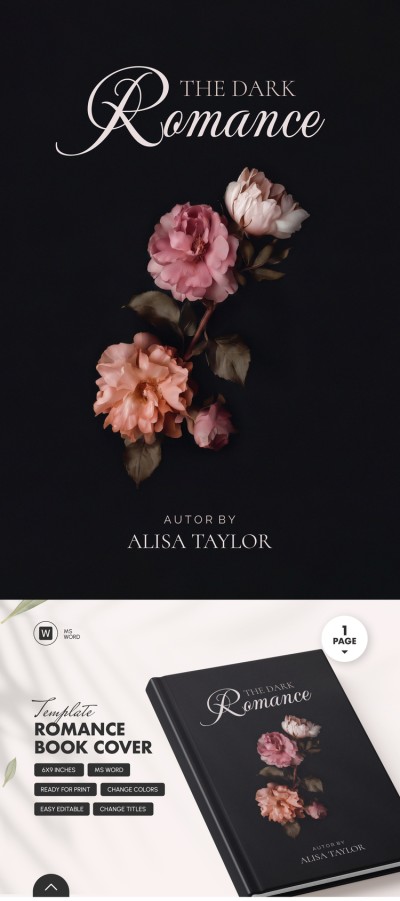
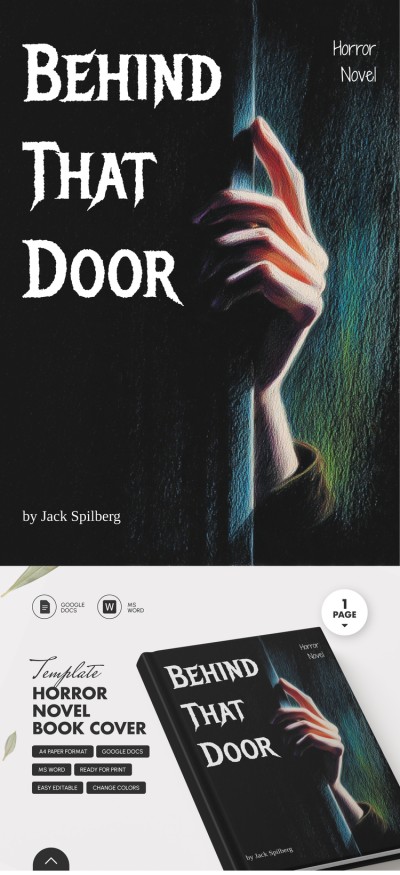
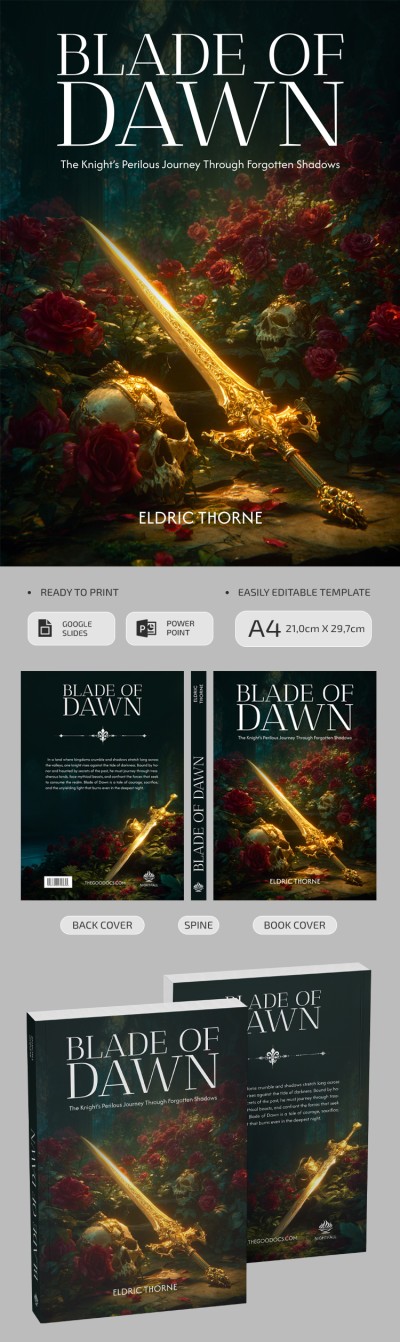
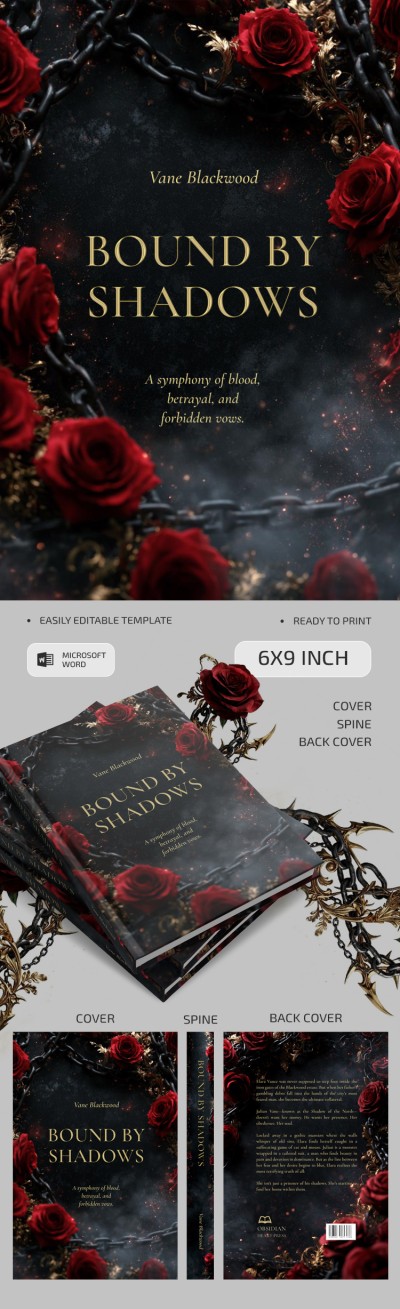
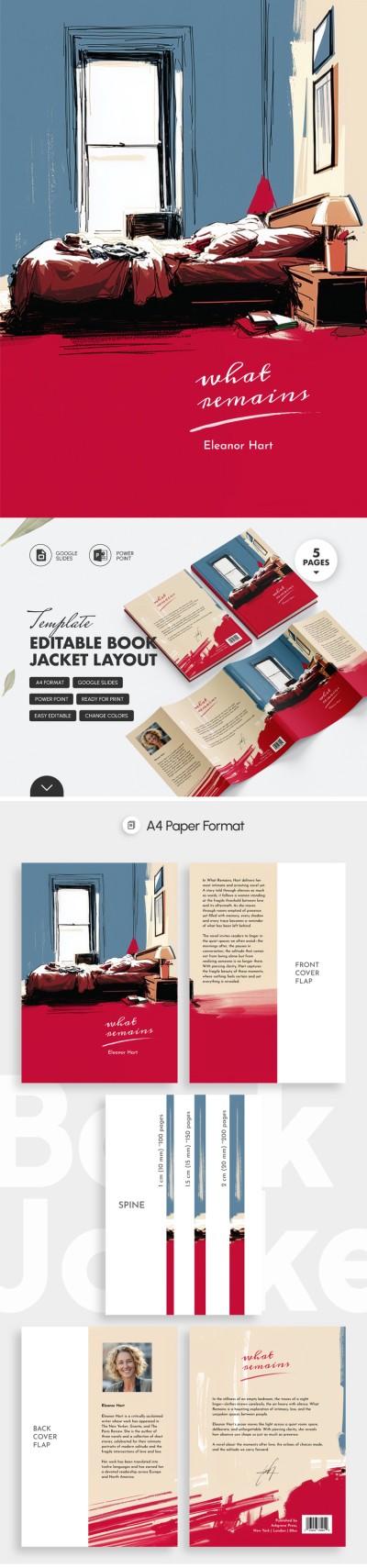
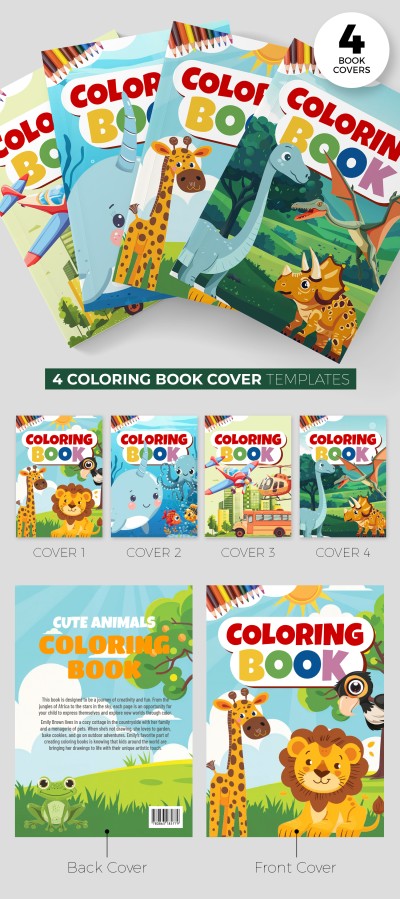
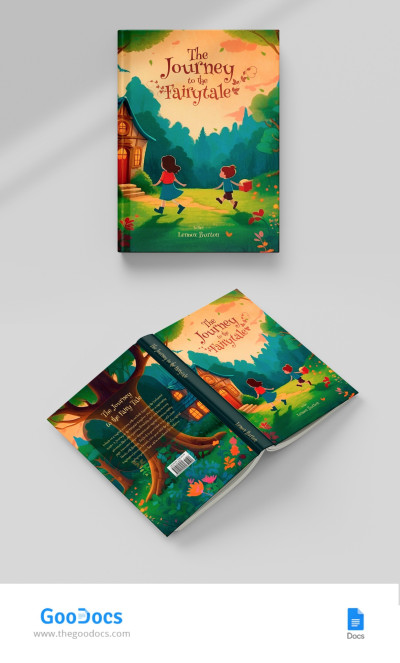
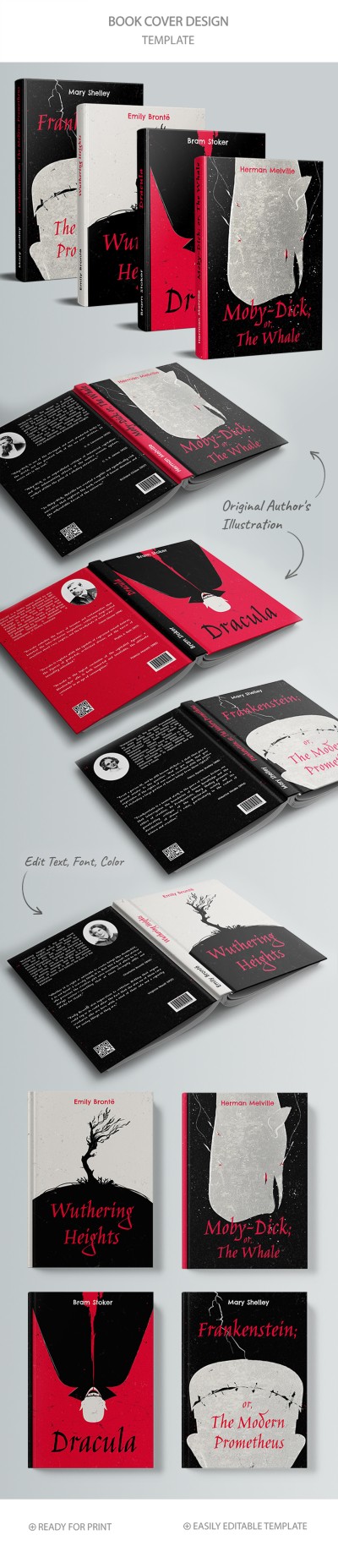
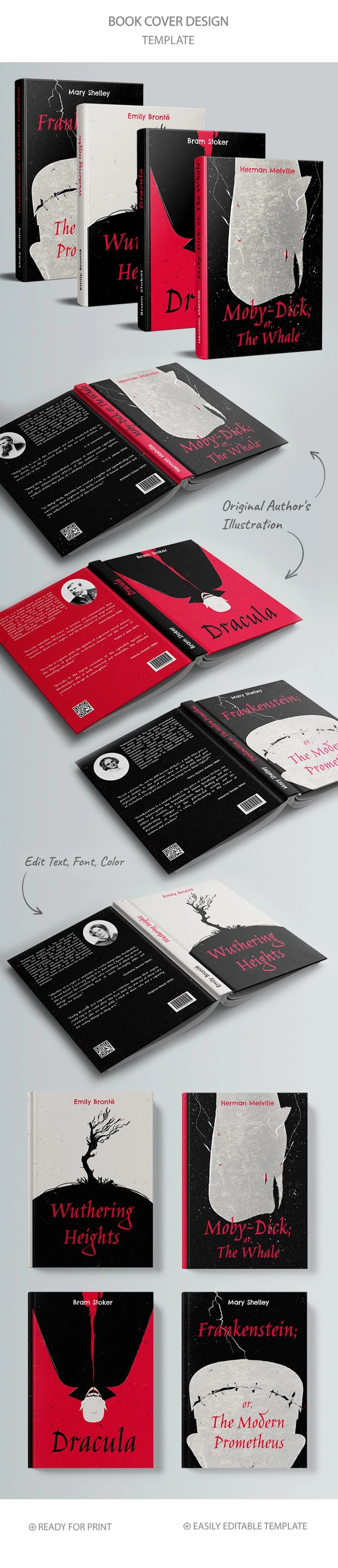
Make your new publication a bestseller with this attention-grabbing Classic Book Cover Design Set! Choose from four ready-made designs for front, back, and spine hardcover via our 6 x 9 book cover template!

Different Layouts & Matching Styles

Our book cover design template is inspired by classic works such as Moby-Dick (or The Whale), Dracula, Frankenstein's Monster, and Wuthering Heights. Each horror book cover template contain a creepy design that will attract the attention of horror stories readers.

Edit and Print Easily

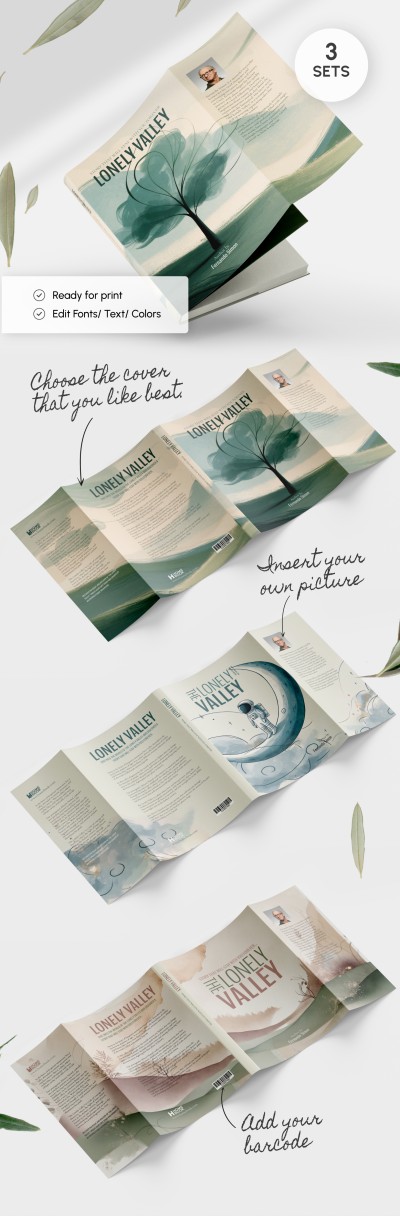
Each 6x9 book cover template is print-ready and 100% editable. We have also added three spine options for different book thicknesses. You can add new graphic elements, the book's author name, a review or an introduction on the back, and other features. Template customization is available in Google Slides and PowerPoint formats.

Find more book templates that meet your expectations.

Premium Template
50% OFF
Started at
$2.50 $4.99 /month
Instant download after signup
Access to 7,000+ templates
No attribution required
Cancel anytime
UNLOCK THIS TEMPLATE
💳 Safe Payments • 🔒 SSL Secured

WHAT’S INCLUDED

Classic and modern book styles
Editable front, back, and spine
Author illustrations included
Customizable text and colors

Book Tips

1
Match spine color to cover theme
2
Use high-resolution images for clarity
3
Include author bio on the back
4
Test print layout before publishing

FAQ

Is this template compatible with Google Slides? Yes, you can edit it in Google Slides or PowerPoint.
Is it easy to customize the designs? Absolutely, you can easily edit text, fonts, and colors.
Does this template include any fees? No, this template is free to download and use.
Can I add my own images? Yes, you can insert custom images and graphics.
Are there different thickness options? Yes, three spine options accommodate varying book thicknesses.
ADVERTISEMENT

How to Use and Edit This Template

Get Your Document

1

Get Your Document

Click the "Edit Template" button to create your own editable copy in Google Slides or download for Microsoft PowerPoint
Customize Everything
2

Customize Everything

Easily change colors, fonts, and layouts to match your unique style or brand identity
Add Your Content
3

Add Your Content

Fill in your data, upload images, and replace the placeholder text with your own information
Print, Export, or Share
4

Print, Export, or Share

Print, export as PDF, or share instantly

Related Templates

Recently Viewed