ADVERTISEMENT
ADVERTISEMENT
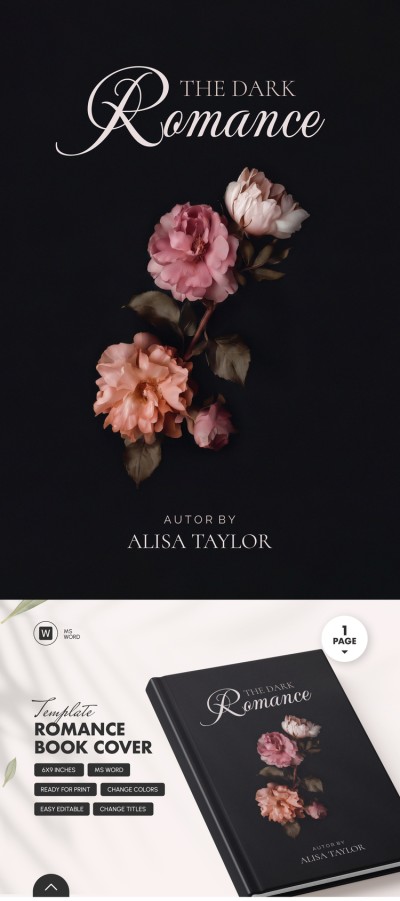
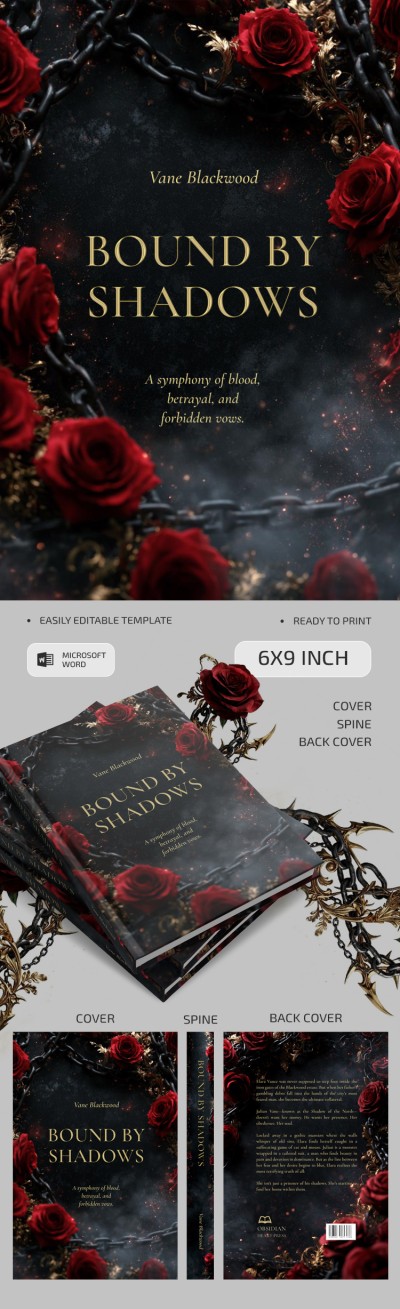
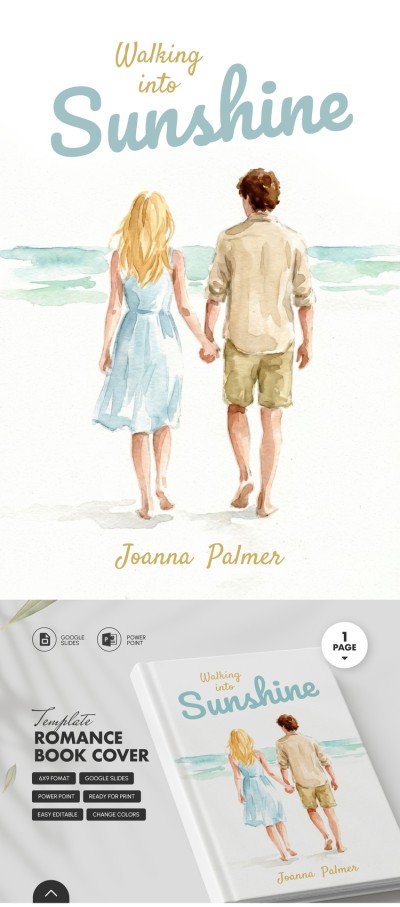
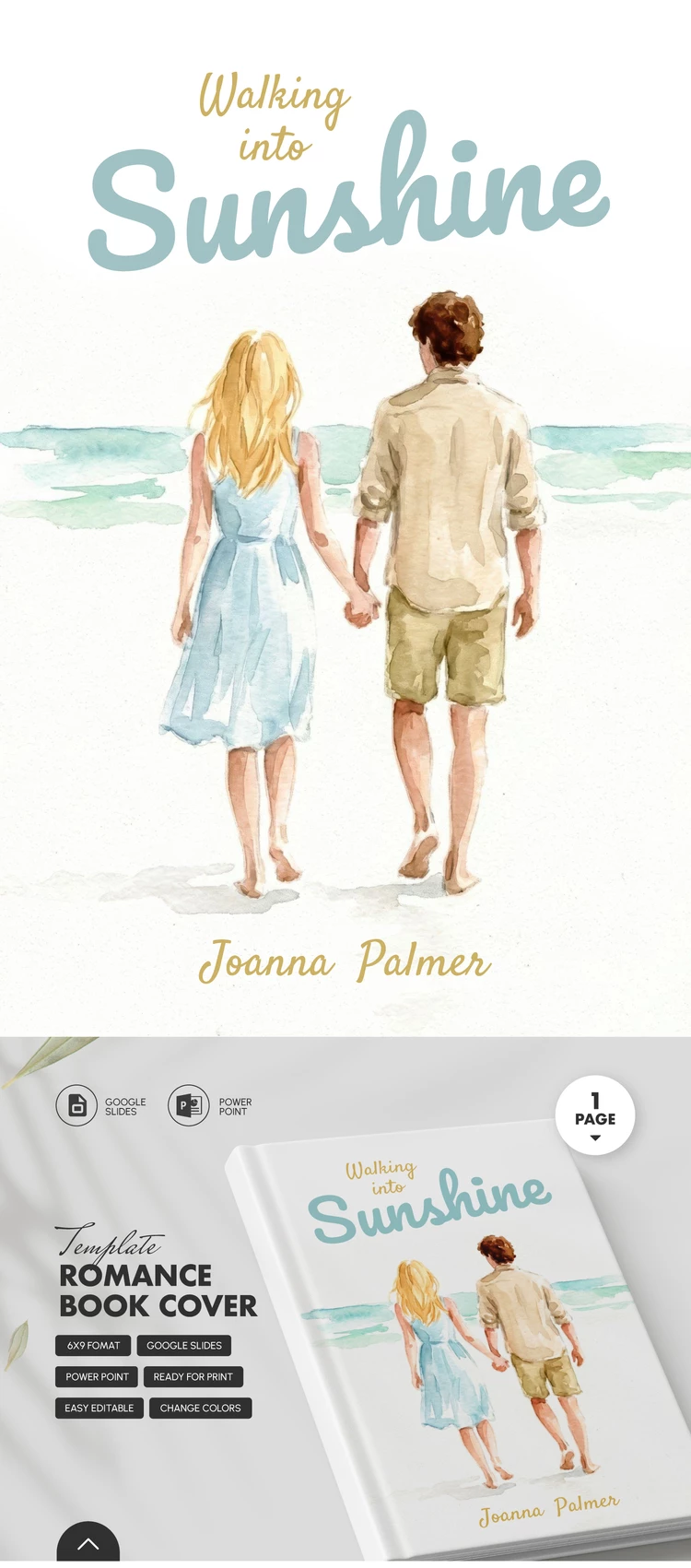
Romance Book Cover Template
Use this free template with Google Slides and Microsoft PowerPoint
4.25 (1 reviews)
•
Last updated
Updated
October 24, 2026
•
Created by
Vladimir Belyakin
•
Type
6 x 9 Inch, Romance
ADVERTISEMENT
Template Specification
Format
Google Slides, Microsoft PowerPoint
Created
March 13, 2026
Last Updated
October 24, 2026
Community
Added to collections by 3 Users
Usage Stats
16 downloads this month
Key Features of This Template
Suitable For
Publisher , Self Publish
Book Genre
Romance Book Templates
ADVERTISEMENT
Free Template
Download Free Template
Choose your platform and start editing right away
PLATFORM
PAPER SIZE
6x9 Inch
No account required • Attribution required
WHAT’S INCLUDED
Editable text and image placeholders
Ready-to-print cover dimensions
Customizable color schemes
Designed for romance genre theme
Book Tips
Add personal touches to the cover design.
Customize fonts to match your book's mood.
Use high-quality images for the best print results.
Experiment with color schemes for unique visual appeal.
FAQ
Is this compatible with both Google Slides and PowerPoint?
Yes, you can use it in both Google Slides and PowerPoint.
How easy is it to customize this template?
It's very easy with simple drag-and-drop features.
Can I change the colors and fonts?
Yes, you can fully customize colors and fonts.
Is this template free to download?
Please check the website for pricing details.
What if I need a specific cover size?
The template is editable, allowing adjustments to size as needed.
ADVERTISEMENT
How to Use and Edit This Template

Get Your Document
Click the "Edit Template" button to create your own editable copy in Google Slides or download for Microsoft PowerPoint

Customize Everything
Easily change colors, fonts, and layouts to match your unique style or brand identity

Add Your Content
Fill in your data, upload images, and replace the placeholder text with your own information

Print, Export, or Share
Print, export as PDF, or share instantly