Get unlimited access to 5000+ Templates for Google Docs, Slides and Sheets
Unlimited Access
All Templates

Restaurant Food Offer Brochure

Use this free template with Google Slides and Microsoft PowerPoint
4.25 (1 reviews)
Last updated Updated June 18, 2026
Created by Vladimir Belyakin
Type Trifold
ADVERTISEMENT

Template Specification

Format Google Slides, Microsoft PowerPoint
Created April 19, 2025
Last Updated June 18, 2026
Community Added to collections by 1 Users
Usage Stats 1 downloads this month

Key Features of This Template

Suitable For Restaurant
Style Modern

About this template

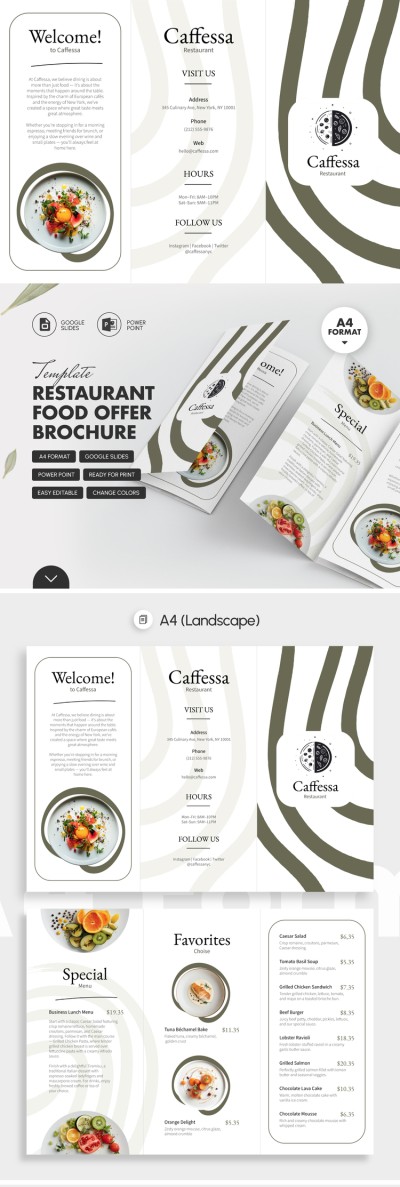
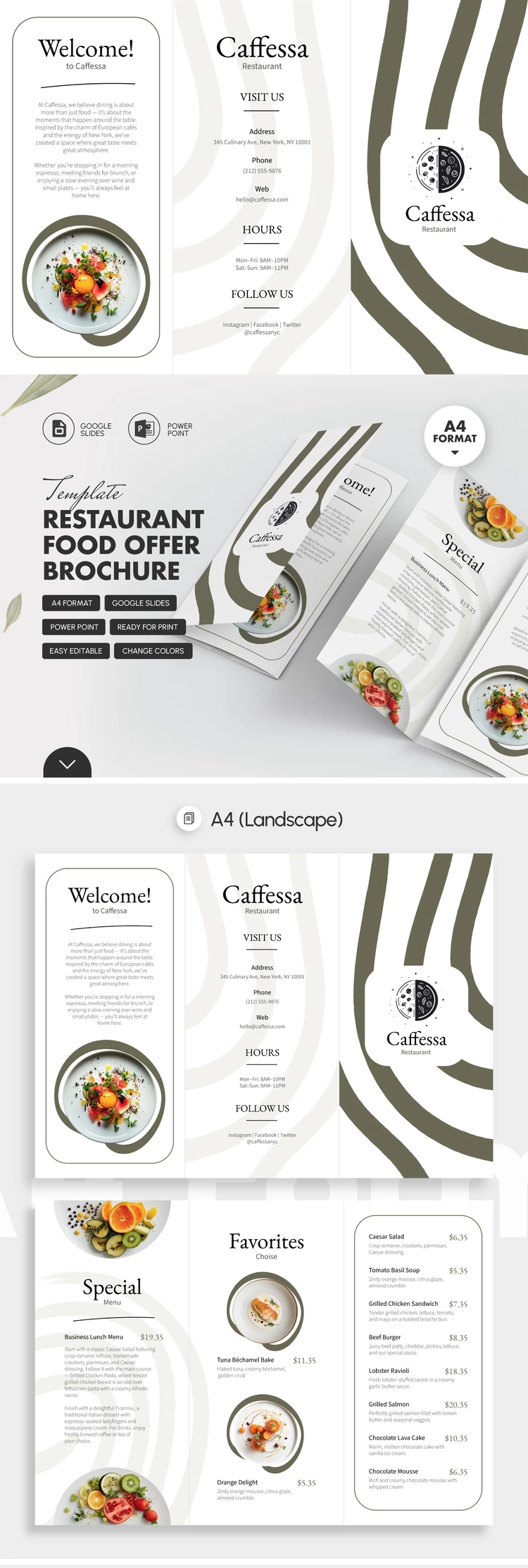
Our Restaurant Food Offer Brochure will help you spread the word about your cafe or restaurant. A pleasant design in pastel shades with dark accents sets an aesthetic tone for promoting your brand. This 3-fold brochure template can be edited online or offline on any device and then printed double-sided on A4 paper.

Discover the Features of This Food Brochure Template

Creating a brochure from scratch can be a daunting task, especially if you don't have design experience. That's why using this sample as a starting point for your creative journey is a perfect choice.

The template offers:

  • Front panel placeholders for your restaurant's logo, contact details, additional info, opening hours, and social media links.
  • Inner panels designed for your most popular dishes or lunch menus (including photos, names, ingredients, and prices).
  • A separate panel that allows you to include even more menu items or special offers.

You can easily update the menu, add new items, or completely redesign the structure. Customize this template in Google Slides or PowerPoint.

You can find more editable brochure examples on our website.

ADVERTISEMENT
Free Template

Download Free Template

Choose your platform and start editing right away
PLATFORM

Google Slides

Opens in browser

Microsoft PowerPoint

.pptx
PAPER SIZE
A4 Landscape
Google Slides – A4 Landscape
No account required • Attribution required

WHAT’S INCLUDED

Front panel with contact details
Inner panels for popular dishes
Editable layout for special offers
Customizable sections for menus

Menu Tips

1
Update menu items regularly to reflect seasonal changes.
2
Add high-quality images for an appetizing presentation.
3
Include social media links for better engagement.
4
Keep descriptions concise and appealing.

FAQ

Is this template compatible with PowerPoint? Yes, it's compatible with Google Slides and PowerPoint.
Can beginners easily use this template? Yes, it's designed for easy customization and usage.
Can I add more menu items? Absolutely, the template is fully editable to include more items.
Is the template free to download? Yes, you can download and use it for free.
How can I customize the color scheme? You can change colors in Google Slides or PowerPoint settings.
ADVERTISEMENT

How to Use and Edit This Template

Get Your Document

1

Get Your Document

Click the "Edit Template" button to create your own editable copy in Google Slides or download for Microsoft PowerPoint
Customize Everything
2

Customize Everything

Easily change colors, fonts, and layouts to match your unique style or brand identity
Add Your Content
3

Add Your Content

Fill in your data, upload images, and replace the placeholder text with your own information
Print, Export, or Share
4

Print, Export, or Share

Print, export as PDF, or share instantly

Related Templates

Recently Viewed