
Trifold Menu Templates
More space and structured categories are available within our tri-fold menu templates. This format is perfect for takeout menus, dine-in lists, or promoting your establishment with handouts. Each 3-fold menu template is available in Google Docs, Google Slides, Word, or PowerPoint. We've taken care of the design, structure, and settings for high-quality printing. All that’s left is to dish descriptions, ingredients, and prices using the built-in features of one of the editors.
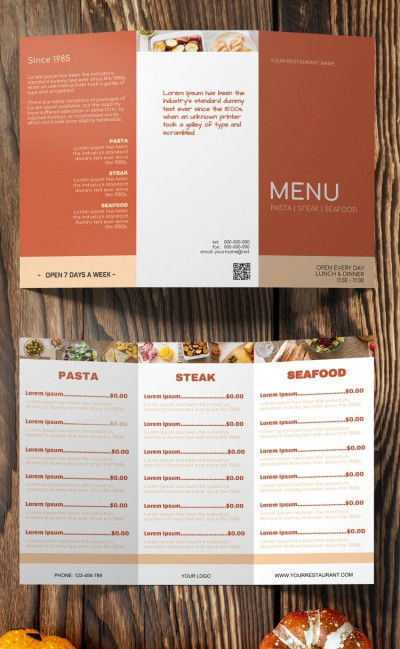
Tri fold Food Menu
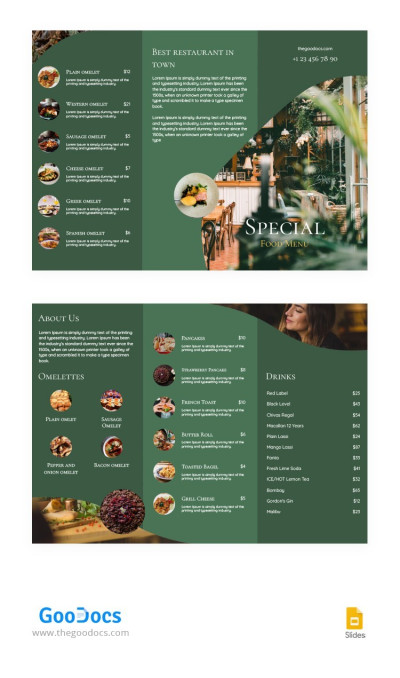
Tri-fold Restaurant Brochure
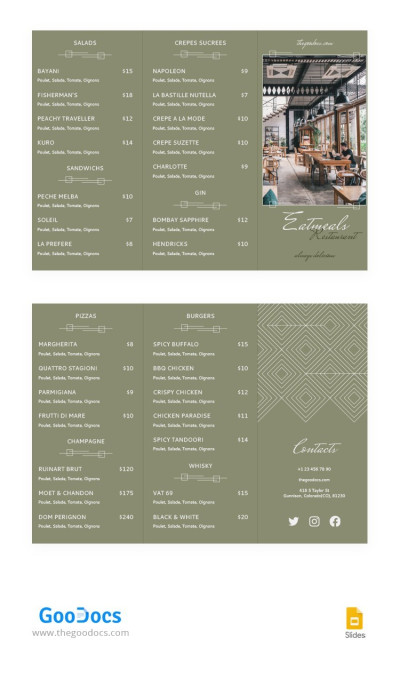
Green Elegant Restaurant Brochures
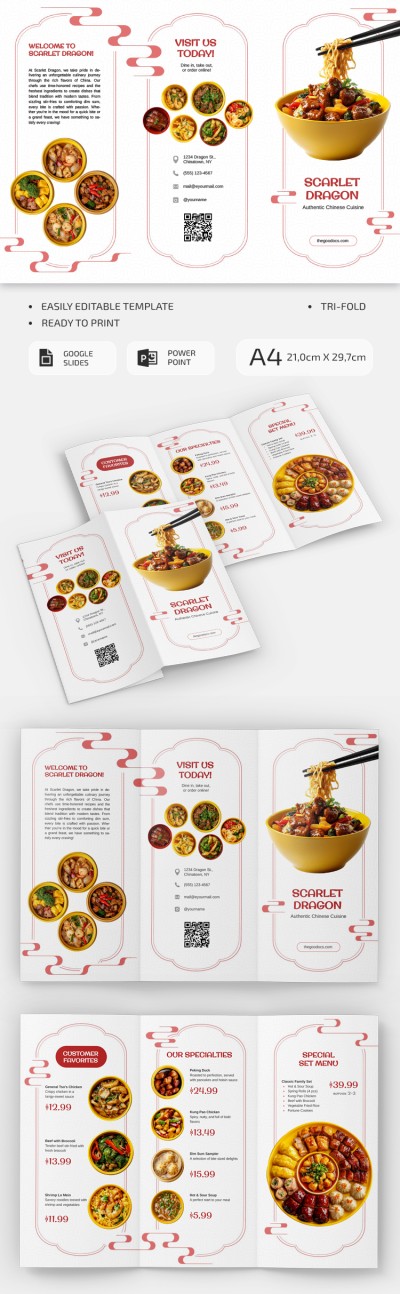
Editable Chinese Restaurant Brochure

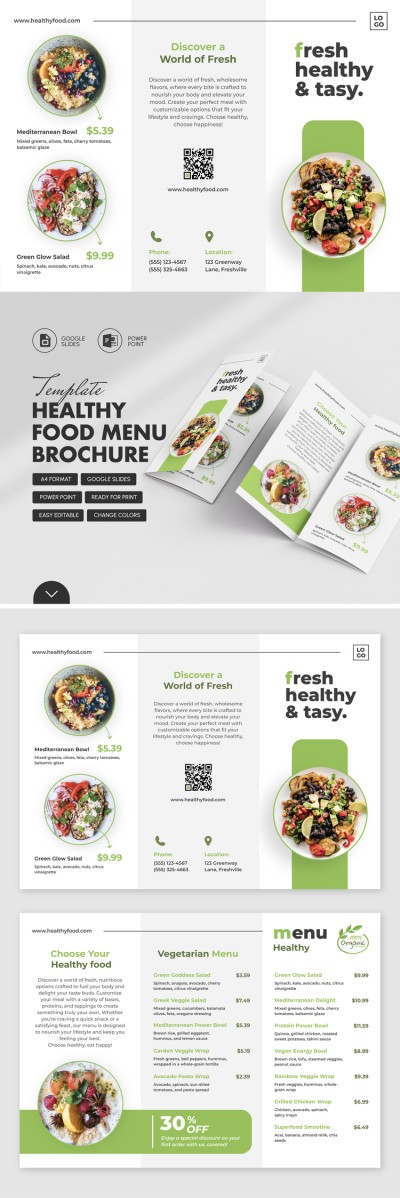
Healthy Food Menu Brochure
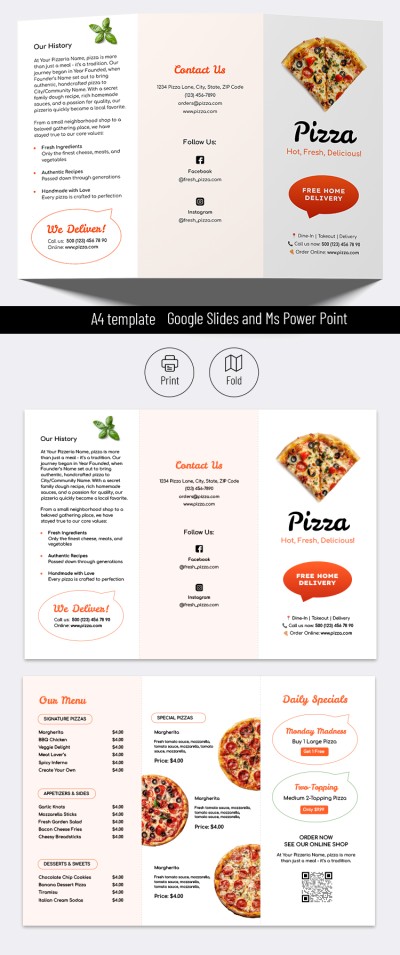
Pizza Restaurant Brochure

Pizzeria Restaurant Food Menu Brochure
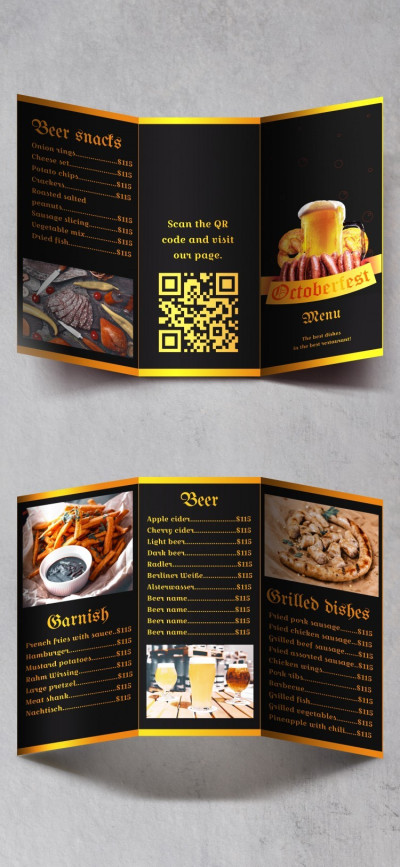
Oktoberfest Menu
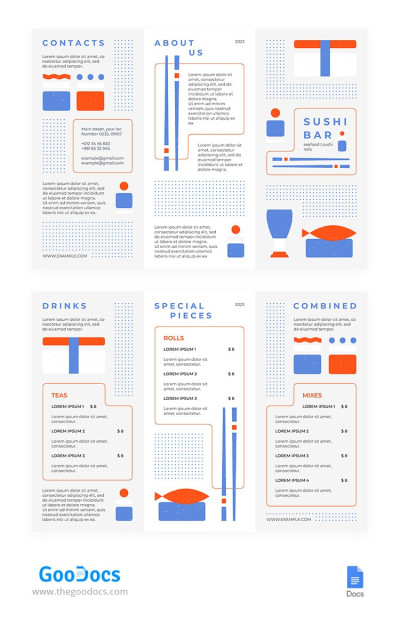
Adorable Restaurant Brochure
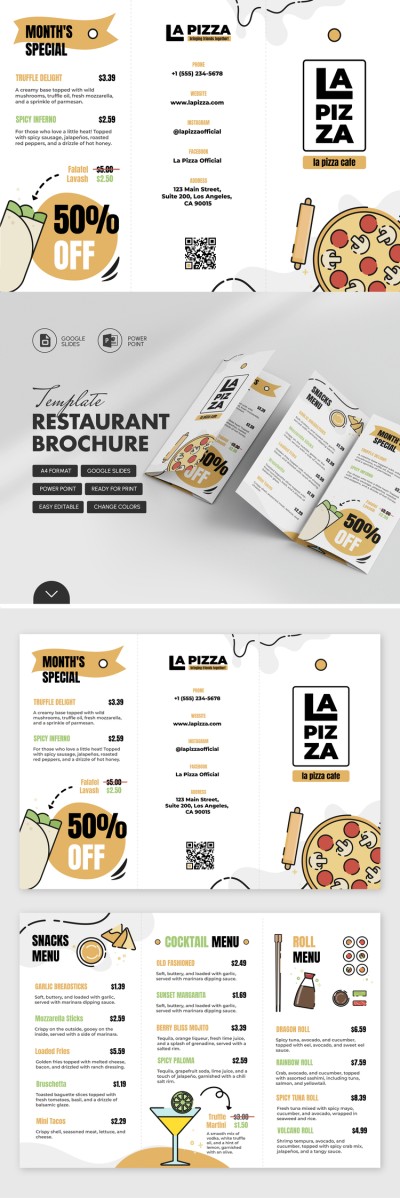
Printable Restaurant Brochure
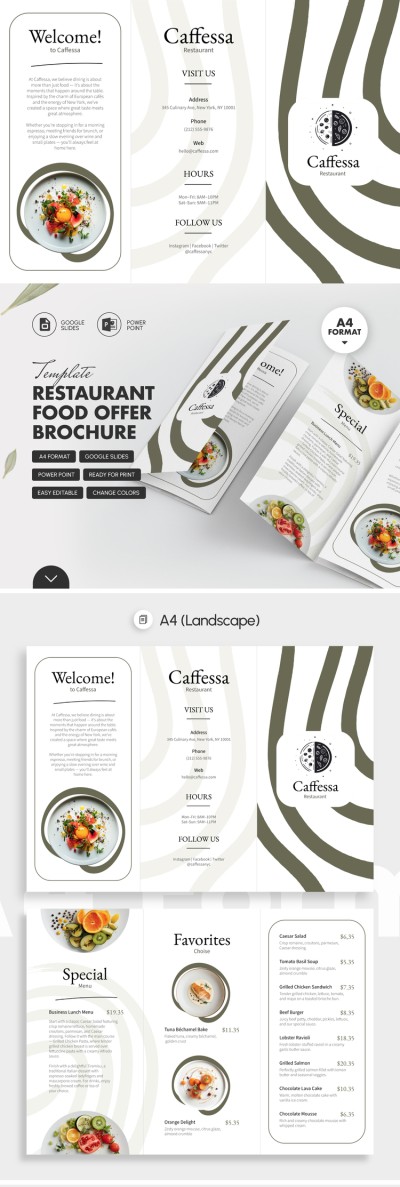
Restaurant Food Offer Brochure
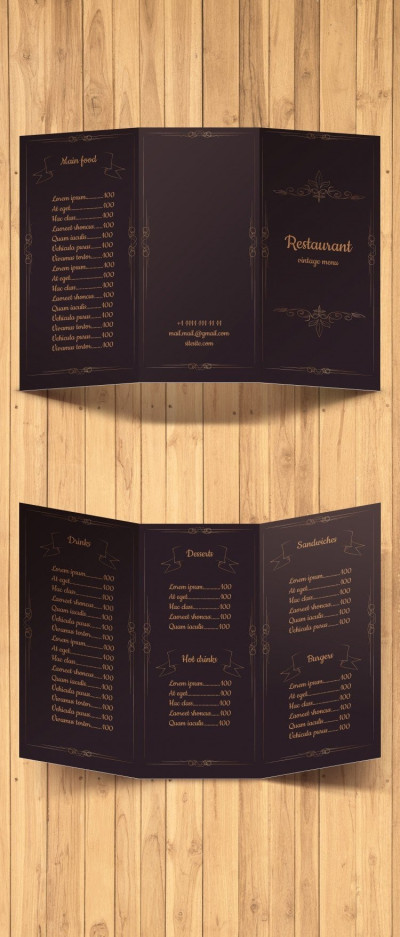
Vintage Menu
Please try different filters or clear all to start over.
Create a compact yet informative menu using our ready-made trifold menu templates. Our editable examples feature a perfect layout for a six-panel trifold menu, making them ideal for advertising your establishment or for use as an in-house menu in small cafes, bistros, burger joints, bakeries, and more.
Discover more benefits of our trifold menu templates:
- Use pre-made fold layouts. Creating a trifold menu from scratch requires figuring out the exact width of each panel, which can be tricky to do on your own without a designer. Our templates feature precise panel layouts to ensure your menu folds flawlessly. Layouts with pre-defined margins, fold boundaries, and dedicated areas for text and images ensure the menu closes neatly and symmetrically.
- Download templates with professional designs. Among dozens of free trifold menu templates, you'll find the perfect design for your establishment. We offer elegant, modern, and minimalist layouts. Just replace the placeholder text with your dish categories, descriptions, prices, and photos, add a QR code, and send the finished version to print. You can also customize these templates in Google Docs, Word, Slides, or PowerPoint with no restrictions.
- Print or share menus digitally without any extra setup. Our trifold menu templates are ready to print in standard A4 and US Letter sizes, making their production extremely cost-effective. You can update prices in just a couple of minutes in your favorite editor and save the finished file as a PDF to send to a print shop or print on any standard printer without losing image quality.
Get a ready-made design and structure with a vibrant cover and dedicated panels for showcasing main courses, appetizers, desserts, a bar menu, and contact information for free. Download a menu template for free in any format today.
Trifold Menu Templates FAQ
To create a tri-fold menu in Word, it's best to use a ready-made template from TheGoodocs:
- Choose a suitable tri-fold menu design on this page. We offer unique layouts for restaurants, pizzerias, bars, and other establishments. Each template is already formatted into three equal parts and features fold lines, so it will fold perfectly after printing.
- Download the menu template in Word to your device. To do this, go to the template page and click the Word button to the right of the preview. The download will begin automatically after a few seconds.
- Add basic information about each item. Our templates come with placeholder text, so you can use the Word interface to replace the dish name, description, ingredients, and price for each item. To do this, select the sample text and type in your own.
- Insert photos of the dishes (optional). To replace a placeholder photo if one is included in the template, go to the Insert menu => Picture and select your file.
- Print the finished menu. After completing and checking the template, save the file as a PDF. To do this, go to File => Export, and select the PDF format. Then send the menu to a print shop or print it on any printer, using both sides of an A4 or US Letter landscape sheet without any extra settings.
After printing, all that remains is to fold your menu along the fold lines. On one side, the right panel is the front cover, the left is the back panel, and on the other side, all the panels are interior; take this into account before folding. With ready-made tri-fold menu templates, creating a menu in Word is much easier, and you don't have to compromise on quality.
The standard sheet size for tri-fold menus is 8.5" x 11" (US Letter) or 210 x 297 mm (A4) when unfolded. They are printed in landscape orientation and divided into three equal sections for folding. Once folded, the menu becomes one-third of its original width, making the final size 8.5" x 3.66" (US Letter) or 210 x 99 mm (A4).