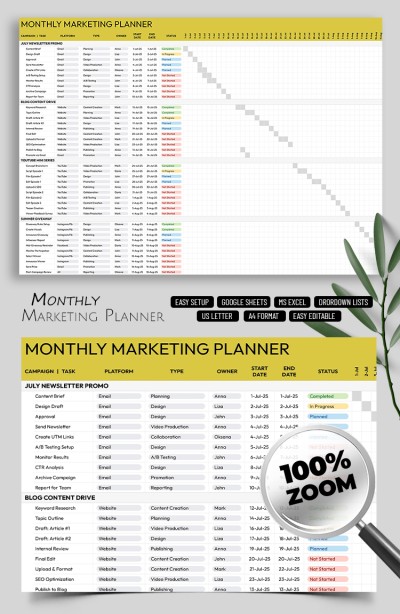
Monthly Marketing Planner Template
Use this free template with Google Sheets and Microsoft Excel
Template Specification
Key Features of This Template
About this template
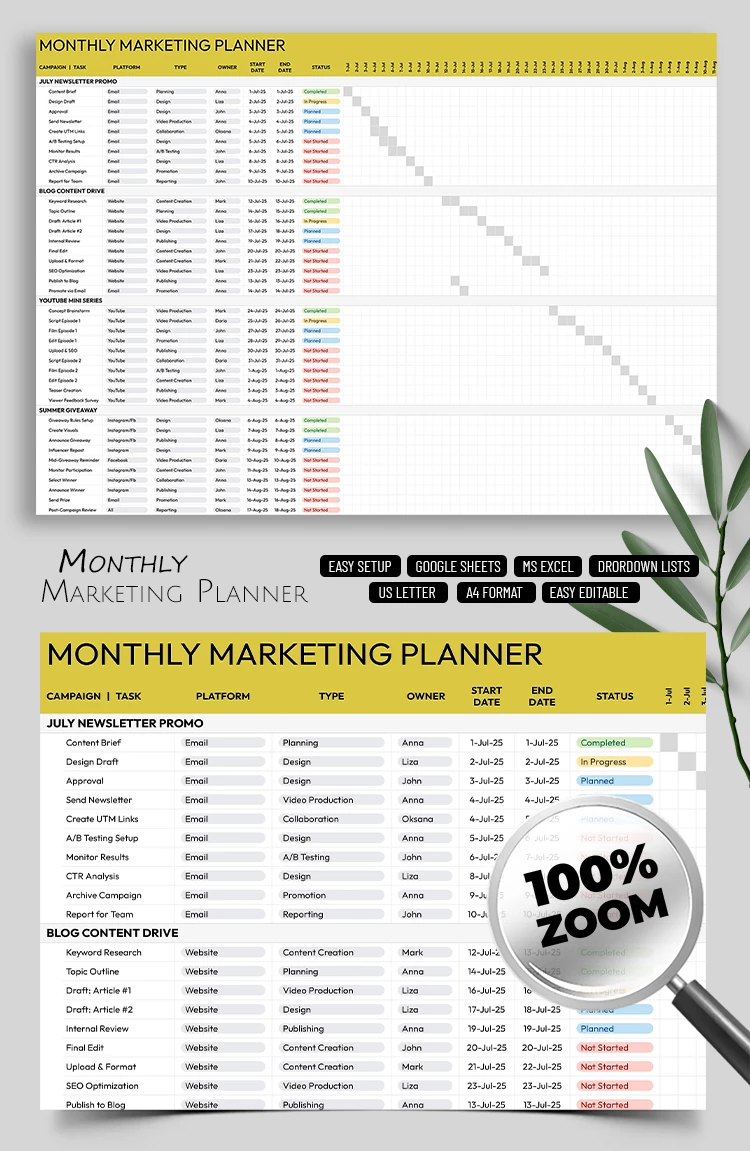
Take advantage of our Monthly Marketing Planner Template, which features everything you need to plan and track your marketing team's efforts. This fully editable spreadsheet is available in Google Sheets and Excel formats and offers convenient automated features. Get a copy or download the planner template for free now.
Create Your Monthly Marketing Plan Easily
Do you need to quickly allocate your marketing budget, assign tasks, track results, and distribute channels among team members? You can do all this and much more using a single marketing planner template, no matter how many campaigns you run per month or how intensive they are.
Our template features:
- A separate section for planning campaigns, platforms, and content types.
- A separate drop-down list for tracking each individual task.
- More customizable drop-down lists that are available on the Setup Sheet.
Simply fill in the template with your campaign names. To make the process even more standardized and error-free, you can set up the built-in drop-down lists first. Access this monthly planner template or find more options on our website today.
How to Use and Edit This Template

Get Your Document

Customize Everything

Add Your Content

Print, Export, or Share
Related Templates
Recently Viewed