Social Media Calendar Template for Marketers
Use this template with Google Sheets and Microsoft Excel
Template Specification
Key Features of This Template
About this template
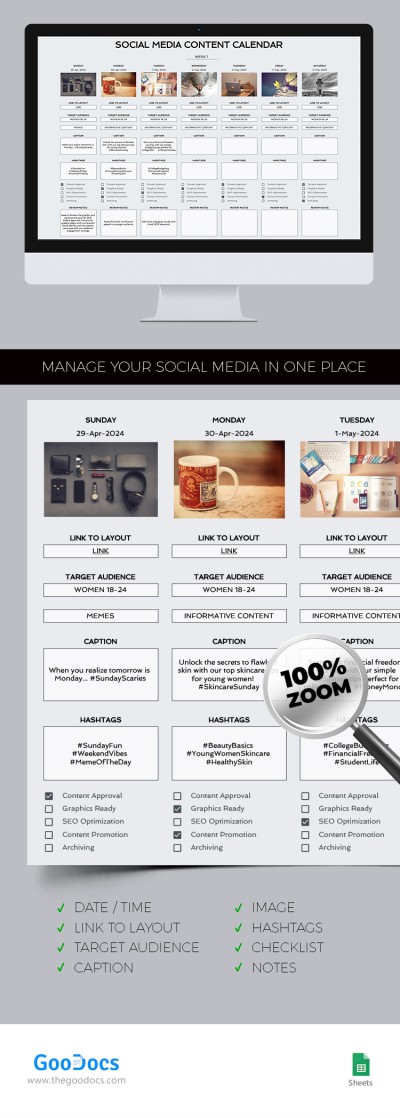
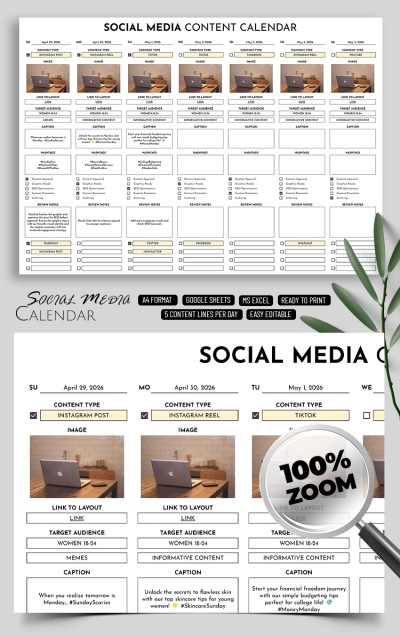
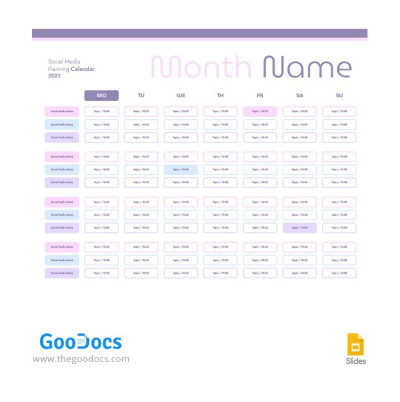
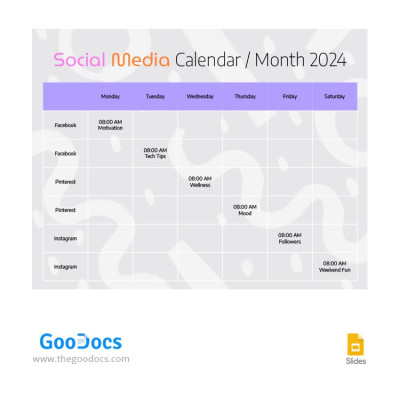
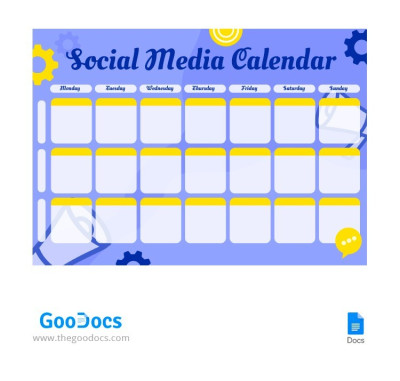
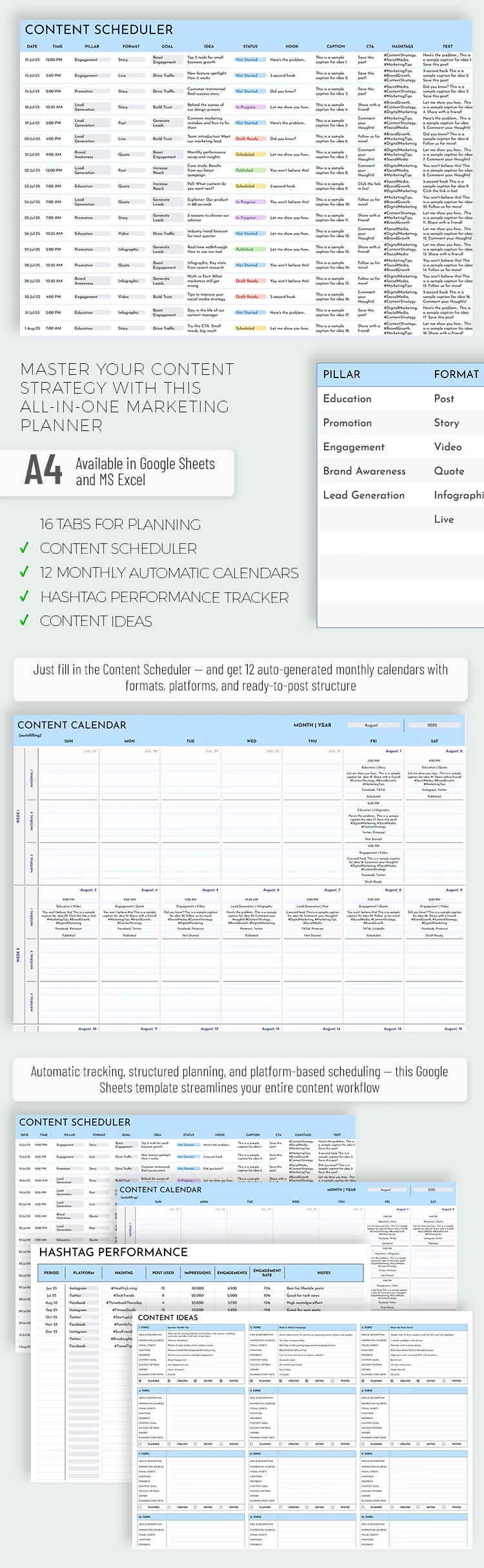
With our Social Media Calendar Template, you’ll never have to worry about what, when, or where to post. It helps you manage content for your blog, social media, and website while organizing promotional materials and marketing campaigns. Best of all, you can store content ideas and track the performance of every post or ad in one place.
Stay Creative, Plan Ahead, and Track Progress
Our calendar template in Google Sheets and Excel allows you to capture ideas, plan your schedule, and generate reports. You won't need extra planners or dozens of messy spreadsheets anymore.
Using this social media calendar template, you can:
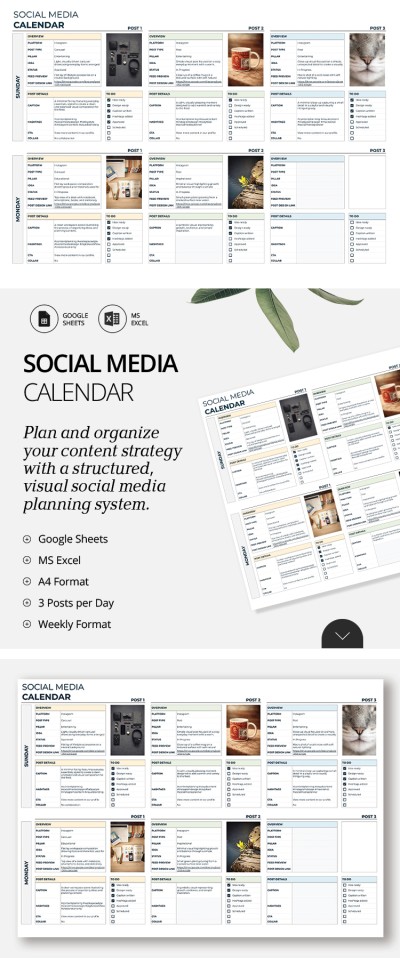
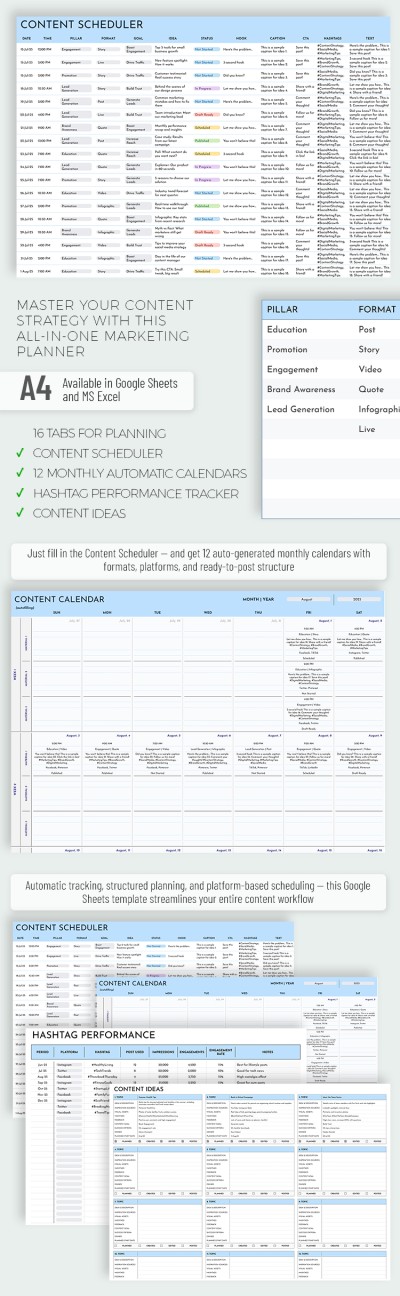
- Schedule dates and times for your posts and define content pillars, formats, and goals.
- Track specific details like hooks, captions, CTAs, and hashtags.
- Brainstorm and store ideas for future content, including inspiration sources, success criteria, and project owners.
- Analyze hashtag performance (impressions, engagement rates, and more).
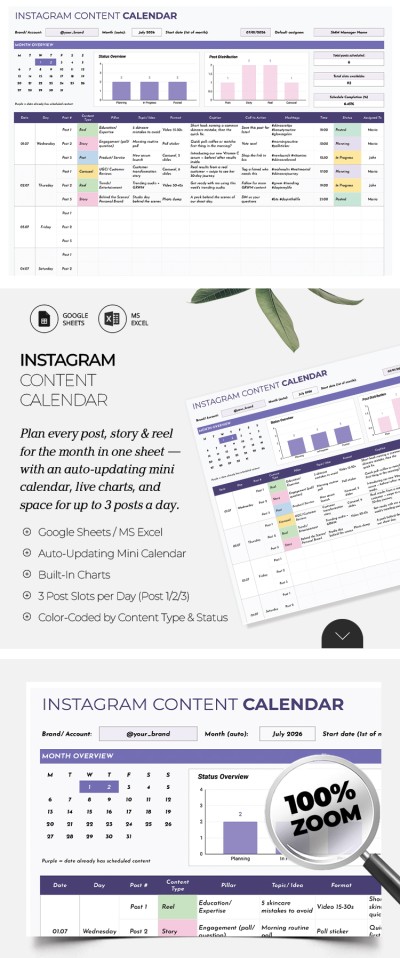
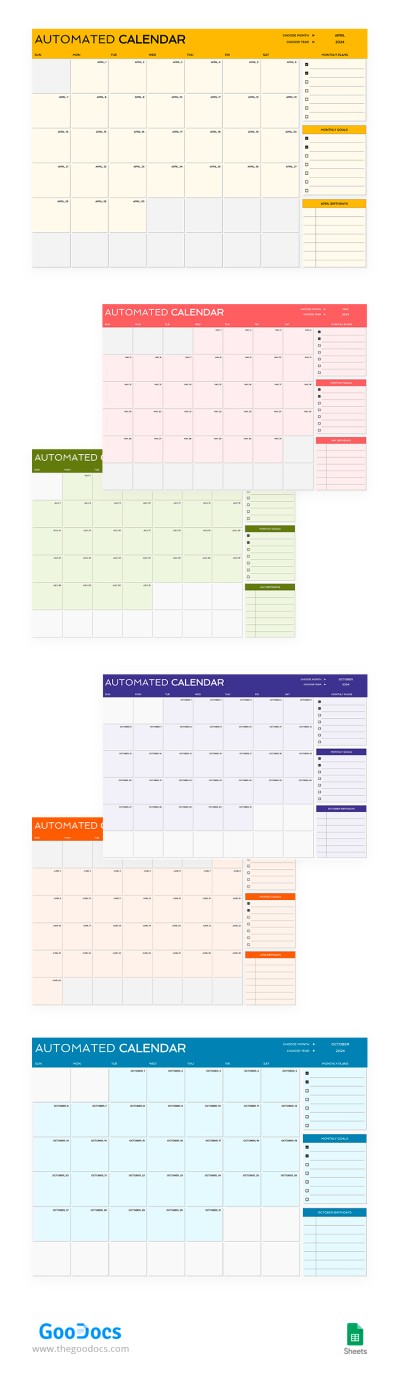
- Save time with an autofill content calendar for every month.
Plus, our calendar is fully editable and features preset drop-down lists and other advanced tools. Want to change the colors or customize the layout for your team? It’s completely up to you.
Browse our website to find more printable calendars in Google Docs for any of your tasks.
WHAT’S INCLUDED
Calendar Tips
FAQ
How to Use and Edit This Template

Get Your Document

Customize Everything

Add Your Content