Business Trip Flight Itinerary Template
Use this free template with Google Docs and Microsoft Word
Template Specification
Key Features of This Template
About this template
Tired of searching for PDF tickets in your mailbox when your internet connection is slow? Use our Business Trip Flight Itinerary Template. You can gather all essential information about your flights and booking details in one document. Share the template with your assistant, family, or office manager to be ready for any emergency case.
Easy-to-Edit Flight Details for Business Trips
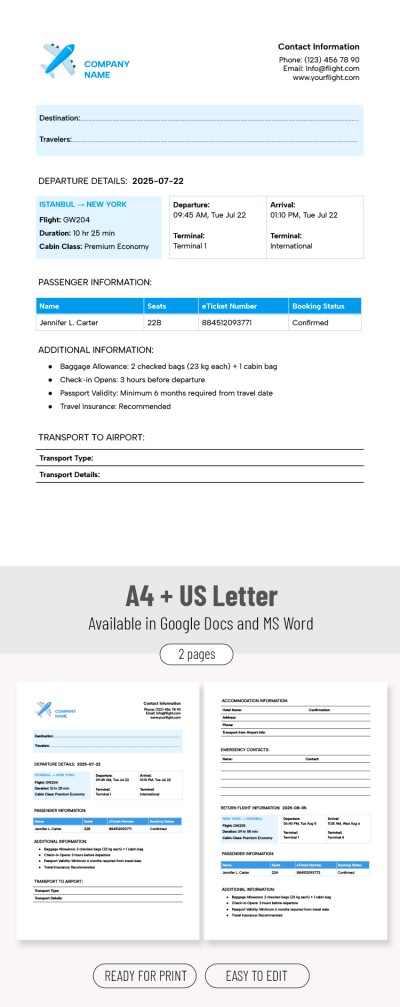
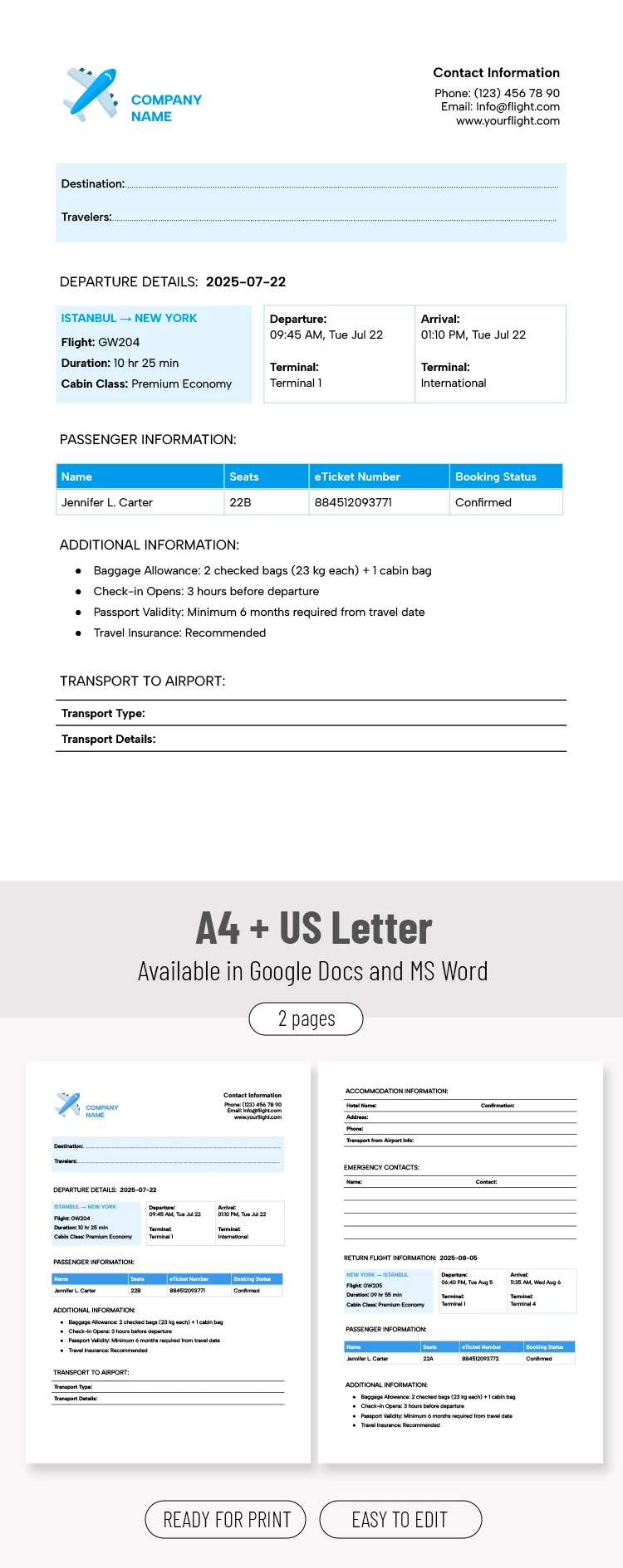
Our editable itinerary format offers the most convenient way to organize all your flight information. The template consists of two pages that can be filled out in Google Docs and Word, then printed or saved to your phone, laptop, or tablet.
Make the most of the pre-made structure of our flight itinerary:
- On the first page, you can include the destination, flight details (date, number, duration, cabin class, and arrival time), passenger information, and transportation to the airport.
- On the second page, you can note accommodation information, emergency contacts, and return flight details.
The form can also be customized to fit the corporate colors and style of your company. For example, you can add a logo and company name, or include contact information for relevant staff.
Choose a Google Docs itinerary template for any occasion on our website.
How to Use and Edit This Template

Get Your Document

Customize Everything

Add Your Content

Print, Export, or Share
Related Templates
Recently Viewed