Editable Simple Flight Itinerary Template
Use this free template with Google Docs and Microsoft Word
Template Specification
Key Features of This Template
About this template
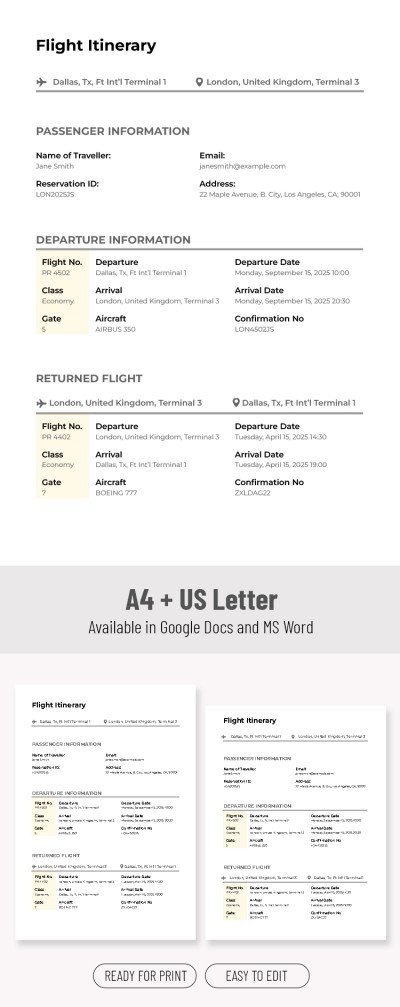
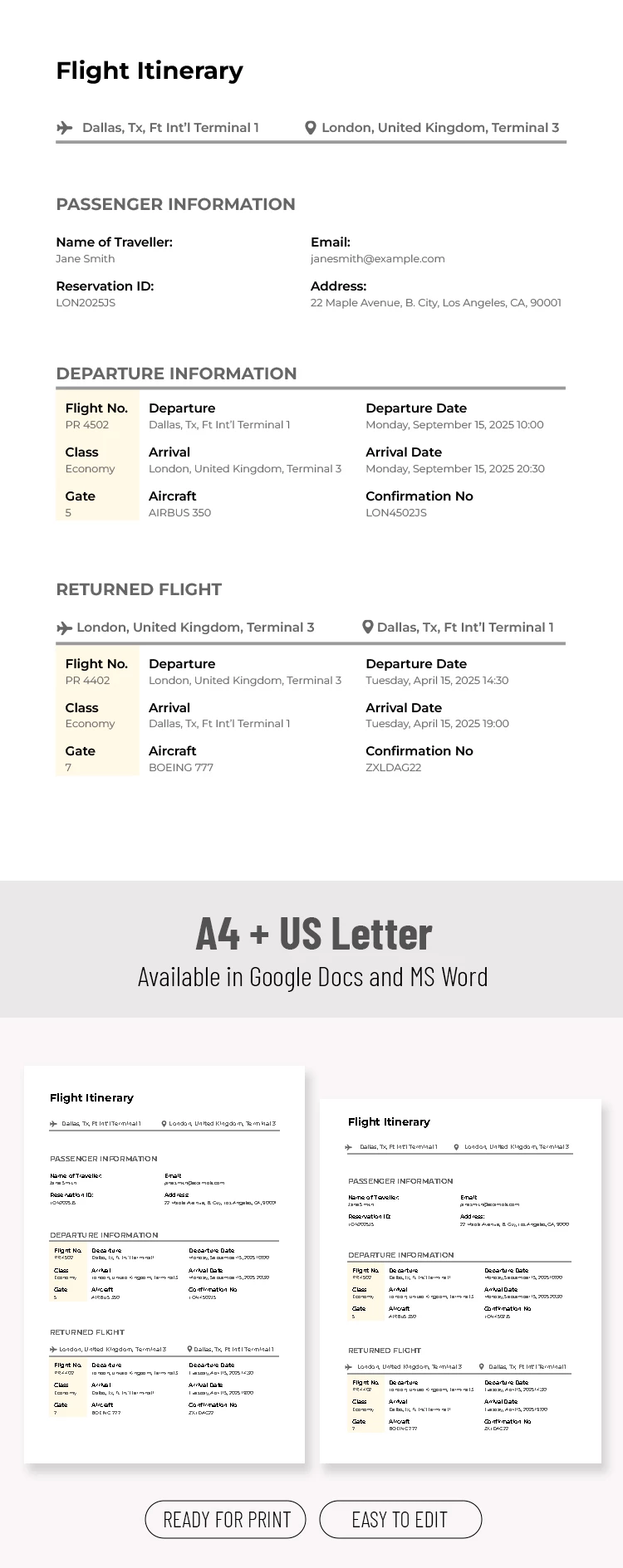
Organize all your flight details in one place using the Editable Simple Flight Itinerary Template. This one-page form includes all the necessary placeholders for your notes. Fill in any flight and transfer information in this itinerary Google Docs template and store it on any device, from phone to tablet or laptop.
Easy-to-Edit Flight Itinerary Layout
Our flight itinerary design is clean and simple, ensuring you stay focused on the important information. The form features a white background and clearly visible sections: passenger information, departure details, and return flight.
You can enter text in each section:
- Fill in the name, reservation ID, email, and address fields in the passenger information section.
- Add the flight number, class, gate, departure and arrival times, locations, and confirmation numbers in the departure and return flight sections.
This template is also reusable, so you can make as many copies as you need. While it's perfect for digital use, all the settings for high-quality printing in A4 and US Letter sizes are already included.
Download the free itinerary template from our website.
How to Use and Edit This Template

Get Your Document

Customize Everything

Add Your Content

Print, Export, or Share
Related Templates
Recently Viewed