Get unlimited access to 5000+ Templates for Google Docs, Slides and Sheets
Unlimited Access
ADVERTISEMENT
ADVERTISEMENT

Content Marketing Calendar Template

Use this free template with Google Sheets and Microsoft Excel
4.25 (1 reviews)
Last updated Updated July 14, 2026
Created by Natalia Prokhorenko
Type Weekly
ADVERTISEMENT

Template Specification

Format Google Sheets
Created August 16, 2024
Last Updated July 14, 2026
Community Added to collections by 24 Users
Usage Stats 22 downloads this month

Key Features of This Template

Suitable For Marketing Smm

About this template

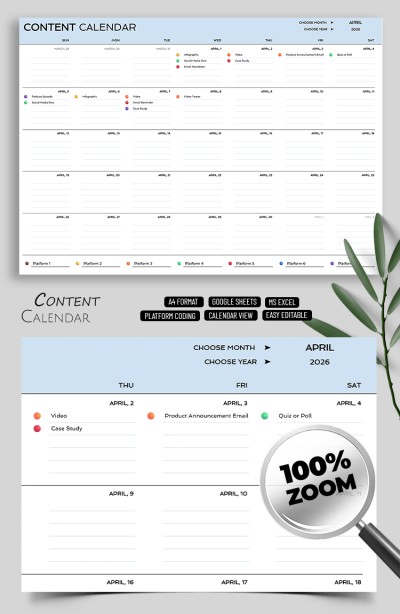
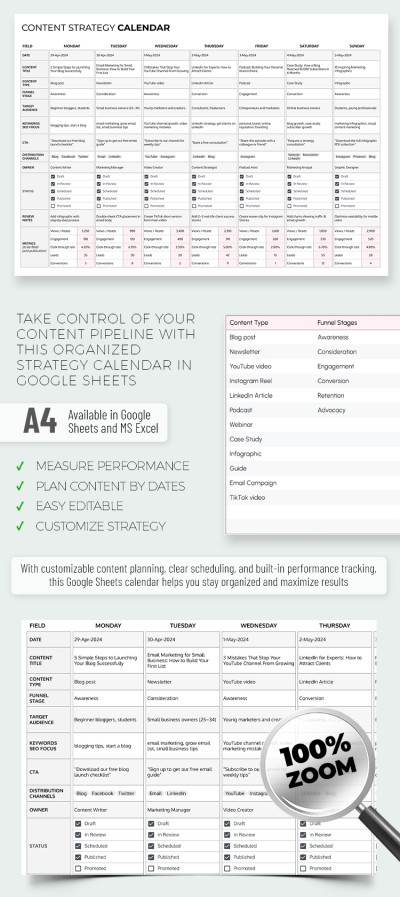
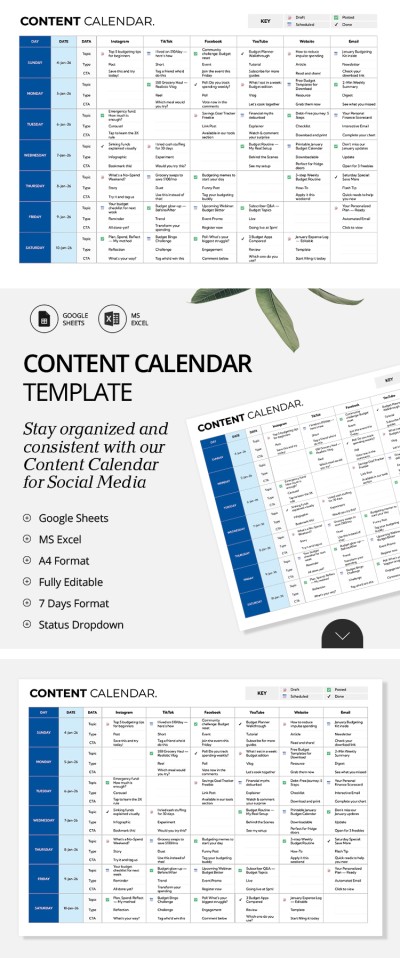
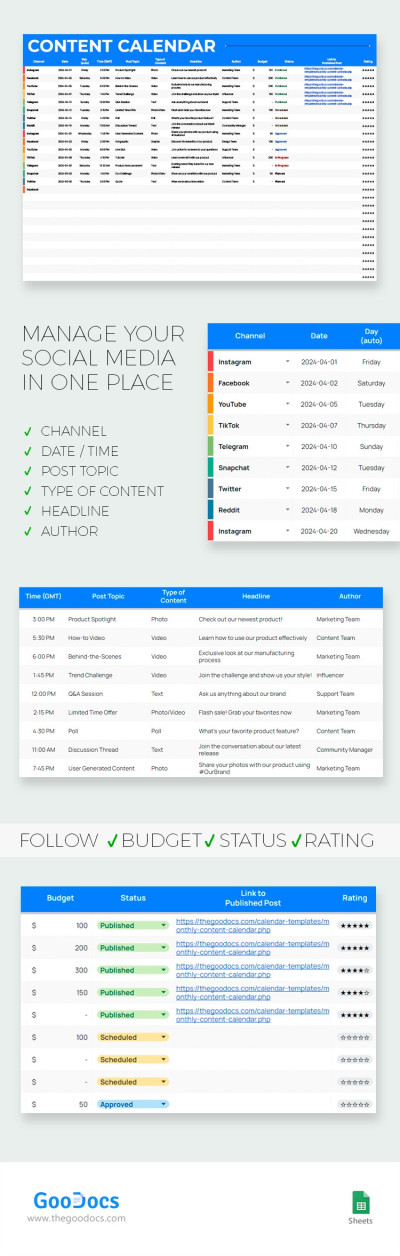
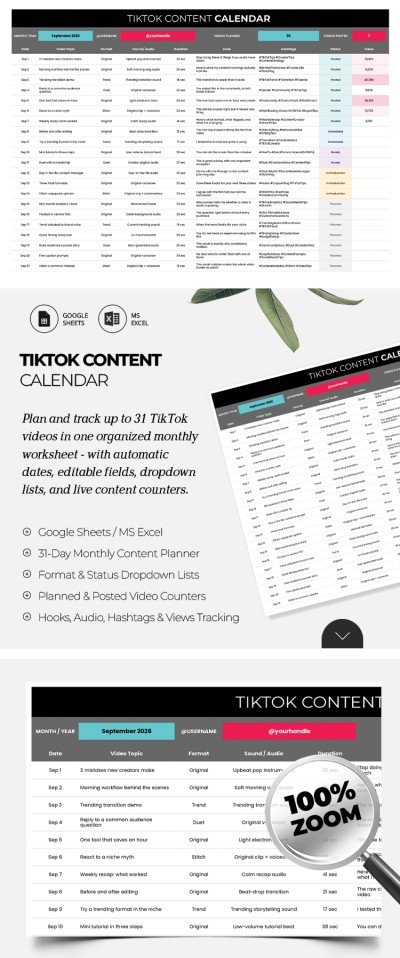
Check out our Content Marketing Calendar Template! Manage your content on any platform, from YouTube and TikTok to Instagram, Facebook, blogs, and websites.

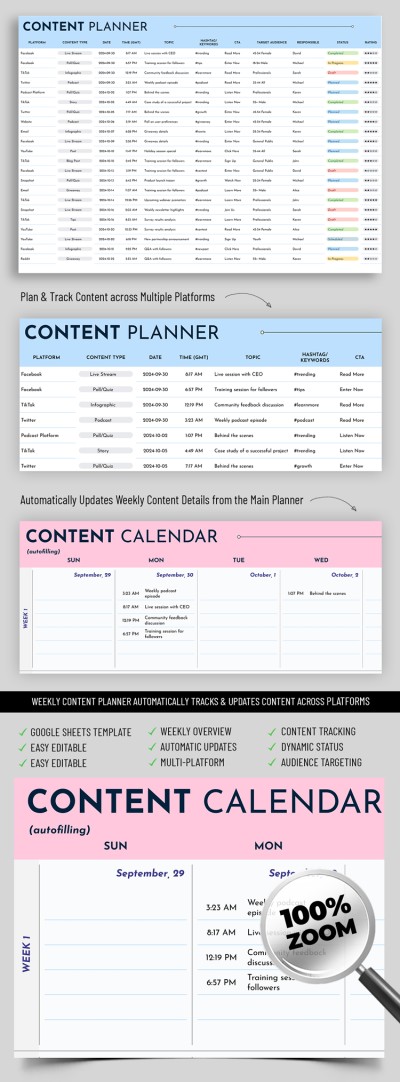
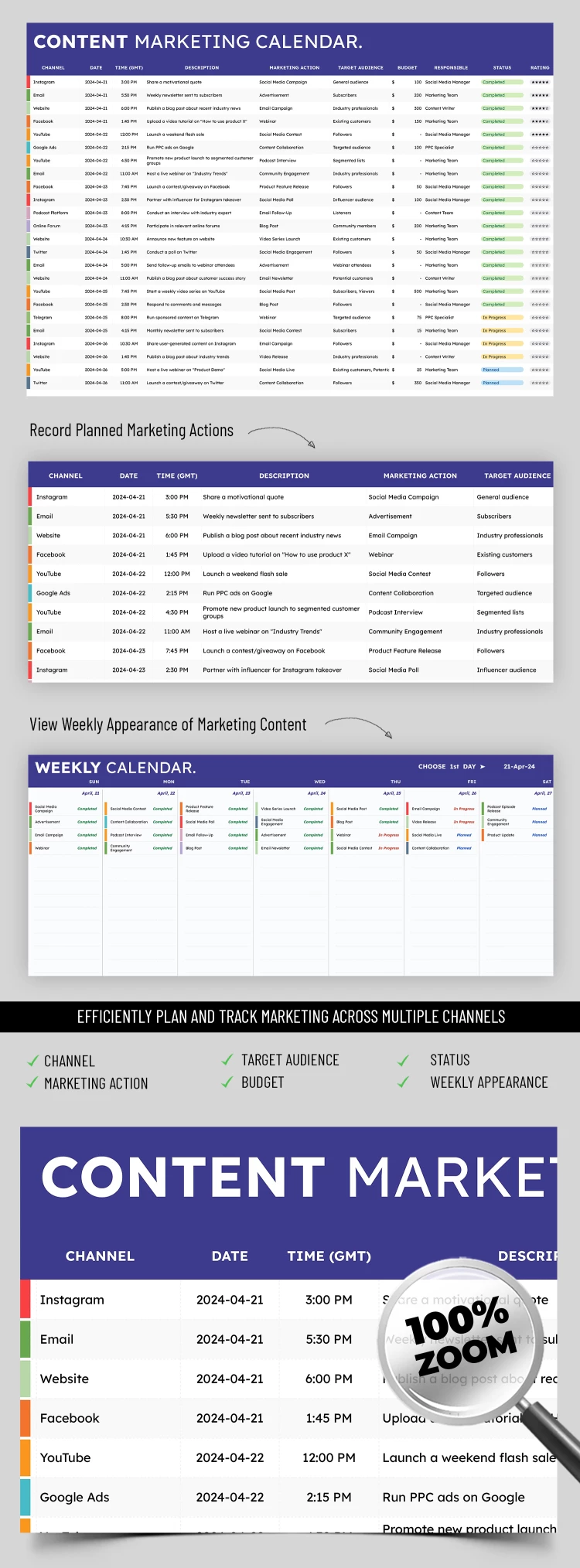
The calendar template in Google Sheets and Excel formats is super convenient for use online and offline. It consists of two sheets, each responsible for key aspects of content planning.

Two Adjustable and Fillable Sheets

The first sheet is a table for tracking all planned posts. Here, you can record parameters such as the platform, date and time of publication, content type, target audience, responsible persons, task status, and priority rating.

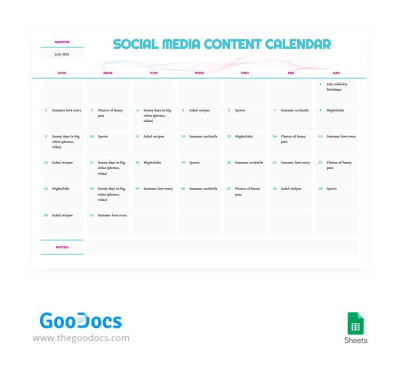
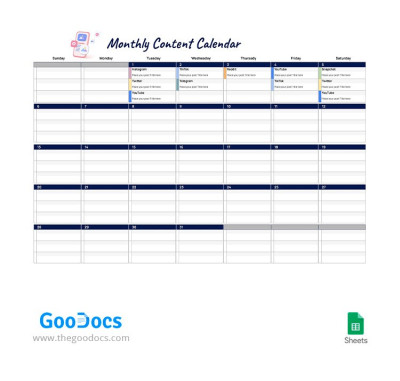
The second sheet is a weekly calendar that helps distribute tasks. You can range and distribute tasks by day of the week and simplify coordination between team members via our content calendar template for free.

Unlimited Flexibility and Customization

The downloadable calendar is fully editable, and you can adapt it to your needs. Change the fields, add additional categories, or delete unnecessary ones. Thanks to this, it easily integrates into any work process. The template is also printable if you prefer physical copies.

ADVERTISEMENT
Free Template

Download Free Template

Choose your platform and start editing right away
PLATFORM

Google Sheets

Opens in browser
PAPER SIZE
A4
Google Sheets – A4
No account required • Attribution required

WHAT’S INCLUDED

Weekly and daily task views
Customizable channels and target audiences
Status tracking for each action
Integrated budget and rating fields

Calendar Tips

1
Update status for completed tasks immediately.
2
Customize target audiences to fit your campaign.
3
Set realistic budgets for each marketing action.
4
Use color coding for different channels.

FAQ

Is this template compatible with Excel? Yes, it works in both Google Sheets and Microsoft Excel.
Is the template free to download? Yes, it's available for free.
How customizable is the calendar? You can change fields, add or delete categories.
How do the automatic calculations work? They update based on the data you enter into the sheet.
Is it beginner-friendly? Yes, it's easy to use with a simple layout.
ADVERTISEMENT

How to Use and Edit This Template

Get Your Document

1

Get Your Document

Click the "Edit Template" button to create your own editable copy in Google Sheets or download for Microsoft Excel
Customize Everything
2

Customize Everything

Easily change colors, fonts, and layouts to match your unique style or brand identity
Add Your Content
3

Add Your Content

Fill in your data, upload images, and replace the placeholder text with your own information
Print, Export, or Share
4

Print, Export, or Share

Print, export as PDF, or share instantly

Related Templates

Recently Viewed