Get unlimited access to 5000+ Templates for Google Docs, Slides and Sheets
Unlimited Access
ADVERTISEMENT
ADVERTISEMENT

Modern Weekly Content Calendar Template

Use this free template with Google Slides and Microsoft PowerPoint

4.25 (1 reviews)
Last updated Updated July 14, 2026
Type Weekly
ADVERTISEMENT

Template Specification

Format Google Slides, Microsoft PowerPoint
Created May 21, 2025
Last Updated July 14, 2026
Community Added to collections by 0 Users
Usage Stats 5 downloads this month

Key Features of This Template

Suitable For Marketing Smm

About this template

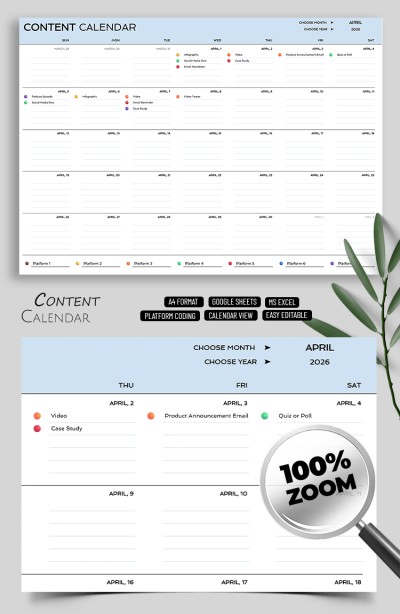
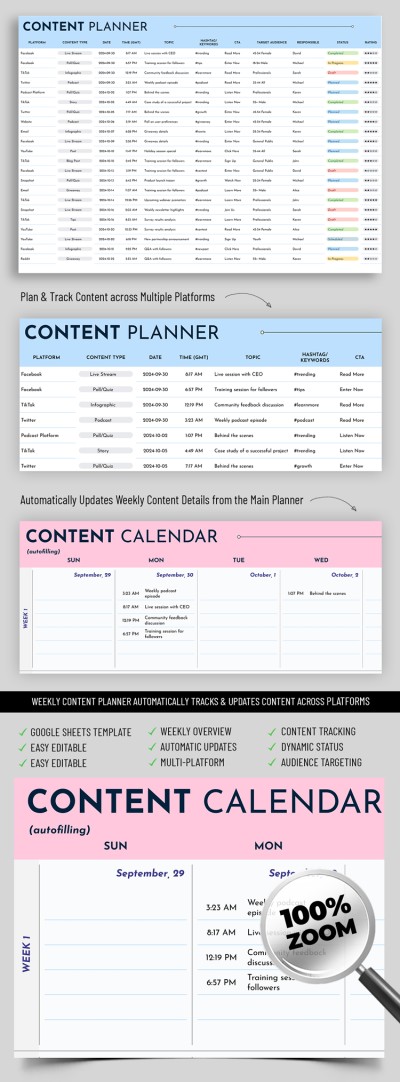
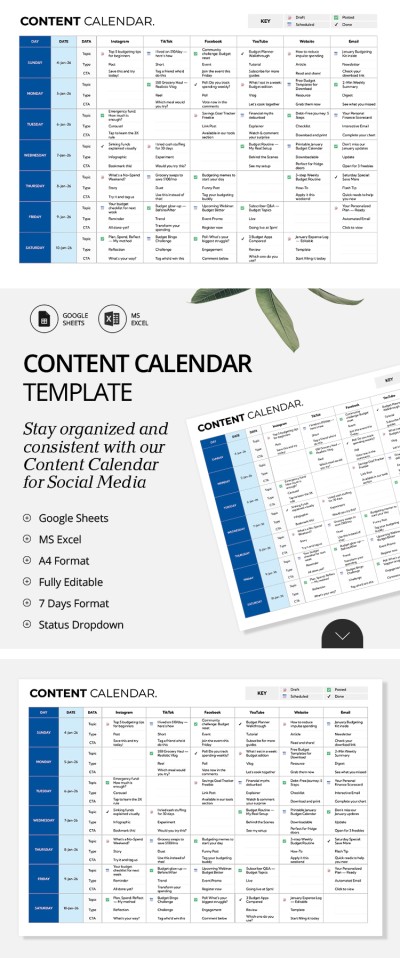
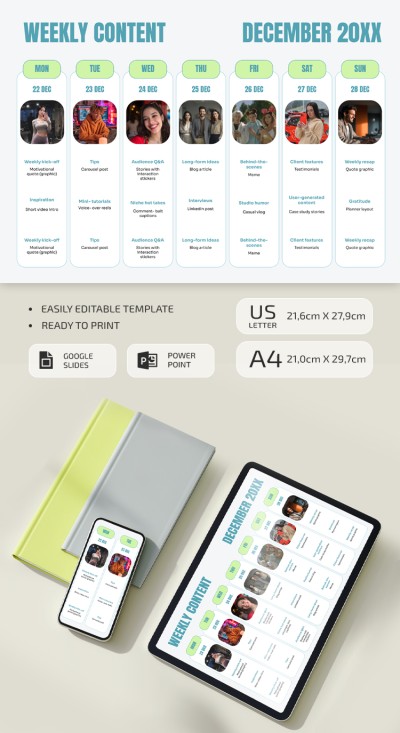
Plan your content easily and stylishly with our Modern Weekly Content Calendar Template. This layout includes everything you need for a smooth workflow: placeholders for your weekly content plan, post or ad previews, space for links, and more.

Use The Calendar Digitally or Print It Out

This social media content calendar template works perfectly on any device. It is also print-ready in A4 and US Letter sizes, so you can use it with any office printer.

How to use our fillable weekly calendar:

  • Plan and organize your content for the week by date.
  • Track any post metrics and details by adding key info, content type, inspiration sources, post titles, and links.
  • Customize the design to suit your style or create a custom format.

You can fill out and customize the calendar in Google Slides or PowerPoint. The drag-and-drop interface lets you adjust or remove unnecessary blocks and easily add your own photos and text.

Looking for something else? On our website, you can also find a calendar template in Google Docs for any other task.

ADVERTISEMENT
Free Template

Download Free Template

Choose your platform and start editing right away
PLATFORM

Google Slides

Opens in browser

Microsoft PowerPoint

.pptx
PAPER SIZE
A4
US Letter
Google Slides – A4
No account required • Attribution required

WHAT’S INCLUDED

Seven customizable slide layouts
Built-in image placeholders
Editable color schemes and fonts
Pre-set weekly content schedule

Calendar Tips

1
Update the calendar weekly for optimal organization.
2
Customize themes to match your brand identity.
3
Utilize placeholders for quick content updates.
4
Share with your team for collaborative planning.

FAQ

Is this template compatible with other software? It is designed for Google Slides and Microsoft PowerPoint only.
How easy is it to use? It's user-friendly with a drag-and-drop interface.
Can I customize the template? Yes, you can personalize layouts, colors, and fonts.
Is this content calendar free? Yes, it's free to download and use.
How many slides are included? The template includes seven slide layouts.
ADVERTISEMENT

How to Use and Edit This Template

Get Your Document

1

Get Your Document

Click the "Edit Template" button to create your own editable copy in Google Slides or download for Microsoft PowerPoint
Customize Everything
2

Customize Everything

Easily change colors, fonts, and layouts to match your unique style or brand identity
Add Your Content
3

Add Your Content

Fill in your data, upload images, and replace the placeholder text with your own information
Print, Export, or Share
4

Print, Export, or Share

Print, export as PDF, or share instantly

Related Templates

Recently Viewed