Content Strategy Calendar Template for Bloggers & Marketers
Use this free template with Google Sheets and Microsoft Excel
Template Specification
Key Features of This Template
About this template
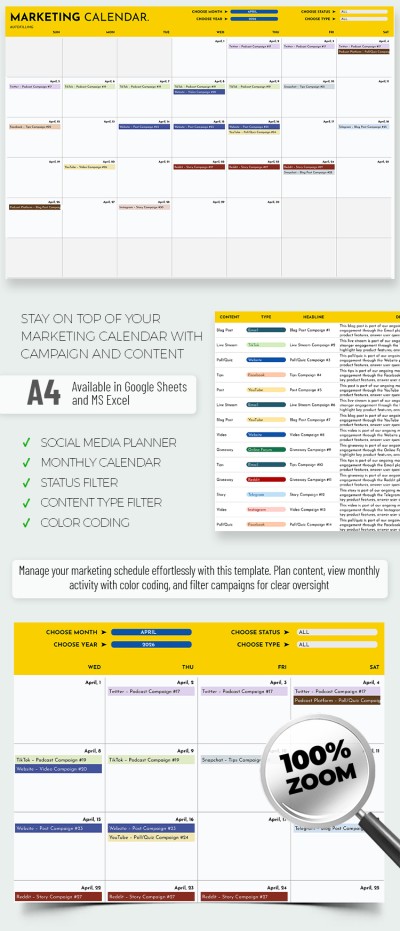
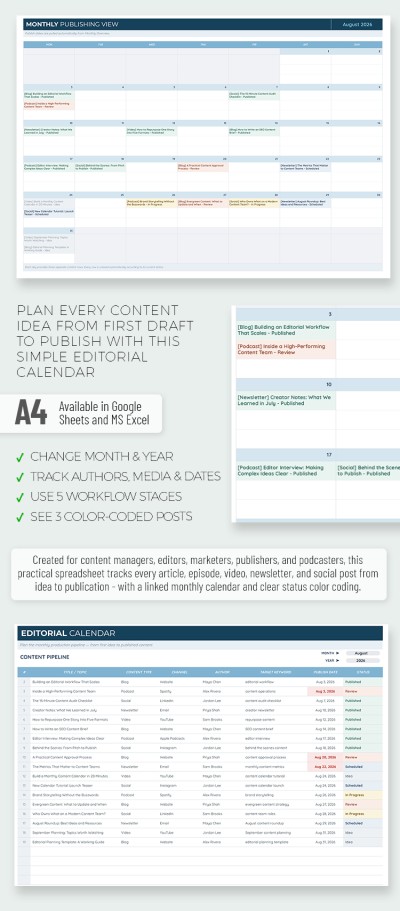
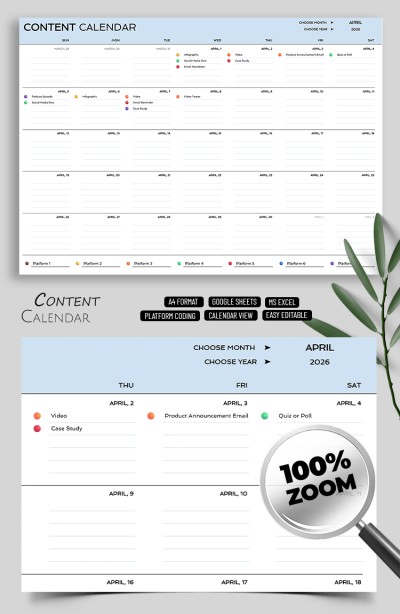
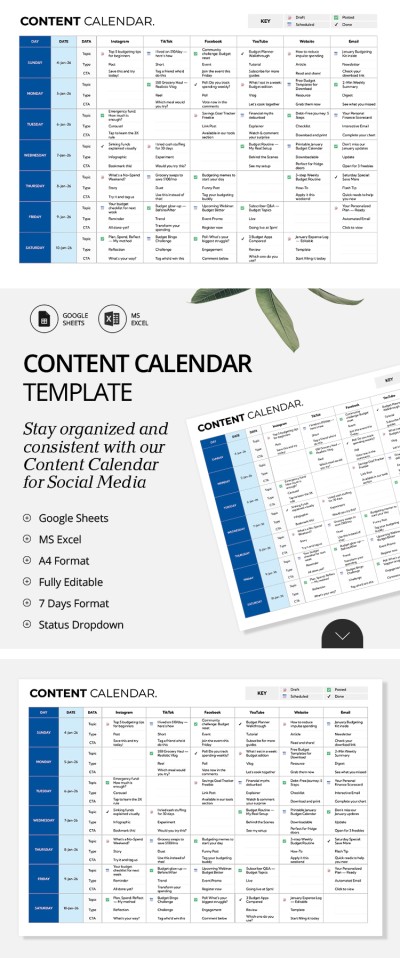
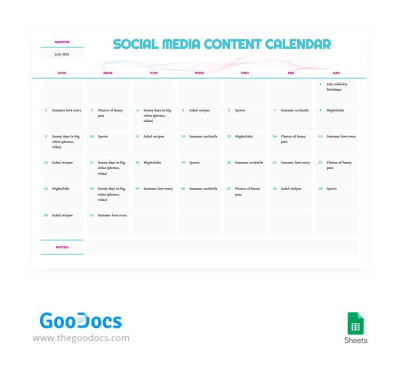
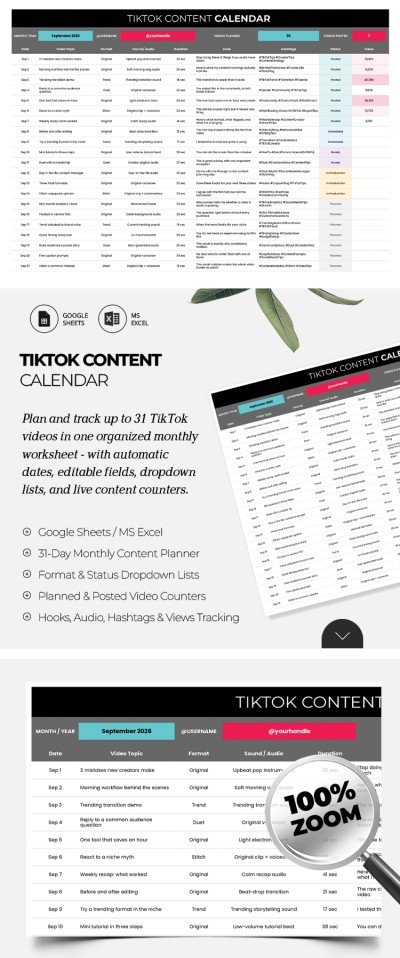
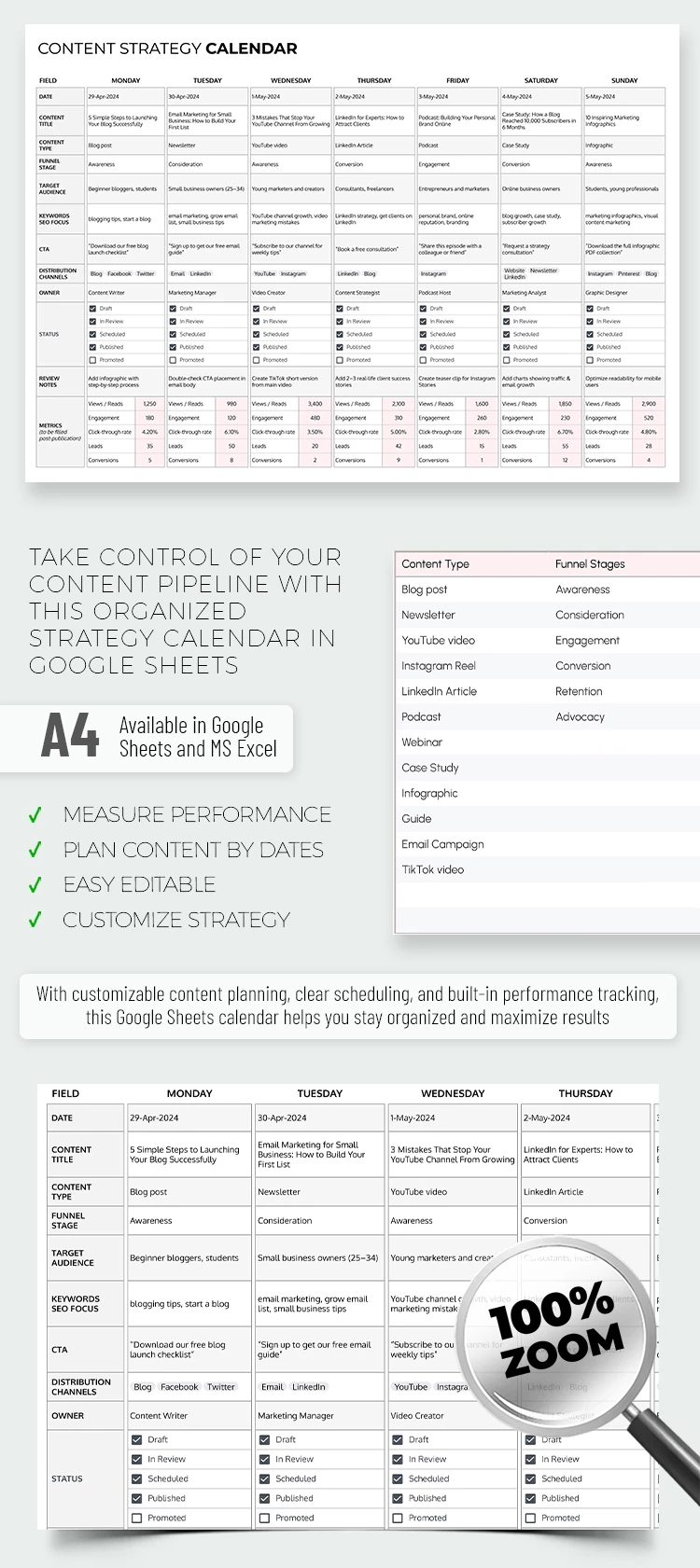
Planning content is easy with our Content Strategy Calendar Template. We've created a tool that's perfect for bloggers, marketers, and content planners across all platforms—from blogs and newsletters to YouTube and infographics.
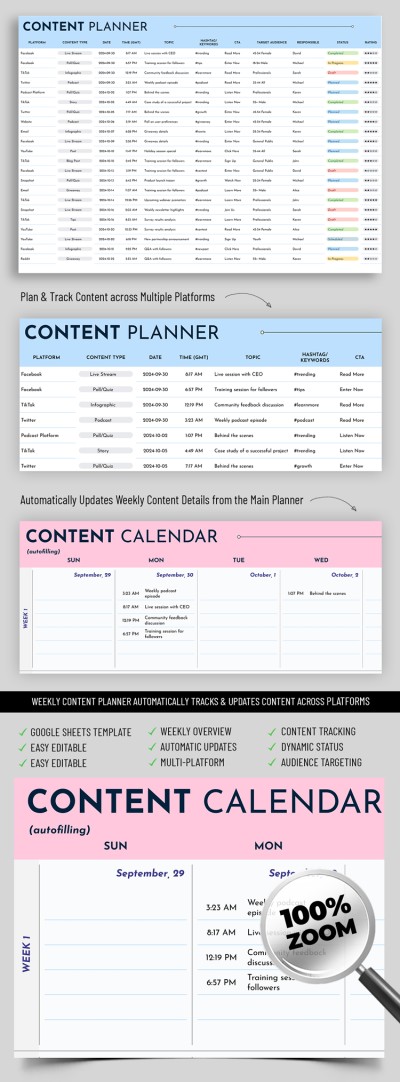
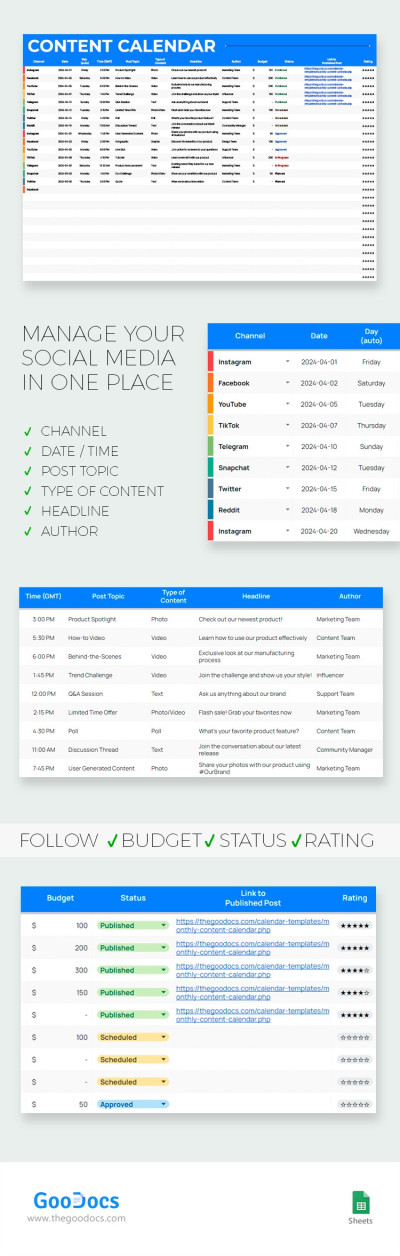
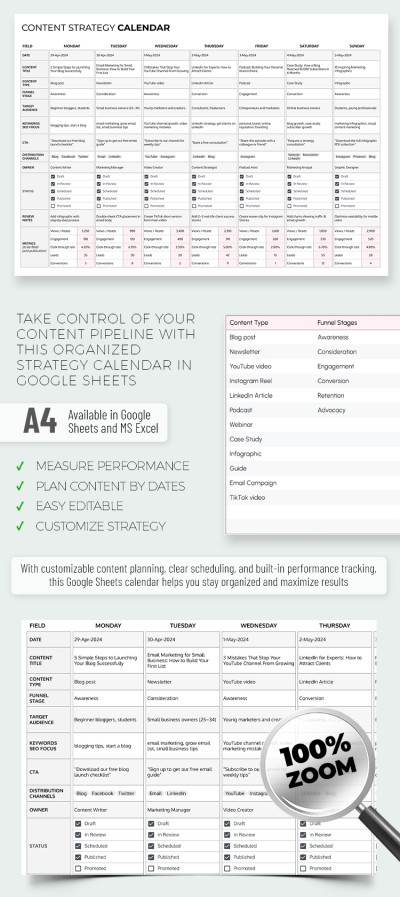
Inside this content calendar template, you'll find a pre-built table to record key details and track final metrics to measure effectiveness.
Optimize Your Content Strategy with Our Calendar
Our Google Sheets and Excel calendar template is user-friendly and suitable for individual creators or entire content teams.
It allows you to plan and track key details for every post:
- Add publication dates, titles, content types, funnel stages, target audiences, keywords (for SEO), CTAs, distribution channels, and more.
- Share your plan with managers for approval or collaborate directly with your team.
- Make real-time edits together in a single Google Sheets file.
- Track key metrics such as views, engagement, CTR, and leads.
This digital tool works on any device, from phones and tablets to laptops and PCs. You can easily customize the drop-down lists (content types, funnel stages, channels, and owners) on a separate settings sheet.
We also offer printable options; to find the perfect Google Doc calendar template, click the link.
Download Free Template
WHAT’S INCLUDED
Calendar Tips
FAQ
How to Use and Edit This Template

Get Your Document

Customize Everything

Add Your Content