Printable Purchase Order Template – Track Orders | Products | Payments
Use this free template with Google Sheets and Microsoft Excel
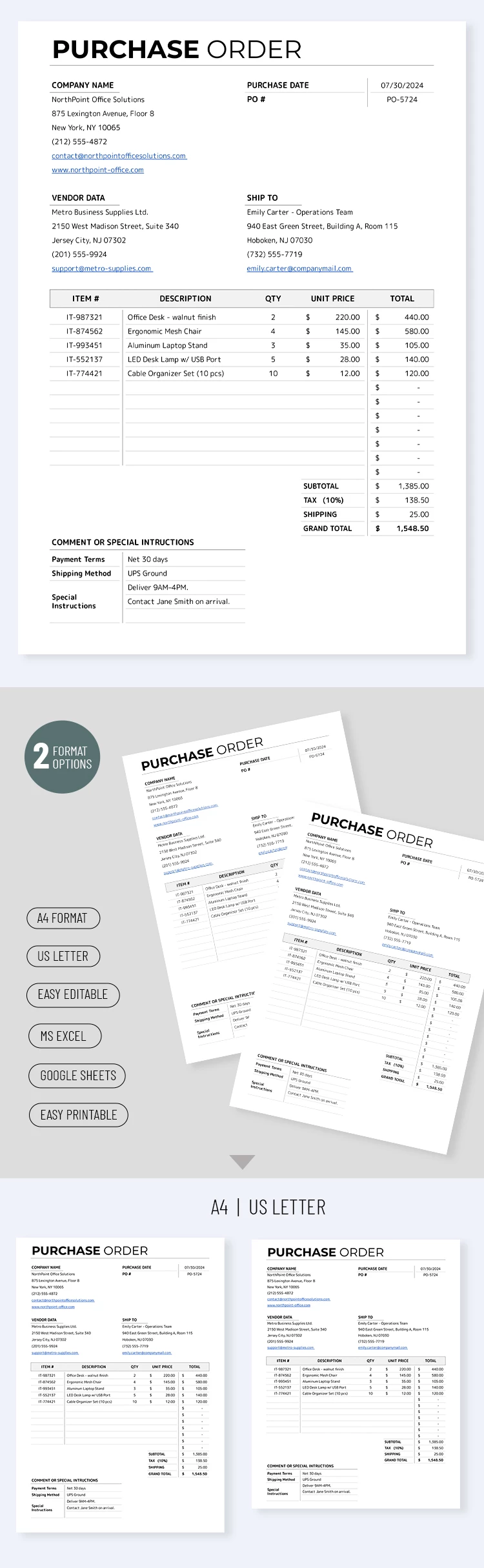
Template Specification
About this template
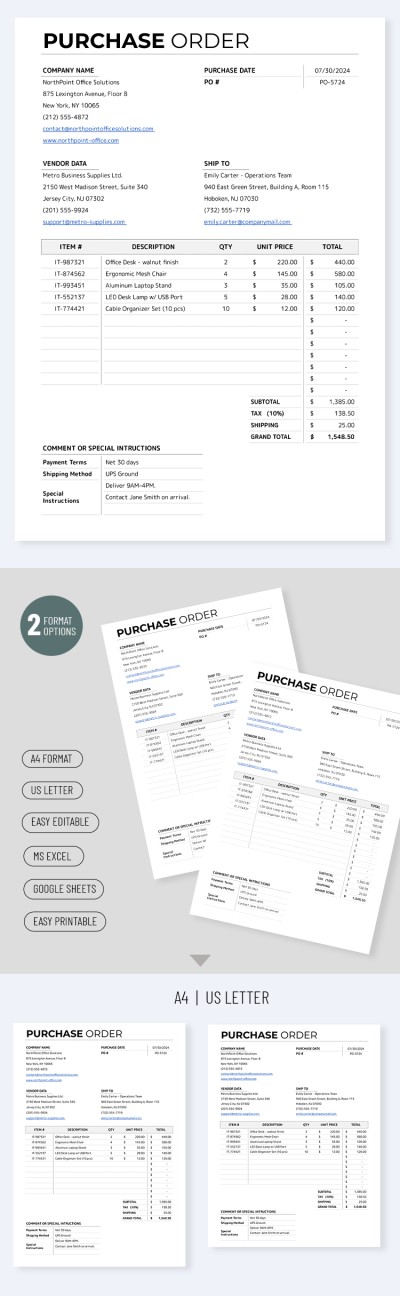
Get free access to our editable and printable Purchase Order Template. This form is ready to fill out, containing all the essential sections from company details to comments and payment instructions. This template is available in Google Sheets and Excel, so you can fill it out digitally with no extra software needed.
Structured Purchase Form With Payment Fields
Start tracking orders, products, and payments using a single purchase order form. The minimalist, formal design is the best choice for this type of document, and the ready-to-fill sections help you get started right away with no extra setup.
Start filling out our purchase order template in Excel:
- Fill in your company details, PO number, issue date, vendor information, and shipping details at the top of the template.
- Use the preset table to add item numbers, descriptions, quantities, unit prices, and line totals.
- Get automatic calculations for the subtotal, tax rate, shipping fees, and grand total below the table.
All you have to do now is add any comments, instructions, and payment terms, enter the shipping method, and add contact details in the final fields. Find a suitable Google Sheet template on our website.
How to Use and Edit This Template

Get Your Document

Customize Everything

Add Your Content

Print, Export, or Share
Related Templates
Recently Viewed