Printable Estimate Template for Track Prices & Materials & Labor
Use this free template with Google Sheets and Microsoft Excel
Template Specification
About this template
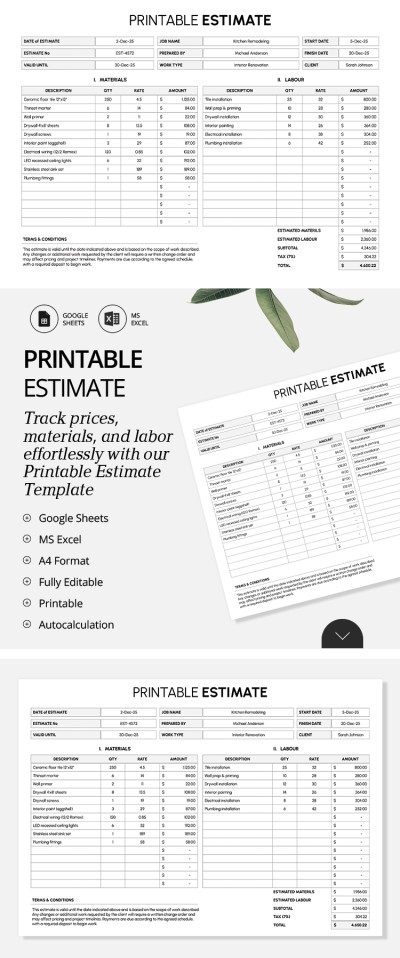
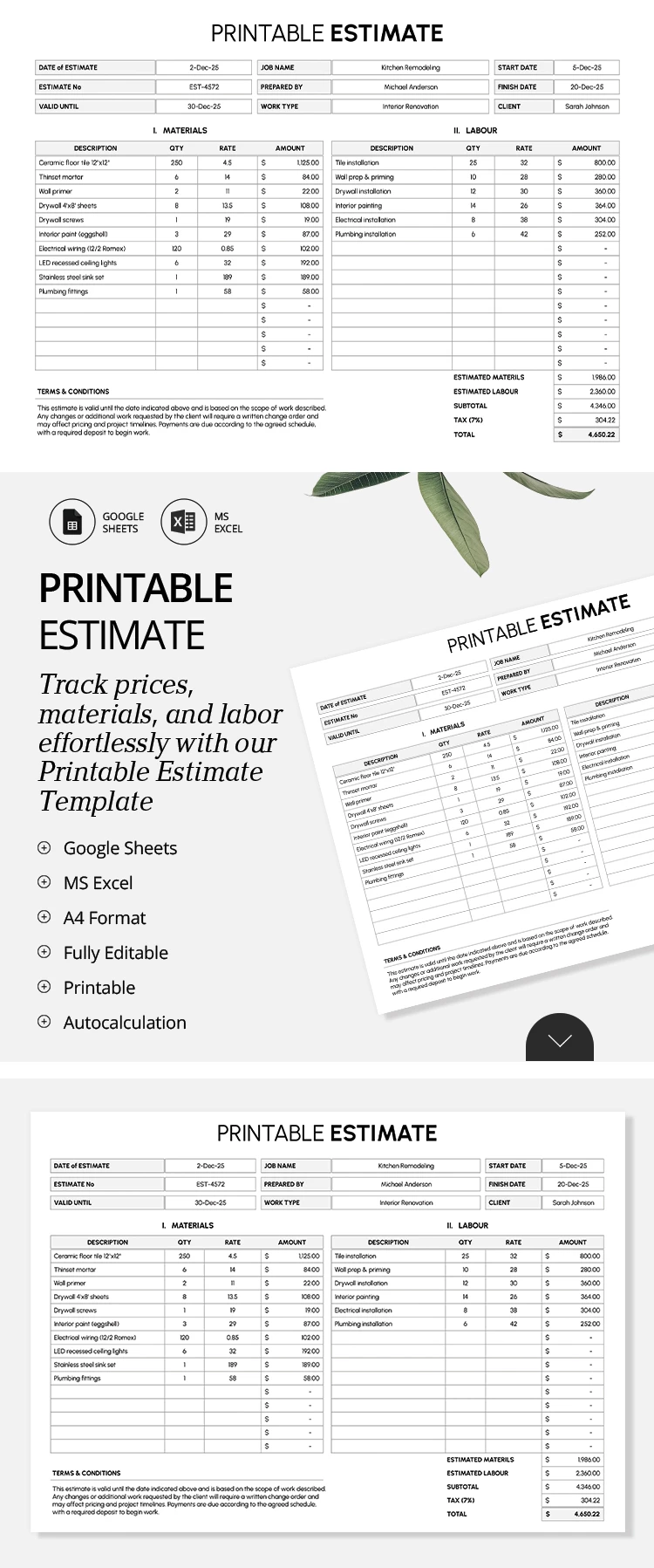
Track every penny of your project using our Estimate Template. This template comes with a pre-made layout featuring dedicated fields to track prices, materials, and labor. Unlike standard estimate forms that only include one table, this option is much better suited for large orders and complex projects.
Easily Calculate Material & Labor Costs
Our estimate sheet consists of several conveniently organized tables that allow you to quickly and easily summarize your project costs. The clean black-and-white design, well-structured spacing between blocks, and clear labels make this format both professional and legally sound.
Fill out the tables and more:
- Add the estimate date, number, validity period, project name, estimator's name, start and end dates, and the client's name or company name in the header.
- Detail the full material cost, including the description, quantity, unit price, and the automatically calculated line total, using the table on the left.
- Calculate labor costs using the corresponding table on the right.
Below both tables, you'll see an automatic cost breakdown for materials and labor. Simply enter the tax rate to calculate the grand total. Add any comments or payment options in the terms & conditions section, save the template as a PDF, and easily email or print it. Find a free Google Sheet template on our website.
How to Use and Edit This Template

Get Your Document

Customize Everything

Add Your Content

Print, Export, or Share
Related Templates
Recently Viewed