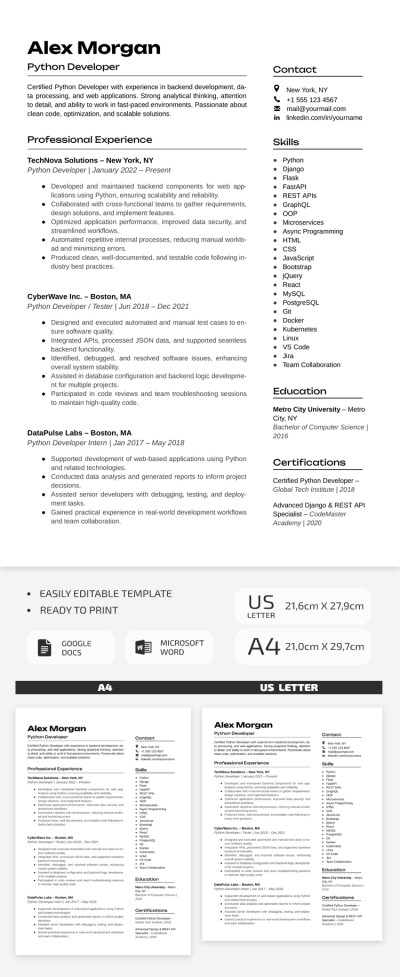
Python Developer Resume Template
Use this free template with Google Docs and Microsoft Word
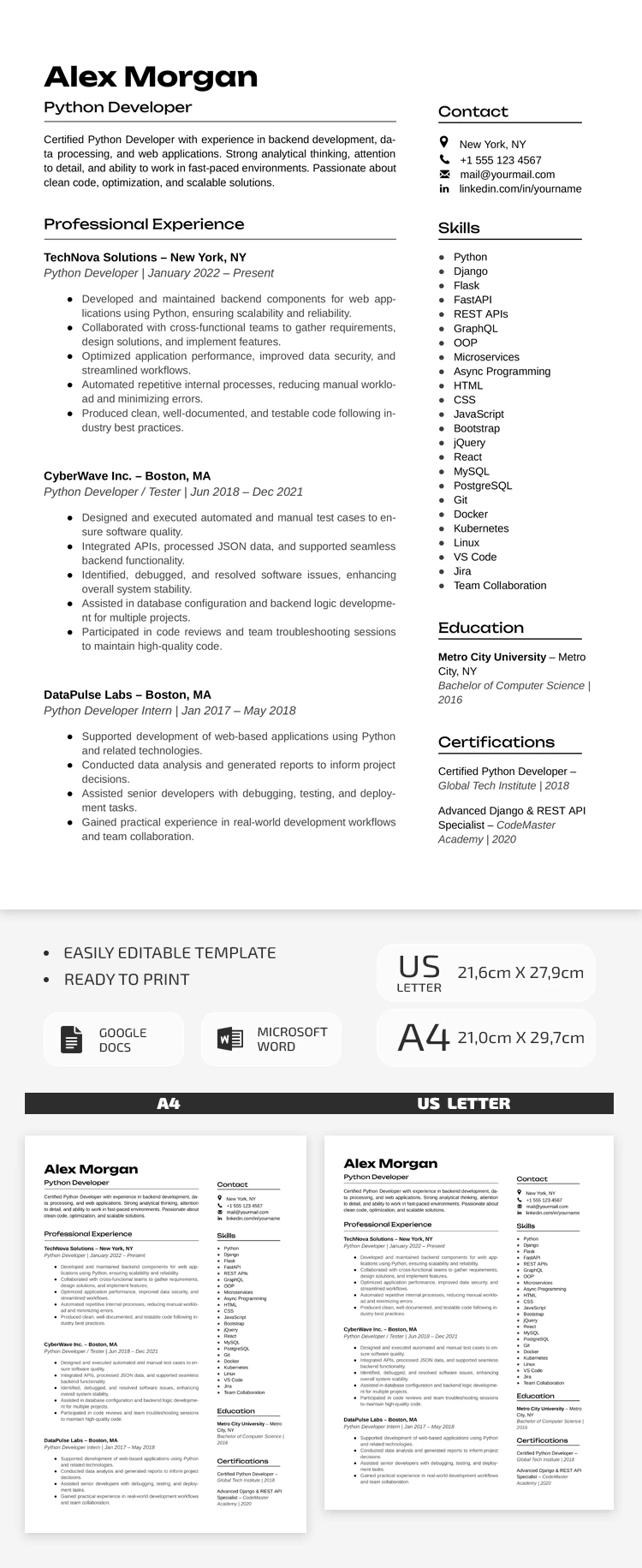
Template Specification
Key Features of This Template
About this template
This modern and minimalist Python Developer Resume Template is designed specifically for job searches in highly competitive industries. Instead of flashy visuals, it focuses on your skills and experience, presented in a clean and clear format. Our chronological resume template is divided into several key sections and meets all modern recruitment standards.
Get This Versatile IT Resume Template
A clean white background, easy-to-read fonts, and underlined section titles are the main features of this software engineer resume template.
There is plenty of space for your work experience, which you can list in chronological or reverse-chronological order. You can easily include your key positions, dates of employment, and main achievements or responsibilities.
More details you can include using Google Docs and Word:
- Add a 4-5-line professional statement.
- Include full contact information.
- List all your skills, education, and certifications.
This option is ideal when you need to provide detailed information and focus on your work history. After completing the template, you can save it as a PDF to email it, upload it to your website, or print it in A4 or US Letter size. You can also find distinctive resume templates for every field and industry on our website.
Download Free Template
Google Docs
Opens in browserMicrosoft Word
.docsWHAT’S INCLUDED
Resume Tips
FAQ
How to Use and Edit This Template

Get Your Document

Customize Everything

Add Your Content

Print, Export, or Share
Related Templates
Recently Viewed