Engineering Resume Template
Use this free template with Google Docs and Microsoft Word
Template Specification
Key Features of This Template
About this template
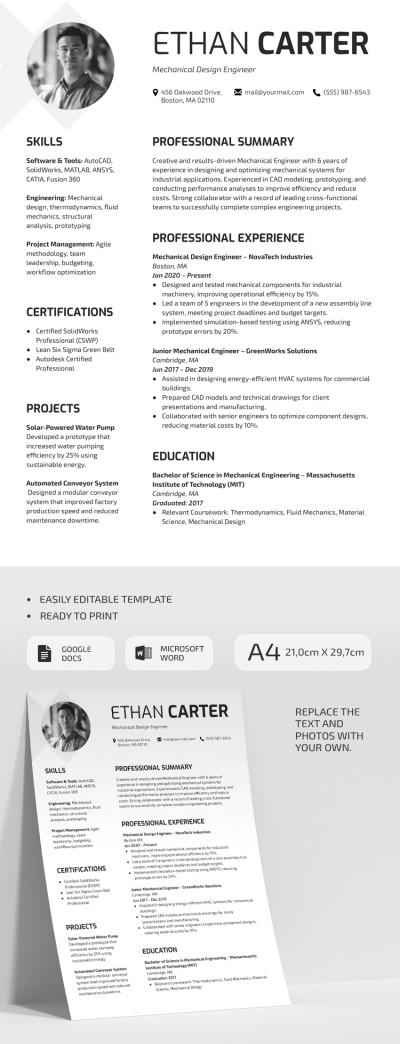
Your resume will immediately catch a recruiter's eye with this Engineering Resume Template. It features a clean white background, highly readable fonts, and a stylish design. The two-column layout, custom contact icons, and photo placeholder make this layout stand out from the crowd. Plus, this chronological resume template also features a dedicated skills section.
Maximize Interview Invites with This Template
Our template avoids flashy colors and instead emphasizes your professional profile. Large section headings and bulleted lists help create a highly scannable document.
More features of our engineering resume template:
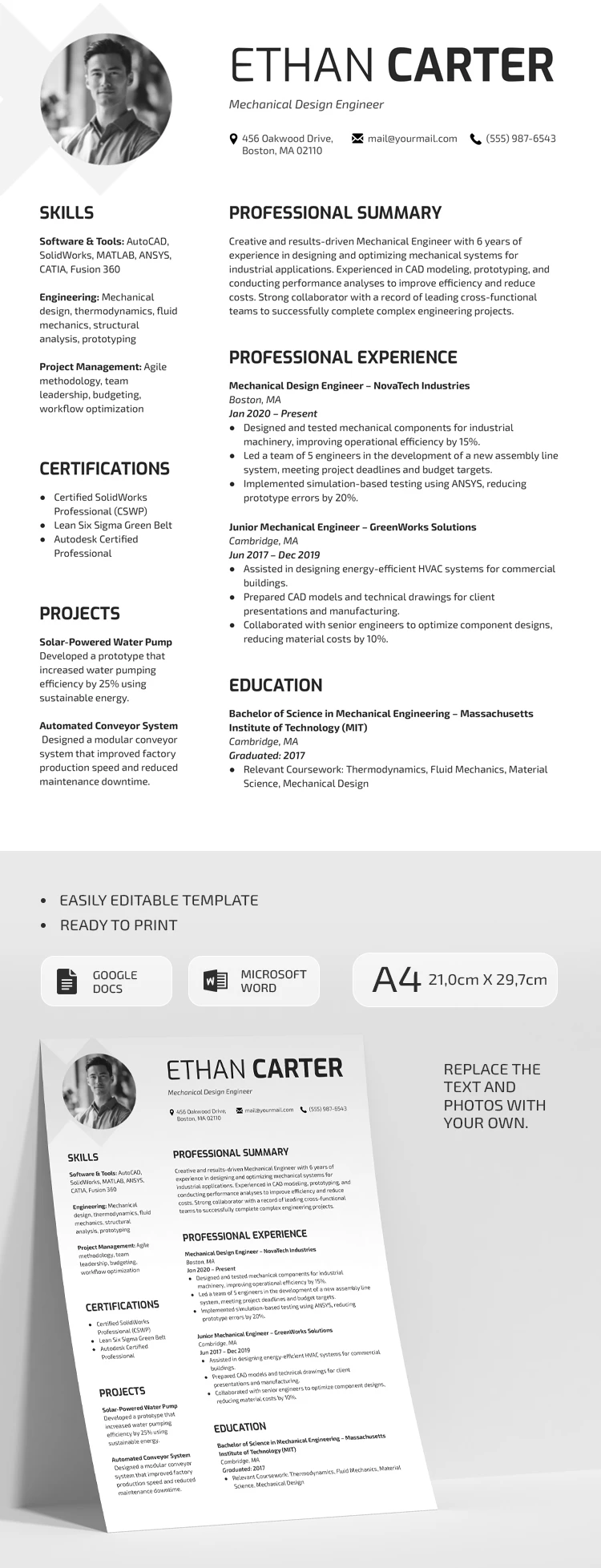
- You can change fonts, add your photo, and easily edit the template in Google Docs and Word formats.
- This template is ready to save as a PDF for digital sharing or printing in A4 size.
- We've prepared sample text for each section that you can use as a guide.
This layout allows you to showcase your full profile, including skills, education, work experience, certifications, and key projects. Get this Google Docs resume template for free or find more options via the link.
Download Free Template
Google Docs
Opens in browserMicrosoft Word
.docsWHAT’S INCLUDED
Resume Tips
FAQ
How to Use and Edit This Template

Get Your Document

Customize Everything

Add Your Content

Print, Export, or Share
Related Templates
Recently Viewed