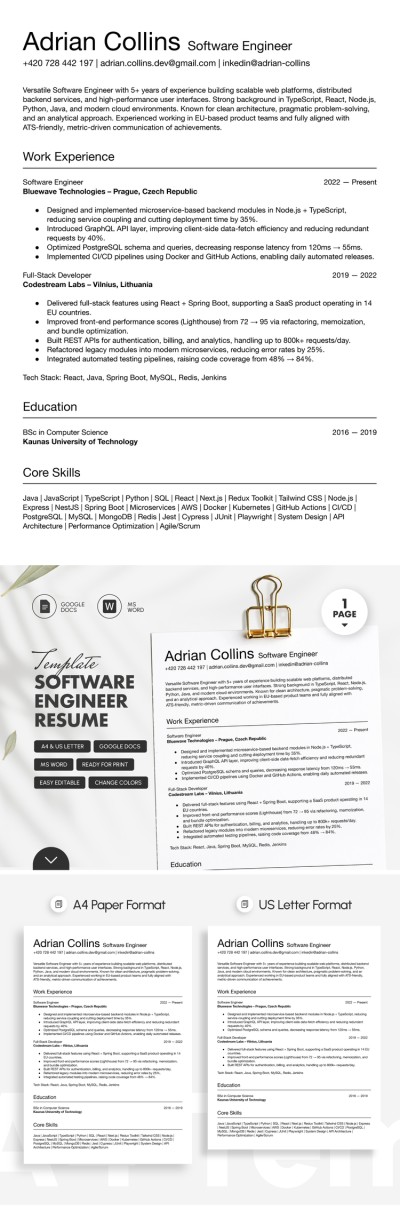
Customizable Software Engineer Resume Template
Use this free template with Google Docs and Microsoft Word
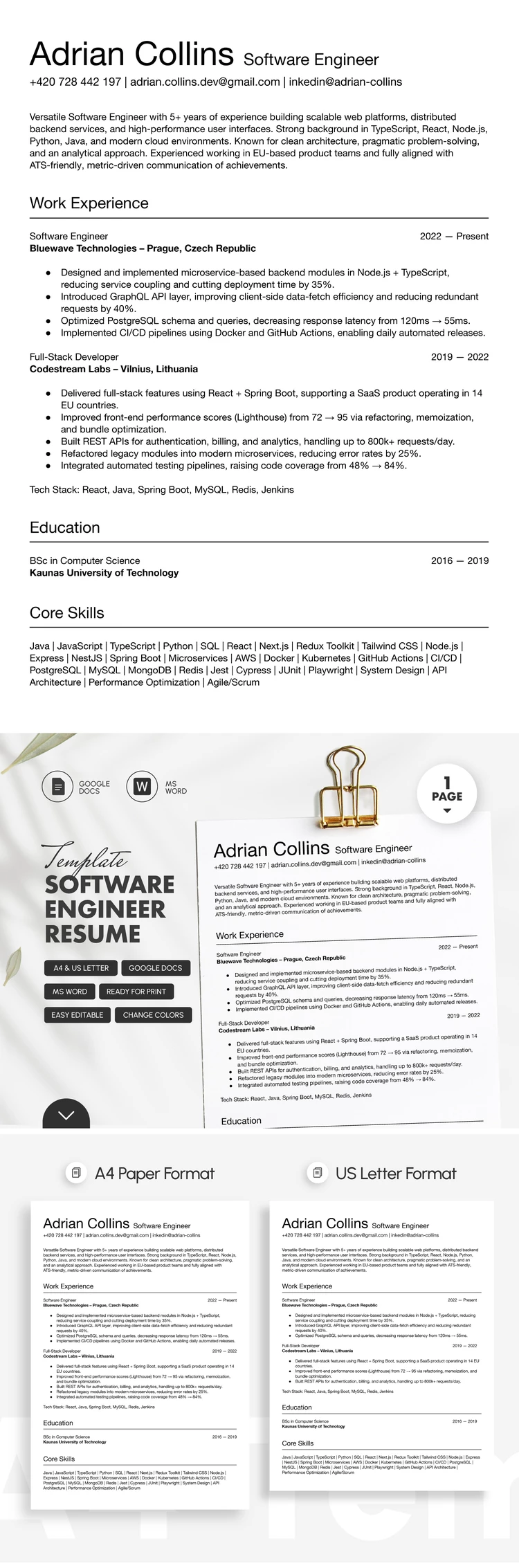
Template Specification
Key Features of This Template
About this template
Are you looking for a clean and organized Software Engineer Resume Template? This layout meets all your needs perfectly. Our template features a professional, no-frills design with all the necessary sections to present a complete overview of your experience, education, and technical skills. Best of all, this Word and Google Docs resume template is fully editable and ready to print.
Get Your Software Engineer Resume Ready in Minutes
You can focus on filling out your professional experience, skills, and summary rather than wasting time formatting a document from scratch. The layout is ready to go, featuring highlighted headings, bulleted lists, and a clear structure.
Check out the benefits of this software developer resume template:
- Use sample text to write a professional summary that really works.
- Fill out your work experience, including job titles, companies, dates of employment, and achievements (all formatted with bulleted lists).
- Update your core skills by keeping items from the pre-made list or adding new ones in just a few clicks.
A clean and simple resume is the best choice for the highly competitive IT field. You’ll be able to describe your professional background in detail, helping hiring managers quickly find the information they need. Save your completed resume as a PDF to print it or send it directly to potential employers.
Download Free Template
Google Docs
Opens in browserMicrosoft Word
.docsWHAT’S INCLUDED
Resume Tips
FAQ
How to Use and Edit This Template

Get Your Document

Customize Everything

Add Your Content

Print, Export, or Share
Related Templates
Recently Viewed