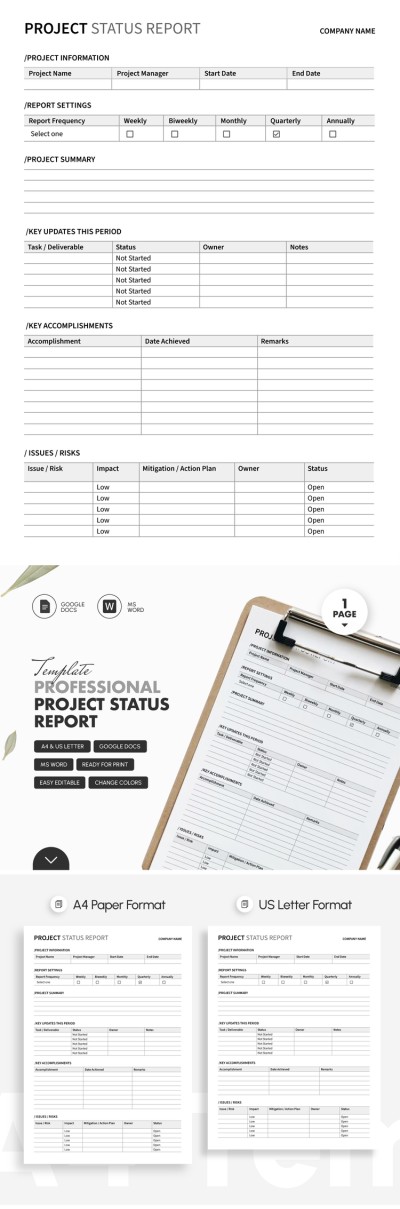
Professional Project Status Report Template – Easy-to-Use for Managers & Teams
Use this free template with Google Docs and Microsoft Word
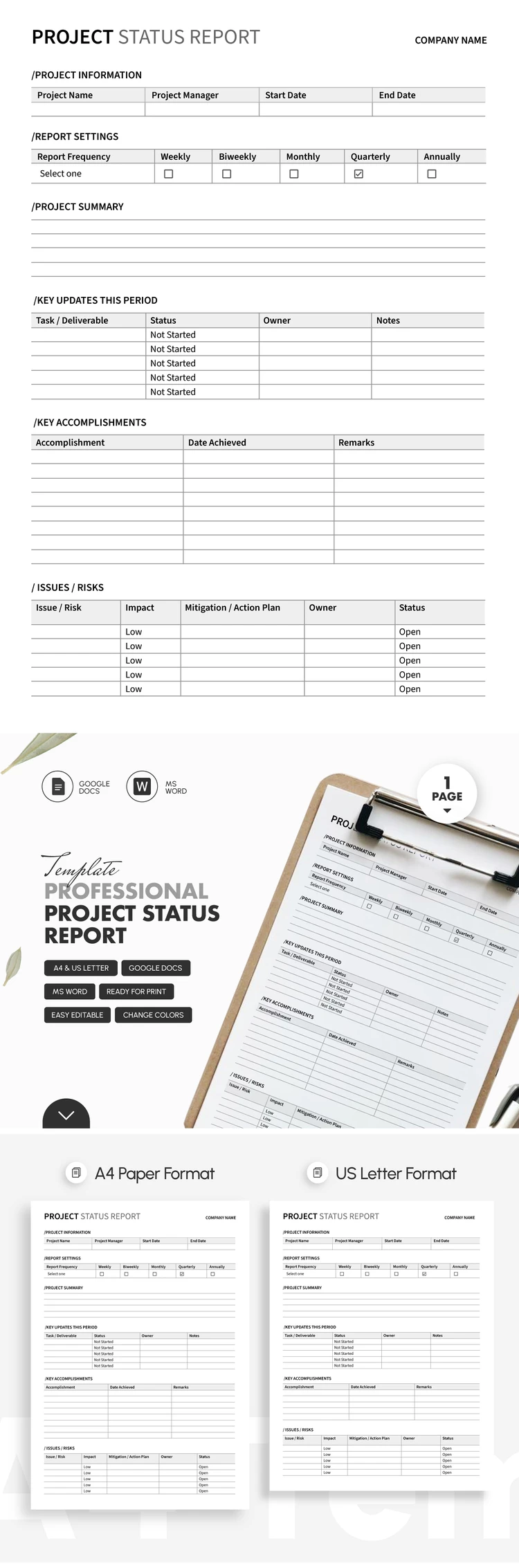
Template Specification
Key Features of This Template
About this template
Need a customizable form for regular project status reports? This Professional Project Status Report Template is the perfect addition to your workflow. It includes everything you need for a quick and simple reporting process, whether you’re tracking progress weekly, quarterly, or annually.
Simple Project Status Tracker for Busy Teams
Don’t waste time creating a form from scratch; better try this project status report template for free today. It features a minimalist black-and-white design with gray accents for table headers. With no distracting design elements, both the person filling it out and the reviewer can stay focused on the data itself.
The form consists of several clear sections:
- Enter the project title, manager’s name, and start/end dates, then simply mark the reporting frequency.
- Add a project summary (scope, deadlines, and budgets) to the project summary section. You can also list key updates and accomplishments for the period in a separate table.
- Evaluate potential risks and their impact, then use the table at the end of the form to define your action plan, assignment owners, and statuses.
Fill out our Word and Google Docs report template on any device, share the link with colleagues for feedback, or print it on A4 or US Letter paper with no extra formatting needed. Find more professional report templates on our website.
Download Free Template
Google Docs
Opens in browserMicrosoft Word
.docsWHAT’S INCLUDED
Report Tips
FAQ
How to Use and Edit This Template

Get Your Document

Customize Everything

Add Your Content

Print, Export, or Share
Related Templates
Recently Viewed