Middle School Book Report Template
Use this free template with Google Docs and Microsoft Word
Template Specification
About this template
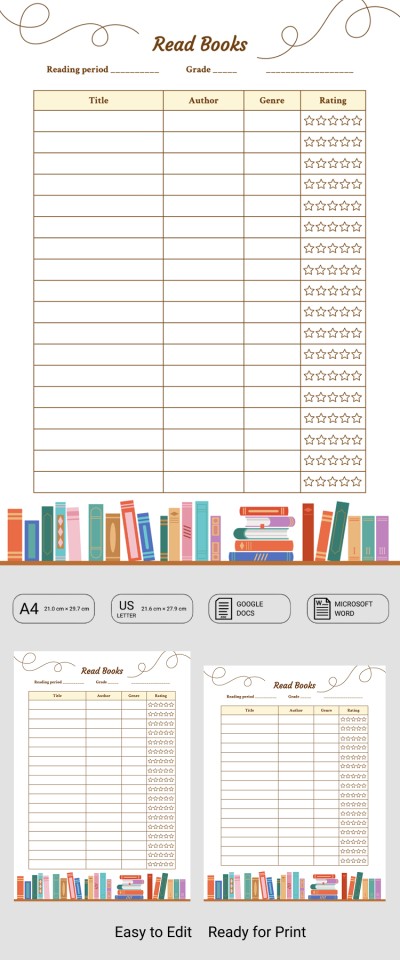
This Middle School Book Report Template helps teachers and students build an organized reading list. Along with the standard fields for title, author, and genre, students can include their personal rating for every book. Plus, this template features a fully editable and clean design.
Track Your Middle School Reading
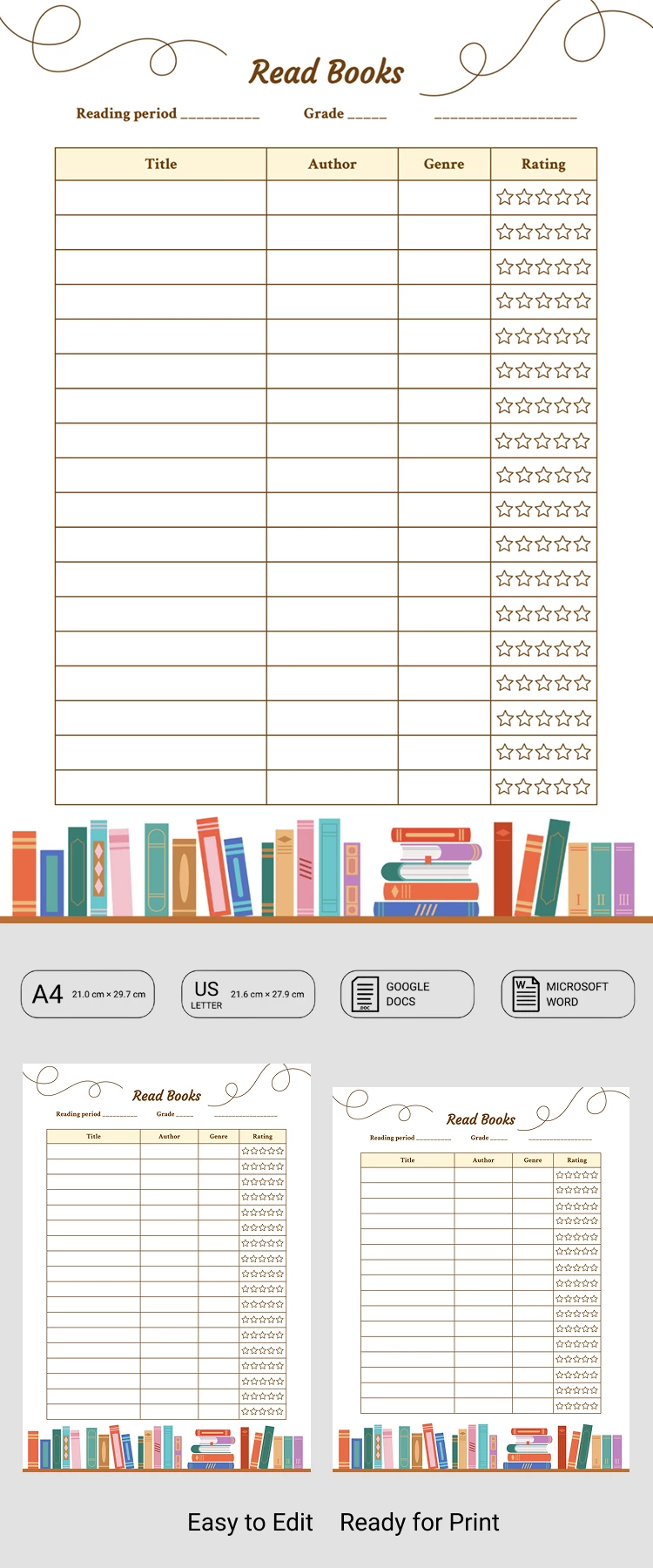
Using this report template, teachers can set up reading lists, while students can track what they’ve already read and what’s coming up next. The layout features soft pastel colors, a beige table header, and charming book illustrations at the bottom.
Check out more features of our book report template:
- You can manage the reading list digitally in Google Docs or Word.
- Colors, fonts, and other design elements are customizable in just a few clicks.
- This template is ready to print in A4 and US Letter sizes; just choose the format you need before downloading.
Simply fill out the table by entering book titles, authors, and genres. You can also rate each book on a five-point scale in the right-hand column. Check out more options on our website!
Download Free Template
Google Docs
Opens in browserMicrosoft Word
.docsWHAT’S INCLUDED
Report Tips
FAQ
How to Use and Edit This Template

Get Your Document

Customize Everything

Add Your Content

Print, Export, or Share
Related Templates
Recently Viewed