Geometric Annual Report Template
Use this free template with Google Docs and Microsoft Word
Template Specification
Key Features of This Template
About this template
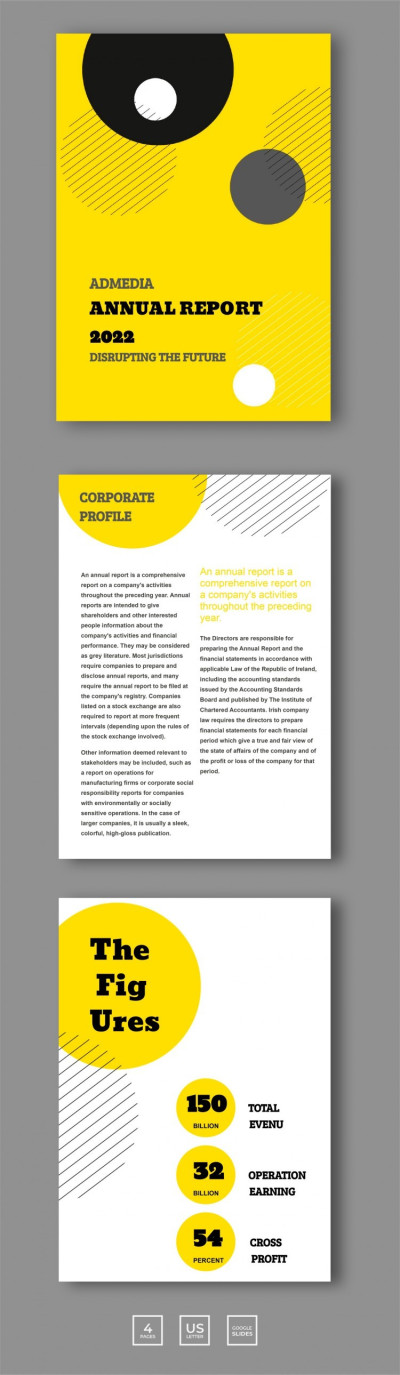
Our Geometric Annual Report template features a modern, pre-made design with bold yellow accents and geometric shapes. Simply replace the placeholder text with your metrics and descriptions, add your logo, and you're ready to print. You can choose between A4 and US Letter sizes before saving your copy.
Get Your Creative Annual Report Today
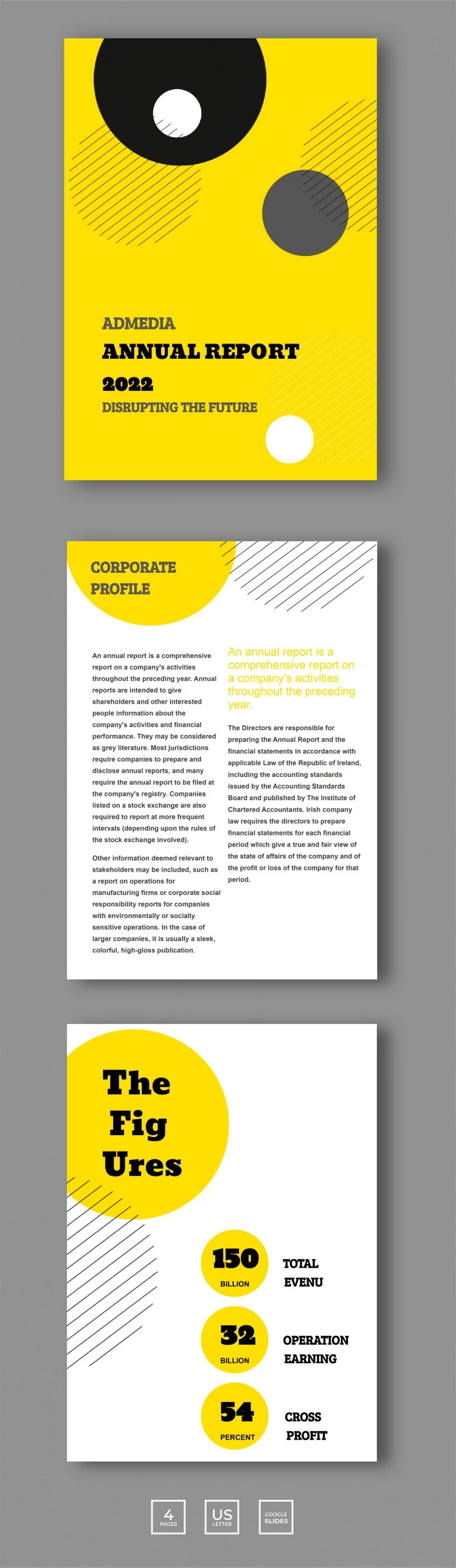
Giving your report a stylish look has never been easier. This business report template will impress stakeholders and decision-makers with its bright yellow cover, featuring your company name and a brief summary. On the second page, you can provide a breakdown of your annual achievements in a clean two-column layout. The third page includes placeholders for key figures, including total revenue, operating earnings, and gross profit.
You can easily customize and fill out the template:
- Change the design elements to match your corporate colors.
- Replace the titles and add relevant metrics along with text describing your company's success.
- Save your finished report as a PDF for high-quality printing.
Start using this template today, or browse our website to find a suitable Google Docs report template.
Download Free Template
Google Docs
Opens in browserWHAT’S INCLUDED
Report Tips
FAQ
How to Use and Edit This Template

Get Your Document

Customize Everything

Add Your Content

Print, Export, or Share
Related Templates
Recently Viewed