Get unlimited access to 5000+ Templates for Google Docs, Slides and Sheets
Unlimited Access
All Templates

Professional Corporate Annual Report Template

Use this free template with Google Docs and Microsoft Word
4.17 (2 reviews)
Last updated Updated June 24, 2026
Created by Grace Green
Type Annual
ADVERTISEMENT

Template Specification

Format Google Docs
Created July 20, 2021
Last Updated June 24, 2026
Community Added to collections by 22 Users
Usage Stats 187 downloads this month

Key Features of This Template

About this template

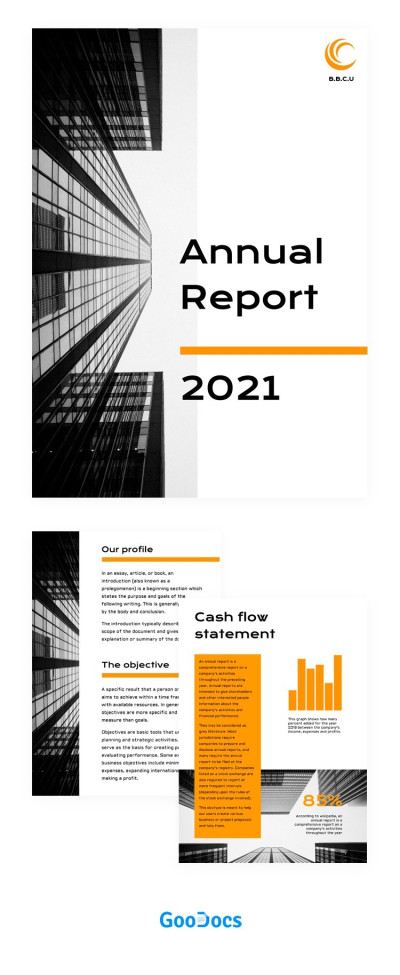
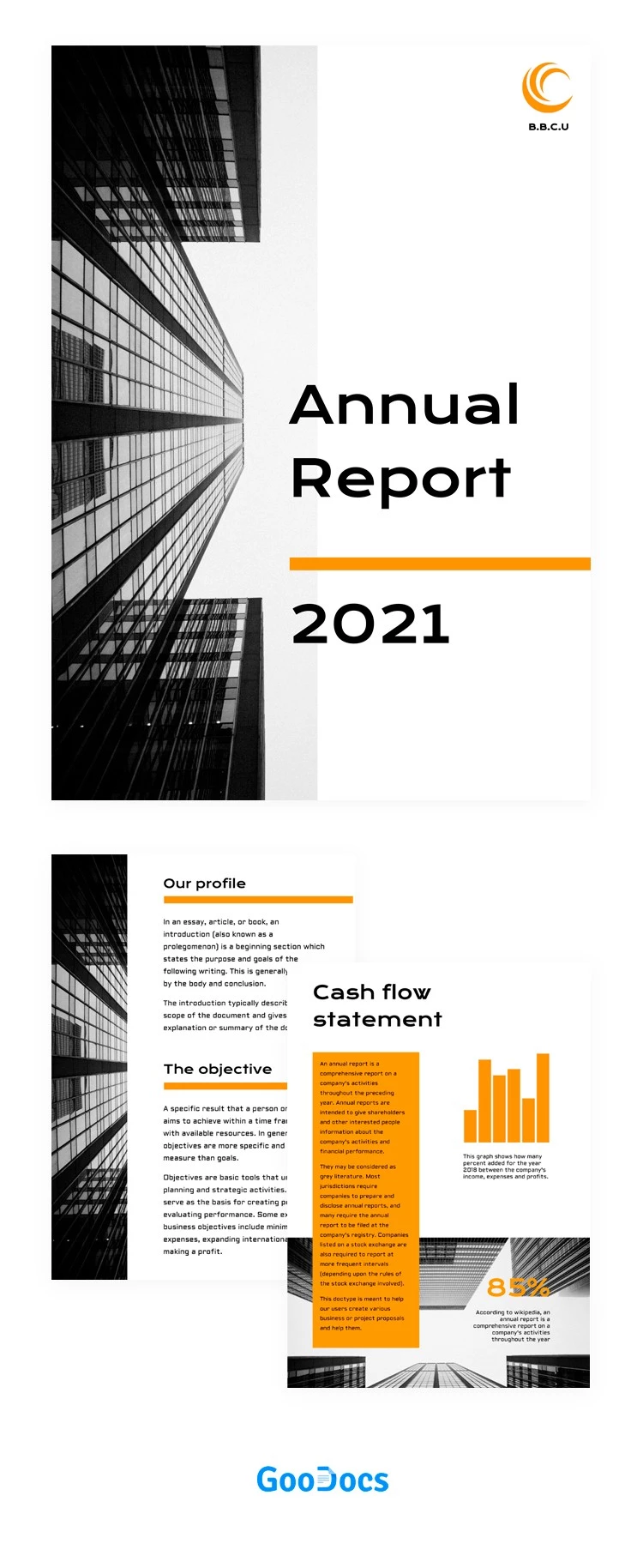
Designing your annual report is much easier with our Corporate Annual Report Template. Use the three pre-designed pages to add your metrics, objectives, development plans, and more. Plus, our business report template for Word and Google Docs is fully editable and ready to print.

Create Your Modern Corporate Annual Report

Gathering key metrics and drawing conclusions for an annual report is a time-consuming task. To save time, it’s best to use a professional design to format your results. Each of the three pages in this template features a consistent style with easy-to-read bold fonts, modern architecture in the background, and bright orange accents.

You can fully customize this template:

  • Add your company logo, name, report title, and year by replacing the placeholders on the cover page.
  • Use the second page to introduce the report and outline your company profile and objectives.
  • Describe your cash flow statement or other metrics, display charts, and more on the third page.

You can also easily select new fonts, change the background colors, or add your own photos. Print the completed report in high-quality A4 or US Letter format with no additional setup required. The perfect annual report template for your needs is right here on our website.

ADVERTISEMENT
Free Template

Download Free Template

Choose your platform and start editing right away
PLATFORM

Google Docs

Opens in browser
PAPER SIZE
A4
US Letter
Google Docs – A4
No account required • Attribution required

WHAT’S INCLUDED

Three-page structured report design
Modern architecture background visuals
Editable charts for data representation
Bright orange emphasis accents

Report Tips

1
Customize colors to match your brand identity.
2
Use clear headings for each section.
3
Include visuals to enhance data presentation.
4
Proofread the document before finalizing.

FAQ

Is this template compatible with Google Docs? Yes, it's designed for Google Docs and Microsoft Word.
Can I easily modify this template? Yes, it is fully customizable to fit your needs.
Is this template free to download? Yes, it is available for free download.
What sections are included? The template includes profile, objectives, and financial statements sections.
Is it user-friendly for beginners? Absolutely, the layout is intuitive and easy to navigate.
ADVERTISEMENT

How to Use and Edit This Template

Get Your Document

1

Get Your Document

Click the "Edit Template" button to create your own editable copy in Google Docs or download for Microsoft Word
Customize Everything
2

Customize Everything

Easily change colors, fonts, and layouts to match your unique style or brand identity
Add Your Content
3

Add Your Content

Fill in your data, upload images, and replace the placeholder text with your own information
Print, Export, or Share
4

Print, Export, or Share

Print, export as PDF, or share instantly

Related Templates

Recently Viewed