Azure Weekly Report Template
Use this free template with Google Docs and Microsoft Word
Template Specification
Key Features of This Template
About this template
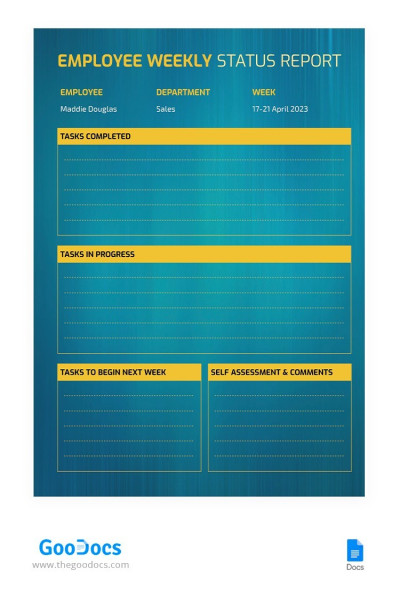
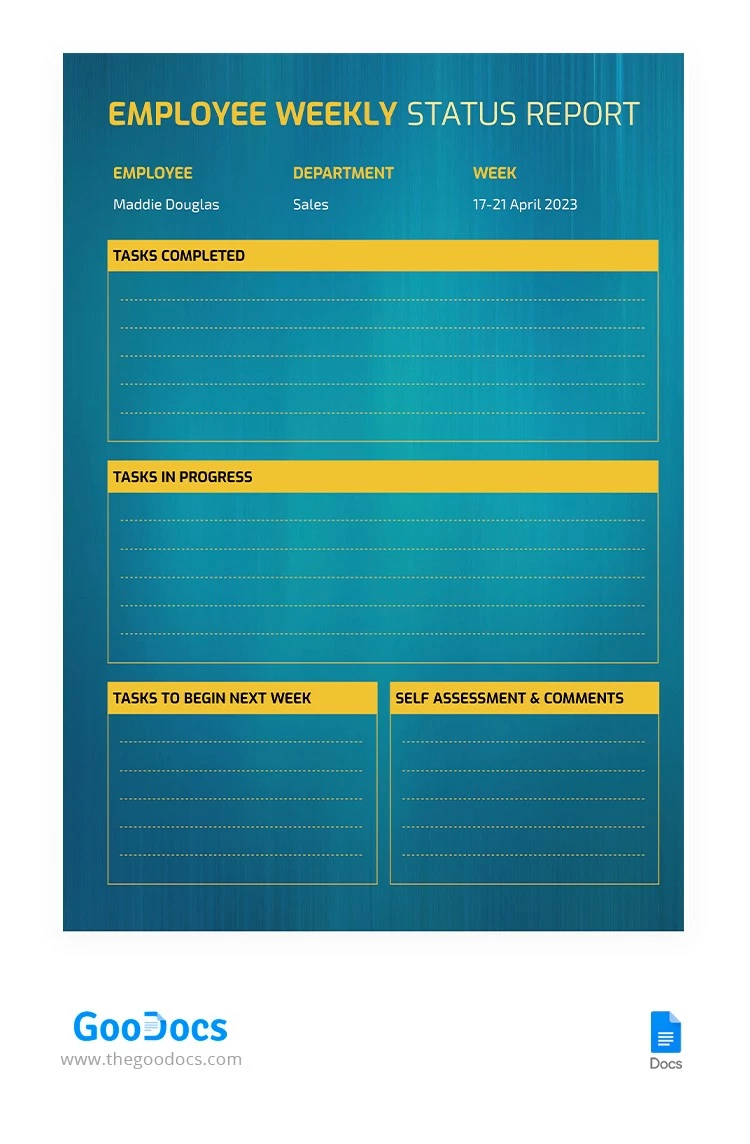
Get our Azure Weekly Report Template for free and start creating consistent weekly summaries right away. This template features an azure background, bright yellow table headers, and easy-to-read fonts. All design elements work together to create a clean and cohesive layout.
Create a Weekly Report in No Time
Our weekly report template helps you build a comprehensive document with no need to waste time on formatting or structuring. The layout is divided into five main sections, with four of them organized into easy-to-navigate tables.
With this template, you can:
- Add the responsible person's name, department, and the report's week.
- List all completed tasks and assignments for the previous period.
- Outline current "work in progress" and provide a detailed look at your next steps and a self-assessment.
This template is fully editable in Google Docs, so you can rename any section to suit your needs. It is also available in two print sizes: A4 and US Letter. Use this version today, or browse our website for a business report template for Google Docs.
Download Free Template
Google Docs
Opens in browserWHAT’S INCLUDED
Report Tips
FAQ
How to Use and Edit This Template

Get Your Document

Customize Everything

Add Your Content

Print, Export, or Share
Related Templates
Recently Viewed