Editable Wedding Program Template
Use this free template with Google Docs and Microsoft Word
Template Specification
Key Features of This Template
About this template
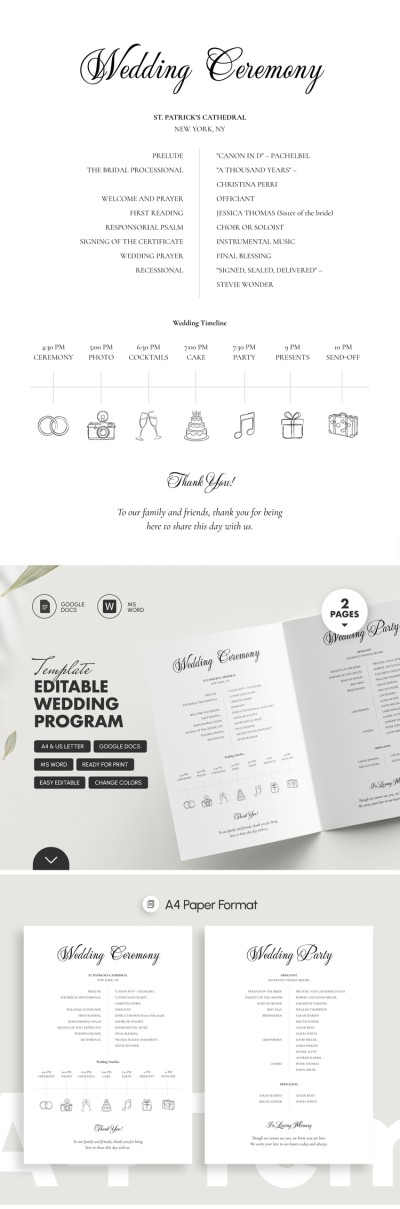
Get our free Editable Wedding Program Template to create your personalized wedding program without spending extra time or money. Our template features a pre-made, fully editable design for Google Docs or Word, complete with sample text. This way, you only need to fill in the essential details regarding your wedding ceremony and reception.
Customize a Detailed Wedding Program Template
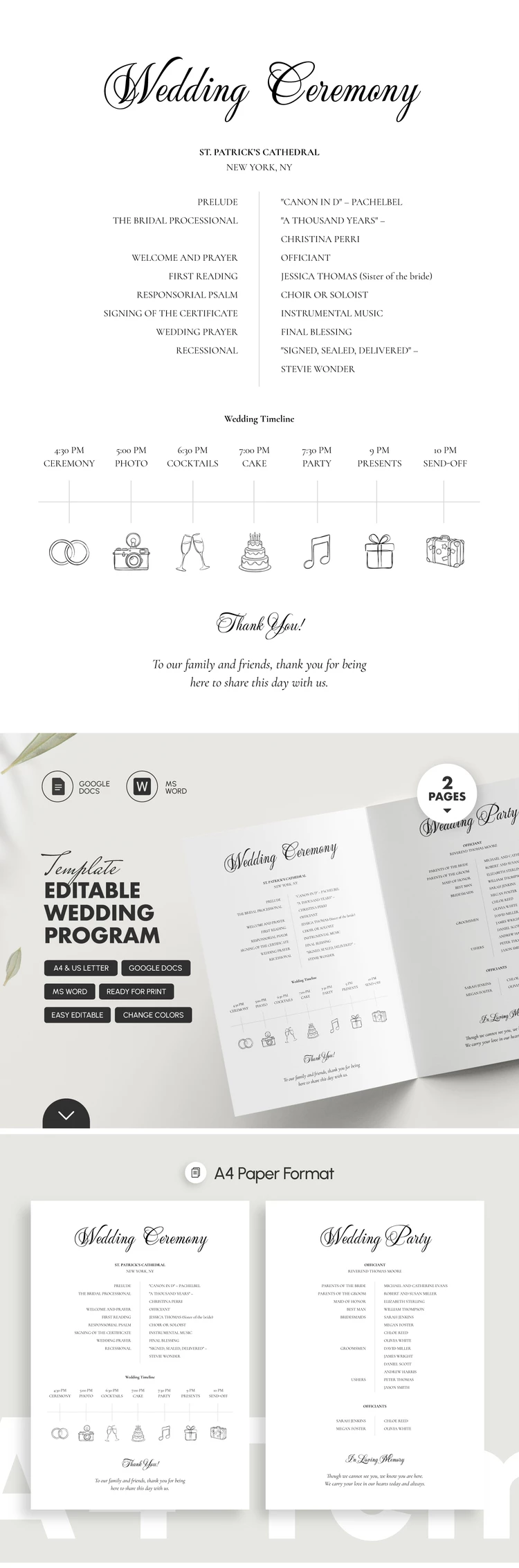
This template consists of two pages that can be printed double-sided on A4 or US Letter paper. The cohesive design includes elegant heading fonts and follows a standard wedding program structure.
It is simple to use this fully editable program template:
- Enter your names and a custom title in the header, and fill in the wedding timeline featuring pre-made icons for each event and a thank-you message on the front cover.
- Fill in your wedding party details, including the officiant's name, on the back page.
You can stick with the default structure and design or completely customize each element to match the style of your wedding ceremony and reception. Afterwards, simply save the template as a PDF for printing without any additional settings. Get your wedding program template for free on our website today.
Download Free Template
Google Docs
Opens in browserMicrosoft Word
.docsWHAT’S INCLUDED
Program Tips
FAQ
How to Use and Edit This Template

Get Your Document

Customize Everything

Add Your Content

Print, Export, or Share
Related Templates
Recently Viewed