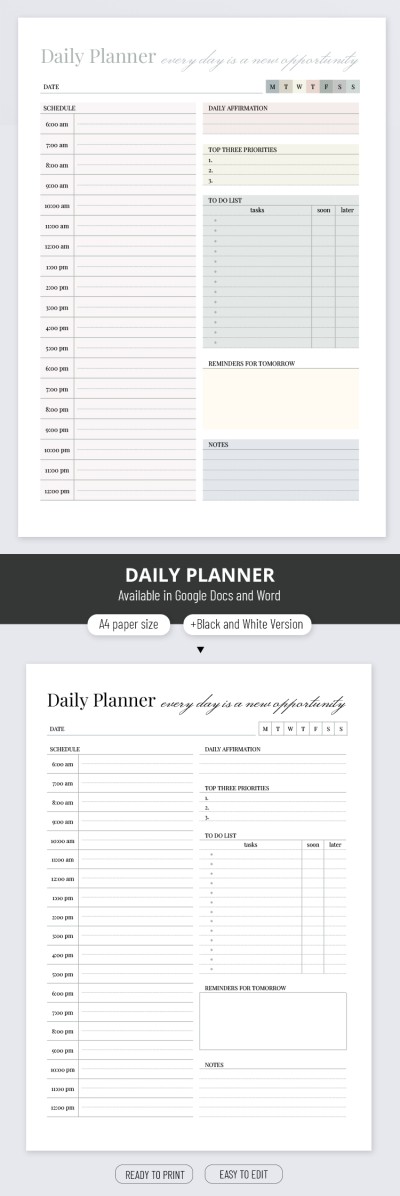
Classic Daily Planner Template
Use this free template with Google Docs and Microsoft Word
Template Specification
Key Features of This Template
About this template
Use every day as a new opportunity with the convenient scheduling in the Classic Daily Planner Template. Pastel and unobtrusive visuals, user-friendly layout, and flexible customization stand out among its key aspects. So, let's cover them one by one.
Pastel Shades
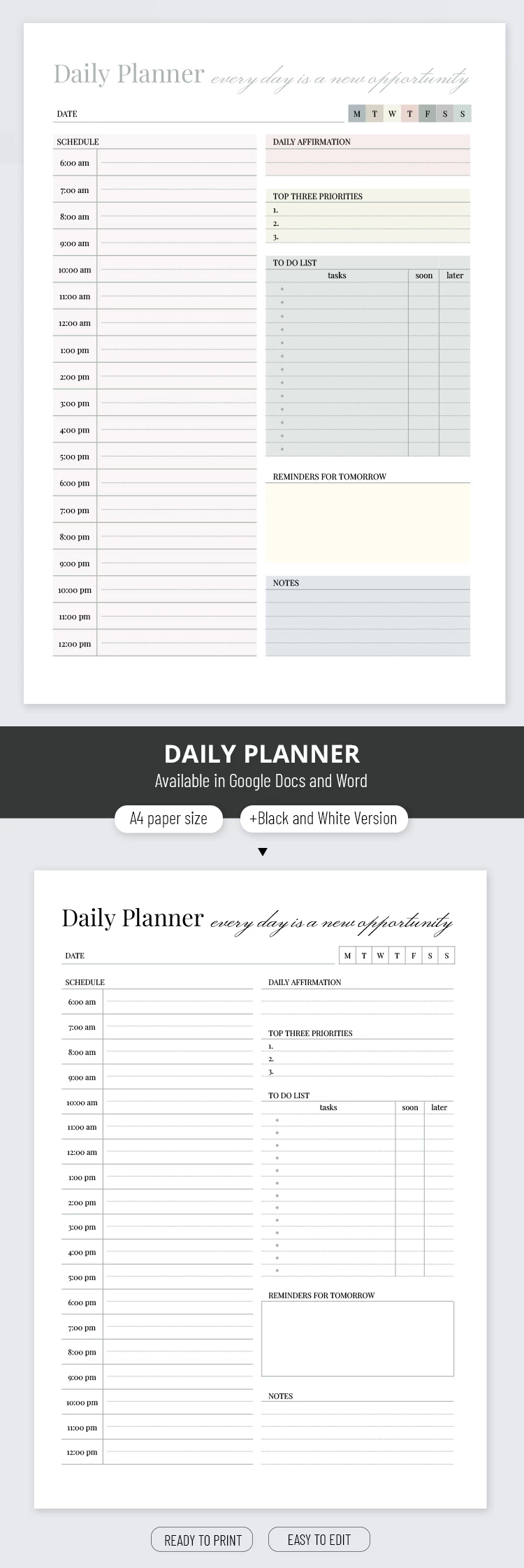
Light olive, yellow, and pink on a white background feel calm and versatile. The modest color scheme means that this planner template aligns with both personal and business purposes. The text is black and gray. The font is highly readable, whether it is typewriter or cursive lettering.
Logical Structure
The daily planner template offers you pre-set blocks for notes, including a schedule with hourly timings, a to-do list, date, top priorities for today, reminders for tomorrow, and even relevant affirmations. Moreover, the page is neatly divided into two columns, so drawing parallels between plans and free time is easy.
Customization Welcome
Upload the template to Google Docs or Word to start personalizing. You have a handy toolkit at your disposal to change color palettes, element placement, fonts, and add visual accents. Of course, all templates encourage both online note-taking and high-quality printing for further filling out by hand. Check out the black and white version included.
How to Use and Edit This Template

Get Your Document

Customize Everything

Add Your Content

Print, Export, or Share
Related Templates
Recently Viewed