Classic Weekly Planner Template
Use this free template with Google Sheets and Microsoft Excel
Template Specification
Key Features of This Template
About this template
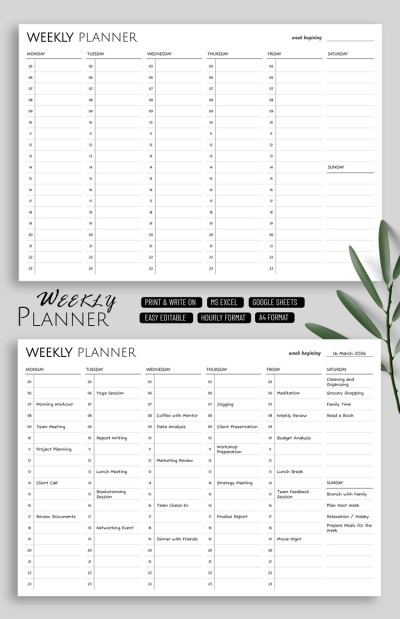
Plan work assignments, personal goals, or even cleaning tasks using our Classic Weekly Planner Template. This minimalist spreadsheet, available in Google Sheets and Excel, lets you capture all your tasks and notes in a structured layout. With this planner template, you don't need to create a layout from scratch; simply grab a copy and start filling it out on any device.
Organize Your Weekly Schedule
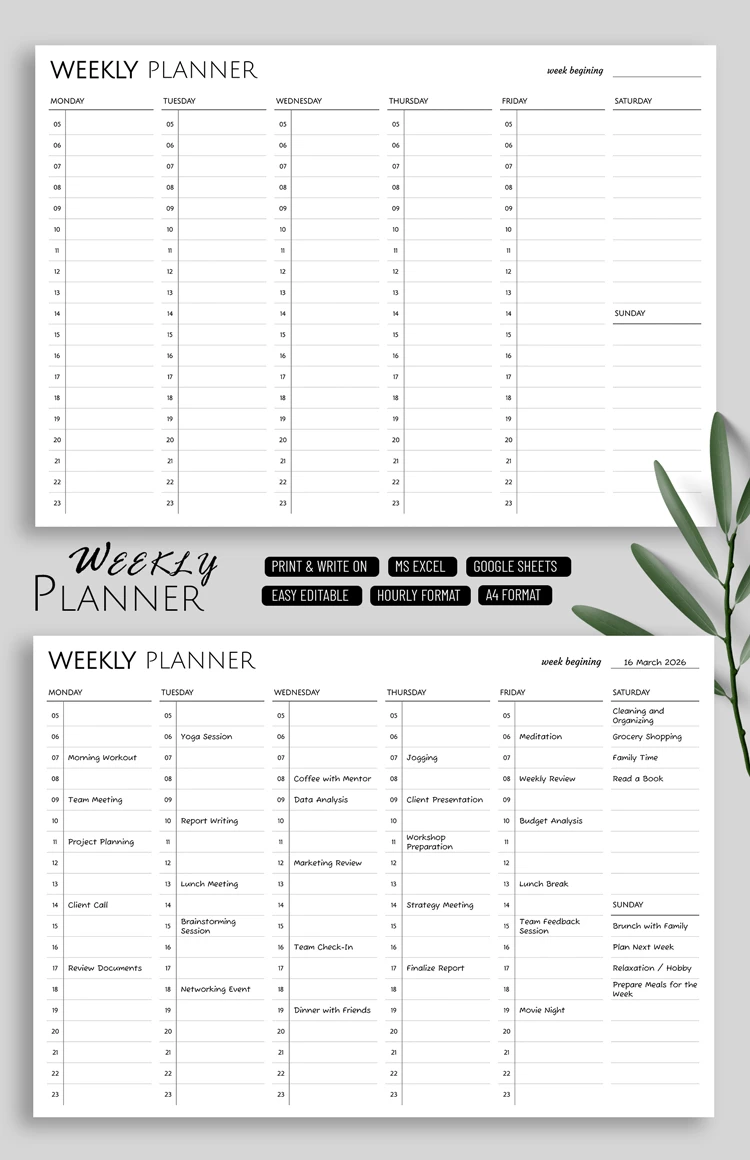
This spreadsheet's structure is as simple as it is effective. Each day of the week has its own column with numbered items from 05 to 23. You can write your plans and tasks directly in each cell next to the number. Furthermore, our free weekly planner template is fully editable, so you can also enter specific times instead of the standard numbering. The Saturday and Sunday columns are shorter than the others.
Using the template is straightforward:
- Download it in Excel or grab a copy in Google Sheets.
- Add your planner's title to the header or leave the default and fill in the "week beginning" cell.
- Fill the planner with your goals, tasks, or notes on any device.
No unnecessary design elements, just a layout that allows for quick and easy planning. Choose a business planner template on our website today.
How to Use and Edit This Template

Get Your Document

Customize Everything

Add Your Content

Print, Export, or Share
Related Templates
Recently Viewed