Classic Family Newsletter Template
Use this free template with Google Docs and Microsoft Word
Template Specification
Key Features of This Template
About this template
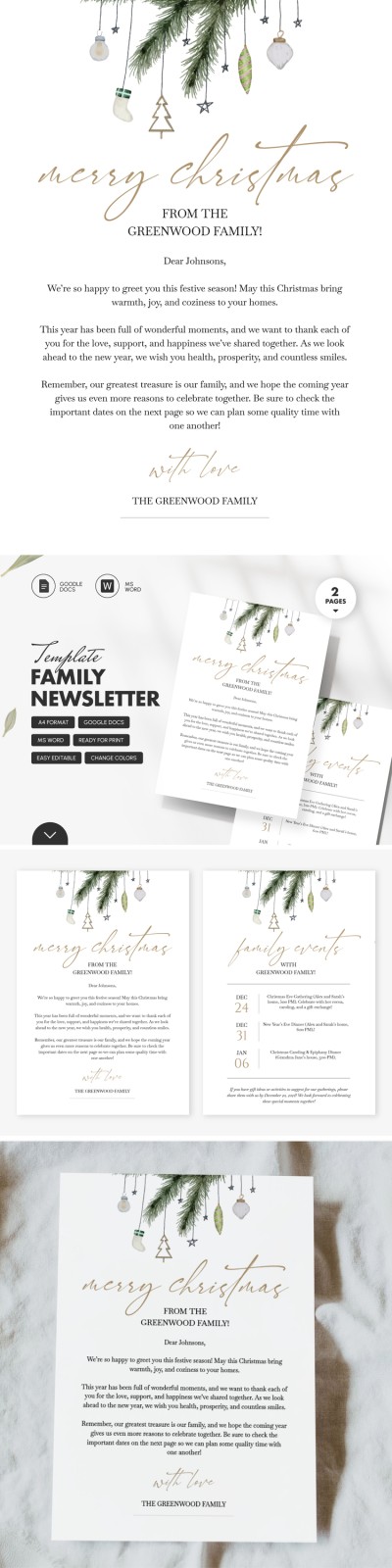
The Classic Family Newsletter Template is an excellent option for formal Christmas greetings. It's ideal for sharing holiday wishes with friends and colleagues from the whole family. An elegant font, festive images, and a pre-written formal greeting will allow you to create a unique newsletter in minutes.
Timeless & Elegant Letter Design
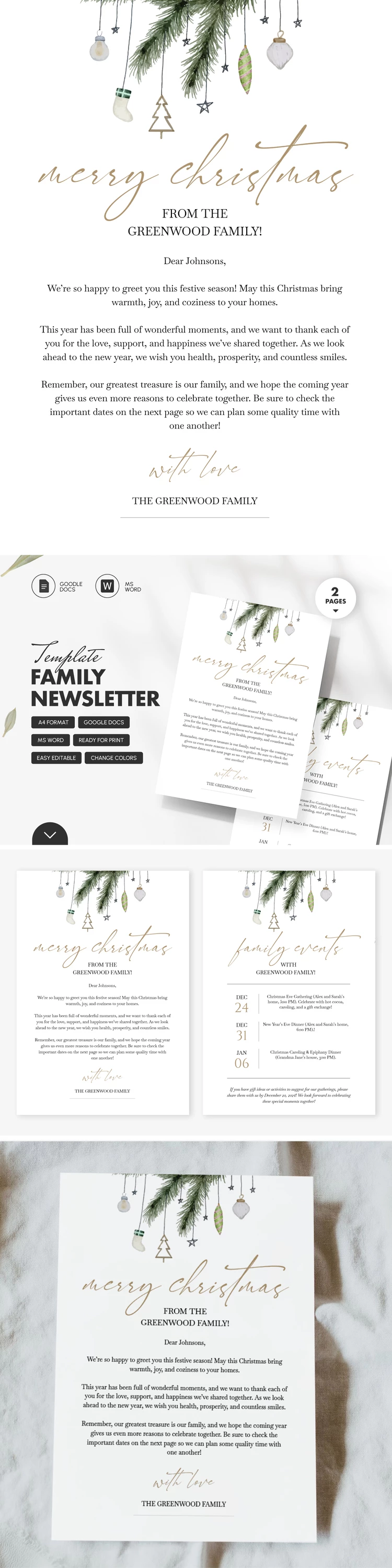
Our family newsletter example consists of two pages. The first page contains placeholder text for your greeting, holiday messages, and signature. The second page has space for upcoming events (family gatherings, New Year's Eve dinner, and more). It features three sections, with the left side for dates and the right side for detailed descriptions.
The newsletter template in Google Docs is fully editable:
- Replace or remove the illustration at the top.
- Add your own greeting text, event dates, and descriptions.
- Choose new fonts and rearrange the sections to fit your needs.
Finished personalizing? You can print your newsletter in A4 size or send it via email, social media, and more.
How to Use and Edit This Template

Get Your Document

Customize Everything

Add Your Content

Print, Export, or Share
Related Templates
Recently Viewed