Get unlimited access to 5000+ Templates for Google Docs, Slides and Sheets
Unlimited Access
All Templates
ADVERTISEMENT
ADVERTISEMENT

Standard Invoice Template

Use this free template with Google Docs and Microsoft Word
4.25 (1 reviews)
Last updated Updated August 4, 2026
Created by Vladimir Belyakin
ADVERTISEMENT

Template Specification

Format Google Docs, Microsoft Word
Created June 22, 2024
Last Updated August 4, 2026
Community Added to collections by 7 Users
Usage Stats 27 downloads this month

About this template

This Standard Invoice Template is ready to use in Google Docs and Word for our visitors! Get a free copy of this blank and create unique billing papers for your clients.

Standard Invoice Design Without Frills

This template is straightforward and doesn't contain any bright colors, making it incredibly versatile.

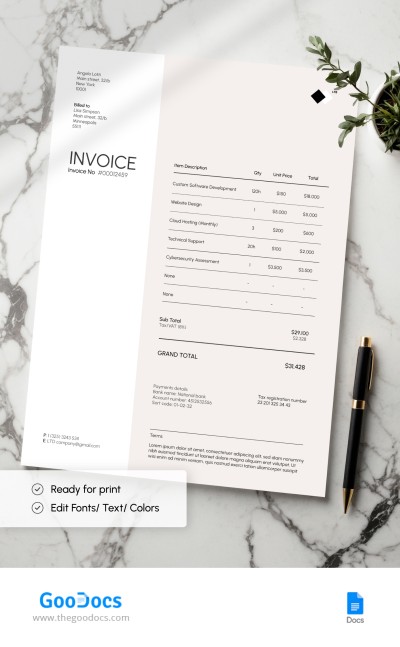
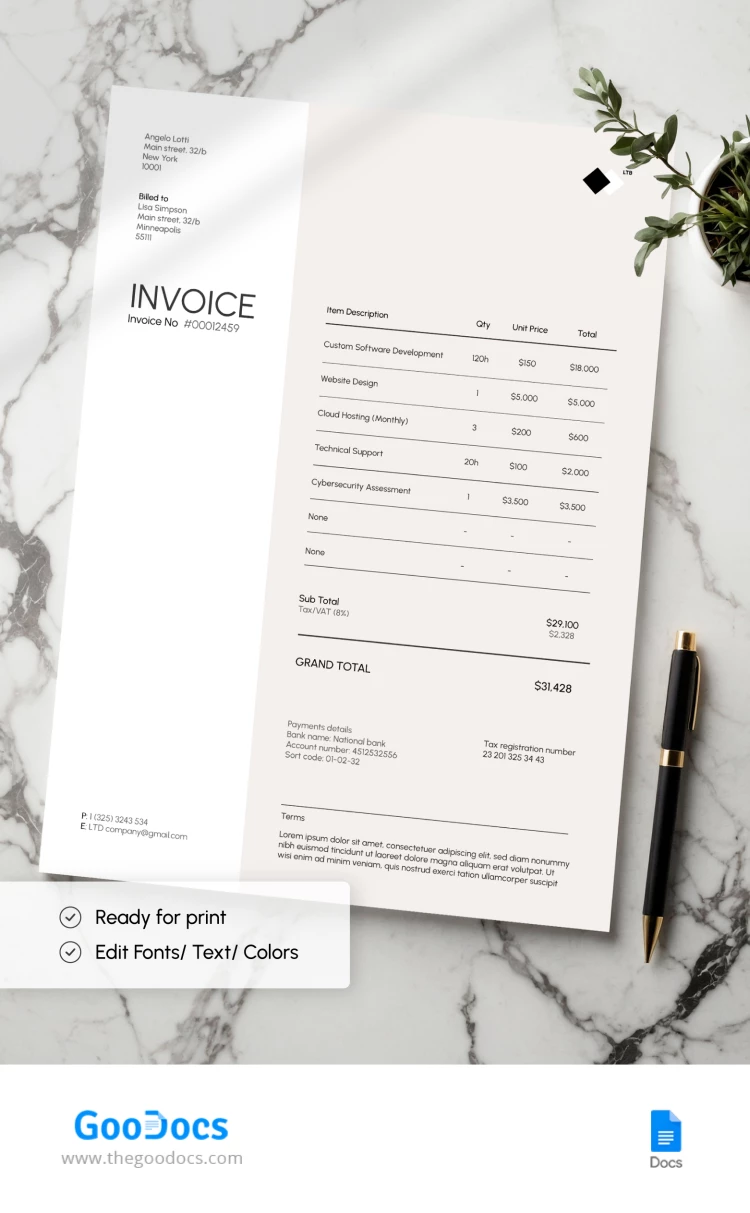
On the left, there is a part with a white background. It features placeholders to include invoice numbers and details such as names, addresses, and contact information parties.

The right side of the invoice features a pastel background and the invoicing table. It consists of columns such as item description, quantity, total, subtotal, grand total, payment details, and terms.

Customize Layout and Content

Working with this printable and editable invoice template is effortless. You can enter current services or products, as well as other details, into ready-made placeholders. Replace the text and numbers in the blank using Google Docs or Word. Then, you can print it or send the form via email.

Don't forget that you can always rely on modern invoice templates from TheGoodocs.

ADVERTISEMENT
Free Template

Download Free Template

Choose your platform and start editing right away
PLATFORM

Google Docs

Opens in browser

Microsoft Word

.docs
PAPER SIZE
A4
Google Docs – A4
No account required • Attribution required

WHAT’S INCLUDED

Fully formatted invoice layout
Editable sections for customization
Clear itemized billing table
Print-ready A4 document size

Invoice Tips

1
Replace placeholder text with real data before printing.
2
Ensure all contact details are up to date.
3
Double-check calculations for accuracy.
4
Use consistent styles for branding.

FAQ

Is this template compatible with Google Docs and Microsoft Word? Yes, it is designed for Google Docs and Microsoft Word.
How easy is it to customize? Very easy – just click and type to edit sections.
Is this invoice template free? Yes, it's free to download and use.
How can I edit the text? Simply click on the text to edit in Google Docs or Word.
Which page sizes are supported? The template is optimized for A4 size.
ADVERTISEMENT

How to Use and Edit This Template

Get Your Document

1

Get Your Document

Click the "Edit Template" button to create your own editable copy in Google Docs or download for Microsoft Word
Customize Everything
2

Customize Everything

Easily change colors, fonts, and layouts to match your unique style or brand identity
Add Your Content
3

Add Your Content

Fill in your data, upload images, and replace the placeholder text with your own information
Print, Export, or Share
4

Print, Export, or Share

Print, export as PDF, or share instantly

Related Templates

Recently Viewed