Get unlimited access to 5000+ Templates for Google Docs, Slides and Sheets
Unlimited Access
All Templates

Book Inventory Template

Use this free template with Google Sheets and Microsoft Excel
3.38 (2 reviews)
Last updated Updated June 20, 2026
Created by Natalia Prokhorenko
Type List
ADVERTISEMENT

Template Specification

Format Google Sheets, Microsoft Excel
Created August 15, 2024
Last Updated June 20, 2026
Community Added to collections by 47 Users
Usage Stats 469 downloads this month

Key Features of This Template

Style Professional

About this template

Our Book Inventory Template is an indispensable tool for keeping track of books at home, in the library, or at the store! This comprehensive Excel and template for inventory list will help you easily find information about the books you need. 

The Only Spreadsheet You Will Need

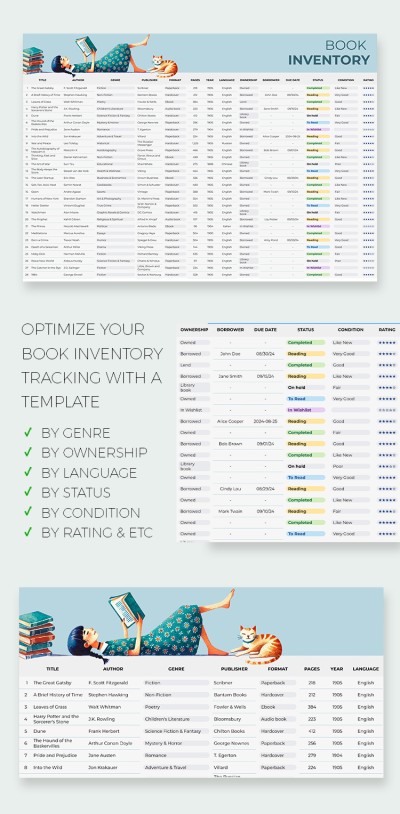
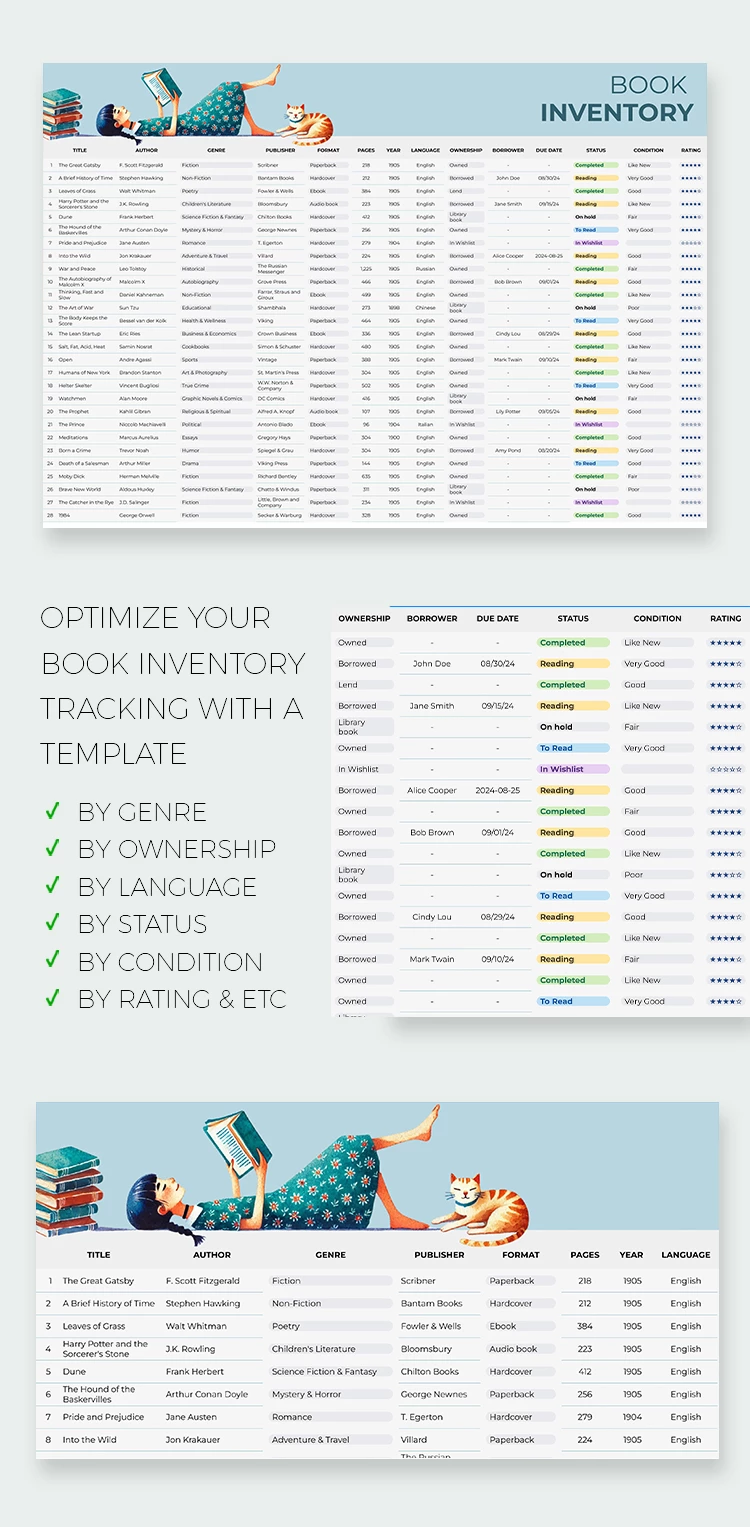
You can easily keep records using only this unique book inventory template and nothing more. The ready-made structure offers such fields for records: Book's Name, Author, Genre, Publisher, Format, Pages, Year, Language, Ownership, Borrower, Due Date, Status, Condition, and Rating.

Moreover, our sample is 100% editable and printable. You can customize the table according to your needs in just a few clicks - no special skills are required.

Simple and Satisfying Design

There is an image of a girl reading a book with a cute ginger cat sitting next to her in the upper left corner. Such a vibe will perfectly suit any library or bookstore! Start using this book inventory template in Google Sheets right now for free.

ADVERTISEMENT
Free Template

Download Free Template

Choose your platform and start editing right away
PLATFORM

Google Sheets

Opens in browser

Microsoft Excel

.xlsx
PAPER SIZE
A4
Google Sheets – A4
No account required • Attribution required

WHAT’S INCLUDED

Two sections: main inventory and details
Customizable fields for all book details
Status and condition tracking columns
Color-coded status highlights for easy reference

Inventory Tips

1
Update the inventory after each book change or loan
2
Use color-coding to quickly check book status
3
Regularly backup your inventory to avoid data loss
4
Customize fields to match your personal tracking needs

FAQ

Is this template compatible with Google Sheets and Excel? Yes, it works with both Google Sheets and Microsoft Excel.
Is this template free to use? Yes, you can download and use it for free.
Is it easy to customize? Yes, simply adjust the fields and layout to suit your needs.
How user-friendly is this template? It's very user-friendly with straightforward inputs and sections.
Can I track borrowed books? Yes, there are specific columns for borrowers and due dates.
ADVERTISEMENT

How to Use and Edit This Template

Get Your Document

1

Get Your Document

Click the "Edit Template" button to create your own editable copy in Google Sheets or download for Microsoft Excel
Customize Everything
2

Customize Everything

Easily change colors, fonts, and layouts to match your unique style or brand identity
Add Your Content
3

Add Your Content

Fill in your data, upload images, and replace the placeholder text with your own information
Print, Export, or Share
4

Print, Export, or Share

Print, export as PDF, or share instantly

Related Templates

Recently Viewed