
Inventory Spreadsheet Templates in Google Sheets and Excel
We offer a vast range of editable inventory spreadsheets in Google Sheets and Excel. There are dozens of premade templates available for customization. You don't need to create them from scratch. Just get your free copy or download any inventory spreadsheet to fill it out. Use premade columns to include items, descriptions, responsible persons, and other vital details.
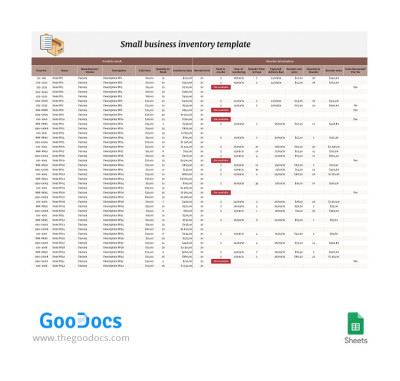
Small Business Inventory
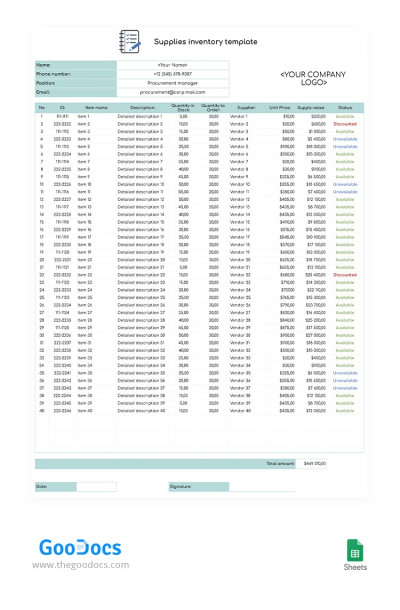
Simple Supplies Inventory
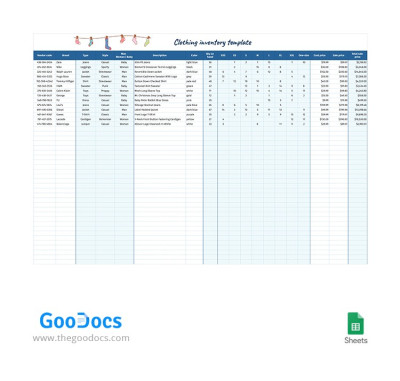
Simple Clothing Inventory
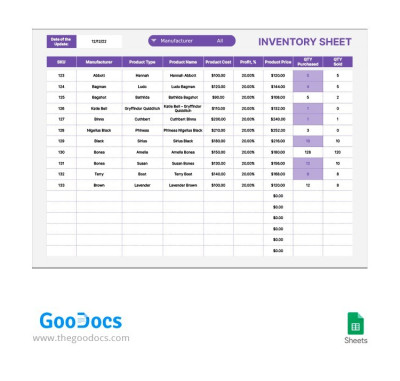
Gray and Purple Inventory Sheet
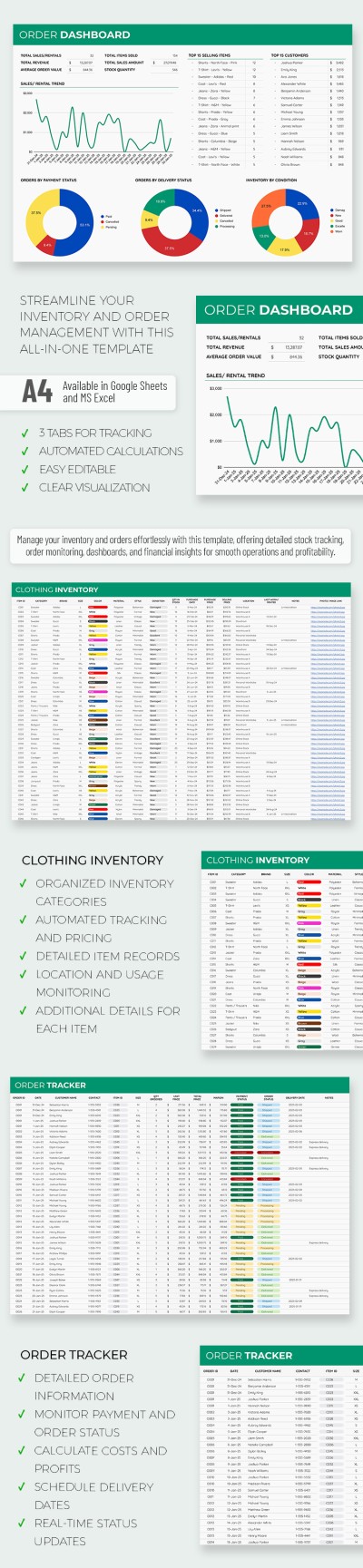
Business Clothing Inventory Spreadsheet
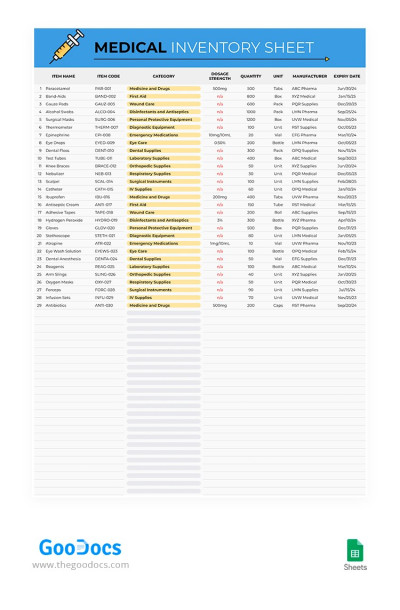
Medical Inventory Sheet
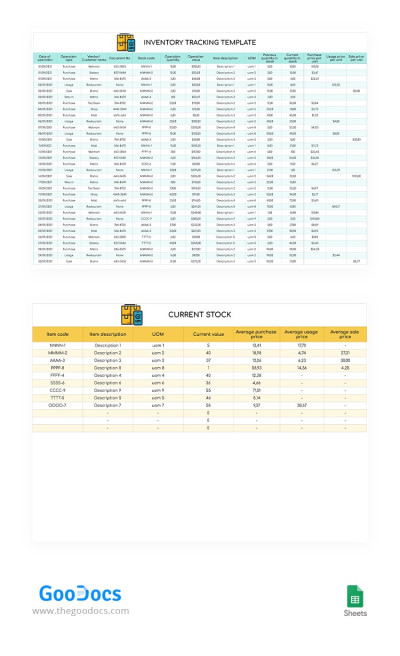
Inventory Tracking
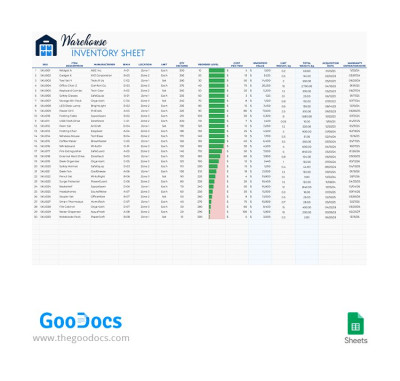
Warehouse Inventory
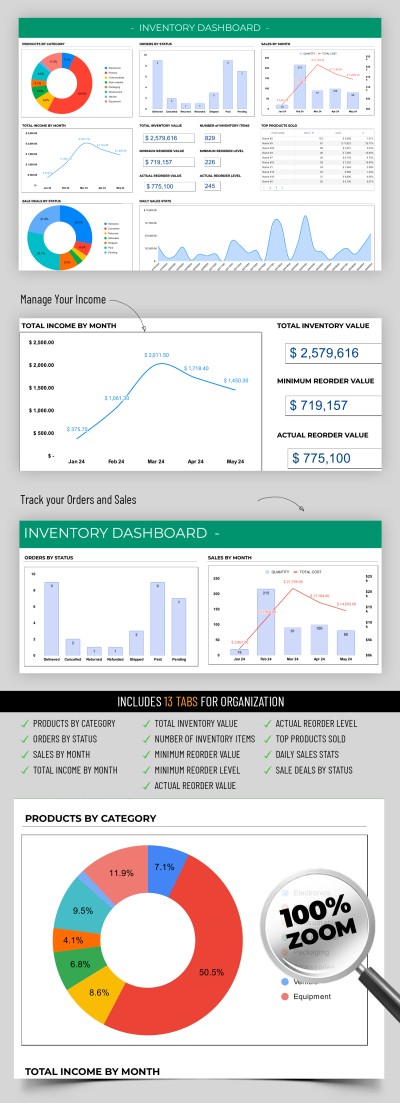
Advanced Inventory
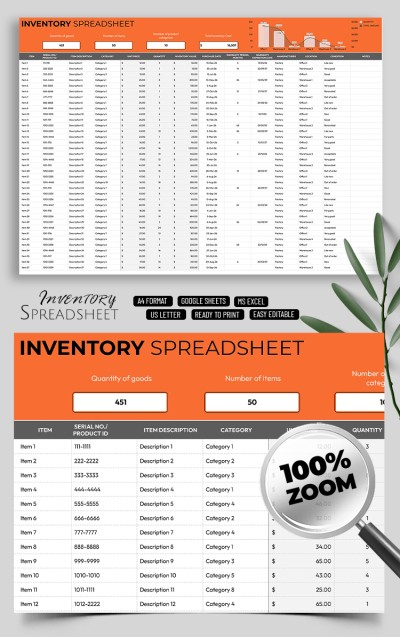
Professional Inventory Control Sheet Template
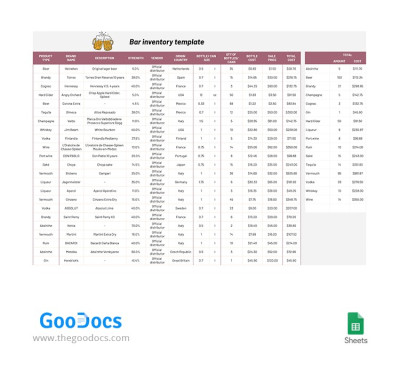
Bar Inventory
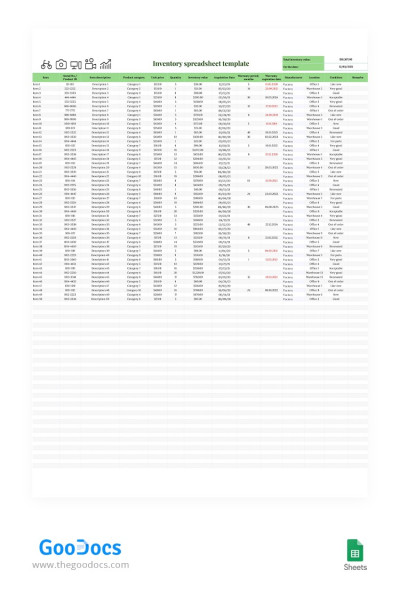
Simple Inventory Spreadsheet
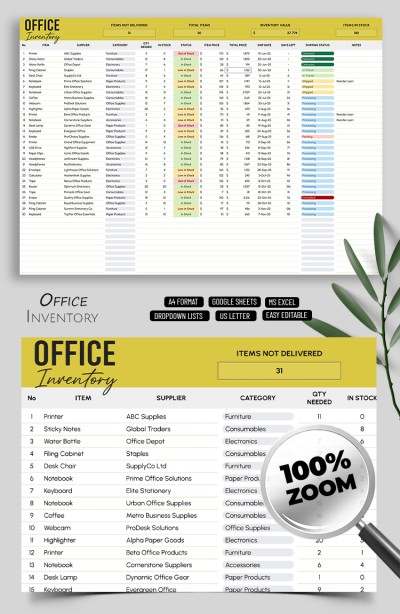
Inventory Template for Small Business
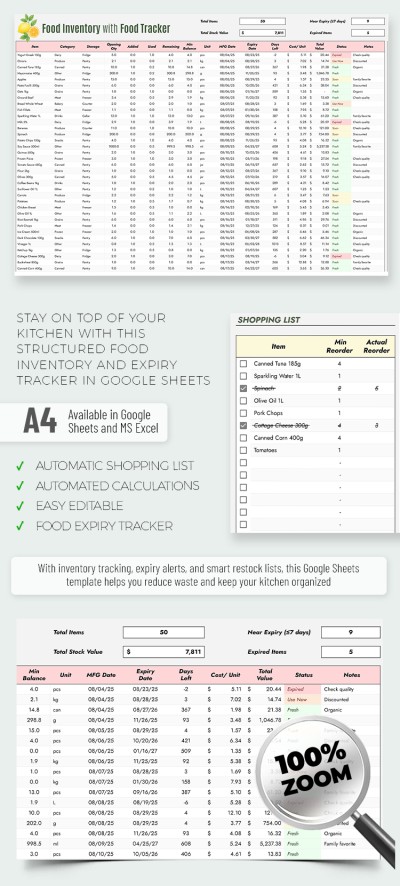
Food Inventory Template with Food Tracker Spreadsheet
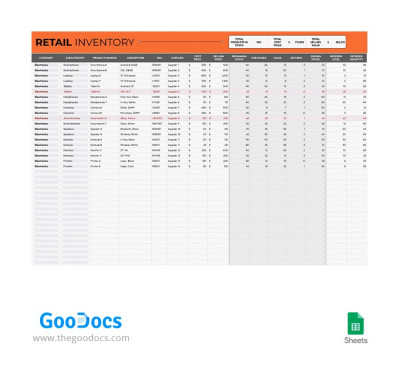
Retail Inventory
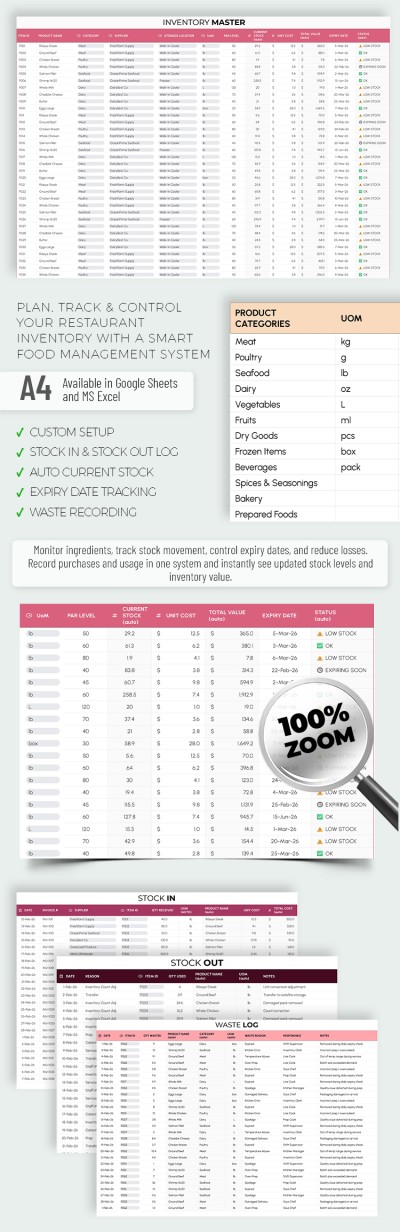

Home Inventory Template Tracker Spreadsheet
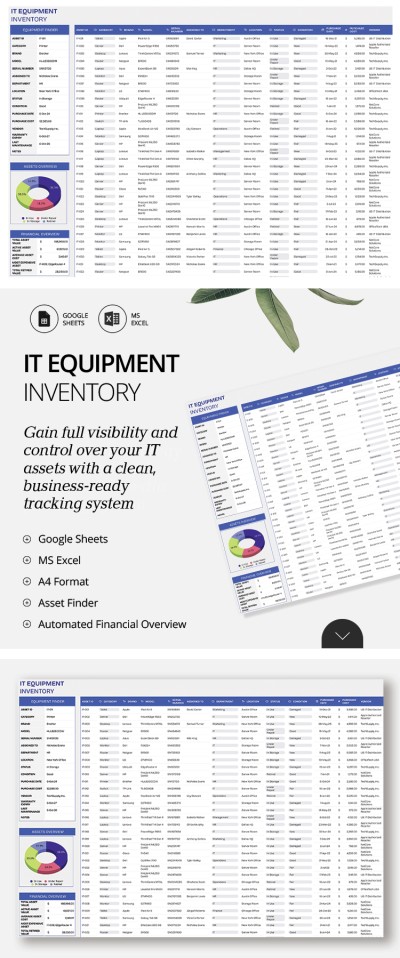
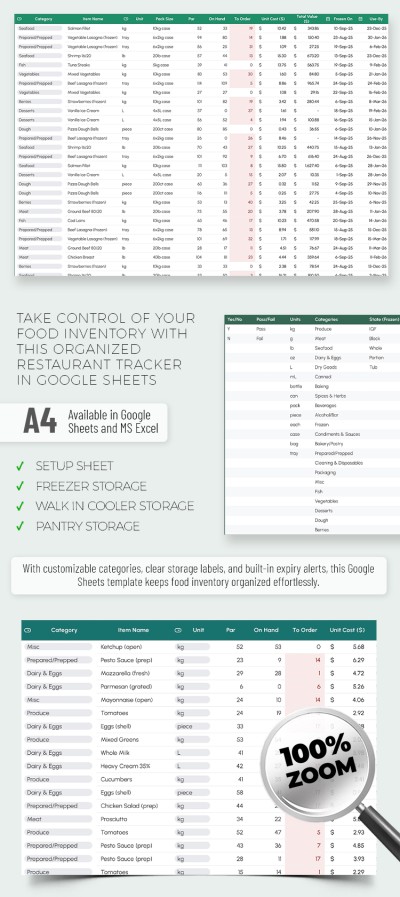
Food Inventory Template for Restaurants
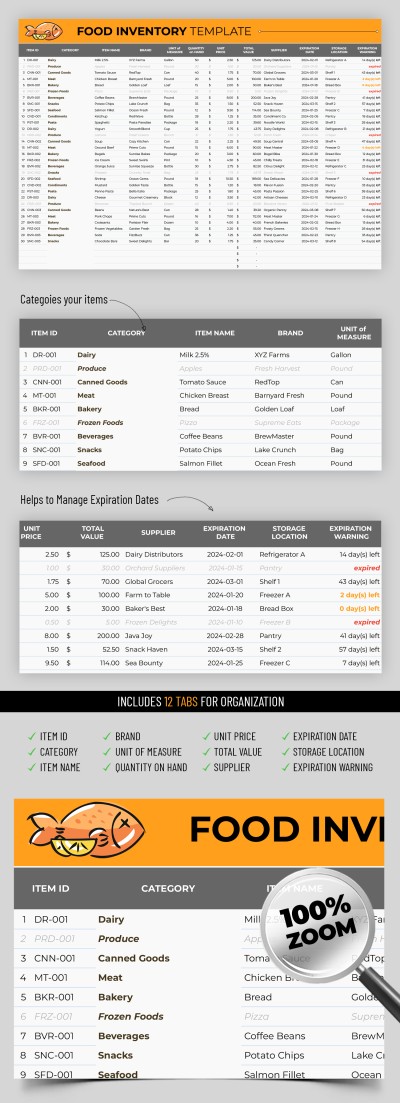
Food Inventory
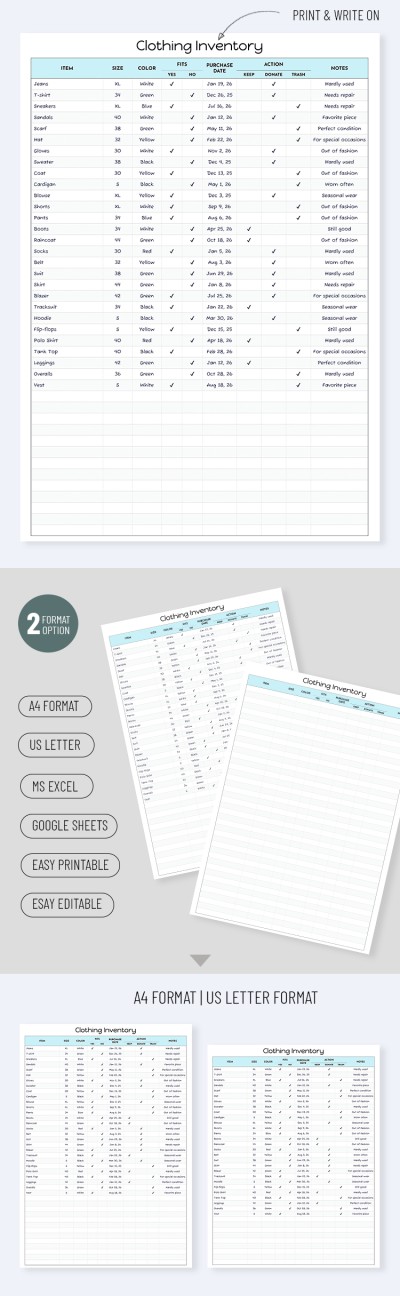
Clothing Inventory Spreadsheet – Minimalist Printable Template
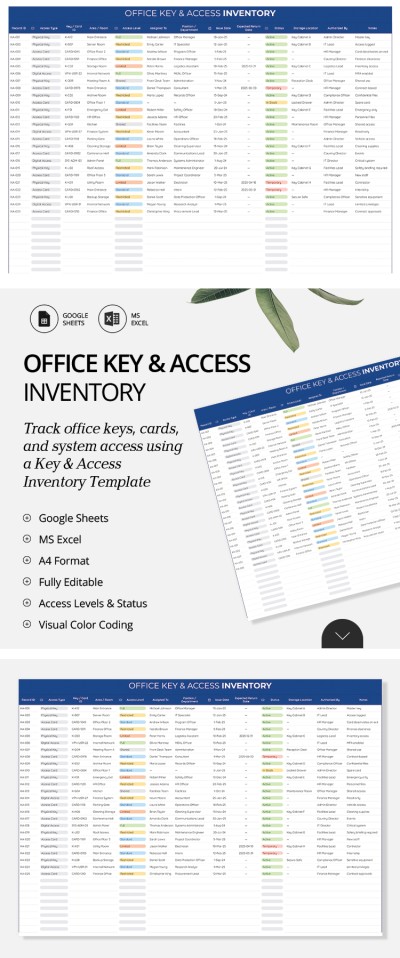
Office Key & Access Inventory Template
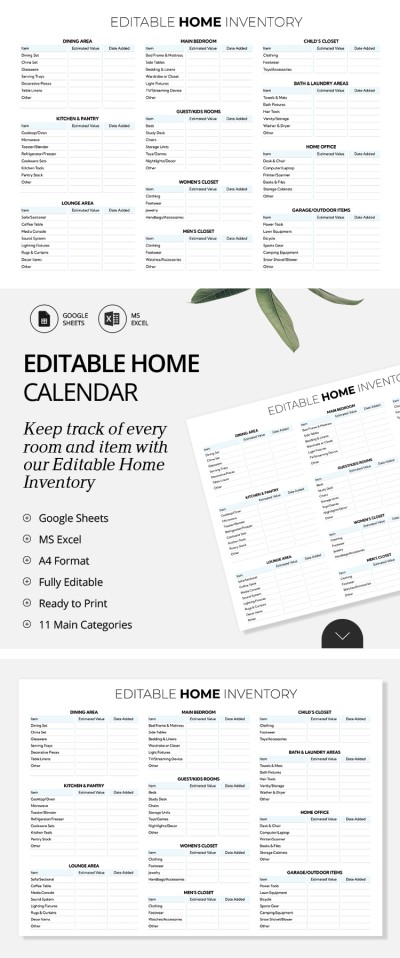
Editable Home Inventory Spreadsheet
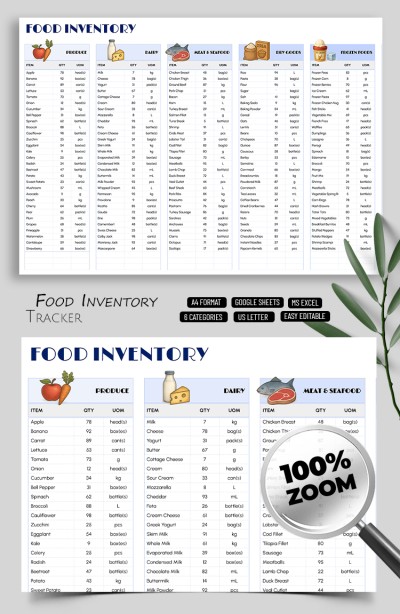
Personal Food Inventory Spreadsheet
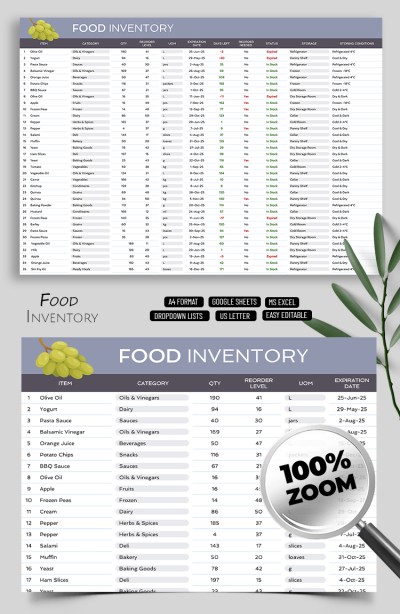
Food Inventory Template Tracker Spreadsheet
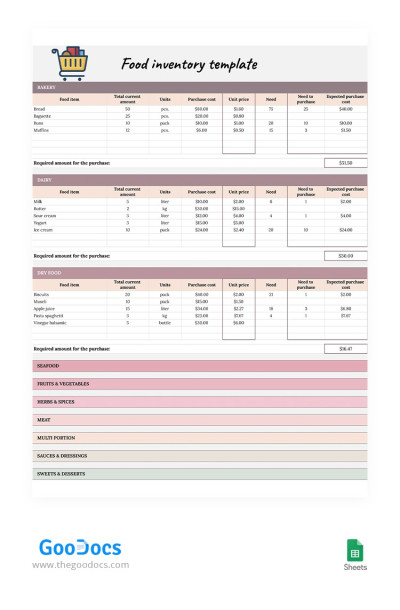
Colorful Food Inventory
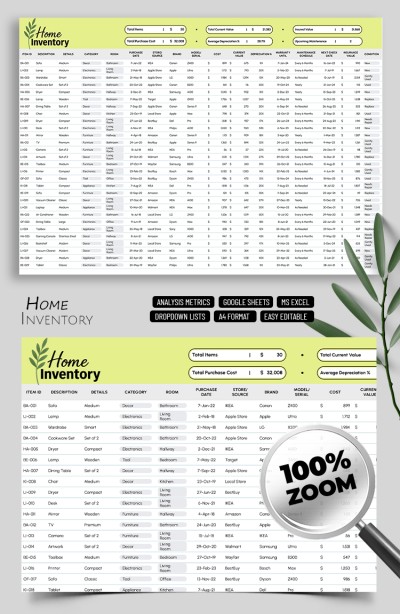
Home Inventory Template Spreadsheet
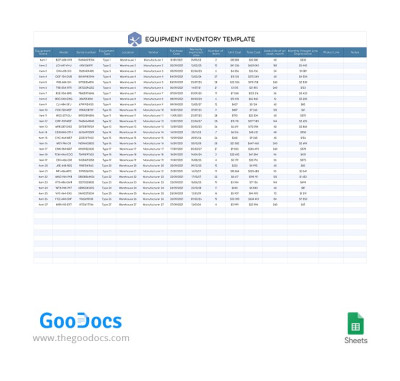
Simple Equipment Inventory
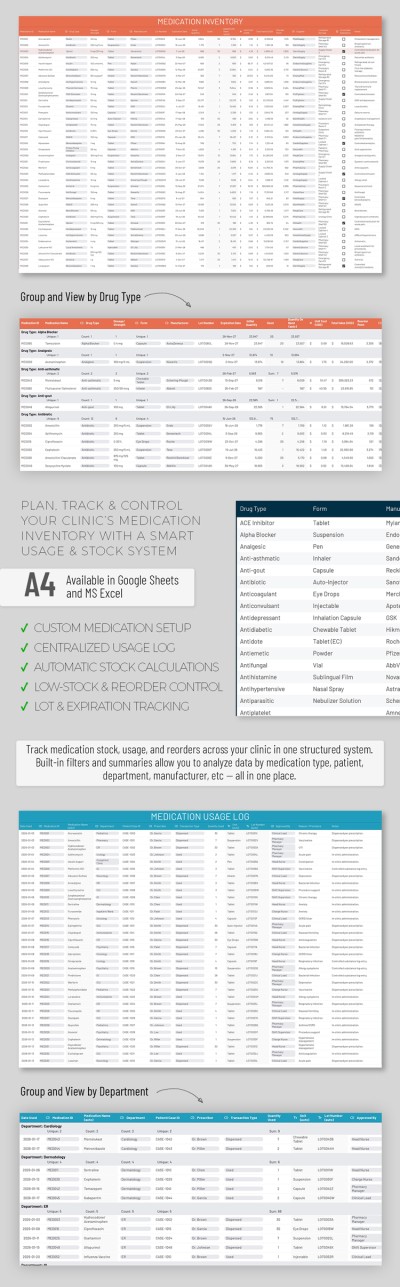
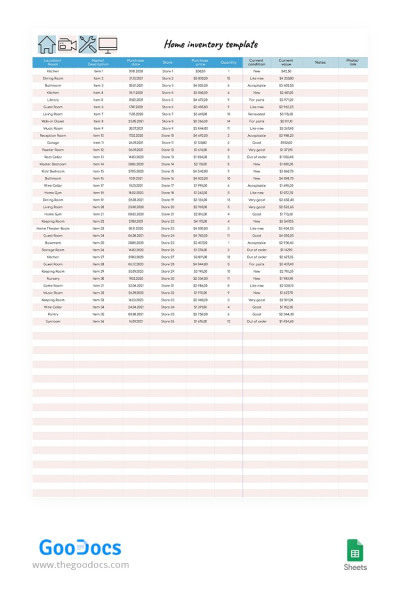
Pink Home Inventory
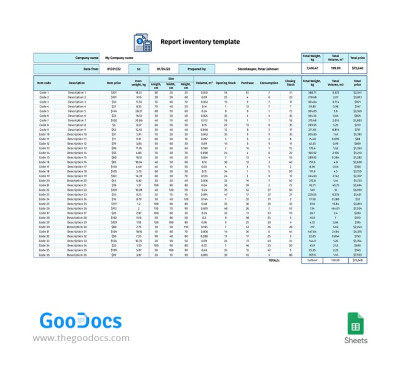
Blue Report Inventory
Grab your free and premium inventory spreadsheets on this page. Our templates have something to surprise you with! Ready-made spreadsheets in Excel and Google Sheets will help you save time on creating a full-fledged inventory sheet for any task.
Take advantage of advanced features:
- Use ready-made formulas, color coding, and drop-down lists. Each of our templates is made for the highest user convenience. Premade elements are thought out to the smallest detail, and you no longer need to learn how to use formulas or formatting in Google Sheets and Excel.
- We offer distinct inventory spreadsheets for various tasks. This page contains IT and office supplies, reports, clothing, household, equipment, retail, and other inventory templates. Each is created with the user's needs in mind.
- Fill out and customize templates in a couple of clicks. To change fonts, design, adjust field sizes, or other details, you do not need special skills. The intuitive interface and our examples will help you.
- Access is possible from any device. Do you want your team to have access to an inventory sheet? Google Sheets allows you to edit spreadsheets with your entire team. Do you want to keep it by hand? Save the inventory list to your Google account or phone in Excel.
Do you need a report or a physical copy, just in case? All inventory spreadsheets are also printable. Find the best inventory Excel template on our website.
Spreadsheet Inventory Templates FAQ
Creating an inventory spreadsheet in Excel or Google Sheets is easy with our premade templates. You can choose a suitable option on this page and download it or grab your free copy. This way, you can save time on making a design and structure from scratch.
Then, you only need to fill the template out with your inventory list. Include any items, descriptions, responsible person, purchasing date, value, warranty, and other details in premade cells.
Also, our templates offer sections for additional information. For example, you can add the address, phone number, and email of the responsible person, company name, date of compilation, and other essential information.
Are you finished with filling it out? Regularly check the availability and status of the inventory if necessary. You can find the spreadsheet in digital format on your device. Need a physical copy? Just save the template in PDF and print it on any printer.

